1. Introduction
This user manual provides comprehensive instructions for the TUREWELL X88 Pro13 Android TV Box. It covers product features, setup, operation, troubleshooting, and specifications to help you maximize your device's performance and enjoyment. The X88 Pro13 is a high-performance Android TV Box featuring Android 13.0, an RK3528 Quad-Core 64bit Cortex-A53 CPU, 4GB RAM, and 32GB ROM, designed to deliver an enhanced multimedia experience with support for 8K video decoding and advanced connectivity options.
2. Package Contents
Please verify that all items listed below are included in your package:
- 1 x X88PRO Android Box
- 1 x Power Charger
- 1 x HD Cable (HDMI Cable)
- 1 x User Manual
- 1 x IR Remote Control (batteries not included)

Image: The TUREWELL X88 Pro13 Android TV Box shown alongside its infrared remote control. The box is black with the "X88 PRO 13 Ultra HD 8K" logo, and the remote features standard navigation buttons, number pad, and dedicated buttons for YouTube and Netflix.
3. Product Overview
The TUREWELL X88 Pro13 is a powerful streaming media player designed for high-definition entertainment. It runs on the Android 13.0 operating system, offering a user-friendly interface and broad application compatibility.
3.1 Key Features
- Operating System: Android 13.0 for improved software compatibility and user experience.
- Processor: RK3528 Quad-Core 64bit Cortex-A53 CPU for fast performance.
- Memory & Storage: 4GB DDR RAM and 32GB EMMC Flash storage, expandable via Micro SD card (up to 32GB).
- Graphics: Mali 450 MP2 GPU with hardware 3D graphics acceleration.
- Video Output: HDMI 2.0b supporting 4K@60Hz and 6K H.265 Hardware Video Decode.
- Connectivity: Dual-band Wi-Fi (2.4G+5G WIFI 6), Bluetooth V5.0, and 10/100M Ethernet.
- USB Ports: Two High-speed USB 3.0 ports for U DISK and USB HDD support.
3.2 Device Ports and Dimensions

Image: Diagram illustrating the ports and dimensions of the TUREWELL X88 Pro13 Android TV Box. The device measures 107mm x 107mm x 21mm. Available ports include DC power input, SPDIF, HD (HDMI), LAN (Ethernet), AV, USB 2.0, USB 3.0, and TF (Micro SD card slot).
The X88 Pro13 features a compact design with essential ports for connectivity. These include a DC power input, SPDIF for optical audio, an HDMI port for video output, a LAN port for wired internet, an AV port, two USB ports (one USB 2.0 and one USB 3.0), and a TF card slot for expandable storage.
3.3 Internal Components and Performance

Image: An internal view highlighting the RK3528 chipset and its associated features. Icons represent CPU (RK3528), HD 8K, RAM 4G, ROM 32G, OS 13.0, HDR 10, WIFI 6, and BT 5.0, indicating the core specifications of the device.
Equipped with the RK3528 Quad-Core 64bit Cortex-A53 CPU, the X88 Pro13 delivers robust performance for streaming, gaming, and general media consumption. The 4GB RAM ensures smooth multitasking, while the 32GB ROM provides ample space for applications and media.
4. Setup Guide
Follow these steps to set up your TUREWELL X88 Pro13 Android TV Box:
- Connect to TV: Connect one end of the provided HDMI cable to the HDMI port on the TV Box and the other end to an HDMI input port on your television.
- Connect Power: Plug the power adapter into the DC 5V/2A port on the TV Box, then plug the adapter into a wall outlet. The power indicator LED on the box will turn red.
- Power On: Use the included IR remote control to power on the TV Box. Ensure your TV is set to the correct HDMI input source.
- Initial Setup: Follow the on-screen instructions to complete the initial setup, including language selection, network connection (Wi-Fi or Ethernet), and Google account sign-in.
5. Operating Instructions
Once set up, you can navigate the Android 13.0 interface using the remote control.
5.1 Navigating the User Interface

Image: A visual representation of the new user interface (UI) and system features of the Android 13.0 operating system on the TV Box. It shows a clean, modern layout with categories like Home, Movie, TV Show, and Apps, along with customizable shortcuts.
The Android 13.0 system features an intuitive interface. Use the directional pad on your remote to move between icons and sections. The "OK" button selects items, and the "Back" button returns to the previous screen. The "Home" button will always take you back to the main screen.
5.2 Installing Applications
Access the Google Play Store from the home screen to download and install a wide variety of applications, including streaming services, games, and utilities. Ensure you are signed in with a Google account.
5.3 Media Playback

Image: A display showing 8K video content with HDR10 support, emphasizing rich and realistic colors. The image illustrates the high-definition capabilities of the TV Box, including H.265 (HEVC) decoding and 3D graphics support.
The X88 Pro13 supports 8K H.265 hardware video decoding, allowing for playback of ultra-high-definition content. It supports various media formats including Avi, Ts, Vob, Mkv, Mov, ISO, wmv, asf, flv, dat, mpg, mpeg, mp4, rm, and jpg files. Audio formats supported include MP3, WMA, AAC, WAV, OGG, DDP, HD, FLAC, and APE.
6. Connectivity
6.1 Wi-Fi Connection
To connect to Wi-Fi:
- Go to Settings > Network & Internet.
- Turn on Wi-Fi.
- Select your desired Wi-Fi network from the list.
- Enter the password if prompted and select Connect.
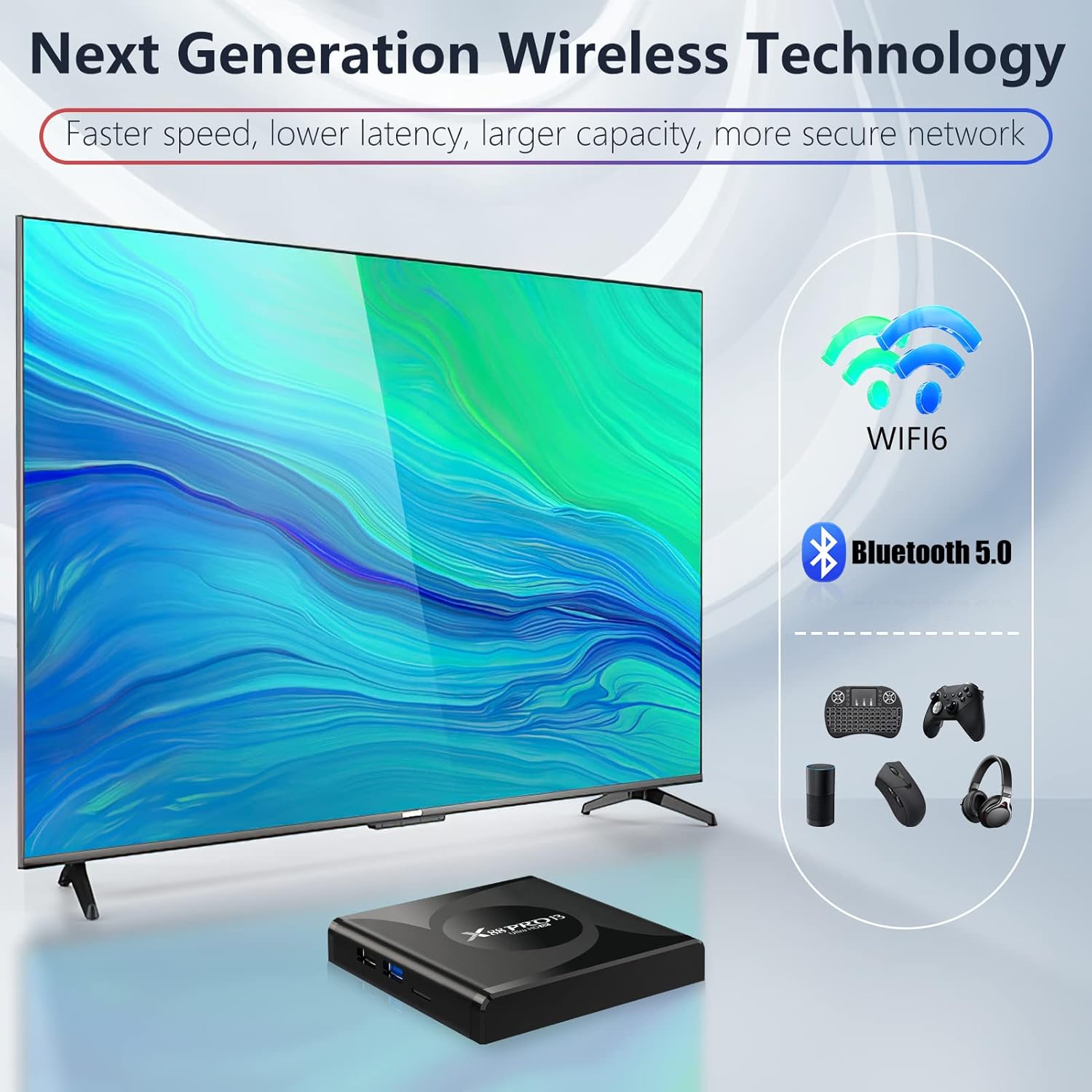
Image: An illustration depicting the advanced wireless capabilities of the TV Box, including Wi-Fi 6 and Bluetooth 5.0. It shows various compatible devices such as a wireless mini keyboard, mobile phone, PC, speaker, and other Bluetooth devices, highlighting faster speed, lower latency, and a more secure network.
The device supports dual-band Wi-Fi (2.4G/5G) with Wi-Fi 6 technology for faster and more stable wireless connections.
6.2 Bluetooth Connection
To pair Bluetooth devices:
- Go to Settings > Connected devices > Pair new device.
- Ensure your Bluetooth device is in pairing mode.
- Select your device from the list of available devices to pair.
Bluetooth 5.0 allows for easy connection of wireless keyboards, mice, game controllers, speakers, and other Bluetooth-enabled accessories.
7. Screen Mirroring
The X88 Pro13 supports screen mirroring, allowing you to cast content from your mobile device or tablet directly to your TV screen.

Image: A visual demonstration of screen mirroring, where content from a mobile device is displayed on a large TV screen. Icons below indicate common uses such as video playing, game playing, and web browsing, illustrating the versatility of the feature.
To use screen mirroring, ensure both your TV Box and mobile device are connected to the same Wi-Fi network. The specific steps may vary depending on your mobile device's operating system (e.g., Miracast for Android, AirPlay for iOS via compatible apps). Refer to your mobile device's instructions for casting.
8. Troubleshooting
If you encounter issues with your TUREWELL X88 Pro13, please refer to the following common solutions:
| Problem | Possible Cause / Solution |
|---|---|
| No Power / Device Not Starting |
|
| No Picture on TV |
|
| Wi-Fi Connection Issues |
|
| Applications Not Working / Crashing |
|
| Remote Control Not Responding |
|
9. Specifications
| Feature | Detail |
|---|---|
| Operating System | Android 13.0 |
| CPU | RK3528 Quad-Core 64bit Cortex-A53 |
| GPU | Mali 450 MP2 |
| RAM | 4GB DDR |
| Internal Storage | 32GB EMMC |
| Expandable Storage | Micro SD cards, Maximum support of 32GB |
| Wi-Fi | 2.4G+5G WIFI 6 |
| Bluetooth | V5.0 |
| Video Output | HDMI 2.0b for 4k@60Hz, 6K H.265 Hardware Video Decode and 6K Output |
| USB Host | 2 High-speed USB (1x USB 3.0, 1x USB 2.0), support U DISK and USB HDD |
| Ethernet | Standard 10/100M, Standard RJ-45 |
| Power Supply | DC 5V/2A |
| Supported Media Formats | Avi/Ts/Vob/Mkv/Mov/ISO/wmv/asf/flv/dat/mpg/mpeg, mp4, rm, jpg |
| Supported Music Formats | MP3/WMA/AAC/WAV/OGG/DDP/HD/FLAC/APE |
| OSD Language | English, French, German, Spanish, Italian, etc. |
| Dimensions | 4.21 x 4.21 x 0.83 inches (107 x 107 x 21 mm) |
| Item Weight | 11.1 ounces |
10. Support
For any questions or technical assistance regarding your TUREWELL X88 Pro13 Android TV Box, please contact TUREWELL customer support. Refer to the contact information provided with your product packaging or visit the official TUREWELL website for support resources.
You can also visit the TUREWELL Store on Amazon for more product information and support options.


