
OLEVS WD-S-G2871PZ-MG
OLEVS Men's Chronograph Quartz Watch Instruction Manual
Model: WD-S-G2871PZ-MG
1. Introduction
This manual provides detailed instructions for the proper use, setup, and maintenance of your OLEVS Men's Chronograph Quartz Watch, Model WD-S-G2871PZ-MG. Please read this manual thoroughly to ensure optimal performance and longevity of your timepiece.
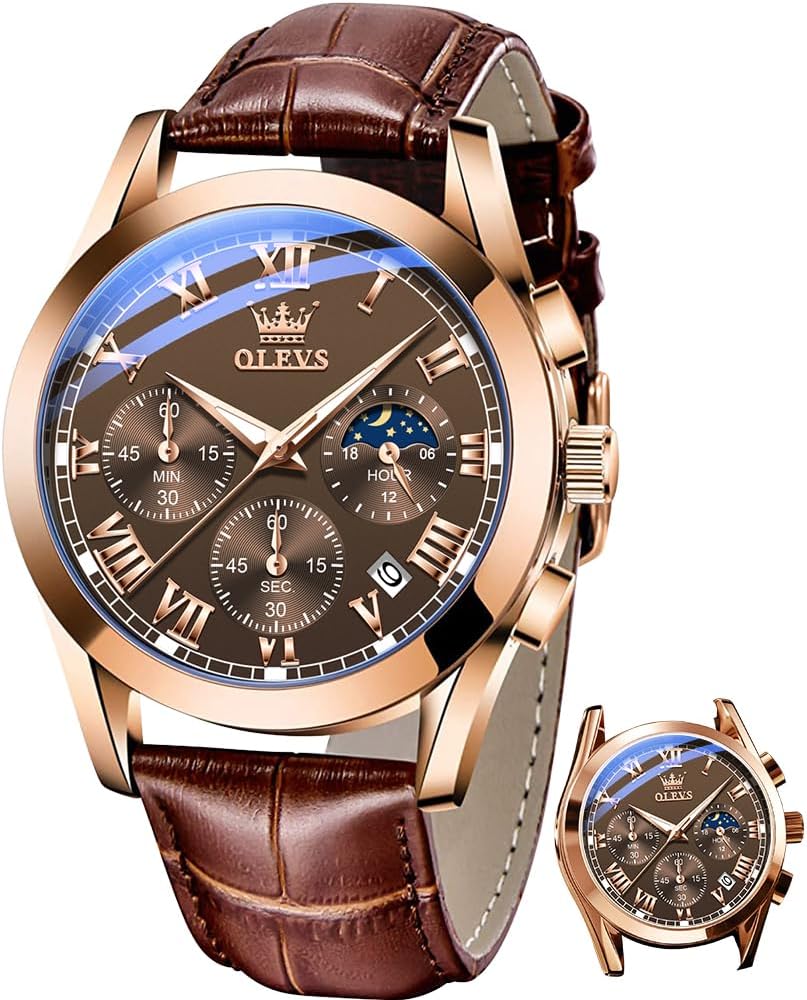
Image 1.1: The OLEVS Men's Chronograph Quartz Watch, Model WD-S-G2871PZ-MG.
2. Product Features
- Chronograph Multifunction Design: Features chronograph second hand, chronograph minute hand, and 24-hour moon phase display.
- High-Quality Leather Strap: Designed for comfort and durability.
- Water Resistance: Water resistant to 30 meters (100 feet), suitable for daily use.
- Luminous Display: Watch hands and markers glow in the dark after absorbing sufficient light.
- Durable Construction: Equipped with high hardness coated glass mirror.

Image 2.1: Visual representation of the watch's key features including water resistance, durable glass, leather strap, and luminous elements.
3. Components Overview
Familiarize yourself with the main components of your OLEVS watch:
- Crown: Used for setting time and date.
- Pushers (A & B): Used for operating the chronograph functions.
- Hour, Minute, Second Hands: Indicate the current time.
- Chronograph Subdials: Measure elapsed time (seconds, minutes).
- 24-Hour Moon Phase Subdial: Displays day/night and moon phase.
- Date Window: Displays the current date.
- Leather Strap: Secures the watch to your wrist.

Image 3.1: A detailed view of the watch face, highlighting the various indicators and controls.
4. Setup and Operation
4.1 Setting the Time
- Pull the crown out to the second click position.
- Turn the crown to adjust the hour and minute hands to the desired time.
- Push the crown back to the normal position to start the watch.
4.2 Setting the Date
- Pull the crown out to the first click position.
- Turn the crown clockwise to set the date. Avoid setting the date between 9 PM and 3 AM to prevent damage to the movement.
- Push the crown back to the normal position.
4.3 Using the Chronograph
- Start/Stop Chronograph: Press the upper pusher (A) to start the chronograph. Press it again to stop.
- Reset Chronograph: While the chronograph is stopped, press the lower pusher (B) to reset all chronograph hands to zero.
4.4 Moon Phase Adjustment
The 24-hour subdial indicates day and night. This subdial typically synchronizes with the main time setting and does not require separate adjustment.
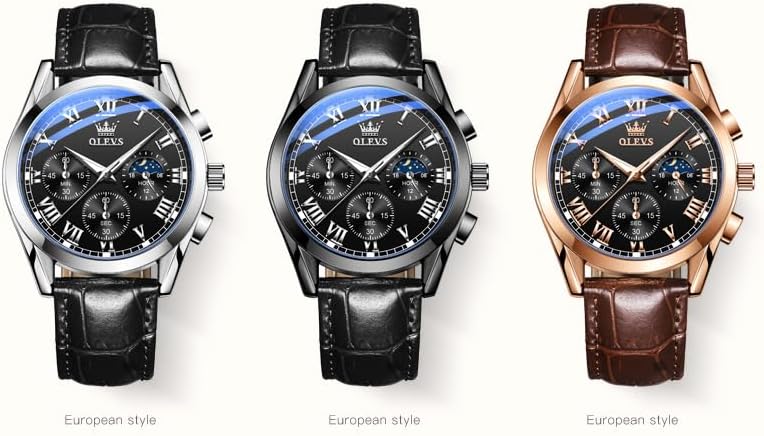
Image 4.1: Explanation of the 24-hour moon phase subdial, showing how it differentiates between day and night.
5. Water Resistance Guidelines
Your OLEVS watch is water resistant to 30 meters (100 feet). This means it is suitable for daily use, such as splashes, rain, or brief immersion in water. However, it is not recommended for swimming, diving, or showering with hot water, as steam and temperature changes can compromise the seals.
- Do not operate the crown or pushers when the watch is wet or submerged in water.
- Ensure the crown is fully pushed in before any contact with water.
6. Maintenance and Care
6.1 Cleaning
Wipe the watch case and crystal with a soft, dry cloth. For the leather strap, avoid excessive moisture and harsh chemicals. If the strap gets wet, allow it to air dry naturally.
6.2 Battery Replacement
The watch is powered by a quartz movement and requires a battery. When the battery runs low, the watch may stop or the second hand may skip. Battery replacement should be performed by a qualified watch technician to ensure proper sealing and function.
6.3 General Care
- Avoid exposing the watch to extreme temperatures or direct sunlight for prolonged periods.
- Keep the watch away from strong magnetic fields, which can affect accuracy.
- Protect the watch from impacts and drops.
7. Troubleshooting
| Problem | Possible Cause | Solution |
|---|---|---|
| Watch not running | Depleted battery; Crown not pushed in | Replace battery (professional service recommended); Push crown fully into normal position. |
| Date not changing | Incorrect time setting (AM/PM); Date set during restricted hours | Advance time past 12 AM to ensure correct AM/PM; Reset date outside of 9 PM - 3 AM. |
| Chronograph hands not resetting to zero | Chronograph not stopped before reset; Internal mechanism issue | Ensure chronograph is stopped before pressing reset pusher; Consult a watch technician. |
8. Specifications
- Model Number: WD-S-G2871PZ-MG
- Movement: Quartz
- Case Diameter: 40mm
- Case Thickness: 11.5mm
- Band Width: 20mm
- Watch Weight: 56g
- Water Resistance: 30 meters (100 feet)
- Material: Gold-tone case, high hardness coated glass mirror, brown leather strap.

Image 8.1: Diagram illustrating the physical dimensions and weight of the OLEVS watch.
9. Product Overview Video
Watch this video for a visual overview of the OLEVS chronograph watch, showcasing its design and various color options.
Video 9.1: An official product video from OLEVS WATCHES 1989, demonstrating the watch's features and appearance on a wrist.
10. Warranty and Support
For warranty information or technical support, please refer to the documentation included with your purchase or contact OLEVS customer service. Specific warranty terms and conditions may vary.
Related documentsWD-S-G2871PZ-MG


Ask a question about this manual
Ask about setup, troubleshooting, compatibility, parts, safety, or missing instructions. Manuals+ will review the question and use this page’s manual context to help answer it.