
Introduction
Thank you for purchasing the Gabba Goods Bud Light Bladeless Handheld Fan. This portable fan is designed to provide personal cooling with three adjustable speeds, powered by a rechargeable USB battery. Please read this manual carefully before using the product to ensure proper operation and maintenance.
Product Overview
Key Features:
- Bladeless design for safety and easy cleaning.
- Portable and handheld for convenience.
- USB rechargeable battery for cordless operation.
- Three adjustable speed settings.
- Button control for easy operation.
- Compact and lightweight, suitable for travel, office, and home use.
Components:
- Bladeless Handheld Fan Unit
- USB Charging Cable
- Speed Control Mechanism (integrated)
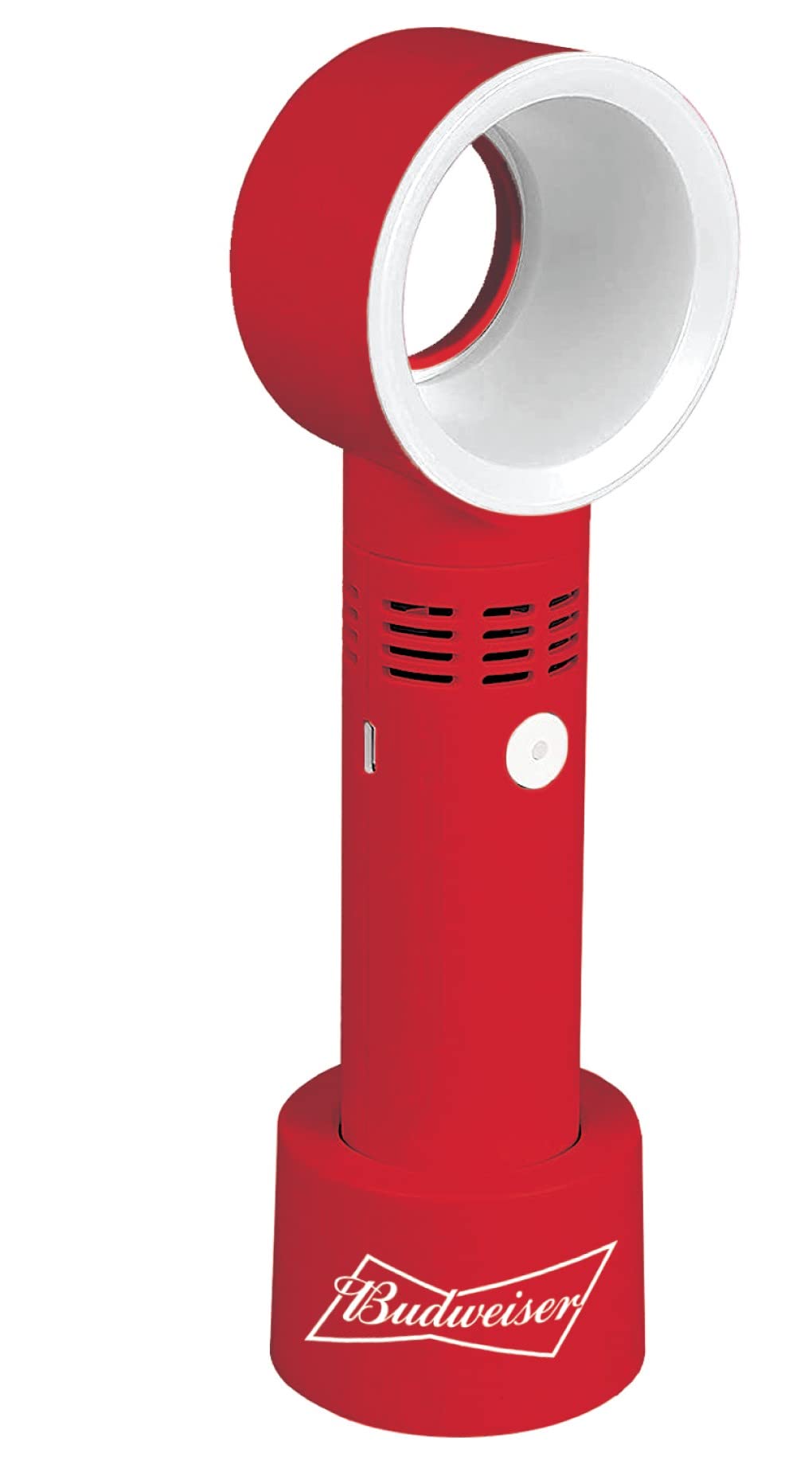
Image: The Gabba Goods Bud Light Bladeless Handheld Fan, showing its compact design and the bladeless air outlet.
Setup
Charging the Fan:
- Before first use, fully charge the fan's internal battery.
- Connect the small end of the provided USB charging cable to the charging port on the fan.
- Connect the larger end of the USB cable to a standard USB power adapter (not included) or a computer's USB port.
- The charging indicator light (if present) will illuminate during charging and typically turn off or change color when fully charged.
- A full charge usually takes approximately 2-3 hours.
Operating Instructions
Power On/Off and Speed Adjustment:
- To turn the fan ON, press the power button located on the handle. The fan will start at the lowest speed setting.
- To increase the fan speed, press the power button again. Each press will cycle through the available speed settings (Low, Medium, High).
- To turn the fan OFF, press the power button after the highest speed setting. The fan will power down.
Note: The fan is designed for indoor use and personal cooling. Avoid prolonged exposure to direct sunlight or extreme temperatures.
Maintenance
Cleaning the Fan:
- Ensure the fan is turned OFF and disconnected from any power source before cleaning.
- Wipe the exterior of the fan with a soft, damp cloth. Do not use abrasive cleaners or solvents.
- The bladeless design allows for easier cleaning of the air inlet and outlet. Use a soft brush or cotton swab to gently remove any dust accumulation.
- Do not immerse the fan in water or any other liquid.
- Allow the fan to dry completely before next use.
Storage:
- When not in use for extended periods, store the fan in a cool, dry place.
- It is recommended to charge the battery every 3 months to maintain battery health.
Troubleshooting
| Problem | Possible Cause | Solution |
|---|---|---|
| Fan does not turn on. | Battery is depleted. | Charge the fan using the provided USB cable. |
| Fan runs at low power. | Battery is low. | Recharge the fan. |
| Weak airflow. | Air inlet/outlet blocked or dirty. | Clean the air inlet and outlet as described in the Maintenance section. Ensure nothing is obstructing the airflow. |
| Charging indicator not working. | Cable or power source issue. | Try a different USB cable or power adapter. Ensure connections are secure. |
Specifications
- Brand: Gabba Goods
- Model Name: Bud Light
- Model Number: 18d8855c-4d5d-4c4c-a1d1-feaffc440ef5
- Power Source: Battery Powered (USB Rechargeable)
- Number of Speeds: 3
- Control Method: Button Control (Touch)
- Material: Plastic
- Voltage: 5 Volts
- Indoor/Outdoor Usage: Indoor
- Included Components: USB Cable, Speed Control Mechanism
- GTIN (UPC): 840286402828
- ASIN: B0C3DZK8PM
Warranty and Support
Specific warranty information for this product is not provided in the available data. For warranty claims or technical support, please contact the retailer or Gabba Goods customer service directly. Keep your purchase receipt as proof of purchase.
You may find additional support information on the official Gabba Goods website.