
Edifier MP85-BK
Edifier MP85 Mini Bluetooth Speaker User Manual
Model: MP85-BK | Brand: Edifier
Introduction
Thank you for choosing the Edifier MP85 Mini Bluetooth Speaker. This compact and portable speaker is designed to deliver clear audio for various activities, from home use to outdoor adventures. This manual provides detailed instructions on setting up, operating, maintaining, and troubleshooting your speaker to ensure optimal performance.
What's in the Box
Please check the contents of your package:
- Edifier mini Bluetooth speaker MP85 x 1
- Silicone lanyard x 1
- Type-C charging cable x 1
- User guide x 1

Image: The Edifier MP85 speaker, silicone lanyard, and Type-C charging cable, along with the user manual, as packaged in the box.
Product Overview and Features
The Edifier MP85 is a mini portable Bluetooth speaker designed for convenience and quality sound on the go. Key features include:
- Compact and Lightweight: Measuring 2.05 x 1.12 x 2.48 inches and weighing only 70g, it's ideal for travel and outdoor activities.
- Bluetooth 5.3: Ensures a fast and stable connection to your devices.
- Long Playtime: Built-in 500mAh Lithium Battery provides up to 8 hours of playtime on a single charge.
- Customizable EQ via App: Use the Edifier Connect App to customize EQ settings and choose from music, game, or vocal sound effects. The app also offers 100+ white noise tracks.
- Simple Controls: Easy-to-use buttons for power, volume, and playback, with an LED indicator for status.

Image: The Edifier MP85 speaker, showcasing its compact design and attached silicone lanyard.

Image: An internal diagram of the speaker highlighting its 40mm audio driver.

Image: The speaker attached to a backpack, illustrating its lightweight and portable design for outdoor use.

Image: The speaker paired with a smartphone, emphasizing its Bluetooth 5.3 connectivity for stable audio streaming.
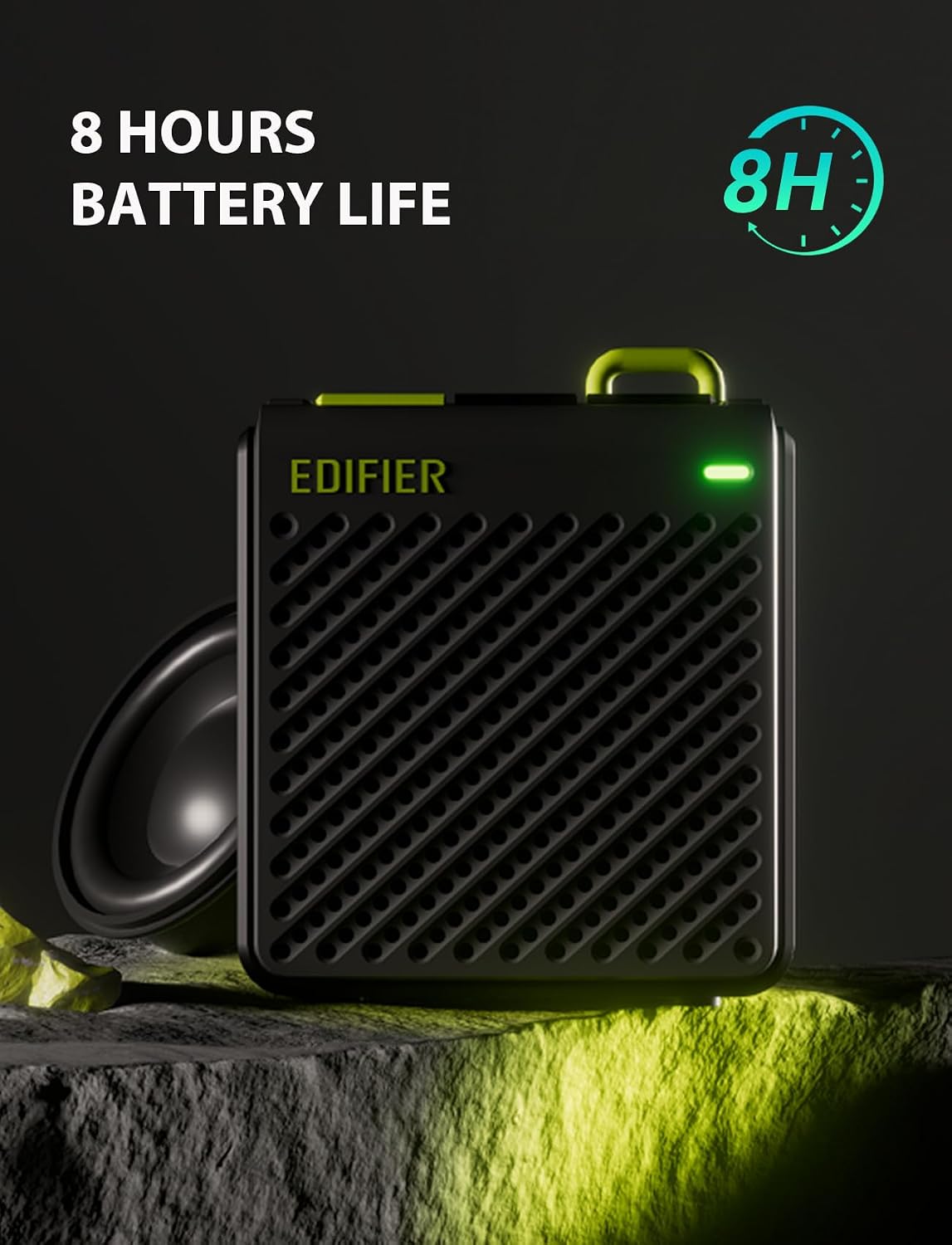
Image: The speaker with an indicator for its 8-hour battery life, highlighting its endurance.

Image: Two speakers illustrating the simple button controls for power, volume, and playback, along with LED indicators.

Image: Screenshots of the Edifier Connect App, demonstrating its interface for EQ customization and sound effect selection.
Official Product Video
Video: An official product video showcasing the features and design of the Edifier MP85 Mini Bluetooth Speaker.
Setup
1. Charging the Speaker
Before first use, fully charge the speaker using the provided Type-C charging cable. Connect the cable to the speaker's charging port and the other end to a USB power adapter (not included) or a computer's USB port. The LED indicator will show charging status.
2. Powering On/Off
Press and hold the power button (usually marked with a power symbol) for a few seconds to turn the speaker on or off. The LED indicator will light up when the speaker is on.
3. Bluetooth Pairing
- Ensure the speaker is powered on and in pairing mode. The LED indicator will typically flash rapidly when ready to pair.
- On your device (smartphone, tablet, laptop), go to Bluetooth settings.
- Search for available devices and select "EDIFIER MP85" from the list.
- Once connected, the LED indicator will usually turn solid blue or flash slowly.
- The speaker supports TWS (True Wireless Stereo) pairing for two MP85 speakers. Refer to the full user guide for detailed TWS pairing instructions.
Operating Instructions
Button Functions
| Button | Function (Short Press) | Function (Long Press) |
|---|---|---|
| Power Button | Play/Pause | Power On/Off |
| Volume + | Increase Volume | Next Track |
| Volume - | Decrease Volume | Previous Track |
Edifier Connect App
For enhanced control and customization, download the Edifier Connect App from your device's app store. The app allows you to:
- Customize EQ settings.
- Select from preset sound effects (Music, Game, Vocal).
- Access a library of white noise tracks.
- Check battery status.
- Update firmware (if available).
Maintenance
- Cleaning: Use a soft, dry cloth to clean the speaker. Do not use abrasive cleaners, alcohol, or other chemical solvents, as these may damage the surface.
- Storage: Store the speaker in a cool, dry place away from direct sunlight and extreme temperatures.
- Battery Care: To prolong battery life, avoid fully discharging the speaker frequently. Charge it regularly, even if not in use for extended periods.
- Water Resistance: This speaker is not waterproof. Avoid exposing it to water or high humidity.
Troubleshooting
| Problem | Possible Cause / Solution |
|---|---|
| Speaker does not turn on. | Battery might be depleted. Charge the speaker for at least 30 minutes. |
| Cannot pair with Bluetooth device. |
|
| No sound or low volume. |
|
| Sound distortion. |
|
Specifications
| Feature | Detail |
|---|---|
| Model Name | MP85BLACK |
| Bluetooth Version | 5.3 |
| Bluetooth Range | 10 Meters (33 Feet) |
| Speaker Size | 40 Millimeters |
| Speaker Maximum Output Power | 4.4 Watts |
| Frequency Response | 17 KHz |
| Signal-to-Noise Ratio | 85 dB |
| Battery Life | 8 Hours |
| Battery Capacity | 500 Milliamp Hours |
| Charging Port | Type-C |
| Product Dimensions (D x W x H) | 2" x 1" x 2" (approx. 5.08cm x 2.54cm x 5.08cm) |
| Item Weight | 70 Grams (2.47 ounces) |
| Material | Plastic |
| Water Resistance Level | Not Water Resistant |
Warranty and Support
Edifier products are designed and manufactured to the highest quality standards. For warranty information and technical support, please refer to the warranty card included in your package or visit the official Edifier website. Keep your purchase receipt as proof of purchase for warranty claims.
For further assistance, you may contact Edifier customer service through their official channels.
Ask a question about this manual
Ask about setup, troubleshooting, compatibility, parts, safety, or missing instructions. Manuals+ will review the question and use this page’s manual context to help answer it.