
1. Safety Information
Before operating the AOVOPRO AV01 Electric Scooter, please read this manual thoroughly to ensure safe usage and prevent injury or damage. Always wear appropriate safety gear, including a helmet, knee pads, and elbow pads.
1.1 Important Warnings
- Local Regulations: Be aware that this scooter does not have a General Operating Permit (ABE) for Germany. Its use on public roads may be restricted or illegal in certain regions or countries. Always check and comply with local laws and regulations regarding electric scooter usage.
- Protective Gear: Always wear a helmet and other protective gear when riding.
- Rider Age: This scooter is intended for adults.
- Weight Limit: Do not exceed the maximum load capacity of 120 kg.
- Environmental Conditions: Avoid riding in heavy rain, snow, or on icy surfaces.
- Pre-Ride Check: Before each ride, ensure the brakes are functioning correctly, tires are in good condition, and all parts are securely fastened.
2. Product Overview
The AOVOPRO AV01 Electric Scooter is designed for efficient and convenient personal transportation. It features a robust aluminum frame, an updated motor, and smart app connectivity.
2.1 Key Features
- Powerful Motor: Equipped with an updated 350 Watt brushless front-wheel drive motor.
- Extended Range: High-capacity battery provides a range of 20-30 km on a single charge.
- Smart App Control: Connects to a smartphone app for controlling lights, gears, start mode (zero/non-zero), and cruise control.
- Solid Tires: 8.5-inch honeycomb solid tires offer high elasticity and wear resistance, requiring minimal maintenance.
- Enhanced Safety: Features a dual-brake system, turn signals, buzzer, and white front/red rear lights.
- Foldable Design: Conveniently foldable for storage and transport.
2.2 Scooter Components

Figure 2.1: AOVOPRO AV01 Electric Scooter with its accompanying mobile application interface.

Figure 2.2: Illustration of the 350W high-performance motor and 8.5-inch solid tires.
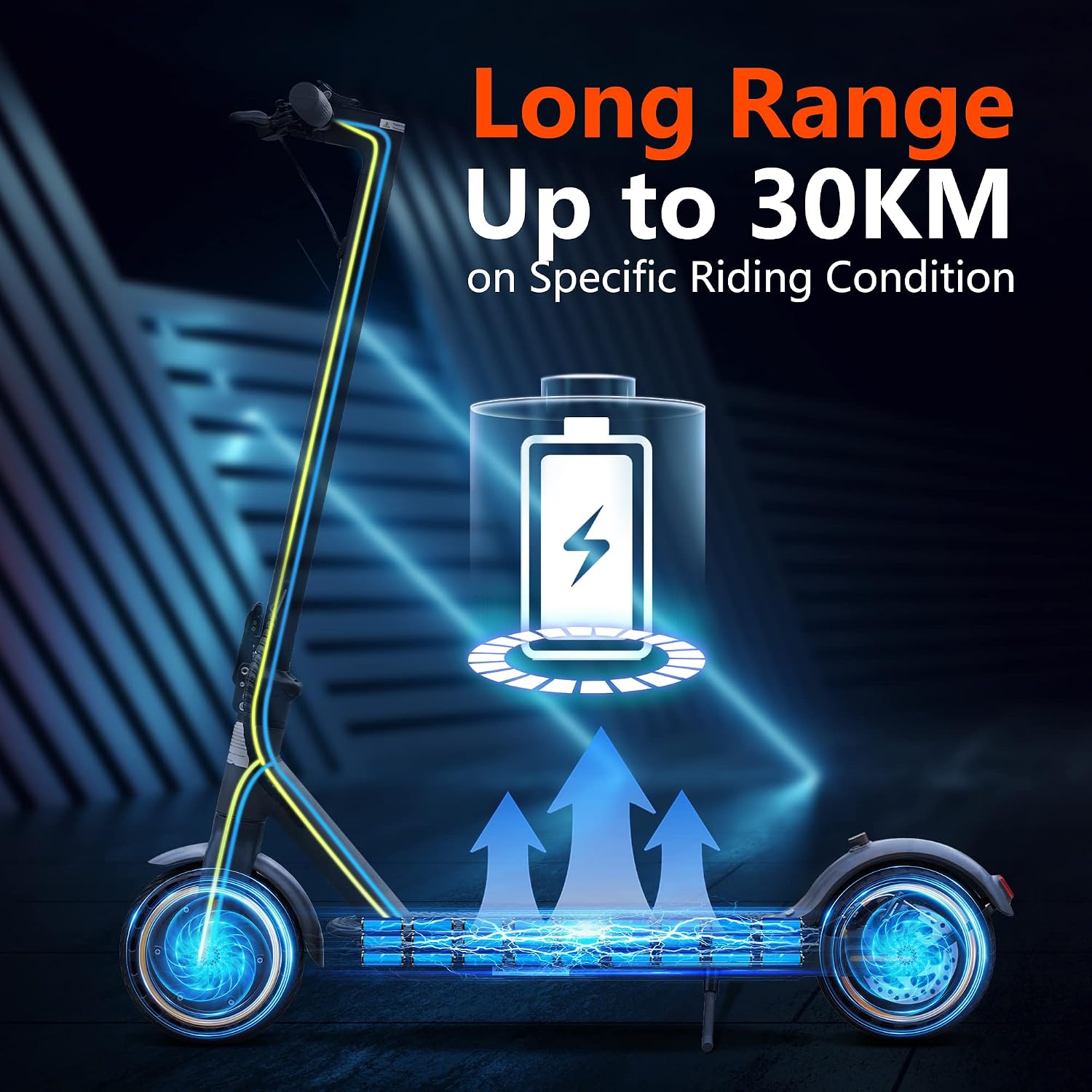
Figure 2.3: Visual representation of the scooter's long-range battery, capable of up to 30KM.

Figure 2.4: Detail of the front LED light and rear tail light, designed for improved night visibility.
3. Package Contents
Please check the package contents carefully. If any items are missing or damaged, contact customer support.
- AOVOPRO AV01 Electric Scooter
- Power Adapter/Charger
- User Manual
- Assembly Tools (if required)
4. Assembly and Initial Setup
4.1 Unfolding the Scooter
- Place the scooter on a flat surface.
- Locate the folding mechanism latch near the base of the handlebar stem.
- Release the latch and carefully lift the handlebar stem until it locks into the upright position. Ensure it is securely locked before proceeding.
4.2 Attaching Handlebars (if applicable)
If the handlebars are not pre-attached, align them with the stem and secure them using the provided screws and tools. Ensure all screws are tightened firmly.
4.3 Initial Charging
Before first use, fully charge the scooter's battery. Connect the charger to the charging port on the scooter and then to a power outlet. The indicator light on the charger will change (e.g., from red to green) when charging is complete.
4.4 App Installation and Connection
- Download the AOVOPRO app from your smartphone's app store.
- Ensure your scooter is powered on and Bluetooth is enabled on your smartphone.
- Open the app and follow the on-screen instructions to connect to your AV01 scooter.
- Use the app to customize settings such as speed limits, start mode, and cruise control. Note that the maximum speed of 25 km/h must be set via the app.
5. Operating Instructions
5.1 Powering On/Off
- To Power On: Press and hold the power button on the handlebar until the display illuminates.
- To Power Off: Press and hold the power button until the display turns off.
5.2 Riding Basics
- Starting: Place one foot on the deck and push off with the other foot to gain initial momentum. Once moving, gently press the accelerator.
- Accelerating: Use the thumb throttle on the right handlebar to control speed.
- Braking: Use the brake levers on the handlebars. The scooter features a dual-brake system for effective stopping.
- Turning: Lean slightly in the direction you wish to turn and gently steer the handlebars.
5.3 Lights and Turn Signals
- Headlight/Taillight: Press the light button (usually on the handlebar) to turn the front white LED light and rear red taillight on or off.
- Turn Signals: Use the dedicated turn signal switch to indicate turns.
5.4 Using the App Functions
The AOVOPRO app provides advanced control and monitoring features:
- Locking: Secure your scooter remotely.
- Gear Selection: Switch between different speed modes (gears).
- Start Mode: Choose between zero-start (accelerates from standstill) or non-zero start (requires a kick-off).
- Cruise Control: Activate cruise control for maintaining a constant speed.
- Speed Adjustment: Set the maximum speed limit, including the 25 km/h limit.
6. Maintenance
Regular maintenance ensures the longevity and safe operation of your scooter.
6.1 Battery Care
- Charge the battery fully after each use.
- Avoid completely draining the battery.
- If storing the scooter for an extended period, charge the battery to about 50-70% and recharge every 30-60 days.
- Store in a cool, dry place away from direct sunlight.
6.2 Tire Inspection
Although the AV01 uses maintenance-free solid tires, regularly inspect them for signs of wear, cracks, or damage. Replace if necessary.
6.3 Brake Check
Periodically check the functionality of both front and rear brakes. Ensure they respond promptly and effectively. Adjust or replace brake components if they feel loose or worn.
6.4 Cleaning and Storage
- Clean the scooter with a damp cloth. Do not use high-pressure water or corrosive cleaners.
- Ensure the charging port cover is securely closed to prevent water ingress.
- Store the scooter in a dry, indoor environment.
7. Troubleshooting
| Problem | Possible Cause | Solution |
|---|---|---|
| Scooter does not power on | Low battery; Loose power connection; Faulty power button | Charge the battery; Check all connections; Contact support |
| App cannot connect to scooter | Bluetooth off; Scooter off; App issue | Ensure Bluetooth is on and scooter is powered; Restart app/scooter; Reinstall app |
| Reduced range or speed | Low battery; Overload; Tire wear; App settings | Fully charge battery; Reduce load; Check app speed settings; Inspect tires |
| Brakes feel weak | Worn brake pads; Loose cable; Misaligned brakes | Inspect and adjust brake components; Contact support for replacement |
8. Specifications
| Feature | Specification |
|---|---|
| Model | AV01 |
| Brand | Aovopro |
| Motor Power | 350 Watt (Brushless Front-Wheel Drive) |
| Max Speed | Up to 25 km/h (adjustable via app) |
| Range | 20-30 km (depending on conditions) |
| Max Load Capacity | 120 Kilograms |
| Tire Size | 8.5 Inches (Solid Honeycomb) |
| Brake Type | Dual-Brake System |
| Frame Material | Aluminum |
| Product Dimensions | 110 x 52 x 15 cm |
| Product Weight | 13 Kilograms |
| Battery Type | Lithium-Ion |
| Special Features | Foldable, App Function, Turn Signals |
9. Contact and Support
For any quality issues or technical assistance, please do not hesitate to contact AOVOPRO customer service. We are committed to providing support and will assist you within 24 hours.
Please refer to your purchase documentation for specific contact details or visit the official AOVOPRO website.


