
WeCool X3
WeCool Freesolo X3 Earbuds User Manual
Model: X3 | Brand: WeCool
Introduction
Thank you for choosing the WeCool Freesolo X3 Earbuds. These earbuds are designed to provide a superior audio experience for both gaming and music, featuring low latency, dynamic drivers, and a comfortable fit. Please read this manual carefully to ensure proper use and maintenance of your device.
What's in the Box
- WeCool Freesolo X3 Earbuds
- Wireless Charging Case
- USB Type-C Charging Cable
- User Manual
Product Overview
The WeCool Freesolo X3 Earbuds feature an ergonomic design for a secure and comfortable fit. The charging case is compact and provides additional battery life. Both earbuds and the case are equipped with LED indicators for status updates.

Image: WeCool Freesolo X3 Earbuds and their charging case, showcasing the sleek black design with green LED accents.
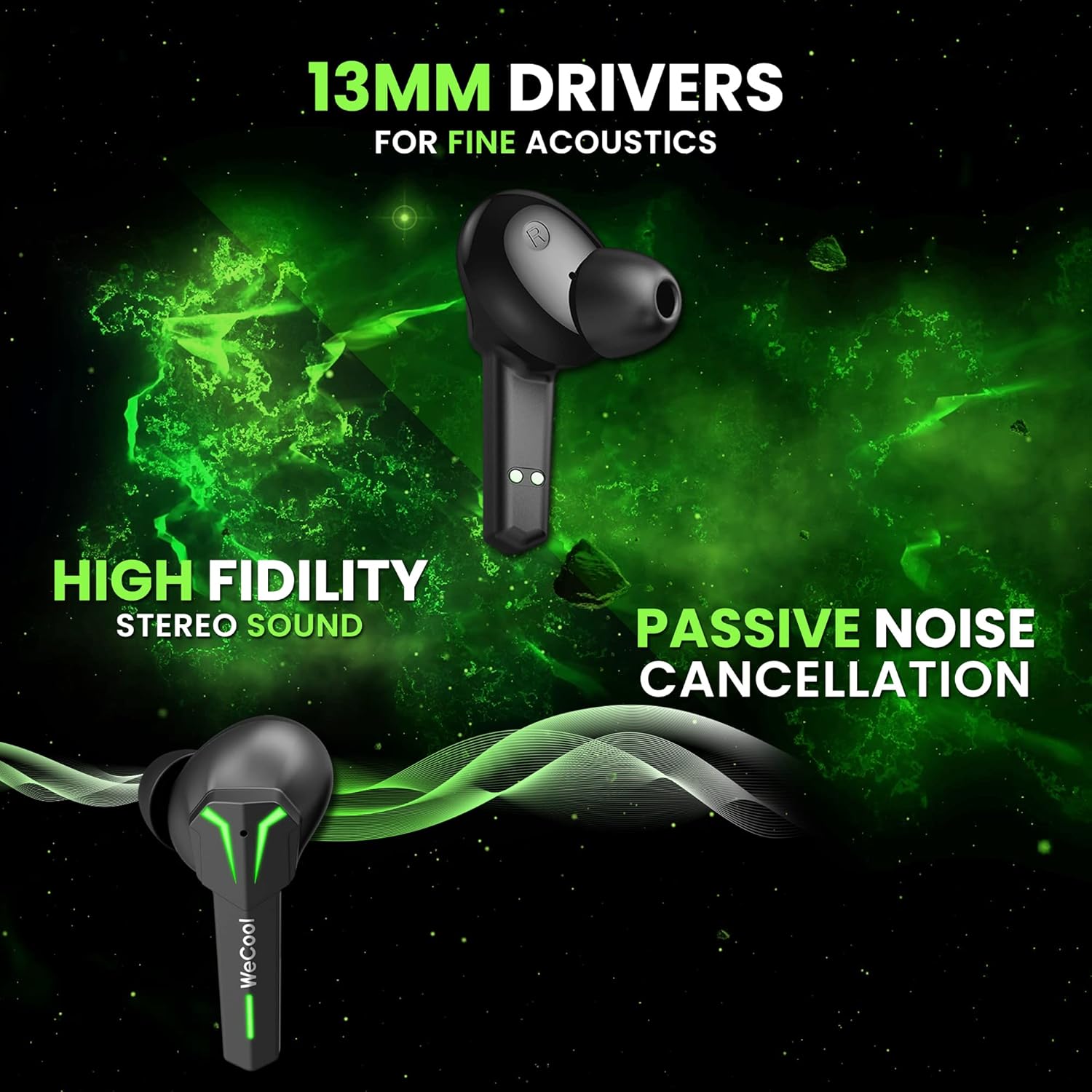
Image: A close-up view of a single WeCool Freesolo X3 earbud, emphasizing its 13mm drivers for fine acoustics, high fidelity stereo sound, and passive noise cancellation capabilities.
Setup and Initial Use
1. Charging the Earbuds and Case
Before first use, fully charge the earbuds and the charging case. Connect the provided USB Type-C cable to the charging port on the case and to a power source. The LED indicators on the case will show the charging status. Once fully charged, the indicators will change or turn off.
2. Pairing with Your Device
- Open the charging case. The earbuds will automatically enter pairing mode, indicated by flashing LED lights.
- On your device (smartphone, tablet, laptop), enable Bluetooth and search for available devices.
- Select "WeCool Freesolo X3" from the list of devices.
- Once connected, the earbuds' LED indicators will stop flashing or show a steady light, and you will hear a confirmation tone.
The earbuds utilize Bluetooth V5.1 for a fast and stable wireless connection with lower power consumption.
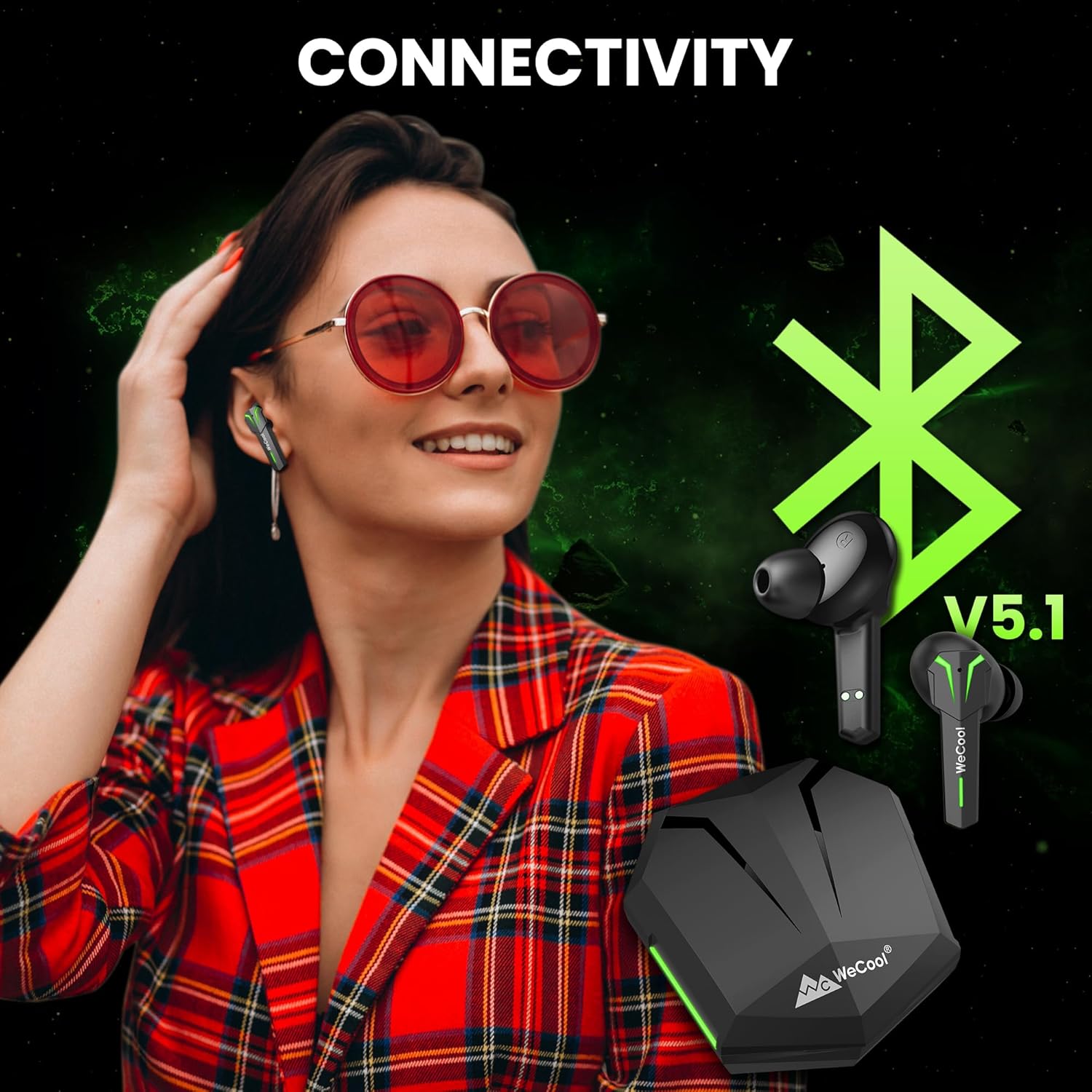
Image: A visual representation of the WeCool Freesolo X3 Earbuds and charging case, highlighting Bluetooth V5.1 connectivity for seamless pairing with various devices.
Operating Controls
The WeCool Freesolo X3 Earbuds feature intuitive smart touch controls on each earbud. Refer to the diagram below for specific functions:

Image: Diagram illustrating the smart touch controls on both the left (L) and right (R) WeCool Freesolo X3 earbuds, detailing actions for volume, play/call, track skipping, voice assistant, and gaming/audio mode switch.
- Single Tap (L/R): Play/Pause music, Answer/End call.
- Double Tap (L): Previous Track.
- Double Tap (R): Next Track.
- Triple Tap (L): Volume Down.
- Triple Tap (R): Volume Up.
- Four Taps (L/R): Activate Voice Assistant.
- Press and Hold for 2 Seconds (L/R): Switch between Gaming Mode and Music Mode.
Dual Modes: Gaming & Music
The Freesolo X3 Earbuds offer two distinct modes optimized for different audio experiences:
- Gaming Mode: Provides ultra-low latency of 40ms, ensuring synchronized audio and visuals for an immersive gaming experience. This mode minimizes audio delay, giving you a competitive edge.
- Music Mode: Delivers rich, high-fidelity stereo sound with punchy bass, powered by 13mm dynamic drivers. Ideal for enjoying your favorite music with enhanced clarity and depth.

Image: A visual illustrating the dual modes of the WeCool Freesolo X3 Earbuds. Music Mode emphasizes 13mm drivers, boosted bass, and high-fidelity stereo sound, while Gaming Mode highlights 40ms low latency, low ping, and ambient sound monitoring.
Key Features
Extended Battery Life
Enjoy up to 6 hours of playback on a single charge. The portable charging case provides an additional 30 hours of battery backup, offering a total of 36 hours of listening time. The Type-C fast charging ensures quick power-ups.
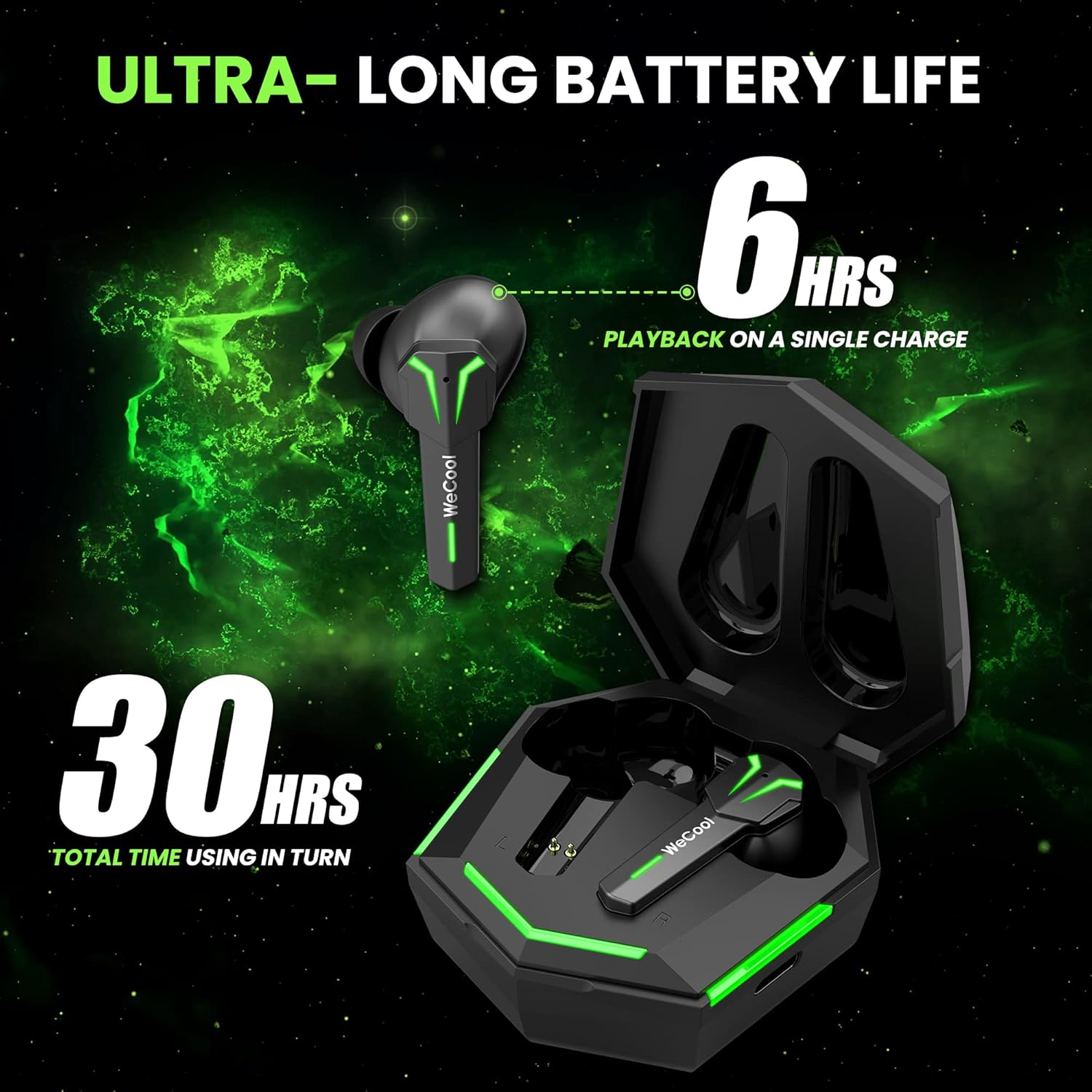
Image: WeCool Freesolo X3 Earbuds and charging case, illustrating the ultra-long battery life with 6 hours of playback on a single charge and 30 hours total usage time with the case.
Clear Calling Experience
Equipped with a built-in microphone, these earbuds ensure clear hands-free calling, making them suitable for both communication and entertainment.

Image: A single WeCool Freesolo X3 earbud, representing its clear calling experience feature.
IPX5 Splash Resistance
The earbuds are IPX5 rated, providing protection against sweat and splashes. This makes them suitable for workouts and outdoor activities without concern for moisture damage.

Image: WeCool Freesolo X3 Earbuds shown with water splashes, illustrating their IPX5 splash-resistance, allowing use during sports without fear of sweat and rain.
Product Videos
Video: A short preview highlighting key features of the WeCool Freesolo X3 Earbuds, including USB Type-C, Bluetooth V5.1, Passive Noise Cancellation, 13mm drivers, Punchy Bass, Clear Calling, dimensions, weight, matte finish, IPX5 rating, Gaming Mode, Music Mode, battery life, fast charging, and box contents.
Video: A short preview highlighting key features of the WeCool Freesolo X3 Earbuds, including USB Type-C, Bluetooth V5.1, Passive Noise Cancellation, 13mm drivers, Punchy Bass, Clear Calling, dimensions, weight, matte finish, IPX5 rating, Gaming Mode, Music Mode, battery life, fast charging, and box contents.
Specifications
| Feature | Detail |
|---|---|
| Brand Name | WeCool |
| Model Number | X3 |
| Item Type Name | Bluetooth Earbuds |
| Colour | Black |
| Product Finish Type | Matte |
| Compatible Devices | Desktop, Laptop, Smartphone, iPhone |
| Connector Type | USB Type C |
| Bluetooth Version | V5.1 |
| Low Latency | 40 ms (Gaming Mode) |
| Driver Size | 13 mm Dynamic Drivers |
| Water Resistance | IPX5 Splash Proof |
| Battery Life (Single Charge) | Up to 6 hours |
| Total Playtime (with Case) | Up to 30 hours |
| Item Dimensions (L x W x H) | 50 x 50 x 25 Millimeters |
| Item Weight | 48 Grams |
Maintenance
- Cleaning: Regularly clean the earbuds and charging case with a soft, dry cloth. Avoid using harsh chemicals or abrasive materials.
- Storage: Store the earbuds in their charging case when not in use to protect them from dust and damage. Keep them in a cool, dry place away from extreme temperatures.
- Charging: Use only the provided USB Type-C cable for charging. Avoid overcharging or completely draining the battery for extended periods to prolong battery life.
Troubleshooting
Earbuds Not Pairing
- Ensure both earbuds are charged.
- Turn off Bluetooth on your device and turn it back on.
- Forget/delete "WeCool Freesolo X3" from your device's Bluetooth list and try pairing again.
- Place earbuds back in the case, close the lid, wait a few seconds, then open to re-enter pairing mode.
No Sound or Intermittent Connection
- Check the volume level on both your device and the earbuds.
- Ensure the earbuds are within the Bluetooth range (up to 10m) of your device.
- Avoid obstacles between the earbuds and your device that might interfere with the signal.
- Try resetting the earbuds (refer to specific reset instructions if available in a separate guide or contact support).
Charging Issues
- Verify that the charging cable is securely connected to both the case and the power source.
- Ensure the charging pins on the earbuds and inside the case are clean and free from debris.
- Try using a different USB Type-C cable or power adapter.
Warranty and Support
The WeCool Freesolo X3 Earbuds are covered by a 1-Year Brand Warranty. To avail the warranty, please register your product on the official WeCool website (wecool.in) within 10 days of purchase.
For technical support or any warranty-related queries, you can reach the technical support team:
- Phone: 9036228529
- Email: support@wecoolimports.com
Manufacturer: Shenzhen Sounthonly Shipping Company Ltd
Importer: Wecool Imports and Trading Pvt Ltd, Bangalore
Ask a question about this manual
Ask about setup, troubleshooting, compatibility, parts, safety, or missing instructions. Manuals+ will review the question and use this page’s manual context to help answer it.