
1. Product Overview
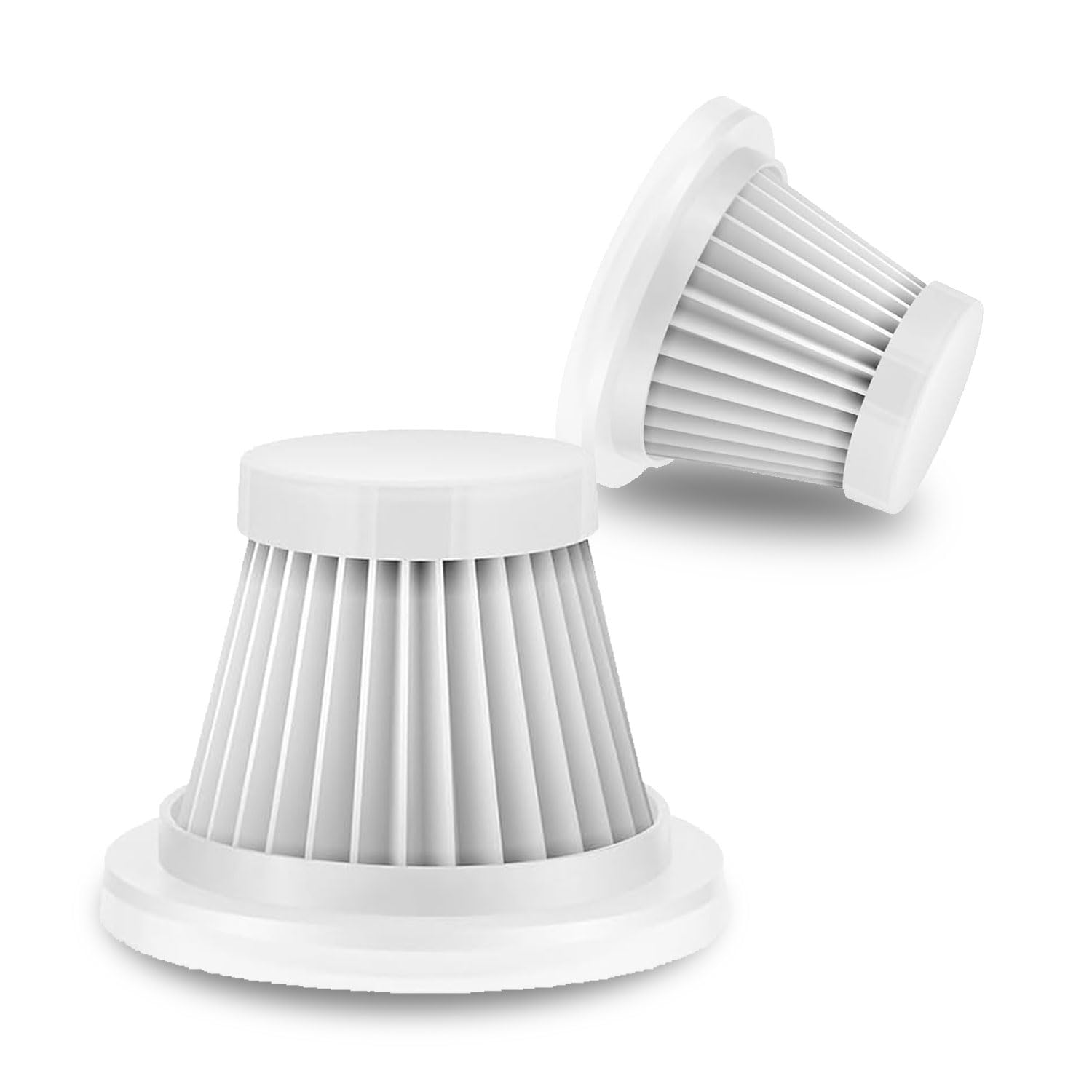
These replacement filters are specifically designed for the Absob AB-101 Series Cordless Handheld Vacuum Cleaner. They are crucial for maintaining the vacuum's suction power and ensuring effective capture of fine dust particles, contributing to a cleaner environment.
2. Compatibility
These filters are exclusively compatible with the Absob AB-101 cordless handheld vacuum cleaner. Before purchasing or installing, please confirm that your vacuum cleaner model matches AB-101 to ensure proper fit and function.
3. Installation Instructions
Follow these steps to correctly install or replace the filter in your Absob AB-101 vacuum cleaner:
- Prepare the Vacuum: Ensure the vacuum cleaner is turned off and disconnected from any charging source.
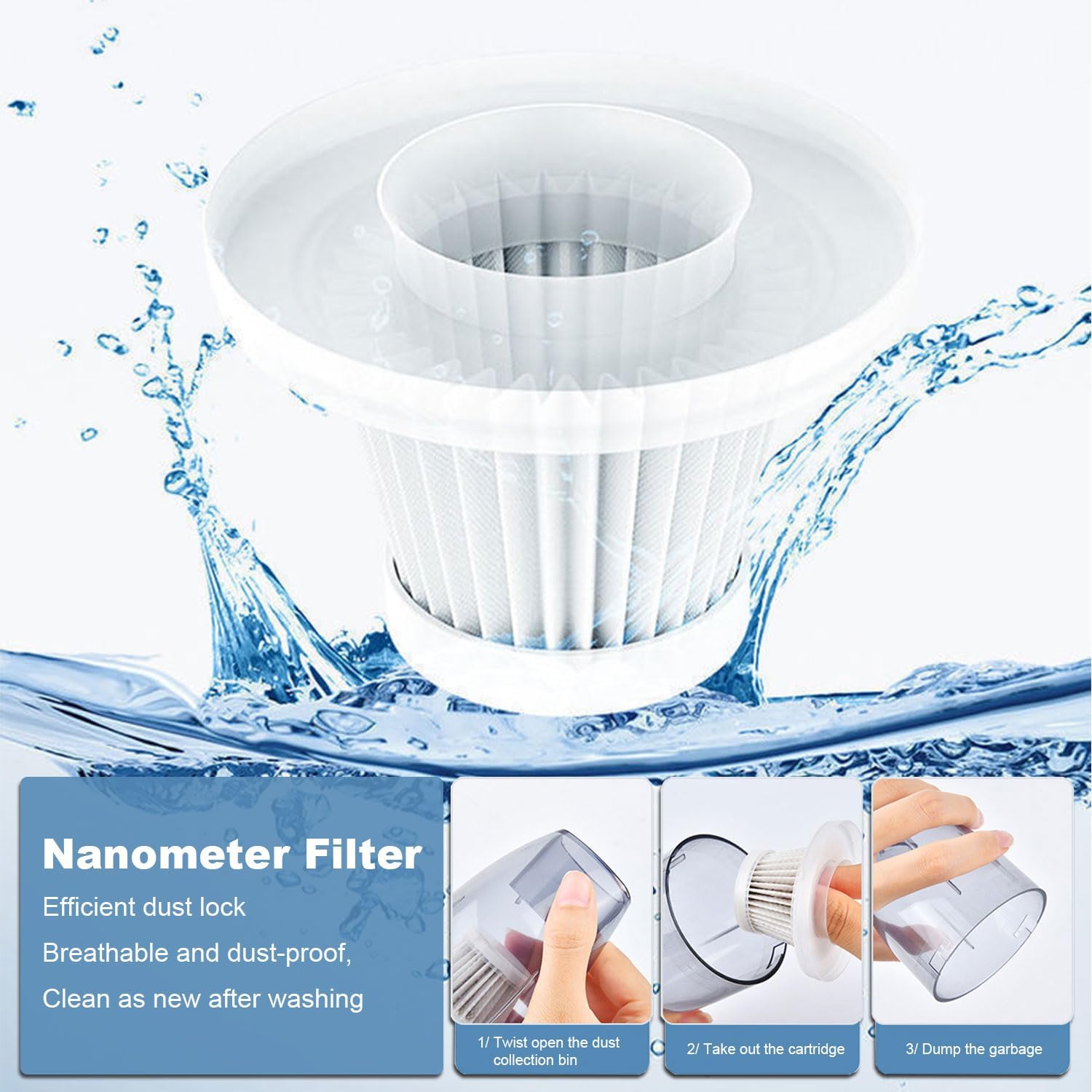
- Open Dust Collection Bin: Twist or unlatch the dust collection bin from the main body of the vacuum cleaner.
- Remove Old Filter: Carefully pull out the existing filter cartridge from the dust bin. Dispose of the old filter responsibly.
- Insert New Filter: Place the new Absob AB-101 replacement filter into the dust collection bin. Ensure it sits securely and creates a tight seal to prevent dust leakage.
- Reattach Dust Bin: Reattach the dust collection bin to the vacuum cleaner, ensuring it is properly locked into place.
4. Maintenance and Cleaning
Regular cleaning of your filter is essential to maintain the vacuum's performance and extend the filter's lifespan. The Absob AB-101 replacement filter is hand-washable and reusable.
- Remove Filter: Follow steps 1-3 from the Installation Instructions to remove the filter from the vacuum cleaner.
- Rinse Thoroughly: Rinse the filter under running water until all dirt and debris are removed. Avoid using harsh detergents or brushes that could damage the filter material.
- Air Dry Completely: Allow the filter to air dry completely before reinserting it into the vacuum cleaner. This typically takes 24 hours. Do not use heat to dry the filter, as this can deform it.
- Reinstall: Once completely dry, reinstall the filter as per the Installation Instructions.
5. Replacement Schedule
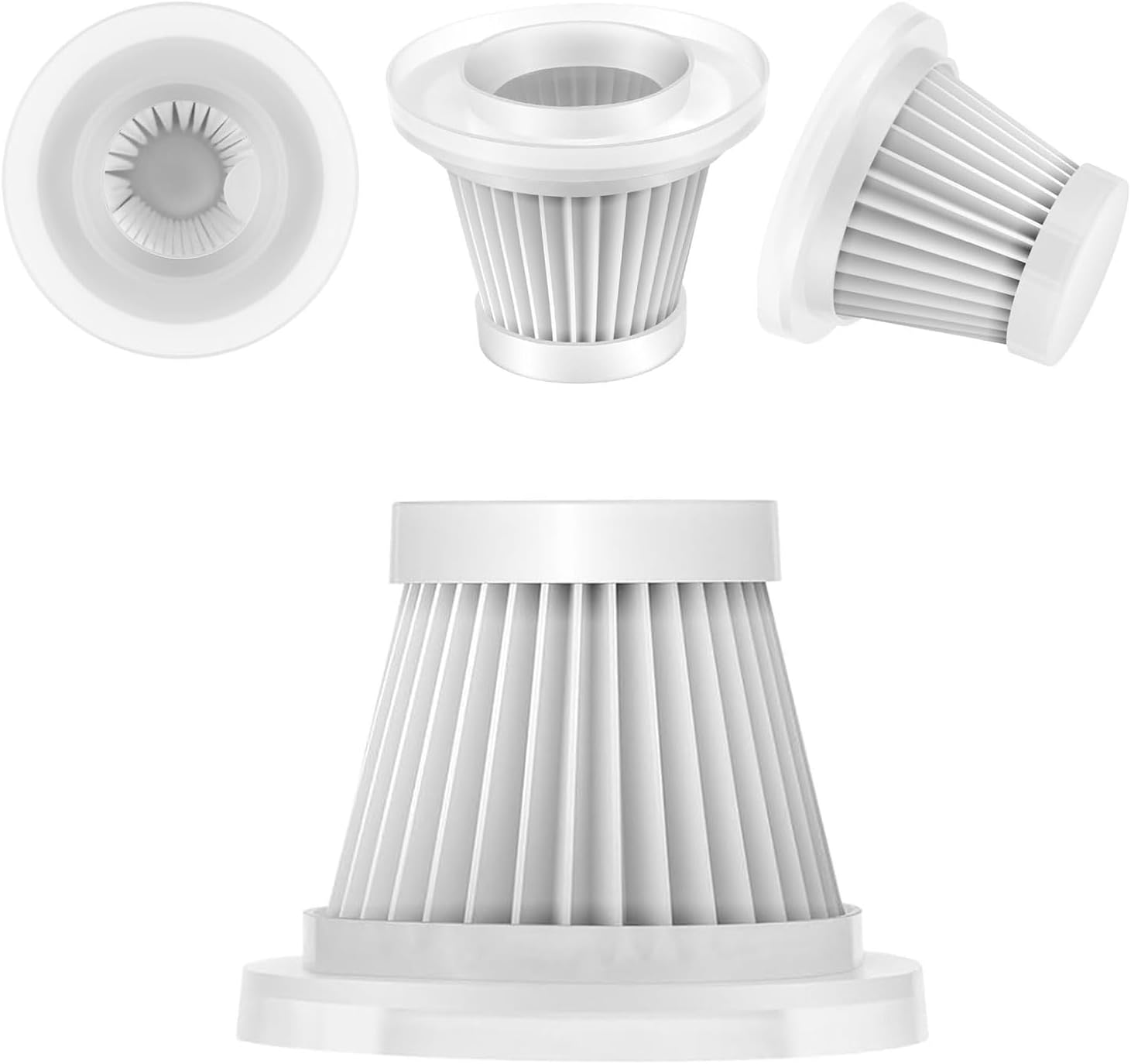
For optimal performance, it is recommended to replace the filter after 2-3 cleanings or every 8-12 months, whichever comes first. Regular replacement ensures the vacuum cleaner maintains its efficiency and cleaning power, effectively capturing fine dust particles.
This package includes 2 filters, providing a convenient supply for consistent maintenance.
6. Specifications
| Feature | Detail |
|---|---|
| Brand | absob |
| Material | Fiberglass |
| Compatible Devices | Absob AB-101 Handheld Vacuum |
| Reusability | Reusable (Hand-washable) |
| Number of Pieces | 2 |
| Filter Type | HEPA (captures 99.99% of fine dust particles as small as 0.3 micrometers) |
7. Warranty and Support
This Absob OEM product is covered by the manufacturer's warranty. For specific warranty details or support inquiries, please refer to the documentation provided with your Absob AB-101 vacuum cleaner or contact Absob customer service.
A 30-day return/replacement policy is typically available for these filters. Please check your purchase details for specific return conditions.