
1. Introduction
Thank you for choosing the comiso C15 IPX7 Waterproof Bluetooth Speaker. This manual provides essential information for setting up, operating, and maintaining your speaker to ensure optimal performance and longevity. Please read it thoroughly before use.
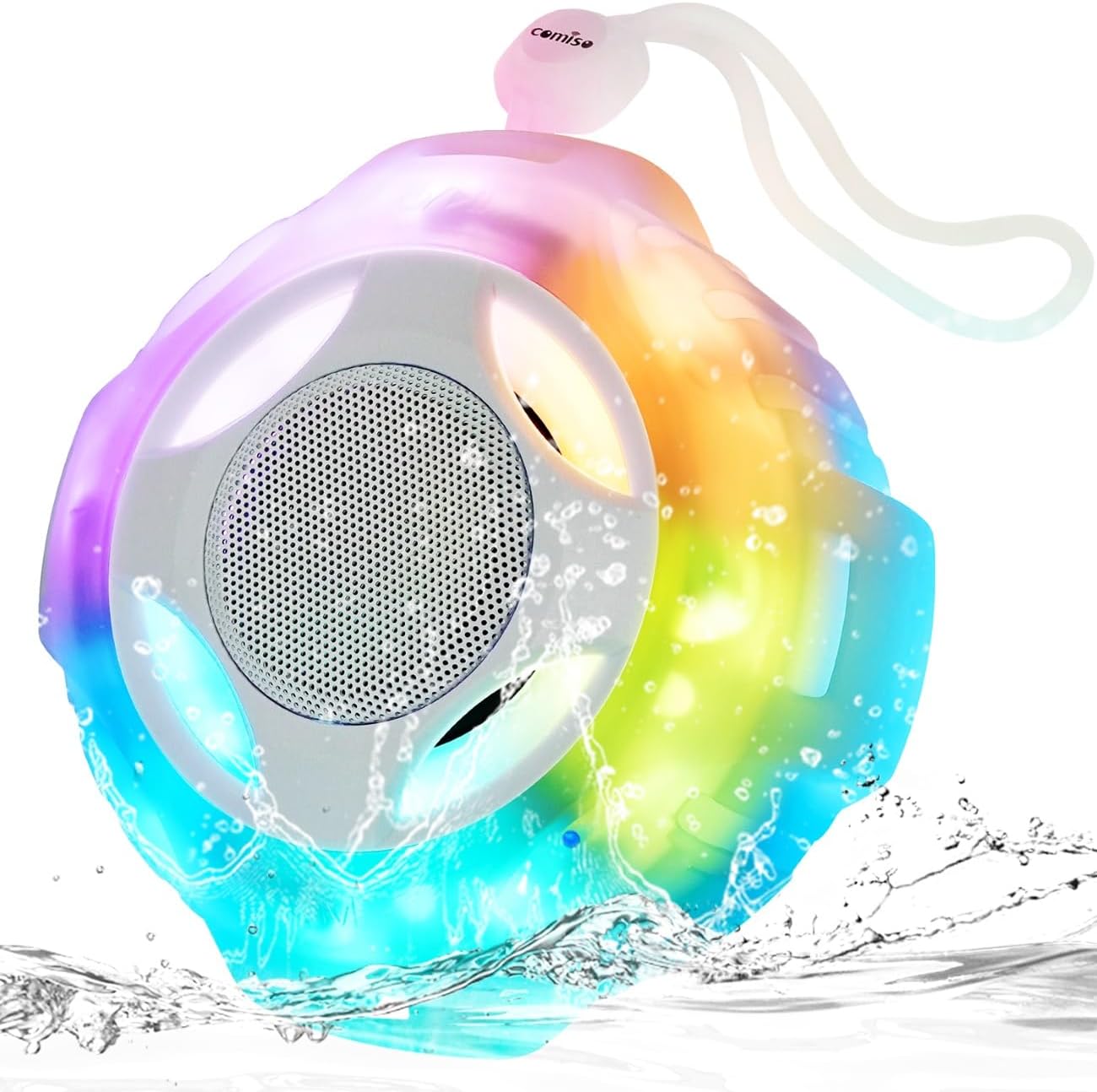
Image 1.1: The comiso C15 speaker, showcasing its waterproof design with water splashing around it.
2. Package Contents
Please check the package for the following items:
- C15 IPX7 Waterproof Bluetooth Speaker with LED light mode
- USB Type-C charging cable
- Silicone lanyard
- Welcome guide
- Warranty and customer service card
3. Product Overview
The comiso C15 is a portable Bluetooth speaker designed for various environments, including wet conditions. It features:
- Loud Stereo Sound: Delivers balanced audio with powerful bass, punchy mids, and clear highs.
- TWS Pairing: Allows two C15 speakers to connect wirelessly for an immersive stereo experience.
- EQ Multi-Color Light Show: Integrated LED lights with multiple modes to enhance your listening experience.
- Bluetooth 5.3: Ensures stable connection, lower power consumption, and minimal delay.
- Long Battery Life: A 2000 mAh battery provides up to 24 hours of playback at medium volume.
- IPX7 Waterproof & Rugged Design: Can withstand immersion in 1 meter of water for 30 minutes and floats on water. The silicone wrap provides drop resistance.

Image 1.2: An exploded diagram illustrating the internal components of the comiso C15 speaker, highlighting its sound drivers and robust construction.

Image 1.3: A man swimming underwater, holding the comiso C15 speaker, demonstrating its IPX7 waterproof capability.
4. Setup Instructions
4.1. Charging the Speaker
Before first use, fully charge the speaker. Use the provided USB Type-C cable to connect the speaker to a 5V power source (e.g., wall adapter, computer USB port).
- The charging indicator light will illuminate during charging.
- Charging time is approximately 3 hours.
- A full charge provides up to 24 hours of playback at medium volume.

Image 1.4: The comiso C15 speaker connected via its USB Type-C charging cable, indicating the charging process.
4.2. Powering On/Off
- To power on: Press and hold the Power Button for 2-3 seconds. You will hear an audible prompt.
- To power off: Press and hold the Power Button for 2-3 seconds. You will hear an audible prompt.
4.3. Bluetooth Pairing (Single Speaker)
- Ensure the speaker is fully charged.
- Power on the speaker. The LED indicator will flash blue, indicating it is in pairing mode.
- On your device (smartphone, tablet, etc.), enable Bluetooth and search for available devices.
- Select "C15" from the list of devices.
- Once connected, the LED indicator will turn solid blue, and you will hear a confirmation sound.
4.4. TWS Pairing (Two Speakers)
To achieve true wireless stereo (TWS) sound, you can pair two C15 speakers together.
- Ensure both C15 speakers are powered off.
- Power on both speakers. They will enter Bluetooth pairing mode (flashing blue LED).
- On one of the speakers, double-press the Power Button. The speakers will attempt to connect to each other.
- Once successfully paired, one speaker will act as the master (left channel) and the other as the slave (right channel). The master speaker's LED will flash blue, and the slave speaker's LED will be solid blue.
- Now, connect your device to the master speaker (the one with the flashing blue LED) via Bluetooth as described in Section 4.3.

Image 1.5: Two comiso C15 speakers positioned on either side of a laptop, illustrating a TWS (True Wireless Stereo) setup for enhanced audio.
5. Operating Instructions
5.1. Button Functions

Image 1.6: A diagram highlighting the control buttons on the comiso C15 speaker, including Power, Light, Volume Up/Next, Volume Down/Previous, and Play/Pause/Call.
- Power Button (O/M):
- Press and hold for 2-3 seconds to Power On/Off.
- Double-press to initiate TWS pairing (when two speakers are on).
- Play/Pause/Call Button (▶/‖):
- Press once to Play/Pause music.
- Press once to Answer/End a call.
- Press and hold to Reject an incoming call.
- Volume Up / Next Track Button (+):
- Press once to increase volume.
- Press and hold to skip to the next track.
- Volume Down / Previous Track Button (-):
- Press once to decrease volume.
- Press and hold to go to the previous track.
- Light Button (💡):
- Press once to cycle through different LED light modes.
- Press and hold to turn the LED lights off.
5.2. LED Light Modes
The C15 speaker features multiple LED light modes. Press the Light Button to switch between modes. Press and hold the Light Button to turn the lights off.

Image 1.7: A man showering with the comiso C15 speaker hanging nearby, illustrating its suitability for use in wet environments.
6. Maintenance
- Cleaning: Wipe the speaker with a soft, damp cloth. Do not use harsh chemicals or abrasive cleaners.
- Storage: Store the speaker in a cool, dry place away from direct sunlight and extreme temperatures.
- Battery Care: To prolong battery life, charge the speaker at least once every three months if not in regular use. Avoid fully depleting the battery frequently.
- Water Exposure: While IPX7 waterproof, ensure the charging port cover is securely closed before exposing the speaker to water. After water exposure, dry the speaker thoroughly, especially the charging port, before charging.
7. Troubleshooting
| Problem | Possible Cause | Solution |
|---|---|---|
| Speaker does not power on. | Low battery. | Charge the speaker fully. |
| Cannot pair via Bluetooth. | Speaker not in pairing mode; Bluetooth disabled on device; device too far. | Ensure speaker is on and flashing blue. Enable Bluetooth on your device. Move device closer to speaker (within 33 feet). Forget previous connections on your device. |
| No sound or low volume. | Volume too low on speaker or device; speaker not connected. | Increase volume on both speaker and connected device. Ensure speaker is successfully paired. |
| TWS pairing fails. | Speakers not reset; incorrect pairing procedure. | Ensure both speakers are powered off before starting TWS pairing. Follow TWS pairing steps precisely. |
| LED lights not working. | Lights turned off; speaker malfunction. | Press the Light Button to cycle modes. If still not working, contact customer support. |
8. Specifications
| Model Number | C15 |
| Bluetooth Version | 5.3 |
| Water Resistance | IPX7 (Submersible up to 1 meter for 30 minutes) |
| Speaker Output Power | 8 Watts |
| Battery Capacity | 2000 mAh |
| Charging Time | Approximately 3 hours |
| Playback Time | Up to 24 hours (at medium volume) |
| Wireless Range | Up to 33 feet (10 meters) |
| Product Dimensions | 4.2"D x 4.2"W x 2"H |
| Item Weight | 230 Grams (8.1 ounces) |
| Input Voltage | 5 Volts |
| Control Method | Touch |
9. Warranty and Support
The comiso C15 speaker comes with a 365-day warranty. If you encounter any issues or have questions regarding your product, please refer to the included warranty and customer service card for contact information. Our friendly customer service team is available to assist you.


