
Edillas 8206L
Edillas Digital Watch User Manual
Model: 8206L
1. Introduction
Thank you for choosing the Edillas Digital Watch. This watch is designed for children, offering a blend of fun and functionality with its 7-color LED light, waterproof design, and multiple features. This manual provides detailed instructions to help you and your child get the most out of this watch.

Image: Front view of the Edillas Digital Watch in light green, showcasing its digital display and water resistance feature.
2. Product Overview
2.1 Key Features
- 7-Color LED Backlight: Customize the display with 7 different colors for clear visibility in various lighting conditions.
- Multifunction Digital Display: Includes time (12H/24H), date, day of the week, alarm, and stopwatch.
- 30M Water Resistance: Suitable for daily use such as hand washing, rain, splashes, and swimming. Note: Do not press buttons underwater.
- Durable Construction: Features a high-quality silicone strap, metal case, stainless steel case back, and durable high-transparency resin glass.
- Comfortable Design: Lightweight and designed for children's wrists.
2.2 Watch Components and Buttons
Familiarize yourself with the watch's buttons and display elements:

Image: Diagram illustrating the functions of each button on the Edillas Digital Watch: Light, Mode, Start, and Reset.
- LIGHT Button (Top Left): Activates the LED backlight.
- MODE Button (Bottom Left): Cycles through different modes (Time, Alarm, Stopwatch).
- START Button (Top Right): Used to start/stop stopwatch, adjust values in setting mode.
- RESET Button (Bottom Right): Used to reset stopwatch, select values in setting mode.
3. Setup and Basic Operation
3.1 Setting Time and Date
- From the normal time display, press the MODE button three times to enter time setting mode. The seconds will start flashing.
- Press the RESET button to cycle through the settings: Seconds → Hours → Minutes → Month → Date → Day of Week.
- Use the START button to adjust the flashing value.
- Once all settings are correct, press the MODE button to exit setting mode and return to the normal time display.
3.2 Switching 12H/24H Format
In the normal time display, press the RESET button once to toggle between 12-hour (AM/PM) and 24-hour formats.
3.3 Using the LED Backlight
Press the LIGHT button (top left) to illuminate the display. The watch features 7 different LED colors. To change the color, press and hold the LIGHT button for a few seconds until the color changes. Release and press again to cycle through colors.

Image: The Edillas Digital Watch demonstrating its luminous display with a variety of LED backlight colors.
4. Operating Advanced Functions
4.1 Alarm Setting
- From the normal time display, press the MODE button twice to enter alarm setting mode. The hour digits will flash.
- Press the RESET button to switch between setting hours and minutes.
- Use the START button to adjust the flashing hour or minute value.
- Once the desired alarm time is set, press the MODE button to exit alarm setting mode.
- To turn the alarm ON/OFF, press and hold the START button while in the alarm display mode (after pressing MODE twice). An alarm icon will appear/disappear.
4.2 Using the Stopwatch
- From the normal time display, press the MODE button once to enter stopwatch mode. The display will show "00:00:00".
- Press the START button to begin timing.
- Press the START button again to pause timing.
- Press the RESET button to reset the stopwatch to "00:00:00" while it is paused.
- Press the MODE button to exit stopwatch mode and return to the normal time display.
5. Water Resistance Guidelines
The Edillas Digital Watch is designed with 30M (3ATM) water resistance, making it suitable for everyday water exposure. This includes:
- Hand washing
- Rain exposure
- Accidental splashes
- Shallow swimming
Important Warning:
- ⚠ DO NOT press any buttons while the watch is submerged in water. This can compromise the water seal.
- ⚠ Avoid exposing the watch to extremely hot or cold temperatures, as this can reduce its lifespan and water resistance.
- ⚠ Not suitable for diving, snorkeling, or high-pressure water activities.

Image: Visual guide to the 30M water resistance of the Edillas Digital Watch, showing suitability for hand washing, rain, splashes, and swimming.
6. Maintenance
- Clean the watch regularly with a soft, damp cloth. Avoid harsh chemicals or abrasive materials.
- If the watch gets wet, wipe it dry promptly, especially the strap and case back.
- Store the watch in a cool, dry place away from direct sunlight and extreme temperatures.
- Avoid strong impacts or dropping the watch.
7. Troubleshooting
| Problem | Possible Cause | Solution |
|---|---|---|
| Display is blank or dim. | Battery low or depleted. | The watch uses a standard button cell battery. If the display is consistently dim or blank, the battery may need replacement by a qualified technician. |
| Buttons are unresponsive. | Watch may be wet or internal issue. | Ensure the watch is dry. If the issue persists, contact customer support. |
| Time is incorrect. | Time not set correctly or accidental adjustment. | Refer to Section 3.1 "Setting Time and Date" to re-adjust the time. |
| Water inside the watch. | Buttons pressed underwater or extreme temperature exposure. | Stop using the watch immediately. Take it to a professional watch repair service. This is typically not covered under warranty if due to misuse. |
8. Specifications
| Feature | Detail |
|---|---|
| Model Number | 8206L |
| Brand | Edillas |
| Display Type | Digital |
| Water Resistance | 30M (3ATM) |
| Strap Material | High-quality Silicone (TPU) |
| Case Material | Metal case with 304 Stainless Steel case back |
| Glass Material | High-transparency Resin (Acrylic glass: scratch-resistant) |
| Battery | 1 A (included) |
| Dimensions (Watch Face) | Approx. 3.2 cm / 1.26 inches (diameter) |
| Strap Length | Approx. 19 cm / 7.48 inches (total length) |
| Weight | 25 grams |
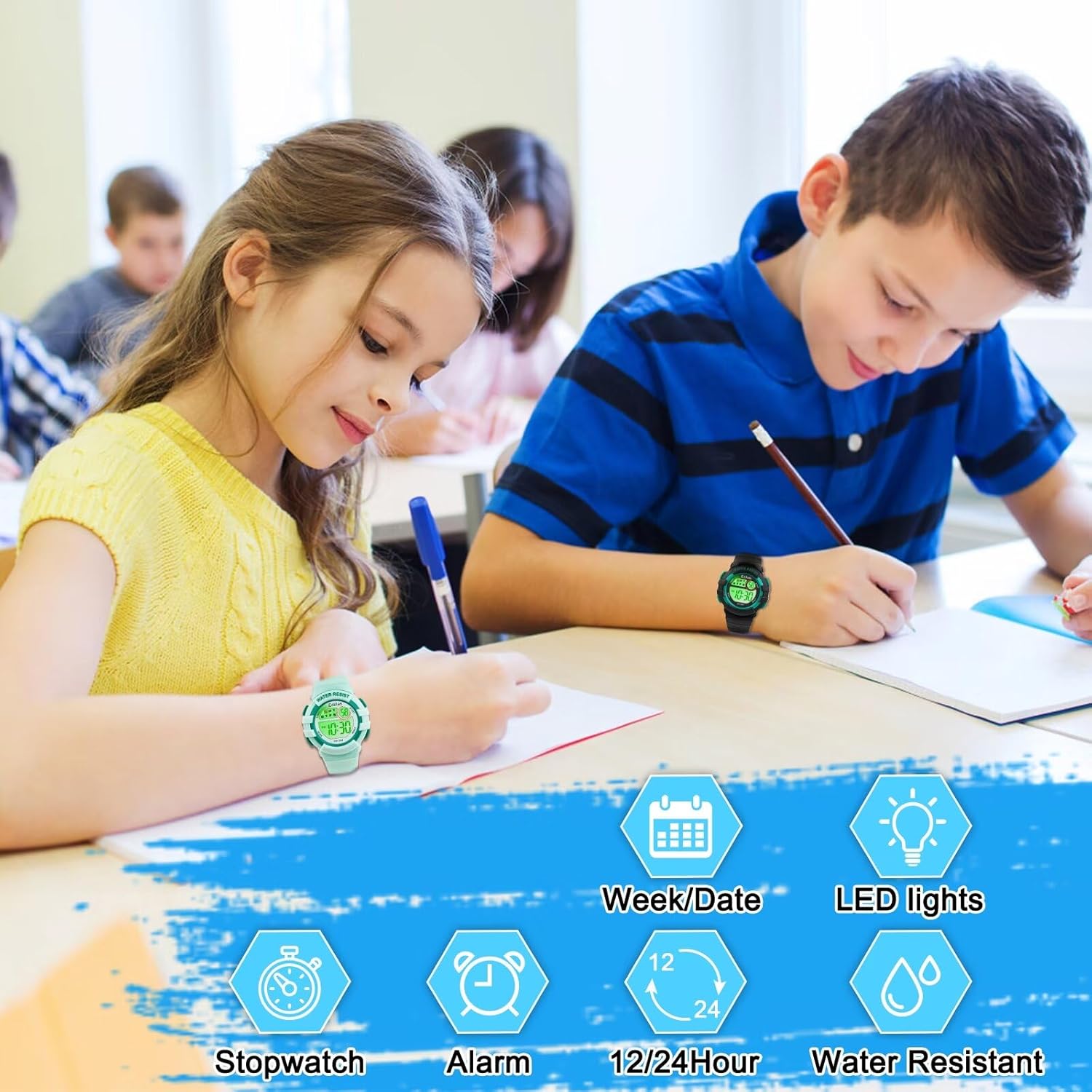
Image: Detailed diagram illustrating the dimensions and material components of the Edillas Digital Watch.
9. Warranty and Support
Edillas is committed to providing high-quality products and satisfactory service. If you encounter any problems or have questions regarding your Edillas Digital Watch, please do not hesitate to contact our customer support. We will do our best to assist you.
Please refer to your purchase documentation for specific warranty terms and contact information.
Related documents8206L


Ask a question about this manual
Ask about setup, troubleshooting, compatibility, parts, safety, or missing instructions. Manuals+ will review the question and use this page’s manual context to help answer it.