
Introduction
Thank you for choosing the Edillas Digital Kids Watch. This manual provides detailed instructions for setting up, operating, and maintaining your watch. Please read it carefully to ensure proper use and to enjoy all its features.
Watch Components
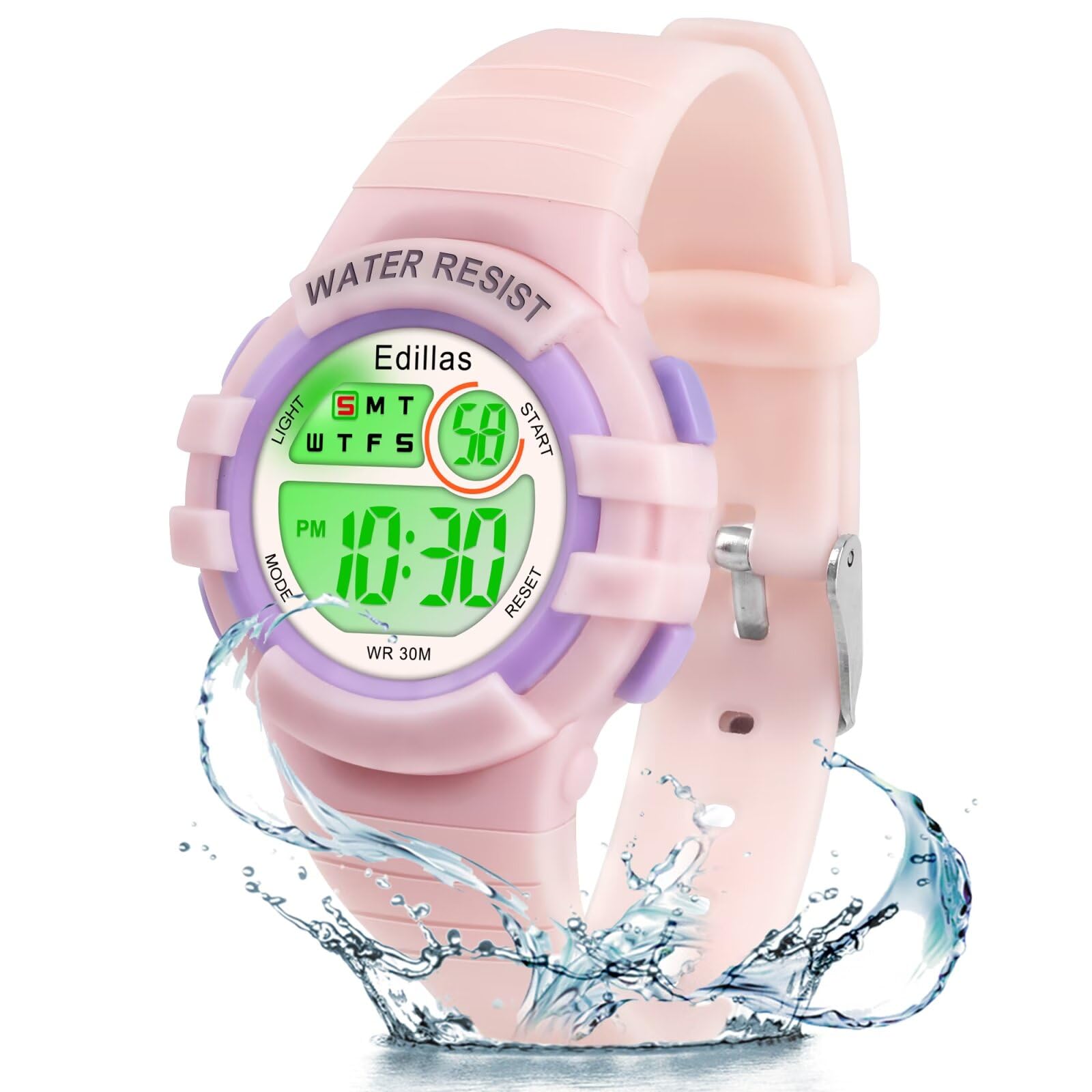
Familiarize yourself with the buttons and display areas of your Edillas Digital Kids Watch.

- LIGHT Button: Activates the backlight.
- MODE Button: Cycles through different modes (Time, Alarm, Stopwatch).
- START Button: Used to start/stop stopwatch, adjust settings.
- RESET Button: Used to reset stopwatch, confirm settings.
Setup Instructions
1. Setting Time and Date
- From the normal time display, press the MODE button three times to enter time setting mode. The seconds will flash.
- Press the RESET button to set the seconds to zero.
- Press the START button to move to the next setting (hours).
- Press the RESET button to adjust the hours. Pay attention to AM/PM for 12-hour format.
- Repeat step 3 and 4 for minutes, month, date, and day of the week.
- Once all settings are adjusted, press the MODE button to exit setting mode and return to the normal time display.
2. Changing Backlight Color
The watch features 7 different backlight colors.
- In any mode, press and hold the LIGHT button (top-left) for 3 seconds.
- The backlight color will change. Release and press again to cycle through the 7 available colors (Dark Blue, Green, Red, Sky Blue, Orange, Pink, Purple).
Operating Instructions
1. Time Display (12/24 Hour Format)
The watch supports both 12-hour (with AM/PM indicator) and 24-hour formats.
- In normal time display mode, press the RESET button to toggle between 12-hour and 24-hour formats.
2. Alarm Function
- From the normal time display, press the MODE button once to enter Alarm mode. The alarm time will be displayed.
- Press the START button to select hours or minutes.
- Press the RESET button to adjust the selected value (hours or minutes).
- Press the MODE button to exit Alarm setting mode.
- To turn the alarm ON/OFF: In Alarm mode, press the START button to toggle the alarm icon.
3. Stopwatch Function
- From the normal time display, press the MODE button twice to enter Stopwatch mode. The display will show "00:00:00".
- Press the START button to begin timing.
- Press the START button again to pause timing.
- Press the RESET button to reset the stopwatch to "00:00:00".
- To resume timing after pausing, press the START button.
- Press the MODE button to exit Stopwatch mode.
4. Hourly Chime
- In normal time display mode, press the MODE button once to enter Alarm mode.
- Press the RESET button to toggle the hourly chime ON/OFF. An icon (usually a bell or chime symbol) will appear/disappear to indicate its status.

Care and Maintenance
1. Water Resistance
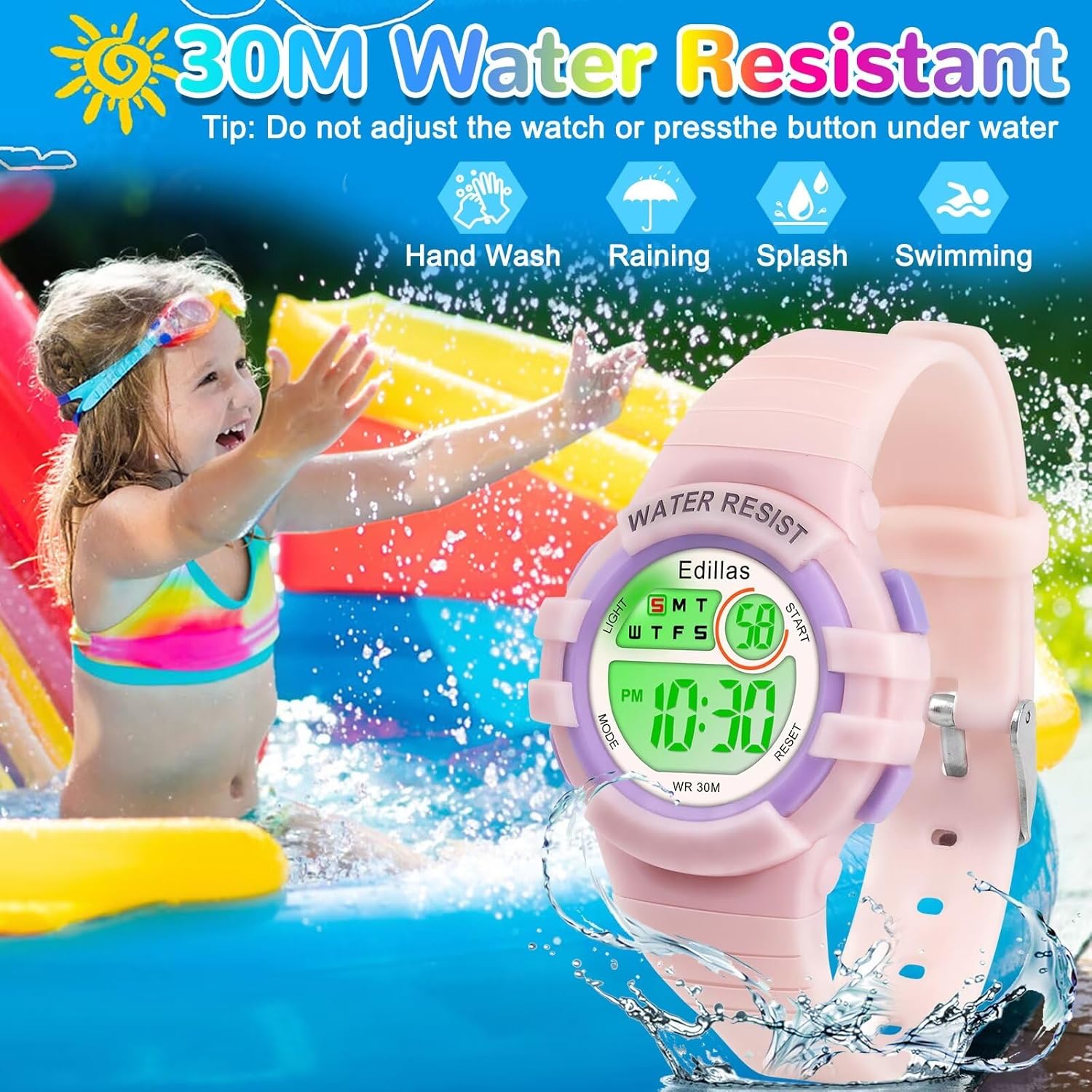
The Edillas Digital Kids Watch is 5 ATM (50 meters) water resistant. This means it is suitable for daily use, including:
- Hand washing
- Rain exposure
- Splashes
- Swimming
Important: Do NOT press any buttons while the watch is submerged in water. This can compromise the water resistance seal.
2. Cleaning
To clean your watch, wipe it with a soft, damp cloth. Avoid using harsh chemicals or abrasive materials, as these can damage the watch's finish or components.
3. Battery
The watch uses 1 A battery (included). Battery replacement should ideally be performed by a qualified technician to ensure the water resistance seal is maintained.
Troubleshooting
| Problem | Possible Cause / Solution |
|---|---|
| Display is blank or dim. | Battery may be low or depleted. Replace the battery. |
| Time is inaccurate. | Re-set the time following the "Setting Time and Date" instructions. Ensure the watch is not exposed to strong magnetic fields. |
| Buttons are unresponsive. | Ensure the watch is not wet. If the issue persists, try a soft reset by removing and reinserting the battery (professional assistance recommended). |
| Water appears inside the watch. | Water resistance may have been compromised. Avoid further water exposure and seek professional repair immediately. This can happen if buttons were pressed underwater. |
Specifications
| Feature | Detail |
|---|---|
| Model Number | 2207L |
| Brand | Edillas |
| Display Type | Digital |
| Backlight Colors | 7 (Dark Blue, Green, Red, Sky Blue, Orange, Pink, Purple) |
| Water Resistance | 5 ATM (50 meters) |
| Functions | Alarm, Stopwatch, LED Cold Light, Time/Minute/Second/Date/Week/AM/PM Display, 12/24H Format, Hourly Chime |
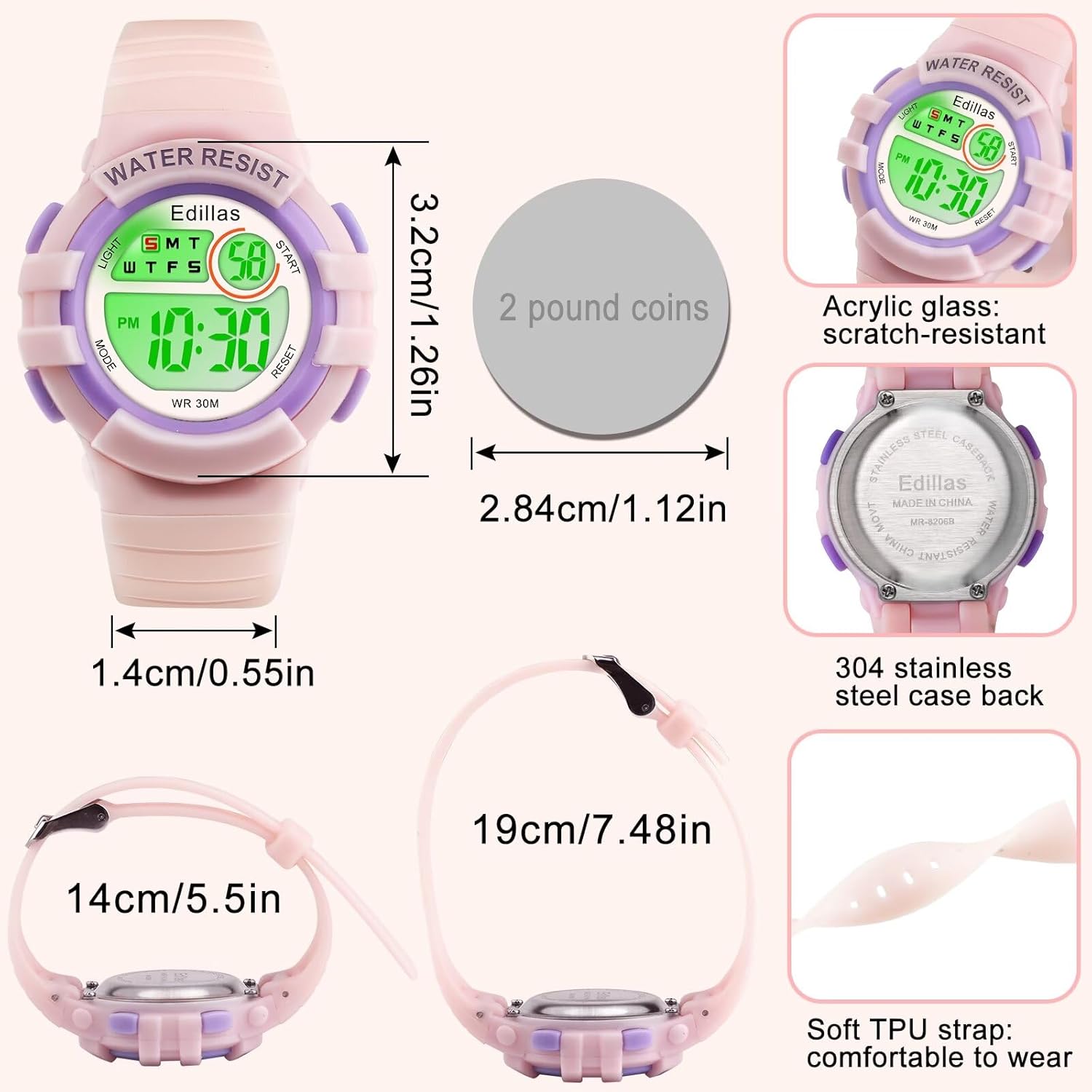
| Case Material | Resin |
| Strap Material | TPU Resin |
| Dial Window Material | Resin (Acrylic Glass: scratch-resistant) |
| Case Diameter | 3.2 cm (1.26 inches) |
| Case Thickness | 17 mm |
| Band Width | 1.6 cm (0.55 inches) |
| Band Length | 22 cm (7.48 inches adjustable) |
| Weight | 43 Grams |
| Battery | 1 A (included) |
| Age Range Description | Child (8-18 years recommended) |
Warranty and Support
Customer Support
For any issues or questions regarding your Edillas Digital Kids Watch, please contact our customer support team:
- Email: Yadelaiaftersale@163.com
We are committed to resolving any problems you may encounter.


