
1. Introduction
This manual provides instructions for the ChargeWorx Wireless Charger Stand, model CX5324BK. This foldable stand is designed to hold and facilitate wireless charging for compatible Apple iPhone 12/13/14/15/16/17 series devices when used with a MagSafe accessory (not included). Its compact and portable design makes it suitable for various environments, including home, office, and travel.

Image 1.1: ChargeWorx Wireless Charger Stand and its retail packaging.
2. Package Contents
Please verify that all items are present in the package:
- ChargeWorx Wireless Charger Stand (CX5324BK)
3. Setup Instructions
- Unfold the Stand: Gently unfold the ChargeWorx Wireless Charger Stand from its compact, folded position until it forms a stable upright stand. Ensure all joints are securely locked into place.
- Prepare Your Device: Ensure your Apple iPhone (12/13/14/15/16/17 series) is equipped with a MagSafe accessory. This stand requires a MagSafe accessory (not included) to function as a charging station.
- Insert MagSafe Accessory: Place your MagSafe accessory (e.g., Apple MagSafe Charger) into the circular recess on the upright arm of the stand. Ensure it fits snugly and is properly aligned.
- Connect Power: Connect the MagSafe accessory's cable to a compatible USB power adapter (not included) and plug it into a power outlet.
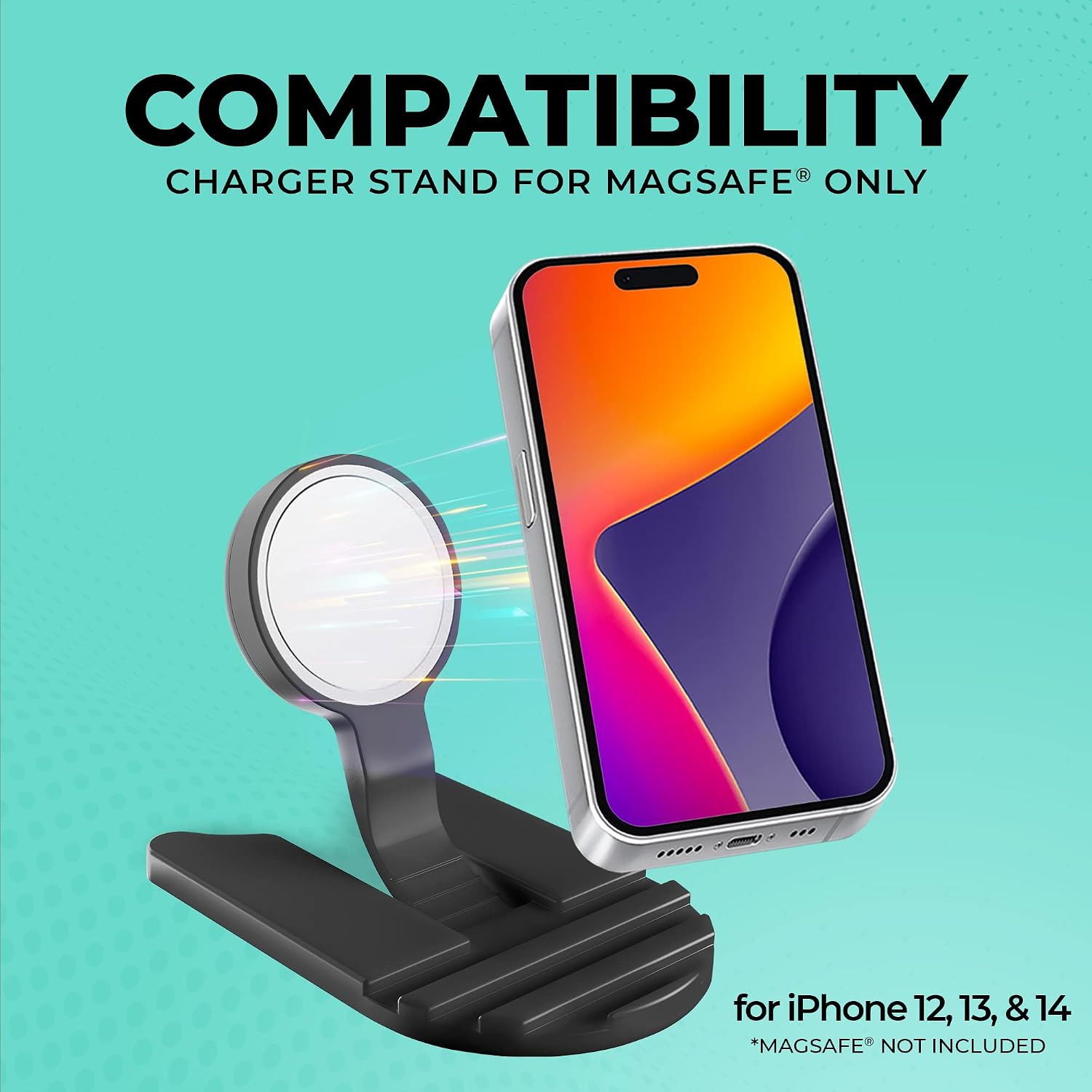
Image 3.1: The stand is compatible with iPhone 12, 13, and 14 series when used with a MagSafe accessory (not included).
4. Operating Instructions
- Place Your Device: Once the stand is set up and powered, gently place your MagSafe-enabled iPhone onto the MagSafe accessory in the stand. The magnetic connection will secure your device.
- Verify Charging: Confirm that your device begins charging. A charging indicator typically appears on your iPhone's screen.
- Adjust Viewing Angle: The stand is designed to hold your device at an optimal viewing angle for hands-free use while charging.
- Folding for Portability: To store or transport the stand, carefully fold it back into its compact form. This design allows for easy packing in bags or luggage.

Image 4.1: The stand features a foldable design for convenient travel and storage.

Image 4.2: The stand is light and portable, making it compact and easy to carry for charging on the go.
5. Maintenance
- Cleaning: Disconnect the stand from power before cleaning. Use a soft, dry cloth to wipe the surface. Avoid abrasive cleaners or solvents.
- Storage: When not in use, fold the stand to its compact form and store it in a dry, cool place away from direct sunlight and extreme temperatures.
- Handling: Handle the stand with care to prevent damage to its folding mechanism and surfaces.
6. Troubleshooting
- Device Not Charging:
- Ensure the MagSafe accessory is correctly inserted into the stand and connected to a working power source.
- Verify that your iPhone is properly aligned with the MagSafe accessory.
- Check if your iPhone is compatible with MagSafe charging.
- Ensure the MagSafe accessory itself is functional.
- Stand Not Stable:
- Ensure the stand is fully unfolded and locked into its upright position.
- Place the stand on a flat, stable surface.
- Device Slipping:
- Confirm that your iPhone has a MagSafe-compatible case or no case, allowing for a strong magnetic connection.
- Ensure the MagSafe accessory is clean and free of debris.
7. Specifications
| Model Number | CX5324BK |
| Product Dimensions | 3.9 x 0.7 x 7.4 inches |
| Item Weight | 12.3 ounces |
| Connector Type | MagSafe, Wireless |
| Compatible Phone Models | iPhone (12/13/14/15/16/17 Series) |
| Special Features | Foldable, Lightweight, Portable, Travel, Wireless Charger, Wireless Charging |
| Color | Black |
| Input Voltage | 5 Volts |
8. Safety Information
Proposition 65 Warning: This product may contain chemicals known to the State of California to cause cancer and birth defects or other reproductive harm.
- Do not expose the device to extreme temperatures, direct sunlight, or moisture.
- Keep out of reach of children.
- Do not disassemble or attempt to repair the device yourself.
- Use only with compatible MagSafe accessories and power adapters.

Image 8.1: The stand is designed with safety in mind to prevent slips and accidental drops.
9. Warranty and Support
For warranty information and customer support, please refer to the documentation provided with your purchase or visit the official ChargeWorx store on Amazon: