
Introduction
The Amazon Echo Spot is a smart alarm clock with Alexa, designed to enhance your daily routines. It features a vibrant display, rich sound, and integrates seamlessly with your smart home. This manual provides essential information for setting up, operating, maintaining, and troubleshooting your device.

Image: The Amazon Echo Spot, a compact smart display, shown in black on a wooden surface, displaying the time and weather.
Setup Guide
What's in the Box
- Echo Spot Device
- Power Adapter (15W)
- Quick Start Guide
Initial Setup Steps
- Power On: Connect the provided power adapter to your Echo Spot and plug it into a wall outlet. The device will power on automatically.
- Wi-Fi Connection: Follow the on-screen instructions to connect your Echo Spot to your Wi-Fi network. The device supports dual-band Wi-Fi (2.4 GHz and 5 GHz).
- Alexa App: Download the Alexa app on your Fire OS, Android, or iOS device. You can also access it via a web browser. Use the app to complete the setup, personalize settings, and manage your device.
- Account Linking: Link your Amazon account to the Echo Spot through the Alexa app.
The Amazon Wi-Fi simple setup feature allows for easy connection of smart devices to your Wi-Fi network.
Operating Your Echo Spot
Interacting with Alexa
Your Echo Spot is voice-controlled via Alexa. Simply say the wake word "Alexa" followed by your command or question. Alexa can assist with a wide range of tasks, from playing music to controlling smart home devices.
Key Features and Functions
- Customizable Smart Clock: View time, weather, and song titles at a glance. Personalize your display with various clock faces and colors.
- Audio Playback: Enjoy rich sound with clear vocals and deep bass from the built-in 1.73" speaker. Ask Alexa to play music, podcasts, and audiobooks. Song titles are displayed on the screen, and you can control playback by touch.
- Alarms and Routines: Set alarms and create Alexa routines to gently wake you with music and gradual light. Glance at the time, check reminders, or ask for weather updates.
- Smart Home Control: Control compatible smart home devices using voice commands or by touching the screen. For example, ask Alexa to turn on lights or dim them. Create routines that use motion detection to adjust thermostats or open blinds.
- eero Built-in: Extend your Wi-Fi coverage and reduce buffering with eero Built-in, if you have a compatible eero Wi-Fi network. This feature requires linking your eero and Amazon accounts and managing it via the eero mobile application.
- Bluetooth Connectivity: Stream audio from your mobile device to Echo Spot (A2DP) or from Echo Spot to a Bluetooth speaker (AVRCP).
- Amazon Sidewalk: A shared network that helps compatible devices work better. It can keep certain devices connected if Wi-Fi is lost and extends range for devices like water sprinklers. You can manage Sidewalk settings at any time.
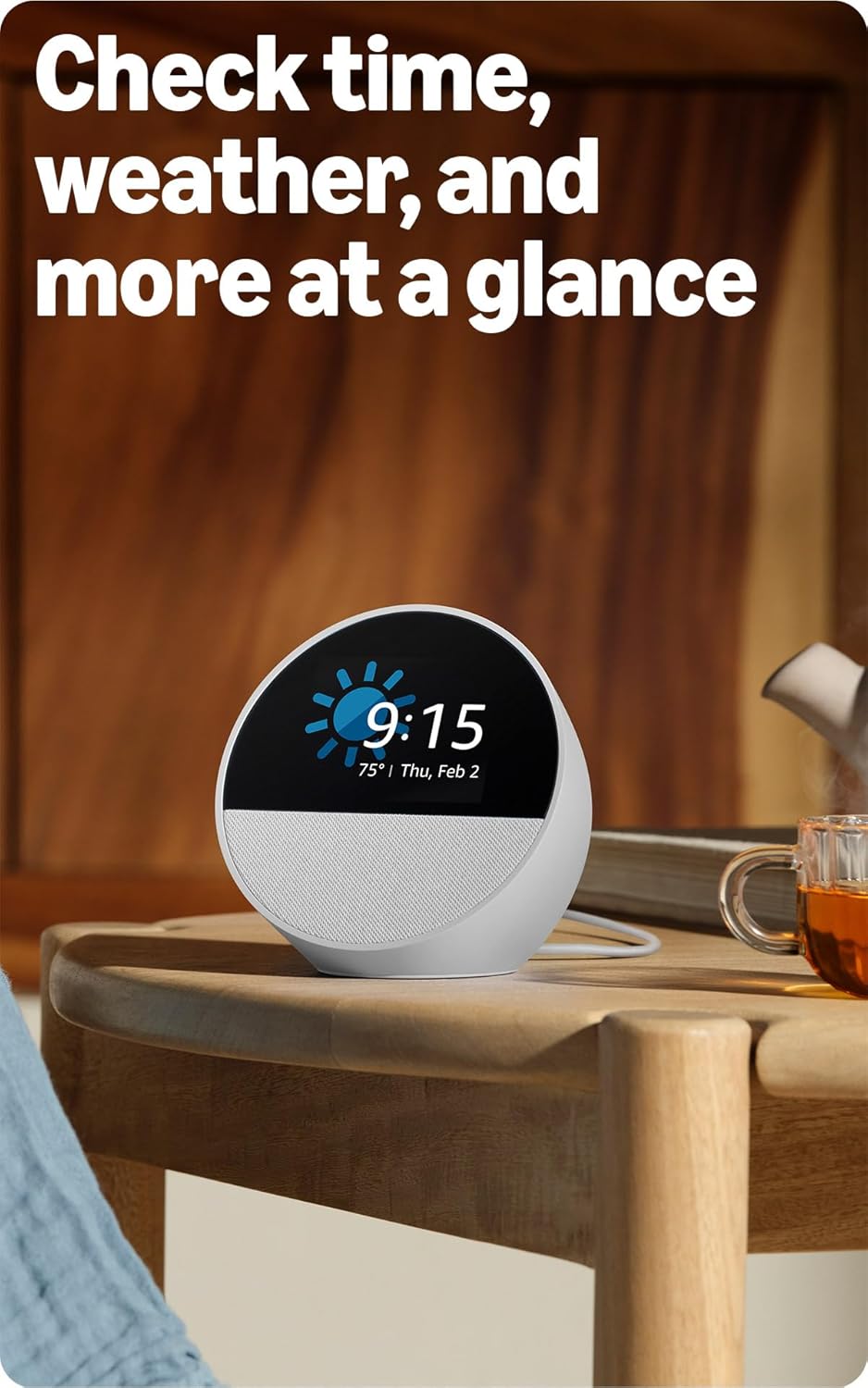
Image: A white Amazon Echo Spot showing the current time and weather forecast on its circular display.
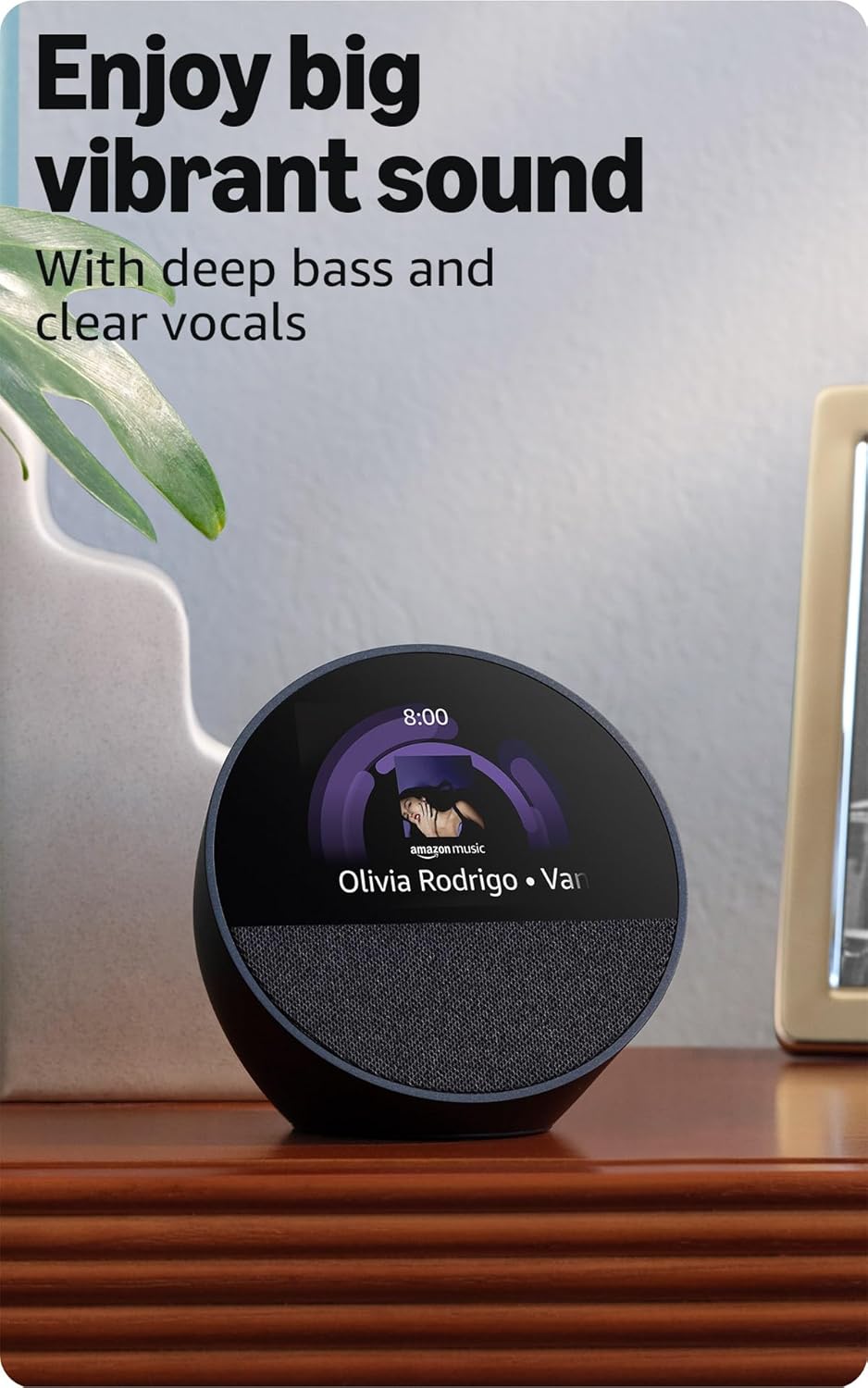
Image: A black Amazon Echo Spot displaying album art and song title for music currently playing.
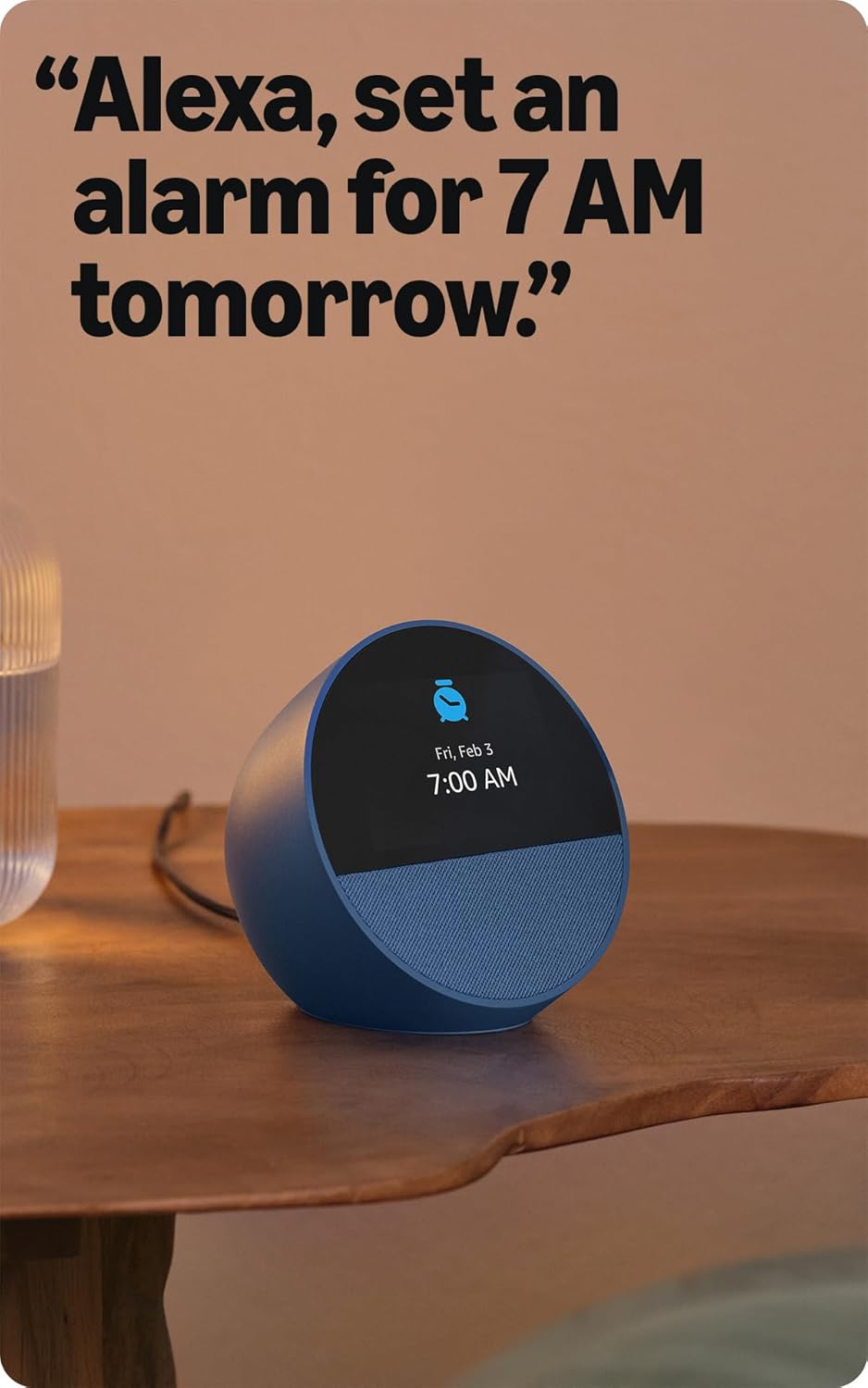
Image: A blue Amazon Echo Spot showing an alarm set for 7:00 AM on its display.
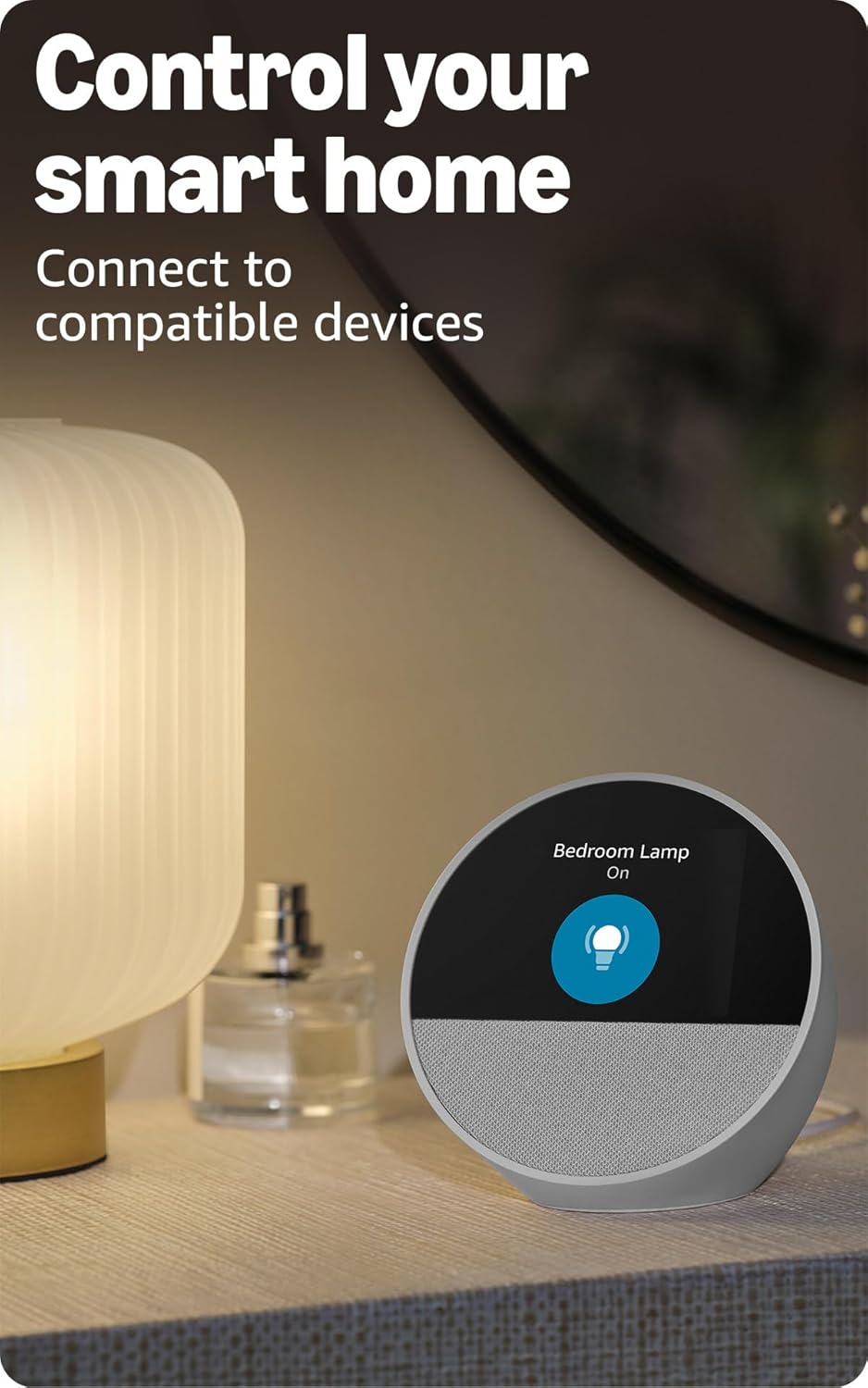
Image: A white Amazon Echo Spot displaying a smart home control interface, showing a "Bedroom Lamp" turned "On".
Maintenance
To ensure the longevity and optimal performance of your Echo Spot, follow these simple maintenance guidelines:
- Cleaning: Use a soft, dry, lint-free cloth to clean the device. Do not use abrasive cleaners or sprays.
- Placement: Place the device on a stable, flat surface away from direct sunlight, heat sources, and liquids.
- Software Updates: Your Echo Spot receives automatic software security updates. Ensure your device is connected to Wi-Fi to receive these updates.
Troubleshooting
If you encounter issues with your Echo Spot, try the following troubleshooting steps:
- No Power: Ensure the power adapter is securely connected to both the device and a working power outlet.
- Wi-Fi Connectivity Issues:
- Check if your Wi-Fi router is on and functioning correctly.
- Restart your Echo Spot by unplugging it for a few seconds and plugging it back in.
- Verify your Wi-Fi password in the Alexa app.
- Ensure your device is within range of your Wi-Fi router.
- Alexa Not Responding:
- Make sure the microphone is not muted. The mic off button is located on the top of the device.
- Speak clearly and at a normal volume.
- Reduce background noise.
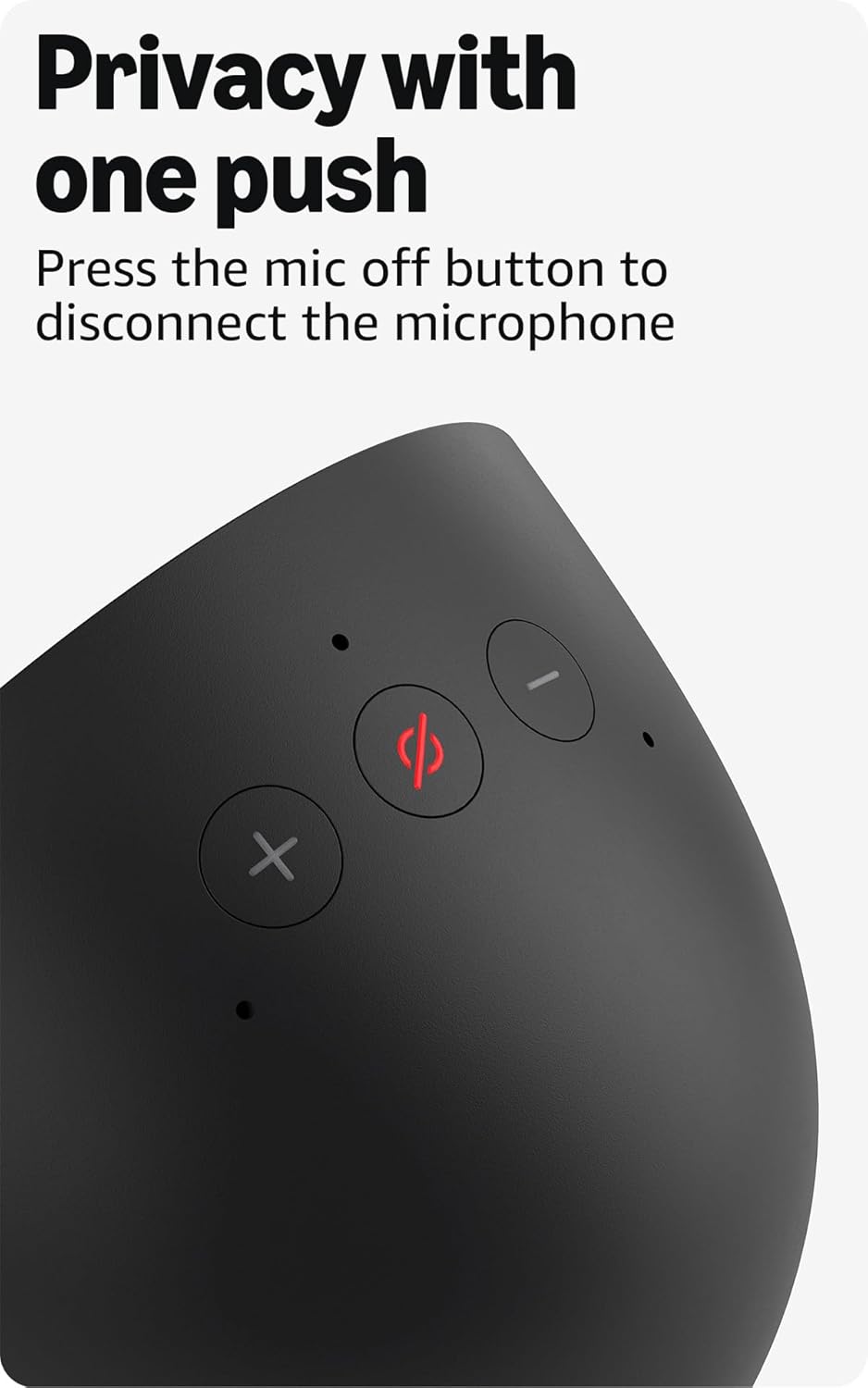
Image: A close-up view of the top of the Echo Spot, highlighting the microphone off button (red circle with a line through it).
- Display Issues: If the screen is unresponsive or frozen, try restarting the device.
- Bluetooth Pairing: If you have trouble pairing a Bluetooth device, ensure it is in pairing mode and within range. Bluetooth speakers requiring PIN codes are not supported.
For further assistance, refer to the Alexa app or Amazon's online support resources.
Specifications
| Feature | Detail |
|---|---|
| Model | Echo Spot - 2024 Release |
| Size | 4.5"W x 4.1"D x 4.4"H (113mm x 103mm x 111mm) |
| Weight | 14.3oz (405g) |
| Display | 2.83” touch screen (240x320px) with half-circle tinted cover glass |
| Camera | No camera |
| Wi-Fi Connectivity | Dual-band Wi-Fi (802.11a/b/g/n/ac, 2.4 and 5 GHz). Does not support ad-hoc networks. |
| Bluetooth Connectivity | A2DP support for audio streaming, AVRCP for voice control. PIN-code speakers not supported. |
| Audio | Full range 1.73” built-in speaker. Lossless High Definition. |
| Processor | MT8519 |
| Memory | 1GB DRAM + 8GB eMMC |
| System Requirements | Wi-Fi connection. Alexa app compatible with Fire OS, Android, iOS, and web browsers. |
| Language | Alexa speaks English and Spanish |
| Smart Home Compatibility | Wi-Fi, Bluetooth Low Energy Mesh, and Matter (Wi-Fi only). |
Warranty and Support
Warranty Information
Your Echo Spot comes with a 1-year limited warranty and service. This device is certified refurbished and carries the same limited warranty as a new device. Optional extended warranties (1-year, 2-year, and 3-year) are available for U.S. customers and sold separately. Use of the Echo Spot is subject to Amazon's terms of service.
Privacy Features
The Echo Spot is designed with multiple layers of privacy controls:
- Wake-word technology
- Streaming indicators
- Microphone off button (physical button to disconnect the microphone)
- Ability to view and delete your voice recordings
For more details on privacy, visit the Alexa Privacy Hub.
Software Security Updates
Your device receives regular software security updates. For information specific to your device, visit Manage Your Content and Devices.
Accessibility Features
The Echo Spot includes various accessibility features. Access these settings via Settings → Accessibility on your device or in the Alexa app. Features include:
- Adaptive Listening (more time to speak before Alexa responds)
- Preferred Speaking Rate (control Alexa's speech speed)
- Alexa Captioning (text captions for supported content)
- Notify When Nearby (notification sounds when detected near device)
- Kindle Read Aloud (Alexa reads Kindle books)
- Color Inversion, Color Correction, Request Sound, and more.


