
Introduction
This manual provides essential information for setting up, operating, maintaining, and troubleshooting your HP Envy 17-cr1010nr laptop. Please read this guide thoroughly to ensure optimal performance and longevity of your device.

Figure 1: HP Envy 17-cr1010nr Laptop
Setup
Follow these steps to set up your new HP Envy laptop:
- Unpack the Box: Carefully remove all components from the packaging. Ensure you have the laptop, 90 W USB Type-C power adapter, and any included documentation.
- Connect Power: Plug the 90 W USB Type-C power adapter into the laptop's USB-C port and then into a power outlet. Allow the battery to charge for at least 30 minutes before first use, or until fully charged. The laptop supports fast charging, reaching 0 to 50% charge in approximately 30 minutes.
- Initial Boot-up: Open the laptop lid and press the power button. Follow the on-screen instructions to complete the Windows 11 Home setup, including language selection, network connection, and user account creation.
- Software Installation: Install any necessary software or updates. The laptop comes with Windows 11 Home and may include trial versions of Microsoft 365 and McAfee LiveSafe.
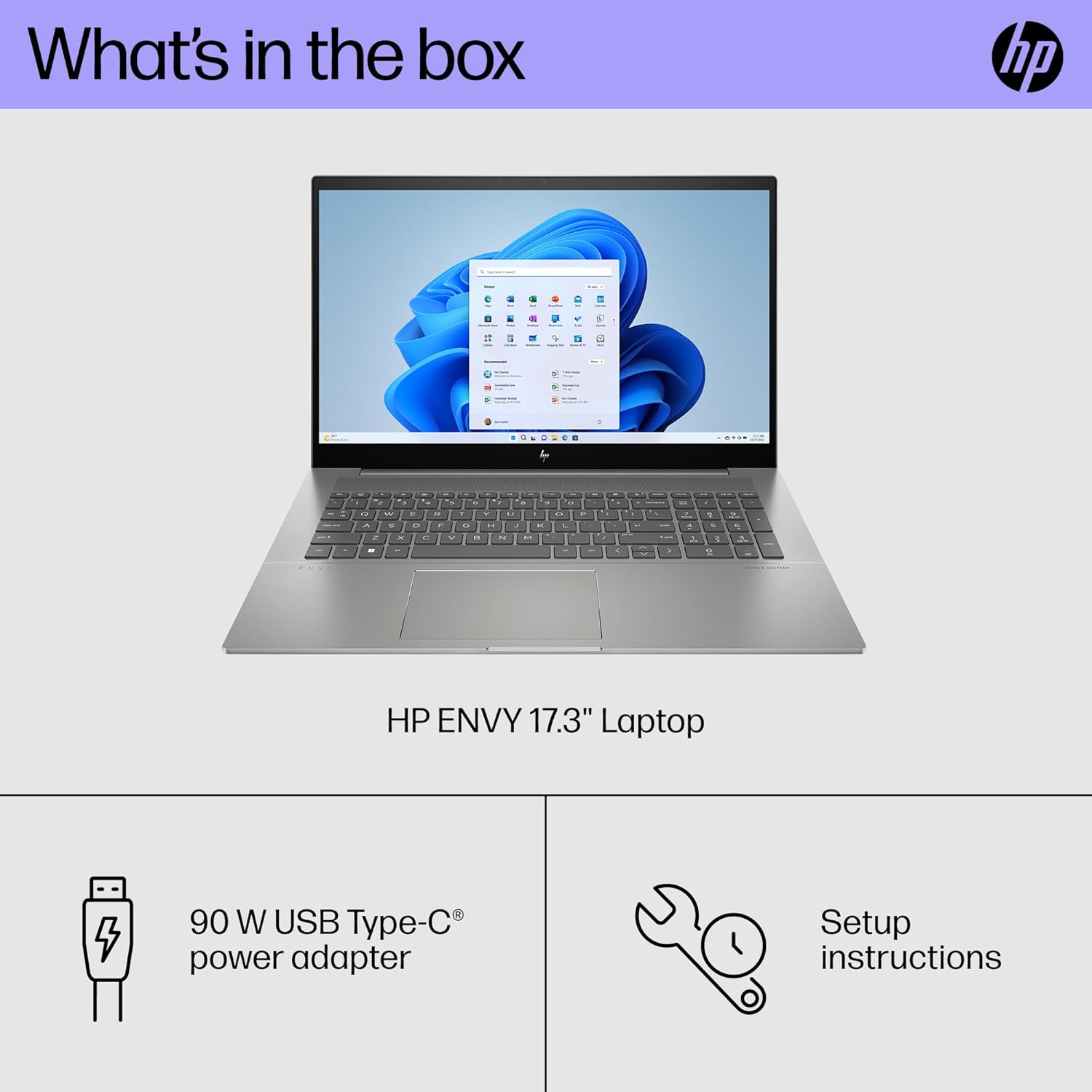
Figure 2: What's in the box, including the laptop and power adapter.
Operating Your HP Envy Laptop
Display and Interaction
Your HP Envy laptop features a 17.3-inch Full HD (1920 x 1080) multitouch-enabled IPS display with edge-to-edge glass. It offers 300 nits brightness and 100% sRGB color accuracy.
- Touchscreen Functionality: Interact directly with the screen using touch gestures.
- Keyboard and Touchpad: The full-size, backlit, moonstone grey keyboard includes a numeric keypad. The HP Imagepad provides precise navigation.

Figure 3: Laptop keyboard with backlighting enabled.
Connectivity
The laptop offers various ports and wireless connectivity options:
- USB Ports:
- 1 x USB Type-A 10Gbps signaling rate (HP Sleep and Charge)
- 2 x USB Type-A 10Gbps signaling rate
- 2 x Thunderbolt 4 with USB Type-C 40Gbps signaling rate (USB Power Delivery, DisplayPort 1.4, HP Sleep and Charge)
- Video Output: 1 x HDMI 2.1 port for external displays.
- Audio: 1 x headphone/microphone combo jack.
- Wireless: Intel Wi-Fi 6E AX211 (2x2) and Bluetooth 5.3 wireless card.
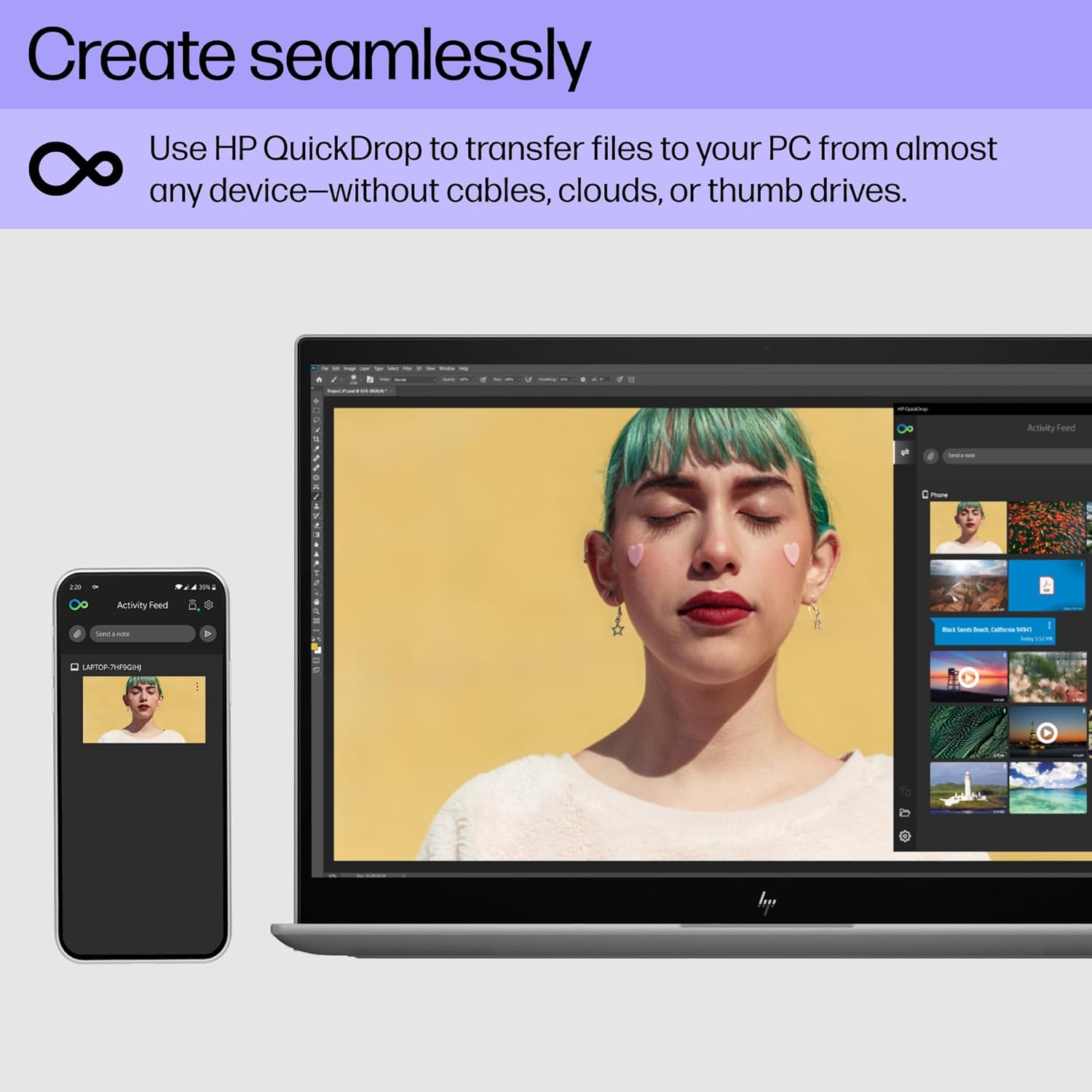
Figure 4: Left side of the laptop displaying USB-A, HDMI, and headphone/microphone ports.

Figure 5: HP QuickDrop allows for wireless file transfer between devices without cables or cloud services.
Camera and Security
The laptop includes a 5MP IR camera with a privacy cover and Windows Hello support for secure login. AI noise reduction enhances audio during video calls.
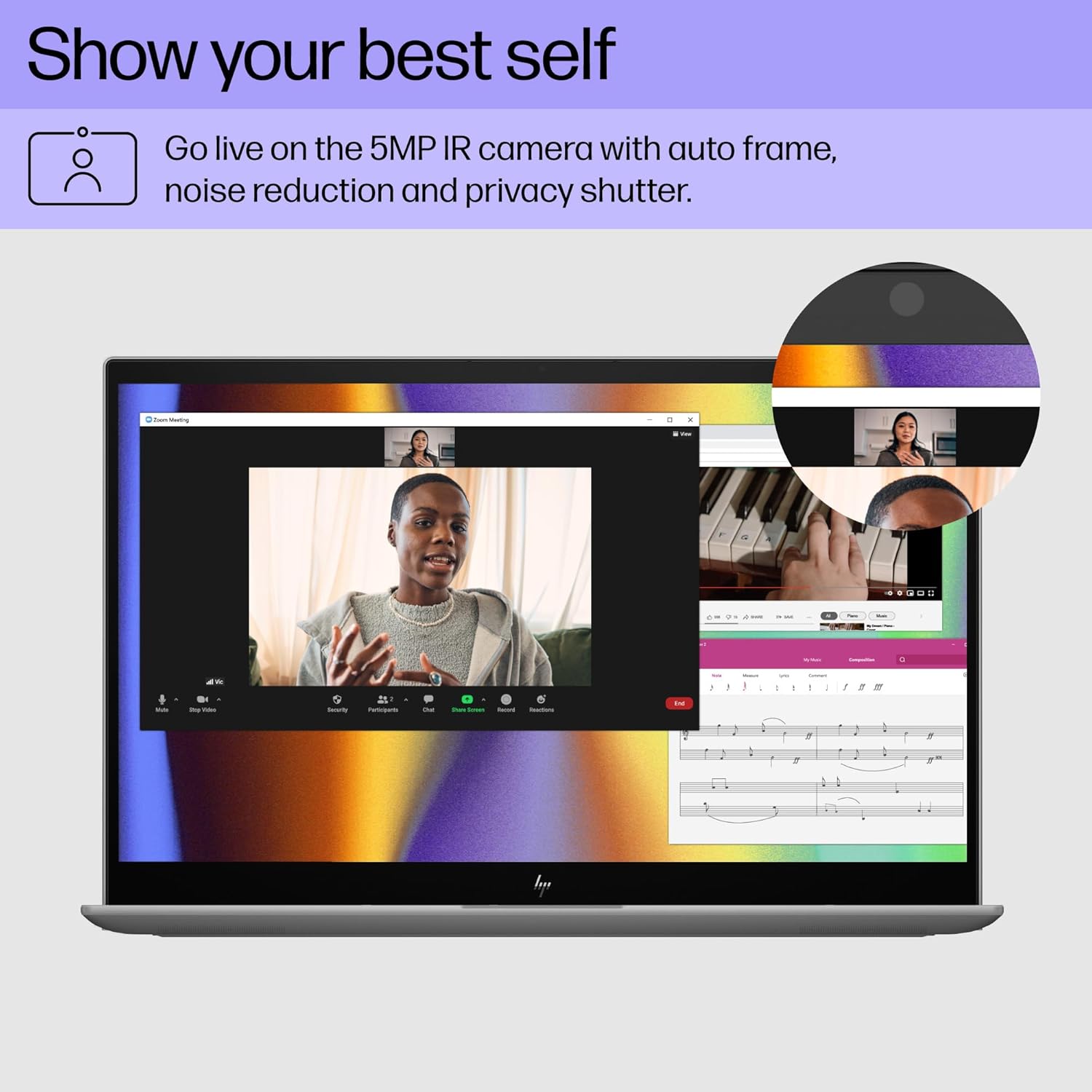
Figure 6: The 5MP IR camera with privacy shutter and AI noise reduction for clear video conferencing.
Video 1: Official HP video showcasing the HP Envy laptop's features and versatility.
Maintenance
- Cleaning: Use a soft, lint-free cloth to clean the screen and exterior. Avoid harsh chemicals.
- Software Updates: Regularly check for and install operating system and driver updates to ensure optimal performance and security.
- Battery Care: To prolong battery life, avoid extreme temperatures and fully discharging the battery frequently. The laptop automatically detects when placed in a carrying bag and enters hibernation to prevent battery drain and overheating.
- Environmental Considerations: This laptop is EPEAT Gold registered and ENERGY STAR certified, incorporating sustainable materials.

Figure 7: The laptop's commitment to sustainability, featuring EPEAT Gold and ENERGY STAR ratings.
Troubleshooting
If you encounter issues with your laptop, consider the following common solutions:
- No Power: Ensure the power adapter is securely connected to both the laptop and a working power outlet. Check the power indicator light.
- Screen Issues: If the screen is blank, try adjusting the brightness or connecting an external monitor to check if the display hardware is functioning.
- Slow Performance: Close unnecessary applications, check for malware, and ensure your operating system is up to date. Consider restarting the laptop.
- Connectivity Problems: For Wi-Fi issues, restart your router and the laptop. For Bluetooth, ensure the device is discoverable and within range.
- Touchscreen Unresponsive: Restart the laptop. If the issue persists, check for driver updates for the touchscreen.
Specifications
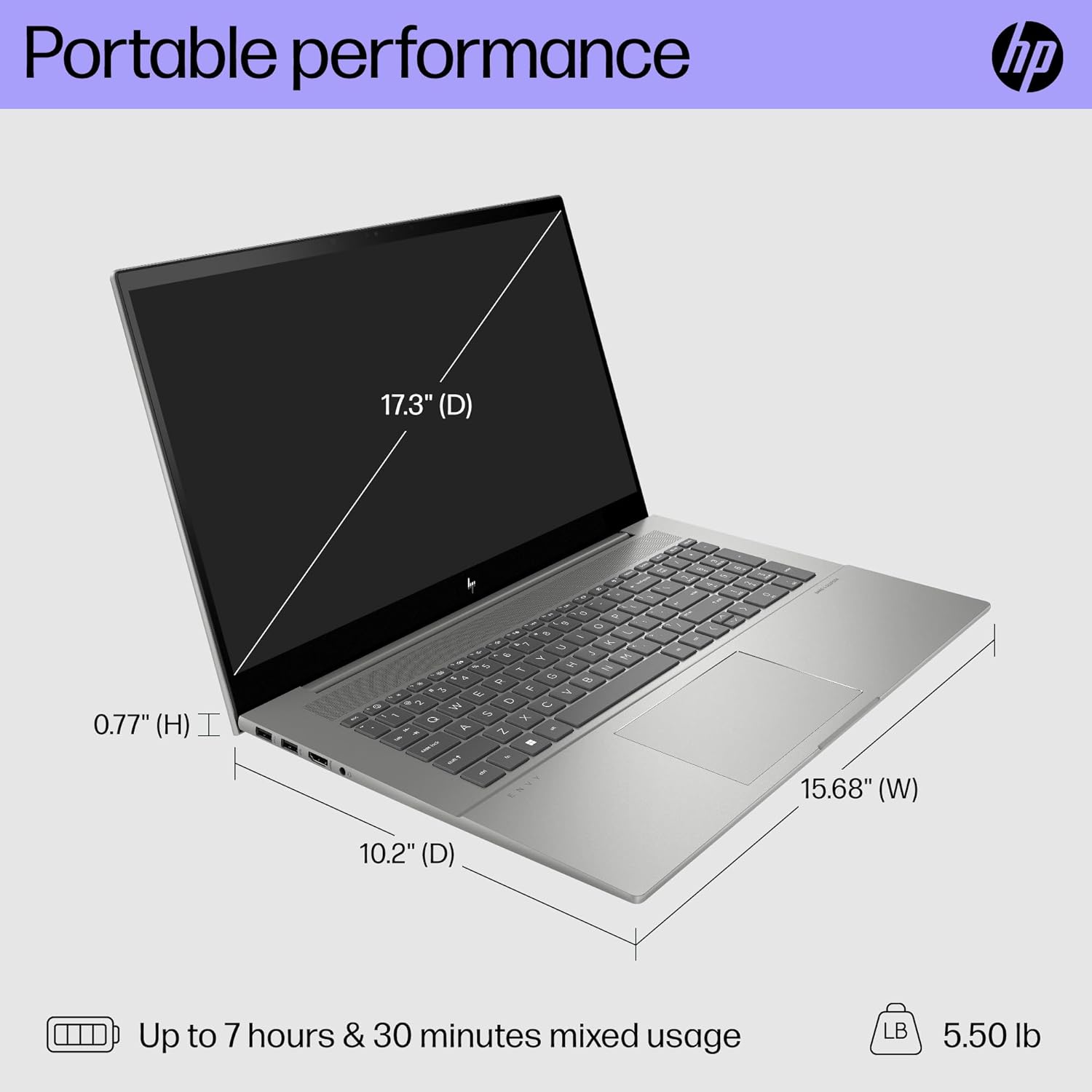
Figure 8: Physical dimensions of the HP Envy 17-cr1010nr laptop.
| Feature | Detail |
|---|---|
| Model Name | HP ENVY Laptop 17-cr1010nr |
| Processor | 13th Generation Intel Core i7-13700H (up to 5.0 GHz, 14 cores, 20 threads, 24 MB L3 cache) |
| Graphics | Intel Iris Xe Graphics (Integrated) |
| RAM | 12 GB DDR4-3200 MHz (1 x 4 GB, 1 x 8 GB) |
| Storage | 1 TB PCIe NVMe M.2 SSD |
| Display | 17.3-inch diagonal, FHD (1920 x 1080), multitouch-enabled, IPS, edge-to-edge glass, micro-edge, 300 nits, 100% sRGB |
| Operating System | Windows 11 Home |
| Ports | 1x USB Type-A 10Gbps (HP Sleep and Charge), 2x USB Type-A 10Gbps, 2x Thunderbolt 4 with USB Type-C 40Gbps (USB Power Delivery, DisplayPort 1.4, HP Sleep and Charge), 1x HDMI 2.1, 1x headphone/microphone combo |
| Wireless Connectivity | Intel Wi-Fi 6E AX211 (2x2), Bluetooth 5.3 |
| Camera | 5MP IR camera with privacy cover and Windows Hello support |
| Audio | Audio by Bang & Olufsen; Dual speakers; HP Audio Boost |
| Battery Life | Up to 8.45 hours (55 Watt Hours, 4-cell Lithium Polymer) |
| Dimensions (L x W x Thickness) | 15.68" x 10.2" x 0.77" |
| Weight | 4.8 Pounds |
Warranty and Support
Your HP Envy laptop comes with a 1-year limited hardware warranty and 1-year limited technical support for software and initial setup. Web support is available 24 hours a day, 7 days a week.
For further assistance, please visit the official HP support website or contact their customer service.
- HP Support Website: support.hp.com
- Product Registration: Register your product to receive updates and support.