
Introduction
Welcome to the Status Between 3ANC Onyx True Active Noise Cancelling Wireless Earbuds. These earbuds are designed to provide a high-quality audio experience with advanced features for various listening environments. This manual will guide you through the setup, operation, and maintenance of your new earbuds.
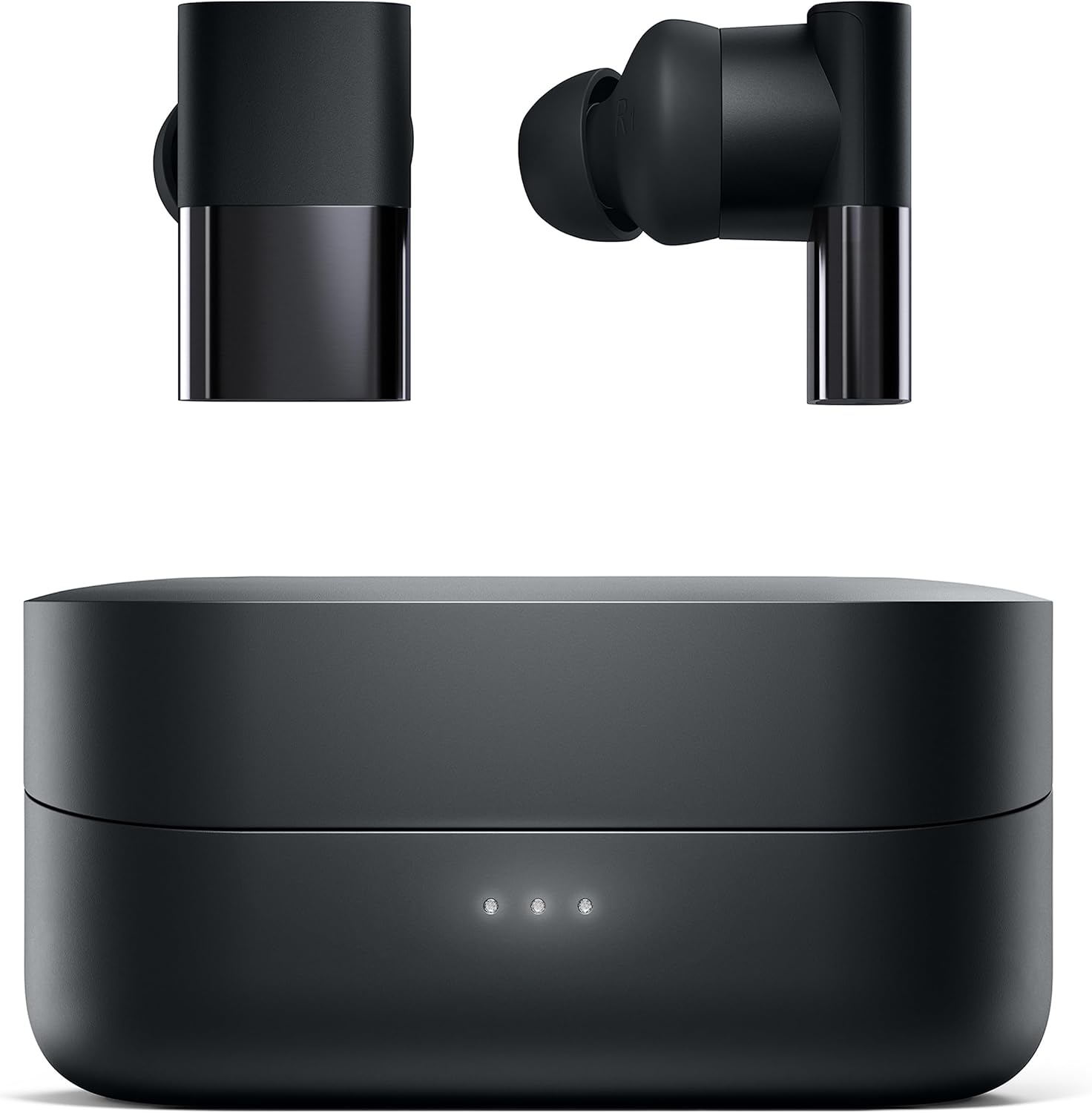
Image: Status Between 3ANC Onyx earbuds resting on their charging case.
What's in the Box
- Status Between 3ANC Onyx Wireless Earbuds
- Wireless Charging Case
- USB-C Charging Cable (not explicitly listed but standard)
- Multiple Ear Tip Sizes
- Multiple Wingtip Sizes
Setup
1. Charging the Earbuds and Case
Before first use, fully charge your earbuds and charging case. The case can be charged via a USB-C cable or wirelessly using a compatible wireless charger.
- Earbud Playtime: Up to 8 hours with Active Noise Cancellation (ANC) on, or 12 hours with ANC off.
- Case Battery Life: Provides an additional 24 hours of power, totaling up to 36 hours of combined playtime.
- Quick Charge: A 15-minute charge provides up to 2 hours of playback.

Image: The Status Between 3ANC charging case being charged wirelessly.
2. Pairing with Your Device
- Ensure the earbuds are in the charging case and the case has power.
- Open the charging case. The earbuds will automatically enter pairing mode.
- On your device (smartphone, tablet, computer), go to Bluetooth settings.
- Select "Status Between 3ANC" from the list of available devices.
- Once paired, the earbuds will automatically reconnect to your device when removed from the case.
The earbuds utilize Bluetooth 5.2 technology for a stable connection up to 33 feet (10 meters).
3. Achieving a Secure and Comfortable Fit
Proper fit is crucial for both sound quality and effective noise cancellation. Experiment with the included multiple ear tip sizes and wingtips to find the combination that provides a snug and comfortable seal in your ear canal.

Image: A person wearing the Status Between 3ANC Onyx earbuds, demonstrating a secure fit.
Operating Your Earbuds
1. Touch Controls
The Status Between 3ANC earbuds feature intuitive touch controls on each earbud for managing playback, calls, and voice assistants. Refer to the quick start guide for specific tap and hold functions.
2. Active Noise Cancellation (ANC) Modes
The earbuds offer three adjustable listening modes:
- Noise Cancellation: Blocks out ambient noise for an immersive listening experience.
- Transparency Mode: Allows environmental sounds to pass through, keeping you aware of your surroundings.
- Ambient Mode: (Often similar to Transparency, or a less aggressive noise cancellation)
Switch between modes using the touch controls on the earbuds or through the Status Audio app.

Image: A visual representation of the Active Noise Cancellation and Transparency modes, showing how they affect ambient sound.
3. Call Quality
Equipped with six beamforming microphones and environmental noise reduction, the earbuds ensure clear voice pickup during calls, even in noisy environments. They support hands-free calls and access to voice assistants like Siri or Google Assistant.

Image: A detailed diagram highlighting the location of the six beamforming microphones on the Status Between 3ANC earbuds.
4. Status Audio App
Download the Status Audio app to fine-tune your listening experience. The app allows you to:
- Change listening modes.
- Customize your acoustic experience with an equalizer.
- Receive firmware updates for optimal performance.

Image: A screenshot of the Status Audio mobile application, displaying options for sound modes and custom equalizer adjustments.
Maintenance
To ensure the longevity and optimal performance of your Status Between 3ANC earbuds:
- Cleaning: Regularly clean the earbuds and charging case with a soft, dry cloth. Avoid using harsh chemicals.
- Water Resistance: The earbuds are IPX5 water-resistant, meaning they can withstand splashes and sweat. Do not submerge them in water. Ensure they are dry before placing them back in the charging case.
- Storage: When not in use, store the earbuds in their charging case to protect them and keep them charged.

Image: A person with wet hair wearing the Status Between 3ANC earbuds, demonstrating their IPX5 water resistance for active use.
Troubleshooting
If you encounter issues with your earbuds, try the following steps:
- No Sound/Connection Issues: Ensure earbuds are charged. Re-pair the earbuds with your device. Try resetting the earbuds (refer to the Status Audio app or manufacturer's website for specific reset instructions).
- Poor Sound Quality: Check ear tip fit. Ensure earbuds are clean and free of debris.
- Charging Problems: Ensure the USB-C cable is securely connected or the wireless charger is properly aligned. Clean charging contacts on earbuds and case.
Specifications
| Feature | Specification |
|---|---|
| Model Name | SAANC-3X-ONYX-1 |
| Connectivity Technology | Wireless (Bluetooth 5.2) |
| Audio Driver Type | Hybrid Driver (1 Dynamic, 2 Balanced Armature) |
| Frequency Range | 5Hz-25,000Hz |
| Noise Control | Active Noise Cancellation |
| Battery Life (Earbuds) | 8 Hours (ANC on), 12 Hours (ANC off) |
| Carrying Case Battery Life | 24 Hours (additional) |
| Water Resistance Level | IPX5 |
| Microphones | 6 (Beamforming with Environmental Noise Reduction) |
| Control Method | Touch |
| Weight | 7.4 ounces (Item Weight) |
Warranty and Support
For warranty information and customer support, please visit the official Status website or contact their customer service department. You can also find more information on the Status Brand Store.


