
Introduction
This manual provides detailed instructions for the safe and effective use of your Lanaform Pureskin LA131312 Facial Care Device. This device is designed to offer a comprehensive anti-aging and skin care experience through multiple advanced technologies.
Safety Warnings
Please read all safety instructions carefully before using the device.
- Adhere to all general European safety guidelines.
- Do not use the device on broken, irritated, or infected skin.
- Consult a physician before use if you have any pre-existing medical conditions, especially skin conditions, or if you are pregnant or breastfeeding.
- Keep out of reach of children.
- Do not immerse the device in water.
- Use only as directed in this manual.
Product Overview
The Lanaform Pureskin LA131312 is an advanced facial care device incorporating multiple technologies for comprehensive skin treatment.
Key Features:
- Anti-aging facial care device
- 6 care modes
- Multiple technologies (including Sonic Vibration, Positive Ions, Microcurrent, Hot Compress, Electroporation, Blue and Red LED Light)
- Red and blue LED lights for various skin benefits
- Designed for deep cleansing and skin nourishment
Device Components:

The device typically includes a main unit with a treatment head, control buttons (power, mode), and an indicator display for selected settings. Refer to the packaging for a complete list of included accessories.
Setup
- Unpacking: Carefully remove the device and all accessories from the packaging. Retain the packaging for future storage or transport.
- Initial Charge: Before first use, fully charge the device. Connect the charging cable to the device and a suitable power source. The charging indicator will show the charging status.
- Cleanse Skin: Ensure your face is clean and free of makeup before each use.
Operating Instructions
The Lanaform Pureskin LA131312 offers various modes and technologies for a customized facial treatment.
Understanding the Technologies:

- (Ultra-) Sonic Vibration: Helps to deeply cleanse the skin and improve circulation.
- Emission of Positive Ions: Aids in drawing out impurities from the skin.
- Microcurrent Massage (EMS): Stimulates facial muscles for toning and lifting effects.
- Hot Compress Massage: Opens pores and promotes absorption of skincare products.
- Electroporation: Enhances the penetration of active ingredients from skincare products into the skin.
- Blue and Red LED Light:
- Red LED: Supports collagen production, reduces fine lines, and improves skin elasticity.
- Blue LED: Targets bacteria, helps with acne, and controls sebum production.
Using the Device:
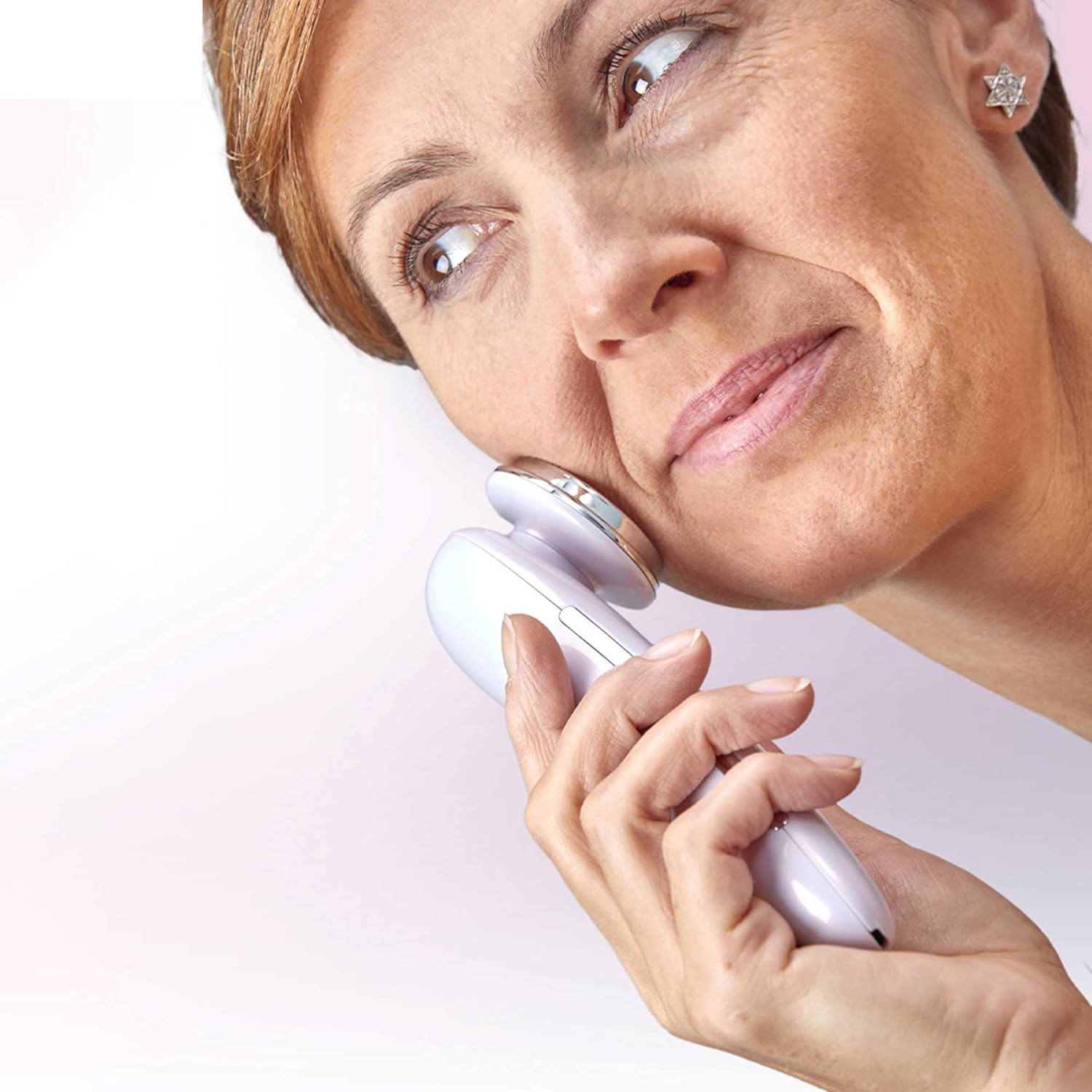
- Power On: Press and hold the Power button to turn on the device.
- Select Mode: Press the Mode button to cycle through the available care modes. Each mode combines different technologies for specific skin concerns. Refer to the device's display or accompanying quick start guide for mode descriptions.
- Apply to Skin: Gently place the treatment head onto your skin. Move the device slowly and smoothly across your face, following the contours. Avoid sensitive areas like the eyes.
- Treatment Duration: Follow the recommended treatment duration for each mode, typically indicated by the device or in the full user manual.
- Power Off: After use, press and hold the Power button to turn off the device.

Maintenance
- Cleaning: After each use, wipe the treatment head with a soft, damp cloth. Do not use abrasive cleaners or immerse the device in water.
- Storage: Store the device in a cool, dry place, away from direct sunlight and extreme temperatures. Keep it in its original packaging or a protective case when not in use.
- Charging: Recharge the device when the battery indicator shows low power. Avoid overcharging.
Troubleshooting
| Problem | Possible Cause | Solution |
|---|---|---|
| Device does not turn on. | Battery is depleted. | Charge the device fully. |
| Device not charging. | Charging cable or adapter faulty; improper connection. | Ensure cable is securely connected. Try a different power outlet or adapter. |
| No sensation or weak sensation during use. | Insufficient contact with skin; low battery; incorrect mode. | Ensure full contact with skin. Recharge device. Select appropriate mode. |
| Skin irritation after use. | Overuse; sensitive skin; improper product application. | Reduce treatment duration or frequency. Ensure skin is clean. Discontinue use if irritation persists and consult a dermatologist. |
Specifications
- Model Number: LA131312
- Brand: Lanaform
- Composition: Glossy Plastic
- Product Dimensions (L x W x H): 19.6 x 13.6 x 7 cm
- Weight: 160 grams
- ASIN: B0C255B7L1
- Date First Available: April 11, 2023
Warranty and Support
For warranty information, product support, or service inquiries, please refer to the official Lanaform website or contact their customer service department. Keep your proof of purchase for warranty claims.
Lanaform Official Website: www.lanaform.com
