
EBTOOLS EBTOOLSntak6zm5vd-11
EBTOOLS Language Translator Earbuds User Manual
Model: EBTOOLSntak6zm5vd-11
1. Introduction
Thank you for choosing the EBTOOLS Language Translator Earbuds. These earbuds are designed to facilitate communication across language barriers, offering instant translation in 84 languages. They also function as standard Bluetooth earbuds for music and calls. Please read this manual carefully to ensure proper use and to maximize your experience with the product.
2. Package Contents
Upon opening your EBTOOLS Language Translator Earbuds package, you should find the following items:
- EBTOOLS Language Translator Earbuds (Left and Right)
- Charging Case
- USB Charging Cable
- Multiple Sizes of Ear Tips
- User Manual (this document)

Image: The package contents, showing the earbuds, charging case, USB cable, and various ear tip sizes.
3. Product Overview
The EBTOOLS Language Translator Earbuds are designed for comfort and functionality, featuring a sleek black finish and a compact charging case. They are equipped with advanced technology for instant voice translation and high-fidelity audio playback.

Image: The EBTOOLS Language Translator Earbuds in their charging case.
4. Setup Guide
4.1 Charging the Earbuds and Case
Before first use, fully charge the earbuds and the charging case. Connect the provided USB cable to the charging case and a compatible USB power source. The indicator lights on the case will show the charging status. Once fully charged, the indicator lights will change or turn off.
4.2 Bluetooth Pairing
- Ensure the earbuds are charged and placed in the charging case.
- Open the charging case lid. The earbuds will automatically enter pairing mode.
- On your mobile device, enable Bluetooth and search for available devices.
- Select "EBTOOLS Translator Earbuds" (or similar name) from the list to connect.
- Once connected, you will hear an audio prompt, and the earbuds will be ready for use.
4.3 App Installation and Activation
To utilize the translation features, you must download and install the dedicated translation application on your smartphone. A QR code for the app download is typically provided on an included translation card or within the packaging. After installation, you will need to enter an activation code to use the translation service. Please note that the activation code provided may be for a limited duration (e.g., a monthly card) and may require renewal or subscription after its expiration to continue using the translation features.

Image: Illustration of app control and language support for the earbuds.
5. Operating Instructions
5.1 Basic Earbud Functions
- Power On/Off: Earbuds power on automatically when removed from the case and power off when returned to the case.
- Music Playback: Use your connected device to control music playback (play, pause, skip tracks). The earbuds support high-fidelity sound quality for an immersive listening experience.
- Making Calls: When connected to your phone, you can answer, end, or reject calls using the earbud controls (refer to the app or quick start guide for specific touch controls).
5.2 Using the Translation Feature
The translation feature is managed through the dedicated smartphone application. Ensure your earbuds are connected via Bluetooth and the app is active and subscribed.
- Open the translation app on your smartphone.
- Select the source and target languages from the 84 supported languages within the app.
- Follow the app's instructions to initiate translation. This typically involves speaking into the earbud's microphone or your phone's microphone, and the translated audio will be played back through the earbuds or phone speaker.
- The earbuds provide a stable connection distance of up to 10 meters from your paired device.
Supported languages include, but are not limited to: Arabic (various dialects), Polish, Danish, German, Russian, French (France, Canada), Finnish, Korean, Dutch, Czech, Romanian, Portuguese (Portugal, Brazil), Swedish, Japanese, Thai, Turkish, Spanish (various dialects), Greek, Hungarian, Italian, English (various dialects), Hindi, Indonesian, Vietnamese, Cantonese, Chinese (Mandarin, Taiwan), Kurdish, Persian, Slovak, Bulgarian, Hebrew, Malay, Norwegian, Croatian, and Khmer.
6. Maintenance
6.1 Cleaning
Regularly clean your earbuds and charging case to maintain optimal performance and hygiene. Use a soft, dry, lint-free cloth. For the ear tips, you may gently wipe them with a slightly damp cloth and mild soap, ensuring they are completely dry before reattaching. Do not use harsh chemicals or abrasive materials.
6.2 Waterproof Design
The earbuds feature a waterproof design, making them suitable for use in various weather conditions and during activities where they might be exposed to splashes or sweat. However, they are not designed for submersion in water. Avoid prolonged exposure to heavy rain or direct water jets. Ensure the charging port is dry before charging.
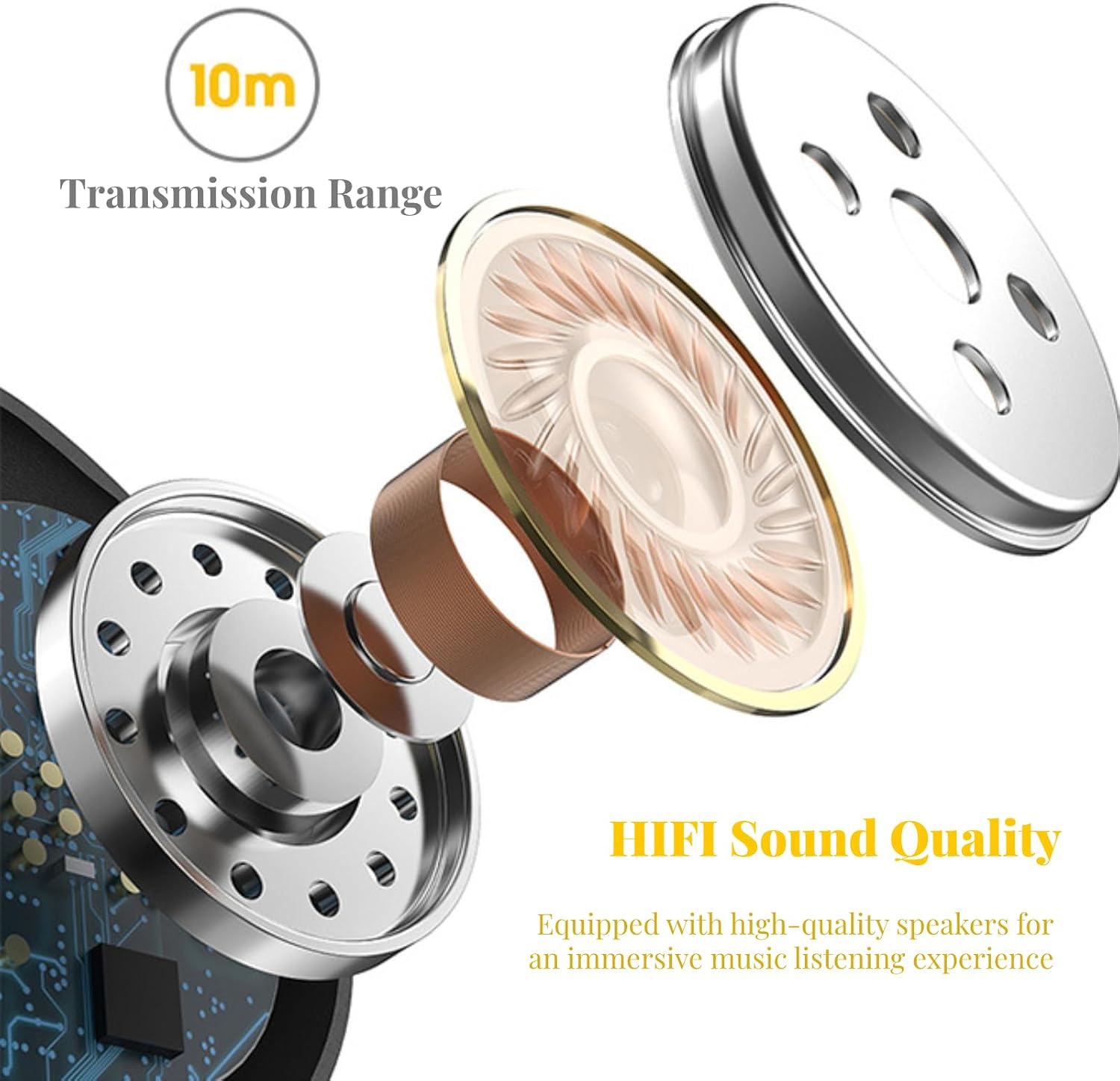
Image: The waterproof design of the earbuds and charging case.
6.3 Storage
When not in use, store the earbuds in their charging case to protect them from dust, damage, and to keep them charged. Store the product in a cool, dry place away from direct sunlight and extreme temperatures.
7. Troubleshooting
- Earbuds not pairing: Ensure both earbuds are charged. Place them back in the case, close the lid, wait a few seconds, then open the lid to re-enter pairing mode. Check your device's Bluetooth settings and try reconnecting.
- No sound or poor sound quality: Check the volume levels on both your earbuds and your connected device. Ensure the earbuds are properly seated in your ears. Clean any debris from the ear tips or speaker mesh.
- Translation not working: Verify that the earbuds are correctly paired and connected to the translation app. Ensure you have an active subscription or activation for the translation service within the app. Check your internet connection, as online translation requires network access.
- Short battery life: Ensure the earbuds and charging case are fully charged before use. Battery performance can degrade over time.
- App subscription required: As noted in the setup section, the translation functionality requires a dedicated application, which may involve a subscription or activation fee after an initial trial period. This is a design feature of the product and not a malfunction.
8. Specifications
| Brand Name | EBTOOLS |
| Model Number | EBTOOLSntak6zm5vd-11 |
| Item Weight | 2.46 ounces |
| Package Dimensions | 4.06 x 3.98 x 1.14 inches |
| Batteries | 1 Lithium Ion battery required (included) |
| Standby Time | Up to 120 hours |
| Usage Time | Up to 24 hours |
| Music Playback | Up to 3 hours |
| Translation Languages | 84 online languages |
| Connectivity | Bluetooth |
| Waterproof Rating | Waterproof design (splash and sweat resistant) |

Image: Battery life indicators for the earbuds.
9. Warranty and Support
For warranty information, technical support, or service inquiries regarding your EBTOOLS Language Translator Earbuds, please refer to the official EBTOOLS website or contact their customer support directly. Details for contacting support are typically found on the manufacturer's packaging or website.
Ask a question about this manual
Ask about setup, troubleshooting, compatibility, parts, safety, or missing instructions. Manuals+ will review the question and use this page’s manual context to help answer it.