Introduction
This manual provides detailed instructions for the installation, operation, and maintenance of your BOAVISION Battery Powered Security Camera. Please read this manual thoroughly before using the product to ensure proper function and safety.

Image: Overview of the BOAVISION Battery Powered Security Camera, showcasing its design and primary features.
Product Overview
The BOAVISION Battery Powered Security Camera is designed for outdoor surveillance, featuring a pan-tilt mechanism, 2K resolution, color night vision, two-way audio, and PIR motion detection. Its IP66 waterproof rating ensures durability in various weather conditions.
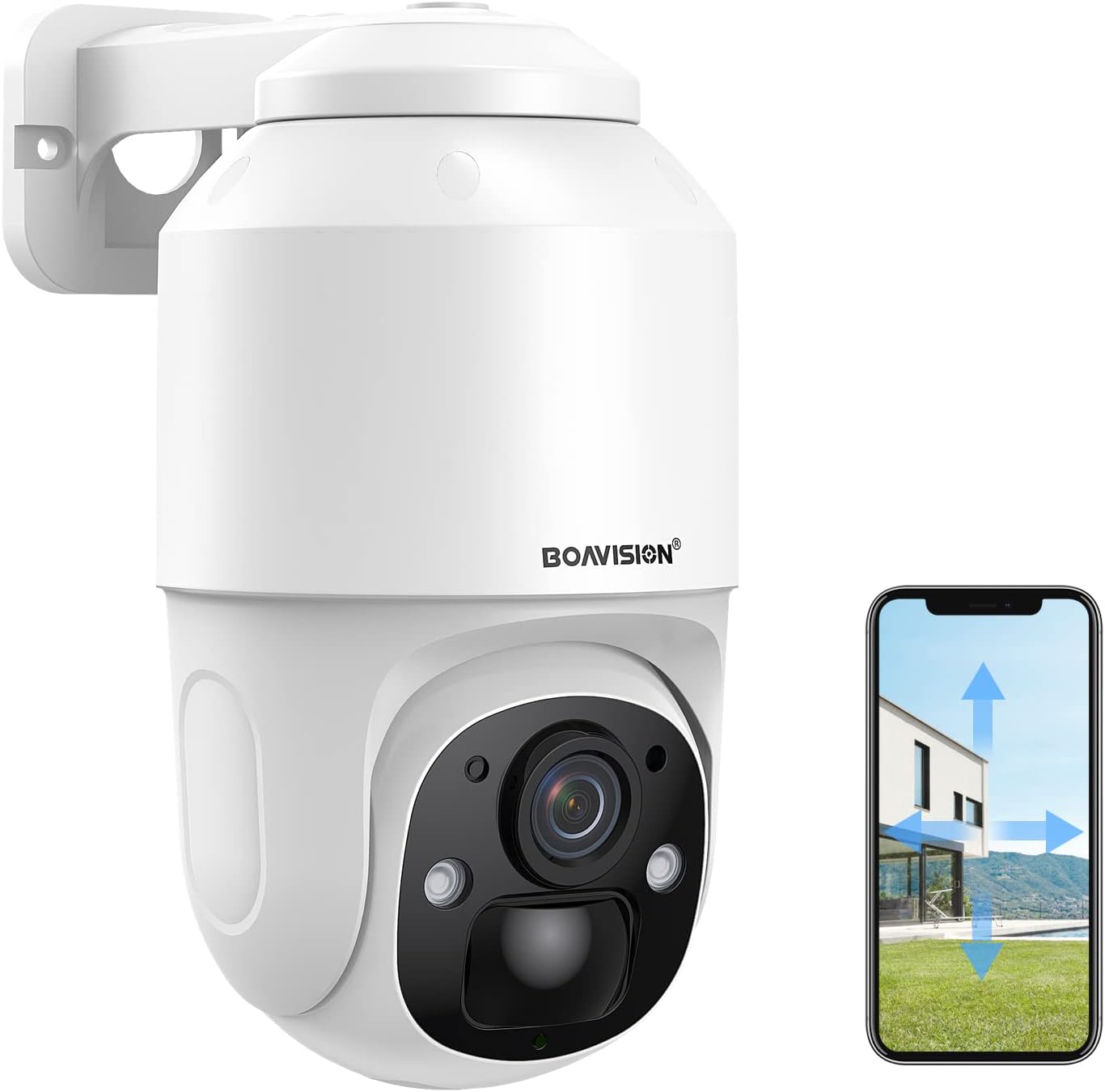
Image: The BOAVISION security camera, illustrating its pan and tilt capabilities controlled via a smartphone application.
Setup Guide
1. Charging the Battery
The camera is equipped with a built-in 9000mAh rechargeable battery. Before initial use, fully charge the camera using the provided USB cable. A full charge ensures optimal performance and extended standby time.

Image: The camera highlighting its long battery life, indicating up to 365 days of standby on a single charge.
2. App Installation and Account Setup
Download the CanHipro application from the Google Play Store (for Android devices) or the Apple App Store (for iOS devices). Follow the in-app instructions to create an account and add your camera device.

Image: The CamHipro app interface on a smartphone, demonstrating video playback and the camera's micro SD card slot for local storage.
3. Wi-Fi Connection
Ensure your camera is within range of a 2.4GHz Wi-Fi network. The camera supports 2.4G Wi-Fi transmission for stable connectivity. Follow the app's prompts to connect the camera to your home Wi-Fi network.
4. Micro SD Card Installation (Optional)
For local video storage, insert a Micro SD card (8GB to 128GB, not included) into the designated slot on the camera. Ensure the camera is powered off before inserting or removing the card.
5. Mounting the Camera
The camera is designed for wall mounting and is IP66 waterproof, making it suitable for outdoor installation. Choose a location that provides optimal viewing angles and strong Wi-Fi signal. Use the provided mounting hardware to securely attach the camera to a stable surface.
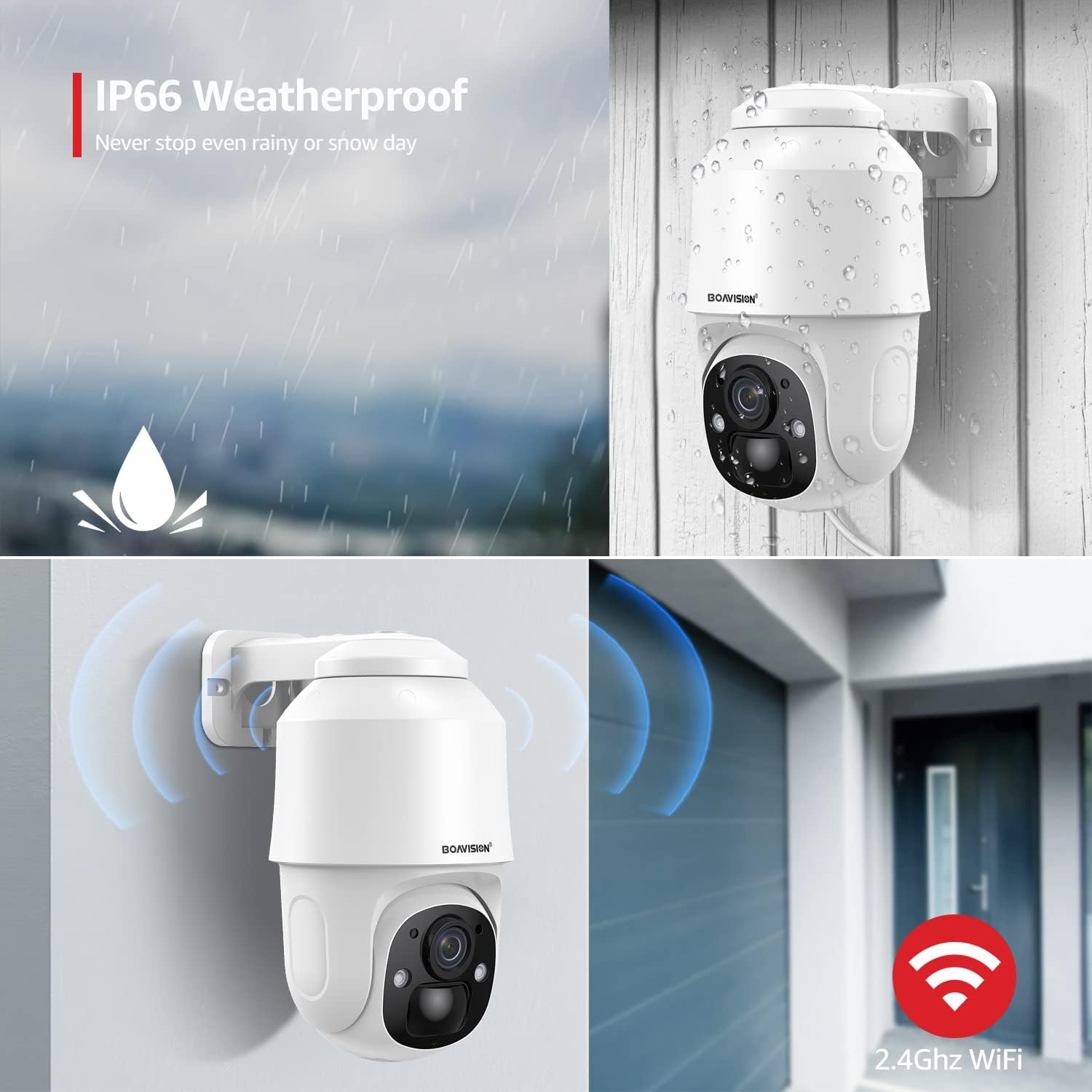
Image: The camera demonstrating its IP66 waterproof rating under rain and its strong 2.4GHz Wi-Fi signal for reliable outdoor performance.
Operating Instructions
1. Pan and Tilt Control
Utilize the CanHipro app to remotely control the camera's pan (horizontal 355°) and tilt (vertical 90°) angles. This allows for comprehensive coverage of your surveillance area.

Image: Visual representation of the camera's 355-degree pan and 90-degree tilt rotation capabilities.
2. PIR Motion Detection and Alerts
The camera features a PIR detection sensor for human motion detection. Upon detection, the camera will:
- Push alarm messages to your mobile phone via the CanHipro app.
- Automatically record alarm videos and audio.
- Activate a high-decibel alarm sound and/or flash-light to deter intruders.

Image: The camera demonstrating PIR human detection, triggering an alert notification on a smartphone.

Image: The camera's PIR human detection feature in action at night, with the spotlight illuminating a detected figure.
3. Two-Way Audio Communication
The built-in speaker and microphone enable two-way communication. You can speak through the camera to visitors or deter unwanted individuals directly from your smartphone.

Image: Illustrates the two-way audio functionality, showing users communicating through the camera.

Image: Demonstrates practical uses of the two-way audio feature, such as instructing a delivery person or communicating with family members.
4. 2K Resolution and Color Night Vision
The camera captures video in 2K Full HD, providing clear and detailed images. Its upgraded high-power white light and built-in IR LED array enable both infrared (black and white) and full-color night vision up to 100 feet, ensuring visibility in low-light conditions.
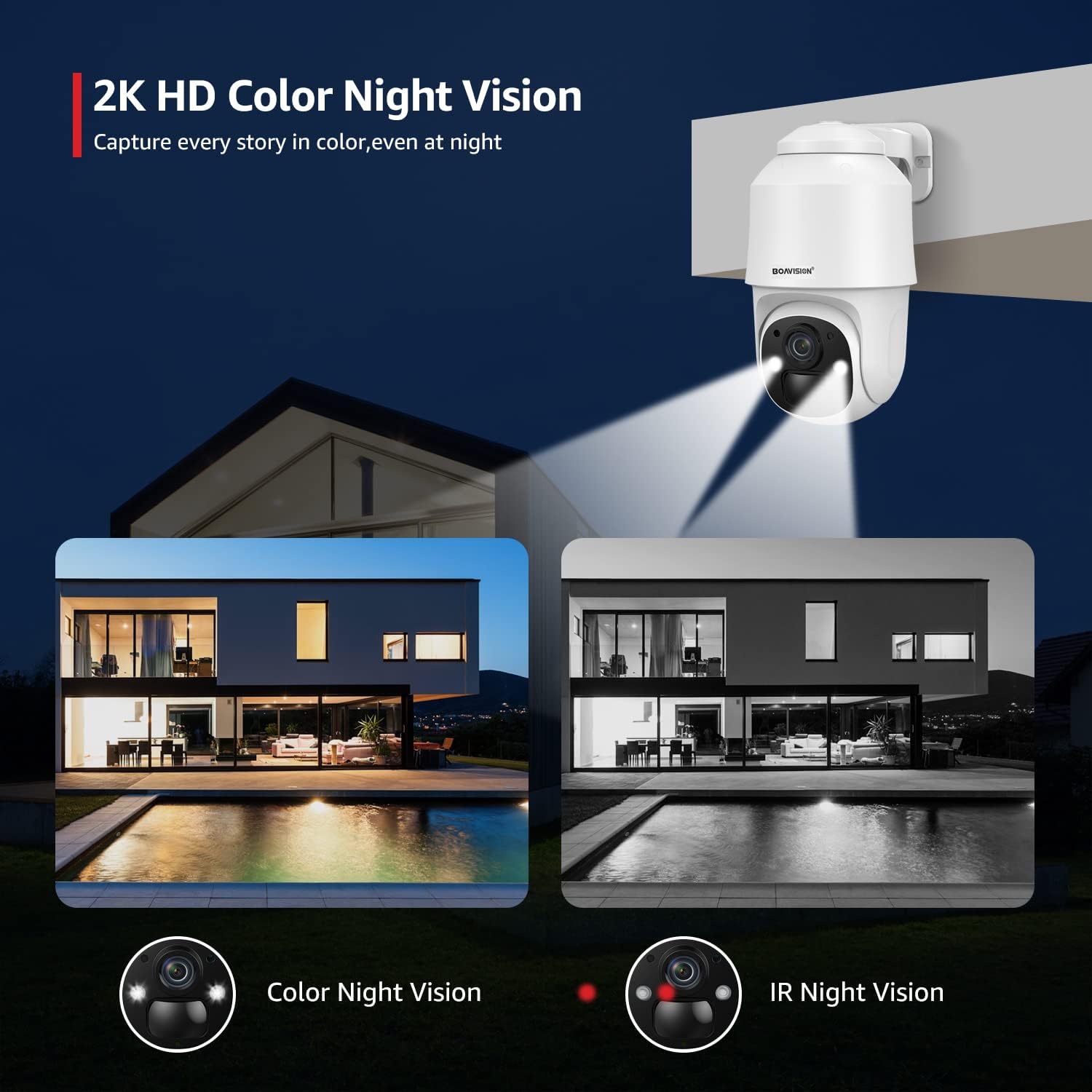
Image: A comparison showing the clarity of 2K HD Color Night Vision versus standard IR Night Vision.

Image: Illustrates the camera's dual light source system, enabling both color and infrared night vision modes.
5. Smart Sharing and Privacy Protection
The camera supports multi-user connection and device sharing, allowing authorized family members to access the camera feed. All images and data are encrypted to ensure privacy and security.

Image: Depicts advanced features including customizable activity zones, the 2K wide-angle lens, and the multi-user sharing capability.
Maintenance
- Battery Charging: Monitor the battery level via the app and recharge the camera as needed using the USB cable. For optimal battery longevity, avoid complete discharge.
- Cleaning: Periodically clean the camera lens and body with a soft, damp cloth. Do not use harsh chemicals or abrasive materials.
- Firmware Updates: Check the CanHipro app regularly for available firmware updates to ensure your camera has the latest features and security enhancements.
- Wi-Fi Signal: Ensure the camera maintains a strong Wi-Fi connection. If the signal is weak, consider repositioning the camera or your Wi-Fi router.
Troubleshooting
| Problem | Possible Cause | Solution |
|---|---|---|
| Camera not connecting to Wi-Fi. | Incorrect Wi-Fi password; camera too far from router; 5GHz Wi-Fi network. | Verify Wi-Fi password. Move camera closer to router. Ensure you are connecting to a 2.4GHz Wi-Fi network. |
| Short battery life. | Frequent motion detection; continuous live view; low temperature. | Reduce motion detection sensitivity or frequency. Limit continuous live viewing. Ensure camera is fully charged. Consider a solar panel accessory (sold separately) for continuous charging. |
| Poor night vision quality. | Obstruction in front of lens; dirty lens; insufficient ambient light for color night vision. | Clean the lens. Ensure no objects are blocking the camera's view. Verify night vision settings in the app. |
| Motion alerts not received. | App notifications disabled; PIR sensitivity too low; network issues. | Enable notifications for the CanHipro app. Adjust PIR sensitivity settings. Check camera's network connection. |
| Two-way audio not working. | Microphone/speaker muted in app; network latency. | Check audio settings in the app. Ensure stable network connection. |
Specifications
| Feature | Detail |
|---|---|
| Model | B0C1SPPV3J |
| Power Source | Battery Powered (9000mAh rechargeable Lithium Ion battery) |
| Connectivity | 2.4GHz Wi-Fi (Wireless) |
| Video Resolution | 2K Full HD |
| Pan Angle | 355° Horizontal |
| Tilt Angle | 90° Vertical |
| Night Vision | Color Night Vision, IR Night Vision (up to 100 feet) |
| Motion Detection | PIR Human Detection |
| Audio | Two-Way Talk (Built-in speaker and microphone) |
| Storage | Micro SD Card (up to 128GB, not included) |
| Weatherproof Rating | IP66 |
| Mounting Type | Wall Mount |
| Operating App | CanHipro |
Warranty and Support
For warranty information and technical support, please refer to the official BOAVISION website or contact BOAVISION customer service directly. Keep your purchase receipt as proof of purchase.
BOAVISION Customer Service: Please visit the BOAVISION official website for contact details or refer to the contact information provided with your product packaging.


