
1. Introduction
The SENXINGYAN Kids Digital Alarm Clock is designed to assist children with time management and daily routines. This 7-inch LED clock features a colorful display, multiple alarm settings, and an eye-caring design. It integrates various display modes, including text, digital, and traditional clock faces, and supports multiple languages. The clock includes a built-in battery for data retention during power interruptions and an automatic brightness adjustment feature for optimal visibility day and night.

Image 1.1: Overview of the clock's features including alarm, date display, volume adjustment, auto dimming, sleep training, and situational alarms.
2. Package Contents and Setup
2.1 Package Contents
- SENXINGYAN Kids Digital Alarm Clock (Blue)
- Power Adapter
- User Manual
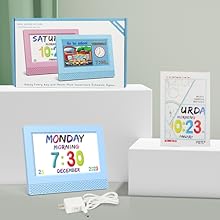
Image 2.1: The clock, power adapter, and user manual included in the package.
2.2 Initial Setup
- Connect Power: Plug the power adapter into the clock's DC input port and then into a standard electrical outlet. The clock will power on automatically.
- Basic Settings: Use the control buttons on the back of the clock to navigate the menu and set the time, date, and preferred language.
- Language Selection: The clock supports English, French, and Dutch. Access the 'Language Set' option in the menu to change.
- Time Mode: Choose between 12-hour and 24-hour time display modes.
- Date Mode: Select your preferred date format (e.g., Month-Day-Year).
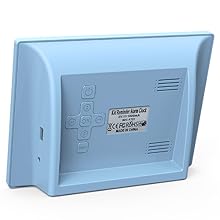
Image 2.2: The back panel of the clock showing the control buttons for navigation and settings.
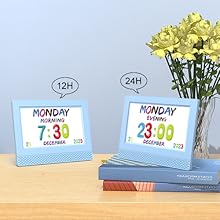
Image 2.3: The clock displaying time in both 12-hour and 24-hour formats.
3. Operating Instructions
3.1 Time and Date Display
The clock features a large 7-inch LED display that clearly shows the time, date, day of the week, month, and year using colorful, easy-to-read cartoon fonts. The display can be switched between digital and analog clock faces by pressing the 'OK' button on the back.

Image 3.1: The clock displaying a 'Go to school' scene with the current time and day.
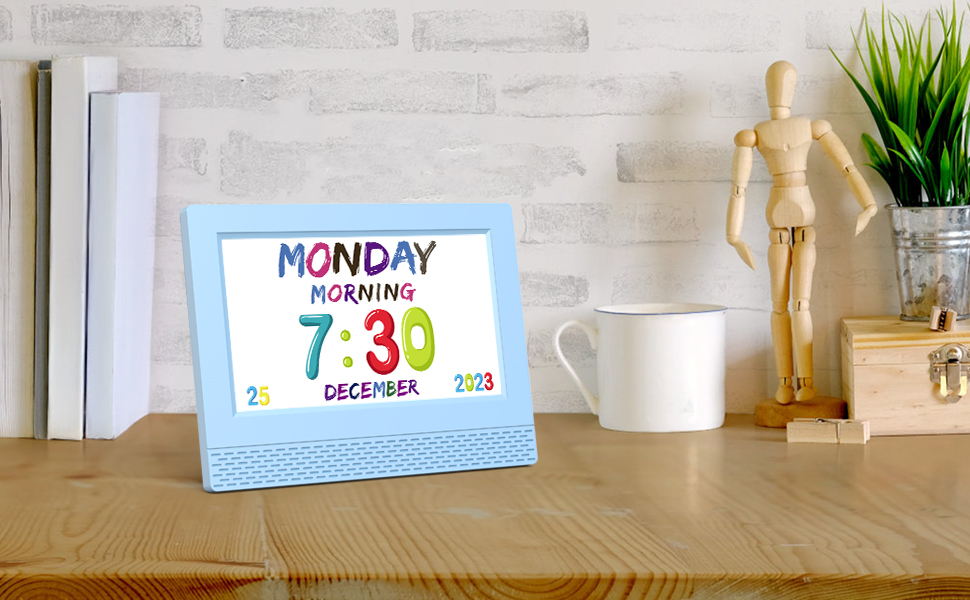
Image 3.2: The clock clearly showing the day of the week, time, month, and year.
3.2 Alarm Settings
The clock offers 5 daily alarm settings and 12 specific scene alarm clocks. When an alarm rings, the clock displays a cartoon scene image and provides a specific voice broadcast to remind children of their next activity. Alarms can be set to sound once or repeat on specific days (Monday-Friday, Monday-Sunday, Saturday-Sunday).

Image 3.3: The clock displaying a 'Reading' scene, indicating a scheduled activity.
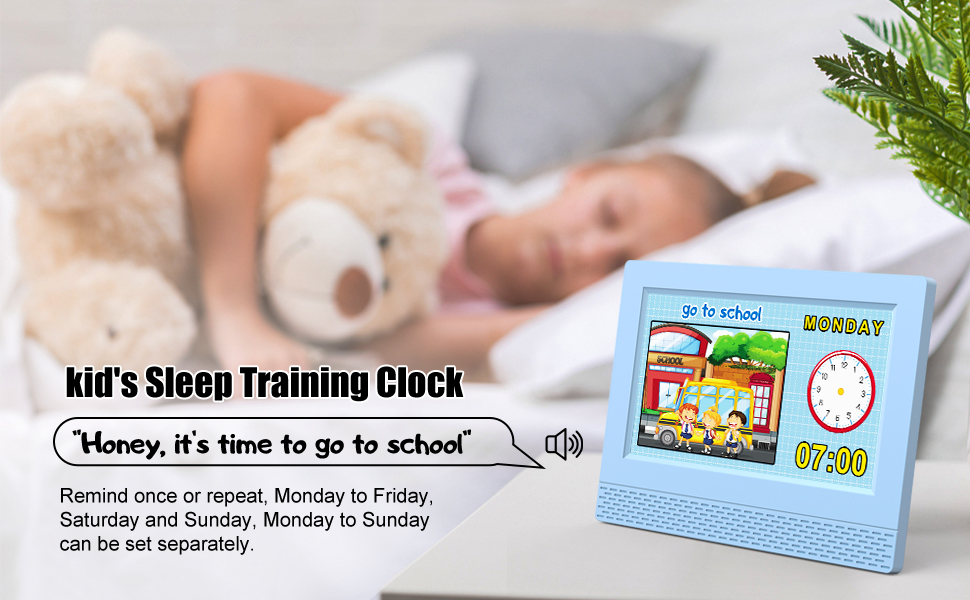
Image 3.4: The sleep training feature reminding children it's time to go to school.
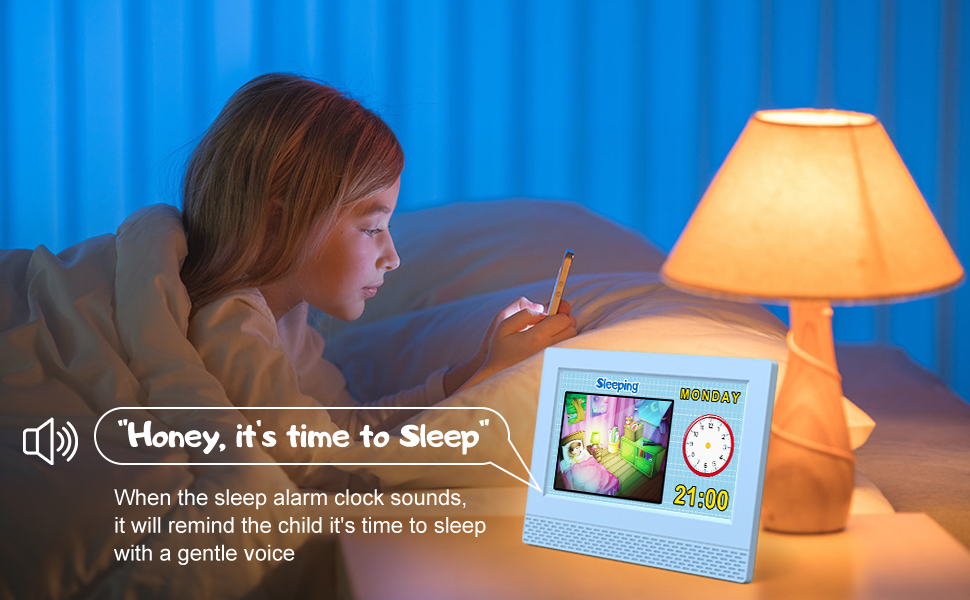
Image 3.5: The clock providing a gentle voice reminder for bedtime.
3.3 Brightness and Volume Adjustment
The clock features a built-in dimmer that supports automatic brightness adjustment based on day and night changes, ensuring eye comfort. The volume of the alarms and voice broadcasts is also adjustable.

Image 3.6: The auto-dimming feature adjusting screen brightness for better sleep.
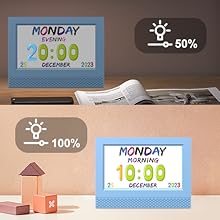
Image 3.7: The clock offers multiple brightness levels to ensure undisturbed sleep.
4. Daily Reminder Interface
The daily reminder interface provides visual cues for various activities throughout the day, helping children understand and follow their schedule. Each reminder is associated with a specific time and a cartoon image depicting the activity.
Video 4.1: An official product video demonstrating the daily reminder interface and its features, including various cartoon scenes and voice prompts for scheduled activities.
5. Maintenance
- Cleaning: Wipe the clock's surface with a soft, dry cloth. Avoid using abrasive cleaners or solvents.
- Power: Ensure the clock is connected to a stable power source. The internal battery retains settings during brief power outages but is not for continuous operation.
- Placement: Place the clock on a flat, stable surface away from direct sunlight, extreme temperatures, and moisture.
6. Troubleshooting
- Clock not powering on: Check if the power adapter is securely connected to both the clock and the power outlet. Ensure the outlet is functional.
- Display is too bright/dim: Adjust the brightness settings through the menu or allow the automatic dimming feature to function.
- Alarm not sounding: Verify that the alarm is enabled and the volume is set to an audible level in the settings menu. Check the alarm time and repeat settings.
- Incorrect time/date: Access the time and date settings in the menu and adjust them manually.
7. Specifications
| Brand | SENXINGYAN |
| Model Number | SXY-US-ET-7-NZ |
| Color | Blue |
| Display Type | Digital |
| Product Dimensions | 7.5"W x 5.5"H |
| Item Weight | 300 Grams |
| Power Source | Corded Electric |
| Special Features | Adjustable Volume, Auto Dimmable, Calendar Display, Large Display, Multilingual |
| Operation Mode | Electrical |
8. Warranty and Support
SENXINGYAN offers a 30-day unconditional return and exchange policy, an 18-month warranty, 24-hour customer service, and lifetime product support. For any inquiries or assistance, please contact SENXINGYAN customer service.