
FINGERTIME P1
FINGERTIME P1 Bluetooth Over-Ear Headphones User Manual
Model: P1
1. Important Safety Information
Please read all safety instructions carefully before using this product. Keep this manual for future reference.
- Do not expose the headphones to extreme temperatures, humidity, or corrosive environments.
- Avoid dropping or subjecting the headphones to strong impacts.
- Do not disassemble or modify the headphones. This may void the warranty and cause damage.
- Clean the headphones with a soft, dry cloth. Do not use harsh chemicals or abrasive materials.
- Listen at moderate volume levels to prevent hearing damage.
2. Product Overview
The FINGERTIME P1 Bluetooth Over-Ear Headphones are designed for high-fidelity audio and comfortable extended use. They feature Bluetooth 5.3 connectivity, a low-latency game mode, and a foldable design.
2.1 Package Contents
Verify that all items are present in your package:
- FINGERTIME P1 Bluetooth Over-Ear Headphones
- 3.5mm Audio Cable
- USB Charging Cable (Type-C)
- User Manual

Image: FINGERTIME P1 Headphones and included accessories.
2.2 Headphone Components
Familiarize yourself with the various parts and controls of your headphones:

Image: Headphone controls and ports diagram.
- Power Button: Long press to turn On/Off. Short press to switch between Music Mode and Game Mode.
- Volume Up (+): Short press to increase volume. Long press for next song.
- Volume Down (-): Short press to decrease volume. Long press for previous song.
- Multi-function Button (Play/Pause/Call): Single press to Play/Pause music, Answer/Hang off calls. Long press to Reject calls.
- 3.5mm Audio Interface: For wired connection.
- Type-C Charging Interface: For charging the headphones.
- LED Indicator: Displays status (pairing, charging, etc.).
- Dust Cover: Protects ports.
3. Setup
3.1 Charging the Headphones
Before first use, fully charge the headphones.
- Connect the USB charging cable (Type-C) to the charging port on the headphones.
- Connect the other end of the USB cable to a USB power adapter (not included) or a computer's USB port.
- The LED indicator will show charging status (e.g., red while charging, blue when fully charged).
- A full charge provides approximately 60 hours of playtime.
3.2 Bluetooth Pairing
To connect your headphones wirelessly:
- Ensure the headphones are charged.
- Long press the Power Button to turn on the headphones. The LED indicator will flash, indicating pairing mode.
- On your device (smartphone, tablet, computer), enable Bluetooth and search for available devices.
- Select "FINGERTIME P1" from the list of devices.
- Once connected, the LED indicator will stop flashing and remain solid blue.
- The headphones can be paired with two devices simultaneously and switch seamlessly between them.
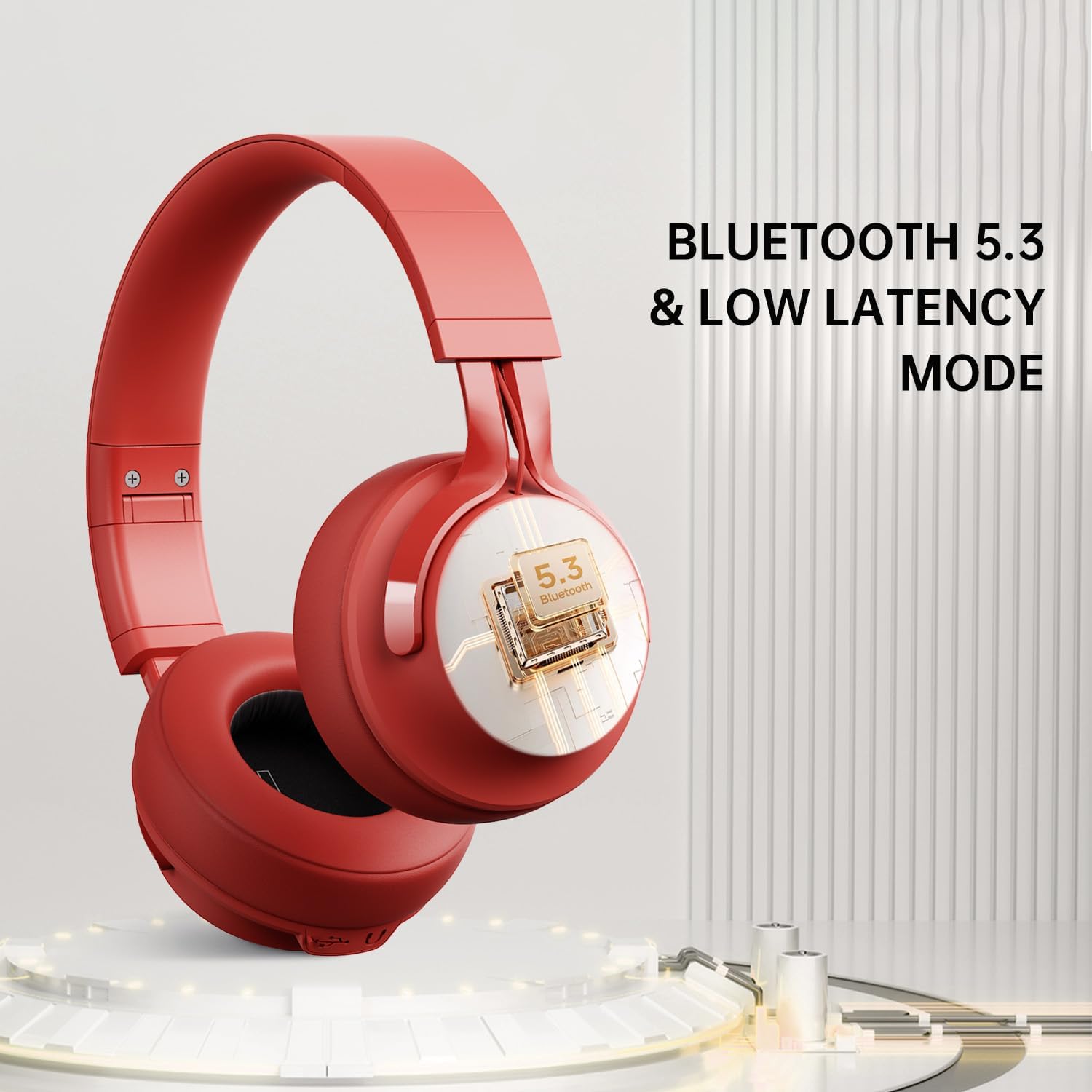
Image: Bluetooth 5.3 connectivity.
3.3 Wired Connection (3.5mm Audio Cable)
For a wired audio experience or when the battery is depleted:
- Connect one end of the 3.5mm audio cable to the 3.5mm audio interface on the headphones.
- Connect the other end to the 3.5mm audio jack on your device.
- The headphones will function in wired mode without requiring power.

Image: Wired mode connection.
4. Operating Instructions
4.1 Power On/Off
- Power On: Long press the Power Button until the LED indicator lights up.
- Power Off: Long press the Power Button until the LED indicator turns off.
4.2 Music Playback
- Play/Pause: Single press the Multi-function Button.
- Volume Up: Short press the '+' button.
- Volume Down: Short press the '-' button.
- Next Song: Long press the '+' button.
- Previous Song: Long press the '-' button.
4.3 Call Management
- Answer/Hang Up Call: Single press the Multi-function Button.
- Reject Call: Long press the Multi-function Button.
4.4 Game Mode
The FINGERTIME P1 headphones feature a low-latency Game Mode for synchronized audio and video, ideal for gaming and video editing.
- Activate Game Mode: Short press the Power Button. The headphones will indicate the mode change (e.g., an audible prompt).
- Exit Game Mode: Short press the Power Button again to return to Music Mode.
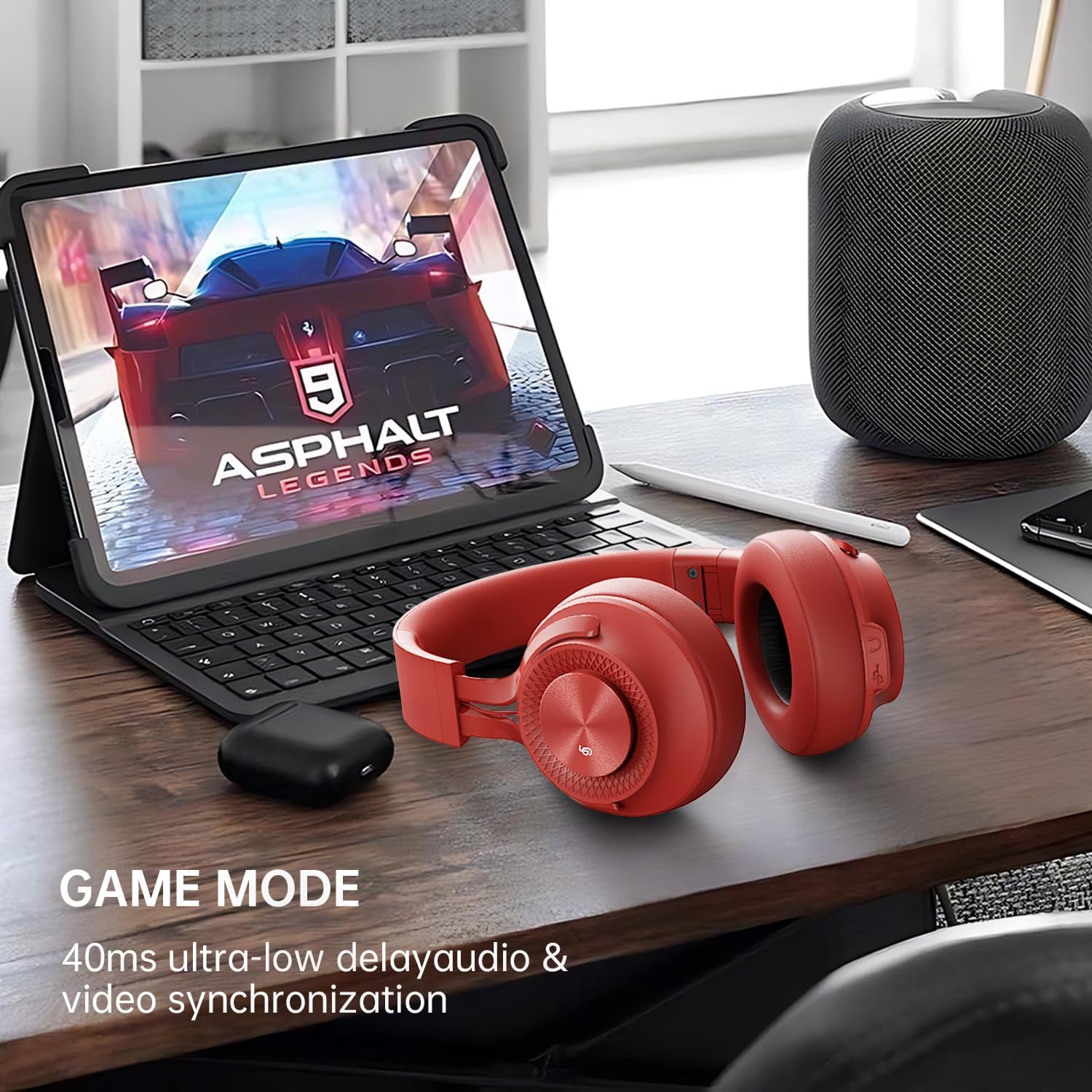
Image: Game Mode in use.
5. Maintenance
- Cleaning: Use a soft, lint-free cloth to wipe the headphones. For earcups, gently wipe with a slightly damp cloth if necessary, then dry immediately. Do not immerse in water.
- Storage: When not in use, store the headphones in a cool, dry place, away from direct sunlight and extreme temperatures. The foldable design allows for compact storage.
- Battery Care: To prolong battery life, avoid fully discharging the headphones frequently. Charge them regularly, even if not used for extended periods.
6. Troubleshooting
| Problem | Solution |
|---|---|
| Headphones do not power on. | Ensure the headphones are fully charged. Long press the Power Button for 3-5 seconds. |
| Cannot pair with device. | Make sure Bluetooth is enabled on your device. Ensure headphones are in pairing mode (LED flashing). Turn off and on both devices. Clear previous Bluetooth connections on your device. |
| No sound or low volume. | Check volume levels on both headphones and your connected device. Ensure headphones are properly paired. If using wired mode, ensure the 3.5mm cable is fully inserted. |
| Sound cuts out or is intermittent. | Ensure your device is within the Bluetooth range (up to 10 meters). Avoid obstacles between the headphones and your device. Reduce interference from other wireless devices. |
| Microphone not working. | Ensure the headphones are connected via Bluetooth. Check microphone settings on your device. |
7. Specifications
| Feature | Detail |
|---|---|
| Model Name | P1 |
| Brand | FINGERTIME |
| Connectivity Technology | Wireless (Bluetooth), Wired (3.5mm) |
| Bluetooth Version | 5.3 |
| Bluetooth Range | Up to 10 meters |
| Audio Driver Type | 40mm Dynamic Driver |
| Impedance | 32 Ohm |
| Battery Life | Up to 60 Hours |
| Noise Control | Passive Noise Cancellation (ENC Call Noise Reduction) |
| Earpiece Shape | Over-Ear |
| Special Features | Adjustable Headband, Foldable Design, Built-in Microphone, Low-Latency Game Mode |
| Item Weight | 0.38 Kilograms (13.4 ounces) |
| Material | Plastic, Protein Leather (earcups) |
8. Warranty and Support
FINGERTIME provides lifetime worry-free user support for the P1 Bluetooth Over-Ear Headphones.
If you have any questions or require assistance with your product, please contact FINGERTIME customer support. Refer to the contact information provided in your product packaging or visit the official FINGERTIME website for support details.
For more information, you can visit the FINGERTIME Store on Amazon.
Ask a question about this manual
Ask about setup, troubleshooting, compatibility, parts, safety, or missing instructions. Manuals+ will review the question and use this page’s manual context to help answer it.