Introduction
This manual provides detailed instructions for the installation and operation of your BUNUD USB C Hardwire Kit for Dash Cam. Please read this manual thoroughly before installation to ensure correct usage and optimal performance. This kit is designed to provide continuous power to your dash camera, enabling parking surveillance and protecting your vehicle's battery from discharge.
Product Overview
The BUNUD USB C Hardwire Kit converts 12V-24V vehicle power to 5V/3A for your USB C compatible dash camera or other devices. It features low voltage protection to prevent vehicle battery drain and supports 24-hour parking surveillance.

Image: Components of the BUNUD USB C Hardwire Kit, including the Type-C cable, power supply box, and fuse taps.
Key Features:
- Wide Compatibility: Suitable for most 12V-24V vehicles and USB C dash cams, mirror cams, GPS navigators, and radar detectors.
- 24-Hour Parking Surveillance: Provides continuous power to your dash camera for uninterrupted monitoring when the vehicle is off.
- Low Voltage Protection: Automatically cuts off power to the dash cam if the vehicle battery voltage drops below 11.8V (for 12V systems) or 23.6V (for 24V systems) to prevent battery drain.
- Easy Installation: Designed for a hidden cable installation, connecting directly to the car battery or fuse box.
Package Contents
Please verify that all items are present in your package:
- 1 x USB C Hardwire Cable (11.5ft)
- 1 x Hardwire Kit (integrated power supply box and fuse taps)
Safety Precautions
- Ensure the vehicle engine is off before connecting or disconnecting the hardwire kit.
- Disconnect the negative terminal of the vehicle battery before installation to prevent short circuits.
- If you lack experience with vehicle electrical systems, it is recommended to seek professional installation.
- Verify the correct fuse type and slot in your vehicle's fuse box before connecting. This kit includes Mini fuse taps.
Setup and Installation
Follow these steps for proper installation of the hardwire kit:
- Prepare for Installation:
- Turn off your vehicle's engine.
- Locate your vehicle's fuse box. Refer to your vehicle's owner's manual for its location (typically under the dashboard, in the engine bay, or in the trunk).
- Disconnect the negative terminal of your car battery to prevent electrical hazards.
- Identify Fuse Slots:
- Identify an "ACC" (Accessory) fuse slot that provides power only when the ignition is on. This will be used for the red wire.
- Identify a "Constant" (BAT+) fuse slot that provides continuous power even when the ignition is off. This will be used for the yellow wire.
- Note: This kit uses Mini fuse taps. Ensure compatibility with your vehicle's fuse type.

Image: Detailed wiring diagram showing connections to ACC, BAT+, and GND.
- Connect the Red Wire (ACC):
- Connect the red wire of the hardwire kit to the identified ACC fuse slot using the provided fuse tap. This connection allows the dash cam to power on and off with the vehicle's ignition.

Image: Close-up of the red wire being connected to an ACC fuse in the fuse box.
- Connect the Yellow Wire (BAT+):
- Connect the yellow wire of the hardwire kit to the identified Constant (BAT+) fuse slot using the provided fuse tap. This connection provides continuous power for parking surveillance.

Image: Close-up of the yellow wire being connected to a constant power fuse in the fuse box.
- Connect the Black Wire (GND):
- Connect the black wire (ground wire) to a metal part of the vehicle's chassis or a factory ground bolt. Ensure a secure connection for proper grounding.

Image: Close-up of the black ground wire connected to a metal bolt on the vehicle chassis.
- Route the Cable:
- Carefully route the USB C cable from the fuse box to your dash camera's mounting location, tucking it neatly along the vehicle's trim or headliner for a clean installation.

Image: Overview of the hardwire kit installation in a car, showing cable routing and fuse box connections.
- Connect to Dash Cam:
- Plug the USB C connector into your dash camera's power input port.
- Final Steps:
- Reconnect the negative terminal of your car battery.
- Start your vehicle to test the dash cam's operation.
Operating Instructions
Automatic Power Control:
- When the vehicle ignition is on, the hardwire kit will supply power to your dash camera, and it will operate in normal recording mode.
- When the vehicle ignition is turned off, the hardwire kit will continue to supply power from the constant fuse connection, enabling your dash camera's parking surveillance mode (if supported by your dash cam).
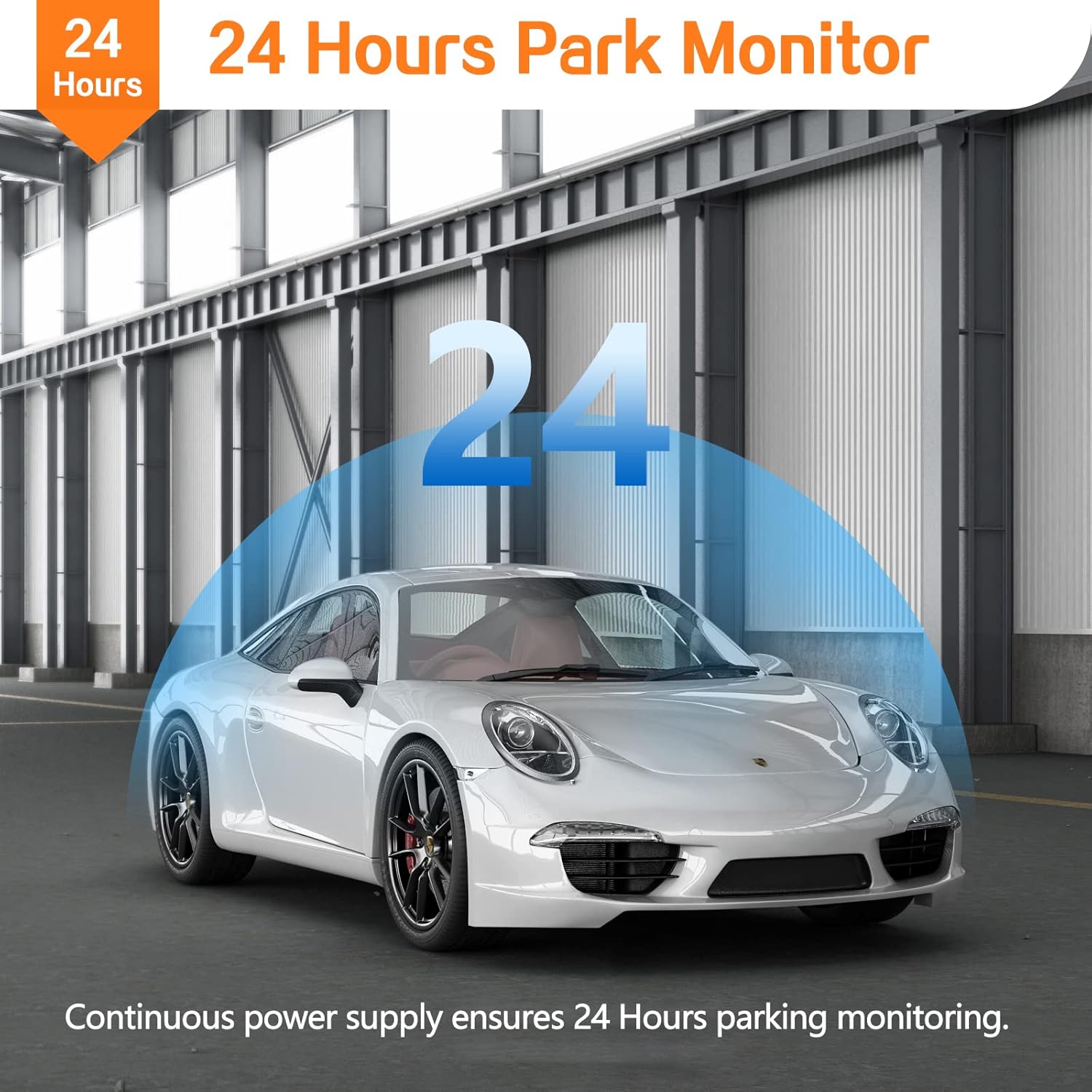
Image: Graphic depicting a car in a parking area, symbolizing 24-hour parking monitoring provided by the hardwire kit.
Low Voltage Protection:
The hardwire kit is equipped with a smart low voltage protection system. This system continuously monitors your vehicle's battery voltage in real-time.
- If the vehicle battery voltage drops below 11.8V (for 12V systems) or 23.6V (for 24V systems), the hardwire kit will automatically cut off power to the dash camera.
- This feature prevents your vehicle's battery from being completely drained, ensuring you can start your car.

Image: A dash camera mounted in a car, with an overlay indicating the low voltage protection feature and its thresholds.
Maintenance
- Regularly check all connections to ensure they are secure and free from corrosion.
- Keep the hardwire kit and dash cam free from excessive dust and moisture.
- If a fuse blows, replace it with a fuse of the same type and rating. Note that the fuses on this hardwire kit are integrated and not designed for user replacement. If a fuse blows, the entire hardwire kit may need replacement.
Troubleshooting
| Problem | Possible Cause | Solution |
|---|---|---|
| Dash cam does not power on. |
|
|
| Dash cam does not record in parking mode. |
|
|
| Vehicle battery drains quickly. |
|
|
| Fuse type mismatch. | The hardwire kit comes with Mini fuse taps, but your vehicle uses a different fuse type (e.g., Micro2, ATO). | This hardwire kit is supplied with Mini fuse taps. If your vehicle requires a different fuse type, you may need to purchase compatible fuse taps separately or consult a professional for alternative installation methods. |
Specifications
| Feature | Detail |
|---|---|
| Brand | BUNUD |
| Model | Dash Cam Hardwire Kit (B0C131F791) |
| Input Voltage | DC 12V-24V |
| Output Voltage/Current | DC 5V/3A |
| Cable Length | 11.5 feet (approximately 3.5 meters) |
| Low Voltage Protection (12V system) | 11.8V |
| Low Voltage Protection (24V system) | 23.6V |
| Connector Type | USB Type-C |
| Fuse Type Included | Mini Fuse Taps |
| Product Dimensions | 5 x 1 x 3 inches |
| Item Weight | 3.84 ounces (0.11 Kilograms) |
Warranty and Support
BUNUD is committed to providing reliable quality and professional customer service. If you encounter any issues with your USB C Hardwire Kit, please contact BUNUD customer support for assistance or a free replacement.
For support, please refer to the contact information provided with your purchase or visit the official BUNUD website.