
Blemil BL9052
Blemil BL9052 Baby Monitor User Manual
Model: BL9052
1. Introduction
Thank you for choosing the Blemil BL9052 Baby Monitor. This device is designed to provide a secure and reliable way to monitor your baby, offering peace of mind through advanced features and a user-friendly interface. This manual provides essential information for the safe and efficient operation of your baby monitor.
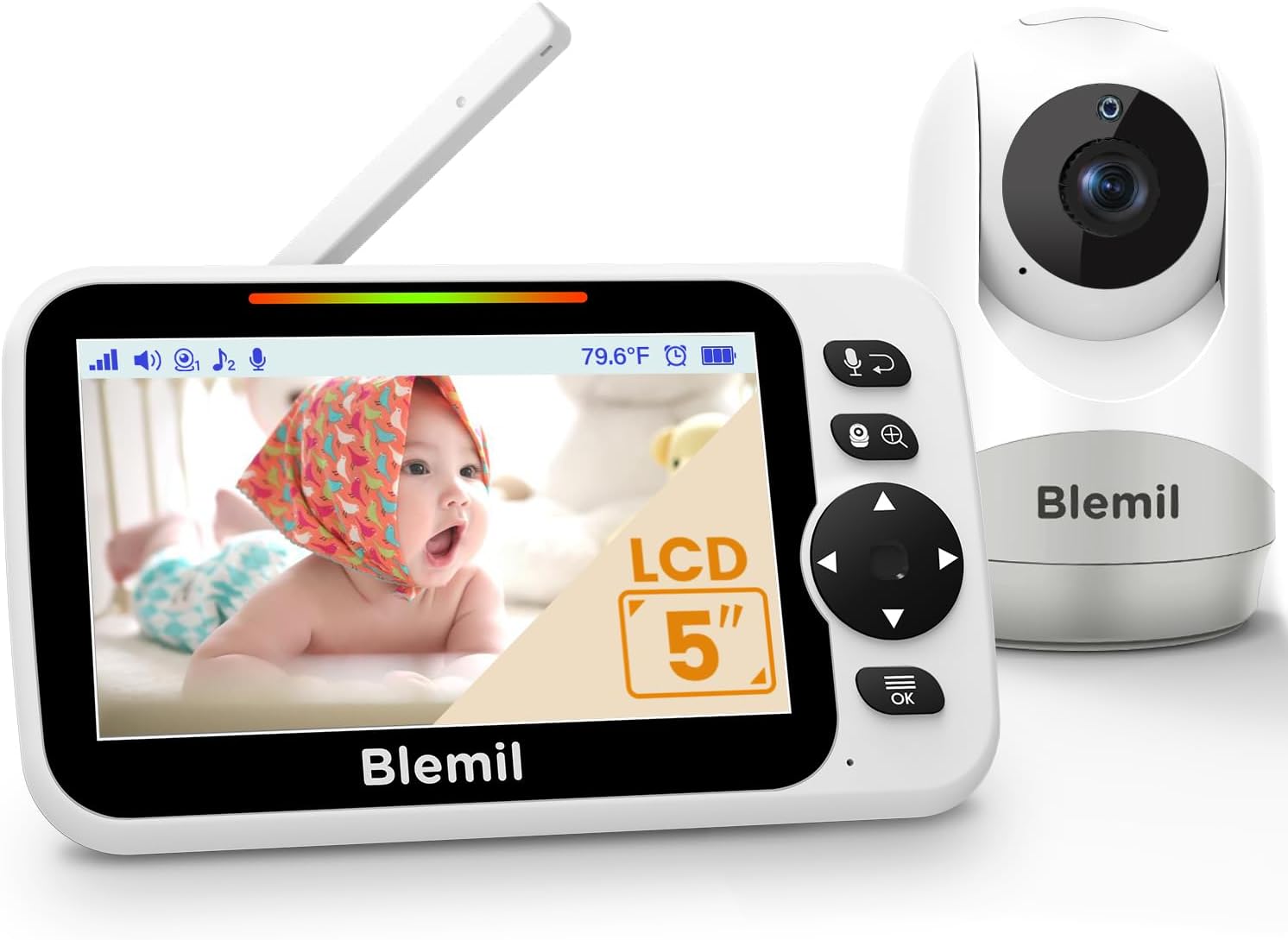
Image 1.1: Blemil BL9052 Baby Monitor components.
Key Features:
- 5-inch Large LCD Screen
- Extended Battery Life: Up to 16 hours in Video Mode, 30 hours in Voice (ECO) Mode
- Remote Pan/Tilt/Zoom Camera (320° horizontal, 120° vertical, 2X digital zoom)
- Two-Way Talk Functionality
- Enhanced Infrared Night Vision
- Split-Screen Mode for multiple cameras (additional cameras sold separately)
- VOX (ECO) Mode for energy saving
- Built-in Lullabies
- Temperature Monitoring
- Secure 2.4GHz FHSS Wireless Technology (No Wi-Fi, No App required)
2. Safety Information
WARNING: STRANGULATION HAZARD
Children have been STRANGLED in cords. Keep this cord out of the reach of children (more than 3 ft (0.9 m) away). Do not remove this tag.

Image 2.1: Important safety warning regarding power cords.
- Ensure the camera and monitor are placed on a stable, flat surface or securely mounted to a wall.
- Keep all components, especially power adapters and cables, out of reach of children.
- Do not use the monitor near water or heat sources.
- Use only the provided power adapters.
- This product is not a substitute for responsible adult supervision.
3. Package Contents
Verify that all items are present in your package:
- 1 x Parent Unit (Monitor)
- 1 x Baby Unit (Camera)
- 2 x Power Adapters (one for monitor, one for camera)
- 1 x User Manual

Image 3.1: Product packaging details.
4. Product Components
4.1 Parent Unit (Monitor)
The parent unit features a 5-inch LCD screen for clear video display, control buttons for various functions, and a built-in rechargeable battery.
4.2 Baby Unit (Camera)
The baby unit includes the camera lens, infrared LEDs for night vision, a microphone, speaker for two-way talk, and a temperature sensor. It is designed for remote pan, tilt, and zoom functionality.

Image 4.1: Overview of monitor and camera features.
5. Setup
5.1 Initial Charging
Before first use, fully charge the Parent Unit for approximately 8 hours. The Baby Unit (camera) requires continuous power from its adapter.
5.2 Camera Placement
Place the Baby Unit (camera) in a location that provides a clear view of your baby. Ensure it is at least 3 feet (0.9 meters) away from the baby's crib or play area to prevent cord entanglement. The camera can be placed on a flat surface, mounted on a wall, or attached to a stand.

Image 5.1: Camera mounting options.
5.3 Pairing the Camera and Monitor
The camera and monitor are pre-paired at the factory. If re-pairing is necessary or if adding an additional camera, follow these steps:
- Step 1: Plug the camera into a power outlet. The camera needs to be plugged in at all times for operation.
- Step 2: On the Parent Unit, press the MENU button, then navigate to the camera icon and select it.
- Step 3: Select 'Add camera' and choose an available camera slot (e.g., Camera 1 or 2).
- Step 4: While the 'pairing' dialogue and a countdown (e.g., 30s) are displayed on the Parent Unit screen, press and hold the PAIR button on the camera unit. The PAIR button is typically located on the back or bottom of the camera.
- Step 5: Once successfully paired, a confirmation message will display on the screen. If unsuccessful, repeat the steps.

Image 5.2: Pairing instructions for the Blemil BL9052.
6. Operating Instructions
6.1 Power On/Off
- To power on the Parent Unit, press and hold the power button until the screen lights up.
- To power off, press and hold the power button again until the screen turns off.
- The Baby Unit (camera) powers on automatically when connected to power.
6.2 Monitor Functions
- Volume Control: Access the menu to adjust the audio volume. Note: A direct button for volume adjustment is not available; it is controlled via the menu interface.
- Brightness Control: Adjust screen brightness through the menu settings for optimal viewing.
- ECO (VOX) Mode: This energy-saving mode turns off the screen and audio until sound is detected from the baby's room. The screen will automatically activate when sound is detected. You can adjust the sensitivity of sound detection in the settings. This mode significantly extends battery life.
- Split-Screen Mode: If you have multiple cameras, this mode allows simultaneous viewing of two camera feeds on the screen. Audio will typically be from one selected camera or cycle between them.
- Two-Way Talk: Press and hold the microphone button on the Parent Unit to speak to your baby through the camera's speaker.
- Lullabies: Select from a variety of pre-programmed lullabies to play through the camera's speaker to soothe your baby.
- Alarm: Set alarms for feeding times or other reminders through the monitor's menu.
- Language Settings: The monitor supports 8 languages. Navigate to the language settings in the menu to select your preferred language.
- Feeding Reminder: Utilize the feeding reminder function to set alerts for your baby's feeding schedule.
- Temperature Monitoring: The camera includes a temperature sensor that displays the room temperature on the Parent Unit screen. You can set high and low temperature alerts.
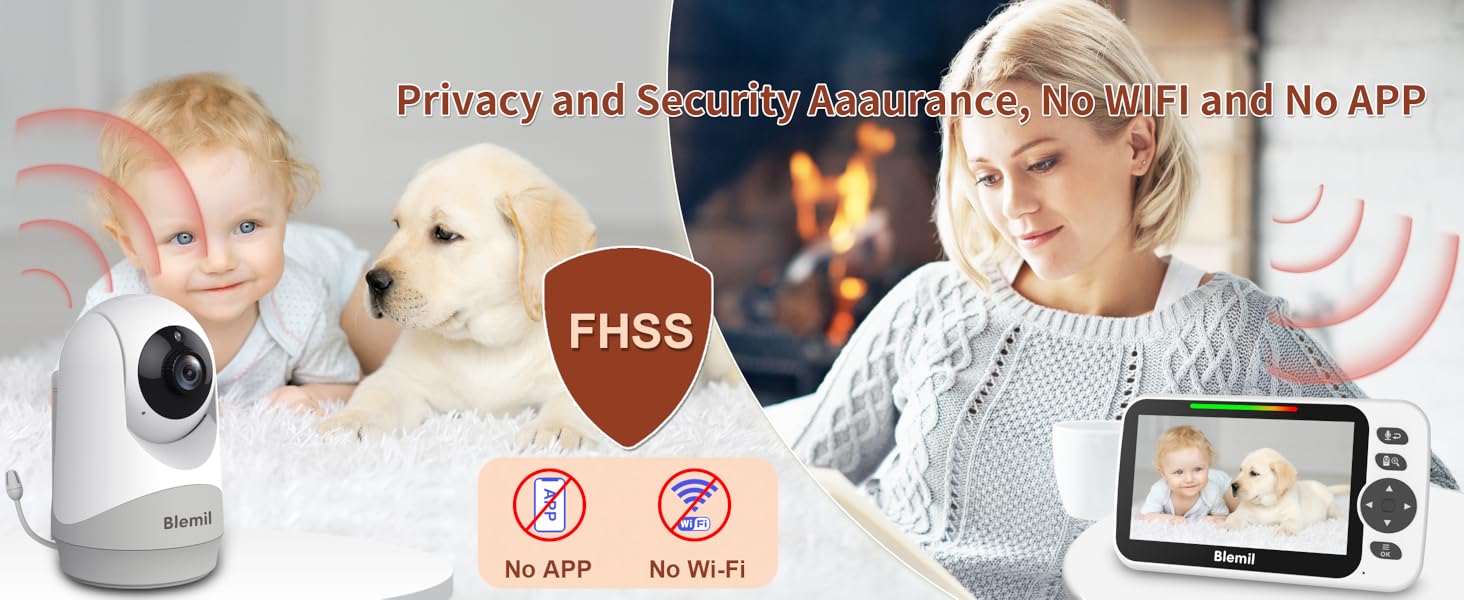
Image 6.1: ECO Mode with sound detection.
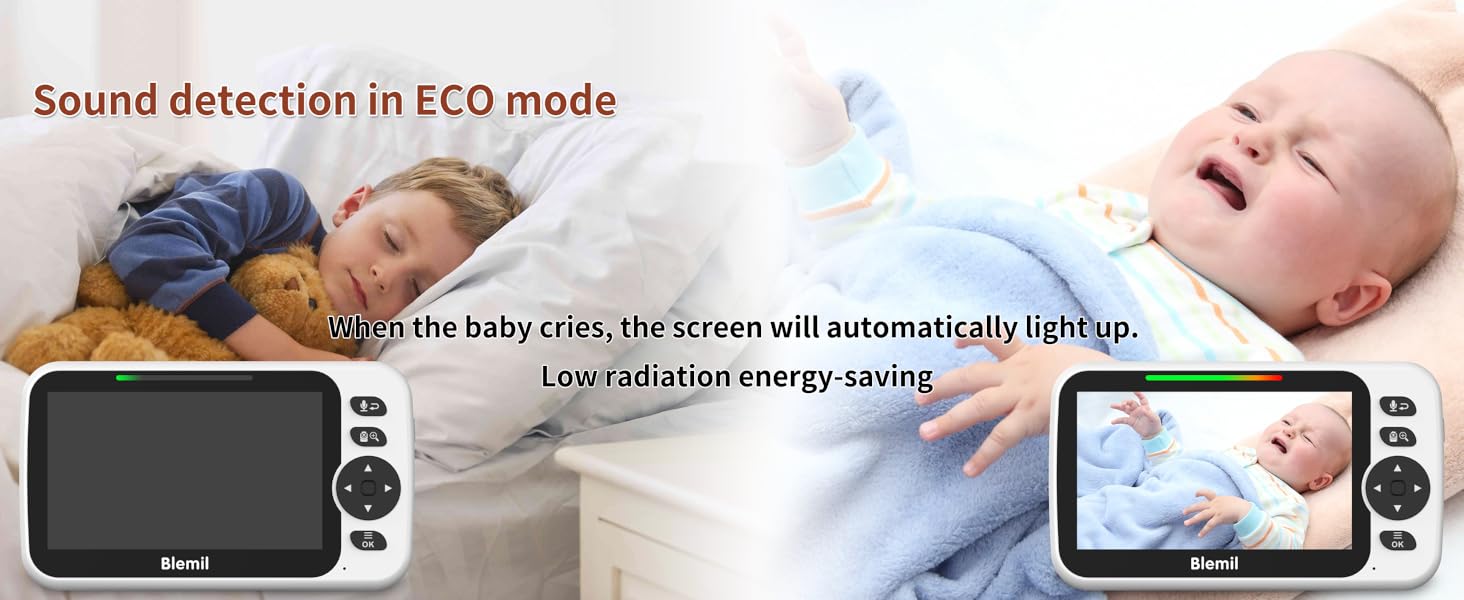
Image 6.2: Split-screen display for multiple cameras.

Image 6.3: Two-way talk functionality.

Image 6.4: Language selection interface.
Image 6.5: Feeding reminder feature.
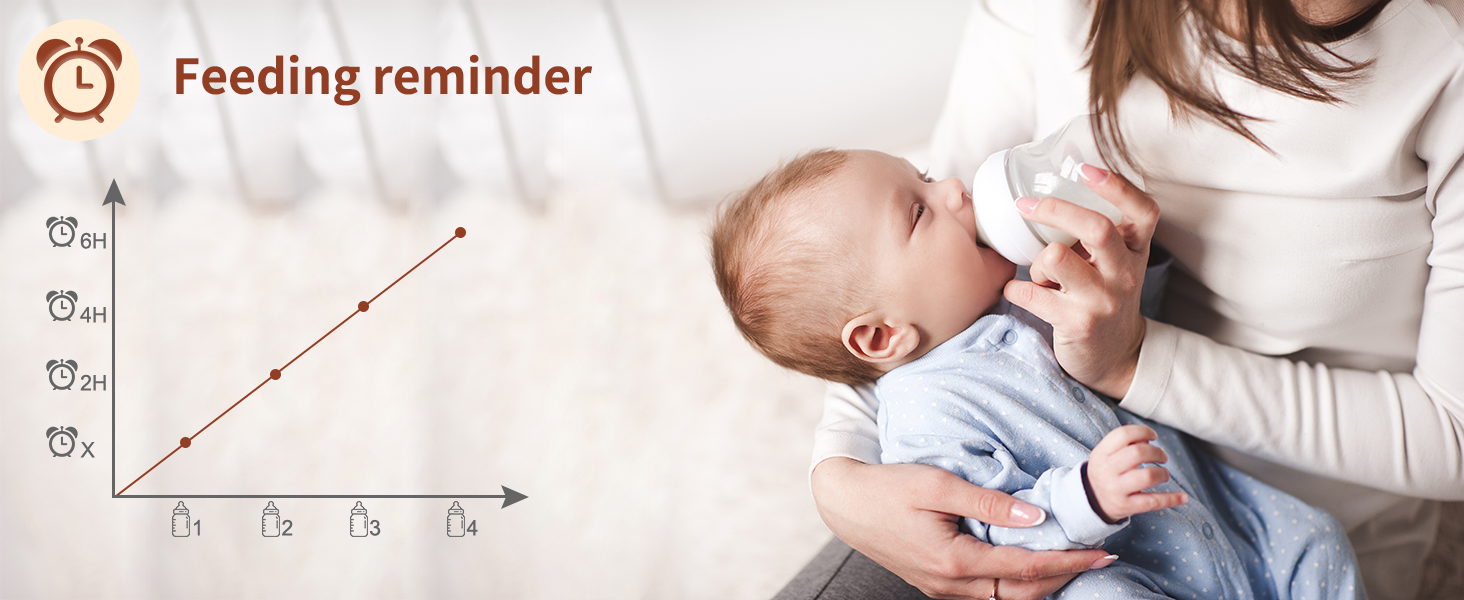
Image 6.6: Real-time temperature detection.
6.3 Camera Functions
- Pan/Tilt/Zoom: Use the directional buttons on the Parent Unit to remotely pan the camera 320° horizontally, tilt 120° vertically, and activate 2X digital zoom for a closer view.
- Night Vision: The camera automatically switches to infrared night vision in low-light conditions, providing a clear black-and-white image of your baby.

Image 6.7: 2X Digital Zoom feature.
7. Maintenance
7.1 Cleaning
- Wipe the monitor and camera surfaces with a soft, dry, or slightly damp cloth.
- Do not use abrasive cleaners or solvents.
- Ensure the camera lens is clean for optimal image quality.
7.2 Battery Care
- To prolong battery life, avoid fully discharging the Parent Unit battery frequently.
- Store the unit in a cool, dry place when not in use for extended periods.

Image 7.1: Battery life performance in different modes.
8. Troubleshooting
| Problem | Possible Cause | Solution |
|---|---|---|
| No image/signal on monitor | Camera not powered, out of range, or not paired. | Ensure camera is plugged in. Move monitor closer to camera. Re-pair camera (refer to Section 5.3). |
| Poor image quality | Low light, dirty lens, or interference. | Ensure adequate lighting or check night vision. Clean camera lens. Move away from other electronic devices. |
| No sound or distorted sound | Volume too low, out of range, or interference. | Increase monitor volume via menu. Move monitor closer to camera. Check for interference. |
| Monitor battery drains quickly | Continuous video mode, old battery, or frequent use. | Use ECO mode to conserve battery. Ensure full charge before use. Battery life naturally degrades over time. |
| Loud beeping in split-screen mode | Sound detection from one camera while viewing split-screen. | This is a system design characteristic. To stop the beeping, switch to single-camera view or adjust VOX sensitivity. |
9. Specifications
| Feature | Detail |
|---|---|
| Model Number | BL9052 |
| Screen Size | 5-inch LCD |
| Connectivity | Wireless 2.4GHz FHSS Technology |
| Video Capture Resolution | 480p |
| Battery Capacity (Monitor) | 3500mAh |
| Battery Life (Video Mode) | Up to 16 hours |
| Battery Life (Voice/ECO Mode) | Up to 30 hours |
| Wireless Range | Up to 1000 feet (open space) |
| Camera Pan Angle | 320° horizontal |
| Camera Tilt Angle | 120° vertical |
| Optical Zoom | 2x digital zoom |
| Power Source | Battery Powered (Monitor), AC Adapter (Camera) |
| Item Weight | 1.59 pounds |
| Product Dimensions | 43.31 x 53.54 x 74.8 inches |
| UPC | 792105163611 |
10. Warranty and Support
For any questions, issues, or support needs regarding your Blemil BL9052 Baby Monitor, please contact our customer service. You can reach us via Amazon messages or through the after-sale service email provided in the first page of the User Manual.
Authorized Representatives:
Authorized European Representative: APEX CE SPECIALISTS LIMITED
- Contact: Wells
- Email: info@apex-ce.com
- Address: Unit 3d north point house, north point business park, new mallow road, cork, T23 AT2P, Ireland.
Authorized UK Representative: APEX CE SPECIALISTS LIMITED
- Contact: Wells
- Email: info@apex-ce.com
- Address: 89 Princess Street, M14HT, UK.

Image 10.1: Contact information for support.
Related documentsBL9052

Ask a question about this manual
Ask about setup, troubleshooting, compatibility, parts, safety, or missing instructions. Manuals+ will review the question and use this page’s manual context to help answer it.