
1. Introduction
This manual provides detailed instructions for the setup, operation, and maintenance of your CYSSJF Wireless Caregiver Pager System. This system is designed to provide reliable communication between caregivers and individuals requiring assistance, such as the elderly, children, or pregnant women. It features plug-in receivers and waterproof transmitters, including a watch-style call button, to ensure help is always within reach.
2. Safety Information
- Do not expose the receivers to water or excessive moisture.
- Ensure receivers are plugged into a stable power source.
- Keep transmitters and receivers away from extreme temperatures.
- Replace batteries in transmitters promptly when the indicator light shows low power.
- This device is not a substitute for direct supervision in critical situations.
3. Package Contents
Your CYSSJF Wireless Caregiver Pager System package includes the following components:
- 2 x Plug-in Receivers
- 2 x Waterproof Call Button Transmitters (with lanyards)
- 1 x Watch Button Transmitter
- User Manual
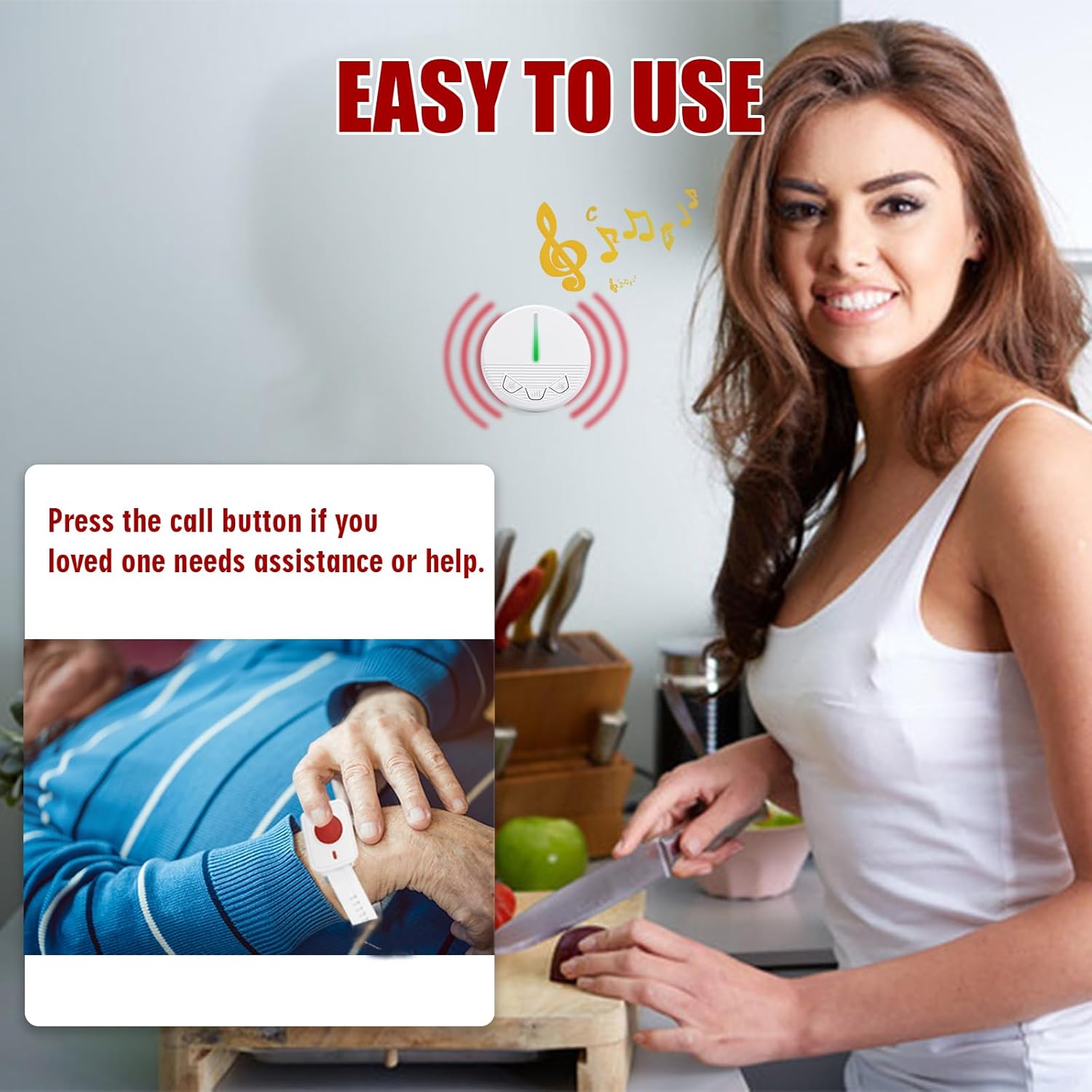
Figure 3.1: Overview of the CYSSJF Wireless Caregiver Pager System components.
4. Product Overview
The system consists of plug-in receivers and various types of transmitters to suit different needs.
4.1. Plug-in Receiver
The receiver plugs directly into a standard wall outlet. It features an LED indicator, volume control buttons, and ringtone selection buttons.

Figure 4.1: Detailed view of the plug-in receiver with its controls.
4.2. Call Button Transmitter
The call button is a waterproof transmitter that can be worn as a pendant with a lanyard or mounted on a wall. It has a large, easy-to-press 'CALL' button.

Figure 4.2: The waterproof call button transmitter.
4.3. Watch Button Transmitter
The watch button is a wearable transmitter designed for convenience. It features a red call button and is also waterproof.

Figure 4.3: The watch button transmitter.
5. Setup
5.1. Battery Installation (Transmitters)
5.1.1. Call Button Transmitter Battery Installation
- Gently pry open the back cover of the call button transmitter.
- Insert the CR2032 button cell battery, ensuring the positive (+) side faces upwards.
- Close the back cover securely.

Video 5.1: Instructions for loading batteries into the call button transmitter.
5.1.2. Watch Button Transmitter Battery Installation
- Remove the watch module from its wristband.
- Carefully open the back casing of the watch module.
- Insert the A23 battery, observing the correct polarity.
- Close the casing and reattach the module to the wristband.

Video 5.2: Instructions for battery installation in the watch button transmitter.
5.2. Receiver Placement
Plug the receivers into standard wall outlets in locations where the alert can be easily heard by the caregiver. Consider placing them in common areas or bedrooms.
5.3. Pairing Transmitters with Receivers
To ensure your transmitters communicate with the receivers, they must be paired:
- Plug in the receiver.
- Press and hold the middle volume button on the receiver until the indicator light turns red and flashes rapidly, then flashes slowly. Release the button.
- Immediately press the call button on the transmitter you wish to pair. The receiver will emit a sound, indicating successful pairing.
- Repeat for all transmitters and receivers as needed.

Figure 5.1: The caregiver pager system in use within a home environment.

Video 5.3: Instructions on how to register a button with the receiver.
6. Operating Instructions
6.1. Initiating a Call
To alert the caregiver, simply press the large red button on any paired transmitter (call button or watch button). The receiver(s) will immediately sound an alarm.

Figure 6.1: A person wearing the watch call button, ready to initiate an alert.
6.2. Stopping the Alarm
When a transmitter is pressed, the receiver will continue to ring until any button on the receiver is pressed to stop the sound. This ensures that no call for assistance is missed.

Video 6.1: Demonstration of product use and how to stop the alarm.
6.3. Changing Ringtones and Volume
The receiver offers 40 ringtones and 4 adjustable volume levels. Use the dedicated buttons on the receiver to cycle through ringtones and adjust the volume to your preference. Different sounds can be set for different transmitters to identify who needs help.

Figure 6.2: The receiver supports 40 distinct ringtones.
7. Maintenance
7.1. Battery Replacement
Refer to Section 5.1 for detailed instructions on replacing batteries in the call button and watch button transmitters. Ensure to use the correct battery types (CR2032 for call button, A23 for watch button) and observe polarity.
7.2. Cleaning
Wipe the receivers and transmitters with a soft, dry cloth. Do not use abrasive cleaners or immerse receivers in water. The transmitters are waterproof (IP55 rated) but should not be submerged for extended periods.
7.3. Waterproof Rating
The call button and watch button transmitters have an IP55 waterproof rating, meaning they are protected against dust ingress and low-pressure water jets from any direction. This makes them suitable for use in bathrooms or during light splashes, but they are not designed for swimming or showering.

Figure 7.1: The call button's waterproof design.
8. Troubleshooting
If you encounter issues with your caregiver pager system, refer to the following common problems and solutions:
| Problem | Possible Cause | Solution |
|---|---|---|
| Receiver does not ring when transmitter is pressed. | Transmitter battery is low or dead. Transmitter is not paired. Receiver is unplugged or out of range. | Replace transmitter battery. Re-pair the transmitter with the receiver (see Section 5.3). Ensure receiver is plugged in and within range (up to 200 meters in open areas, 30-100 meters with obstacles). |
| Receiver rings continuously or unexpectedly. | Transmitter button is stuck. Interference. | Check if the transmitter button is physically stuck. Try moving the receiver to a different outlet or location to avoid interference. |
| Cannot change ringtone or volume. | Incorrect button press. | Ensure you are pressing the correct ringtone/volume buttons on the receiver. |
8.1. Restoring Factory Settings
If you experience persistent issues or wish to clear all pairings, you can restore the receiver to factory settings:
- Unplug the receiver from the power outlet.
- Press and hold the middle volume button on the receiver.
- While holding the button, plug the receiver back into the power outlet.
- Continue holding the button until the indicator light flashes rapidly, then release. All previous pairings will be cleared.

Video 8.1: Instructions on how to restore factory settings for the receiver.
9. Specifications
| Feature | Specification |
|---|---|
| Model | KCPM+KHG1+KSW-2+2+1 |
| Brand | CYSSJF |
| Power Source (Receiver) | AC Plug-in |
| Power Source (Transmitter) | Battery Powered (Alkaline) |
| Control Method | Touch (Button Press) |
| Audible Noise | Up to 99 Decibels |
| Mounting Type (Call Button) | Wall Mount / Lanyard |
| Maximum Range | 200 Meters (Open Area) / 30-100 Meters (with Obstacles) |
| Waterproof Rating (Transmitters) | IP55 |
| Ringtones | 40 options |
| Volume Levels | 4 adjustable levels |

Figure 9.1: The system offers a significant wireless range.
10. Warranty and Support
Your CYSSJF Wireless Caregiver Pager System is covered by a standard manufacturer's warranty against defects in materials and workmanship. For specific warranty details, returns, or technical support, please refer to the product packaging or contact CYSSJF customer service through the retailer where the product was purchased. Keep your purchase receipt for warranty claims.

