1. Product Overview and Package Contents
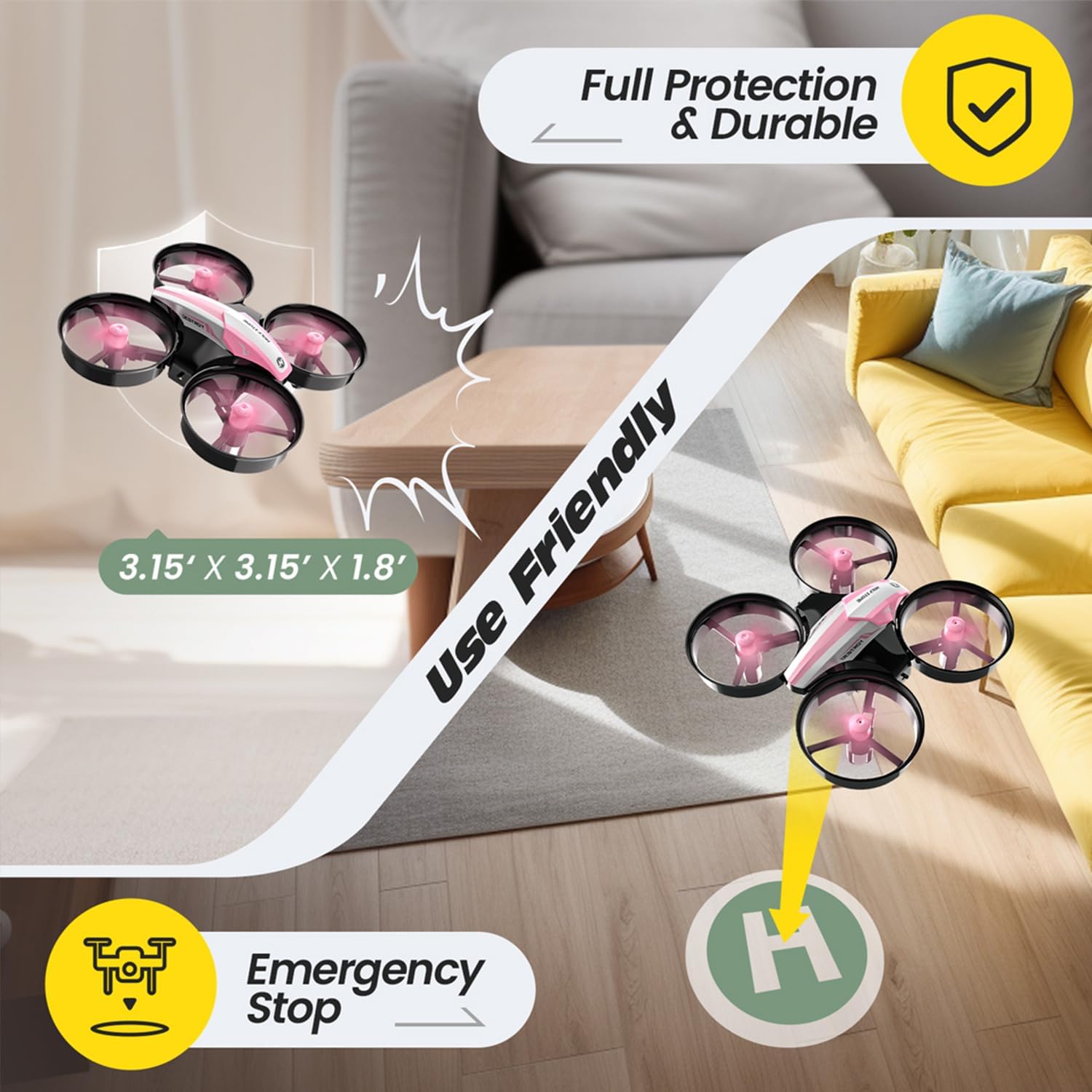
The Holy Stone HS210 Mini Drone is a compact and user-friendly quadcopter designed for beginners and children. It features propeller guards for enhanced safety and durability, making it ideal for indoor flight.

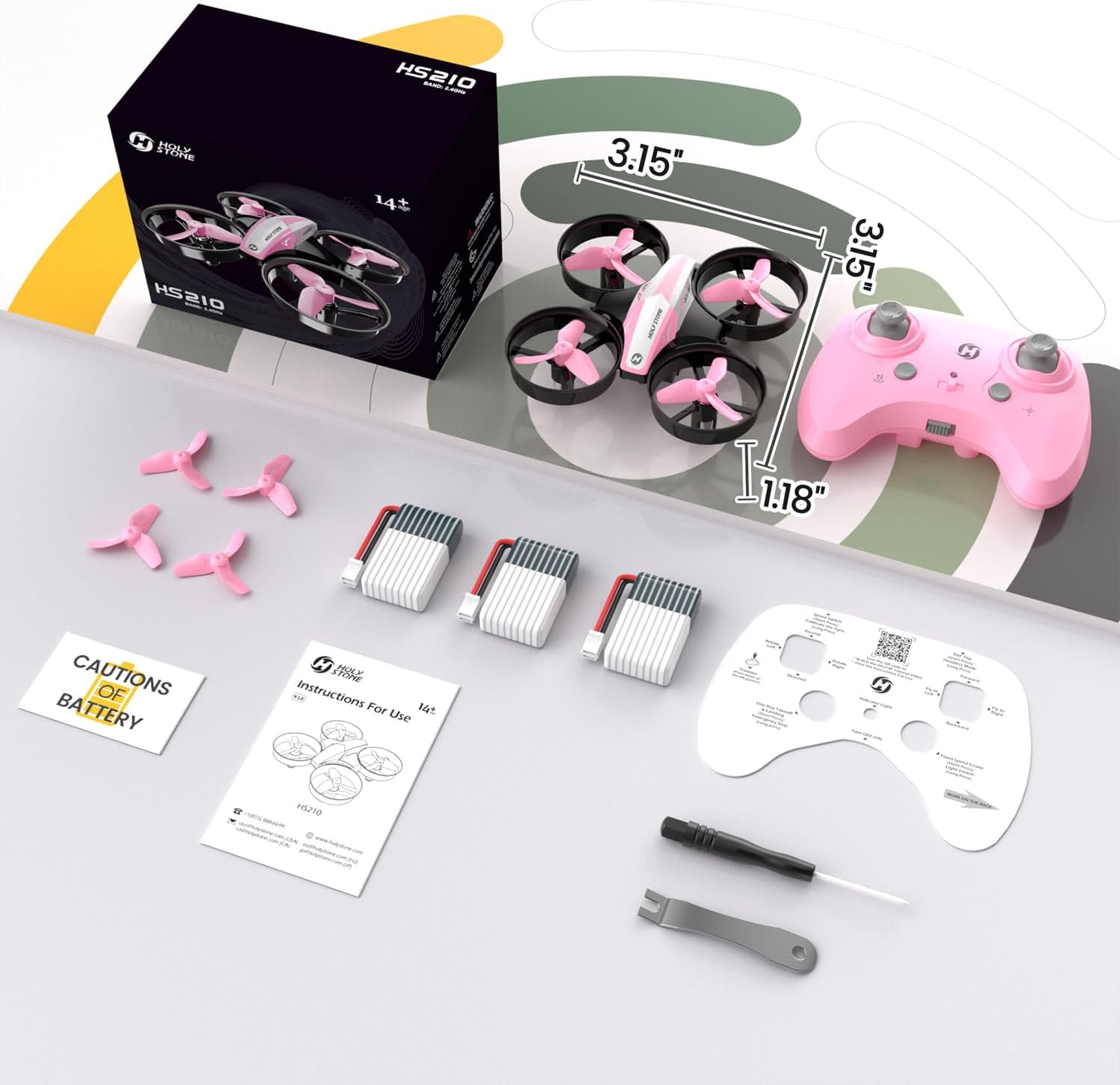
Package Contents:
- 1x HS210 Mini Drone (Pink)
- 1x Remote Transmitter
- 3x Drone Batteries (providing approximately 7 minutes flight time each)
- 1x USB Charging Cable
- 4x Extra Propellers
- 1x Propeller Screwdriver
- 1x Instruction Manual
2. Setup
2.1 Charging the Batteries
Before first use, fully charge all drone batteries. Each battery provides approximately 7 minutes of flight time. Use the provided USB charging cable.
2.2 Installing Batteries
Insert one charged drone battery into the drone's battery compartment. Connect the battery cable to the drone's power port. The drone will power on automatically as there is no separate on/off switch for the drone itself.
For the remote control, open the battery compartment on the back and insert 3 AAA batteries (not included).
2.3 Pairing the Drone and Remote
1. Ensure the drone battery is connected and the drone is powered on (lights will flash).
2. Power on the remote control using its on/off switch. The remote's indicator light will flash.
3. To pair, push the left joystick (throttle) all the way up, then all the way down. The drone's lights will stop flashing and become solid, indicating successful pairing.
3. Operating the Drone
3.1 Basic Flight Controls
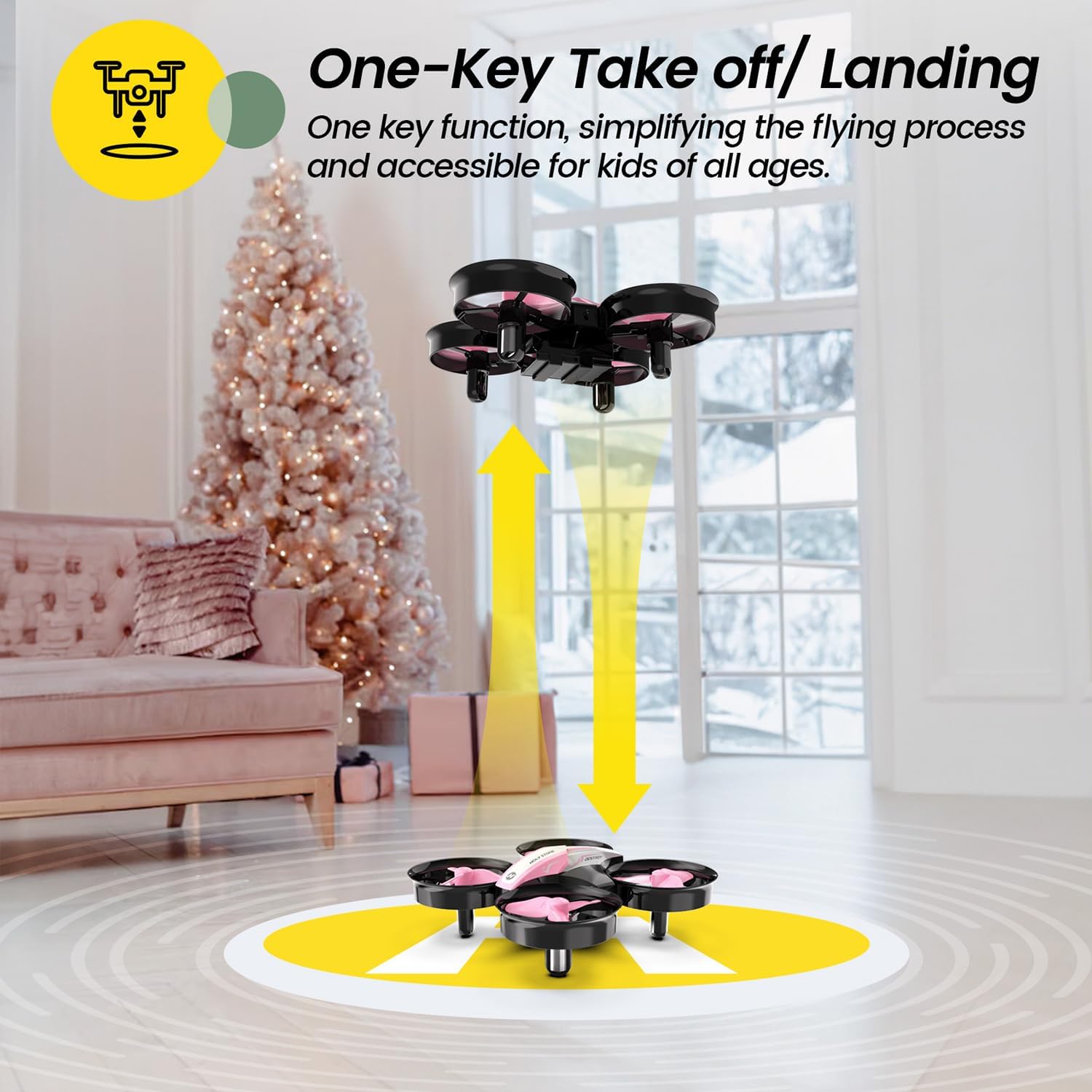
One Key Takeoff/Landing: Press the One Key Start/Landing button on the remote to automatically take off or land the drone. The Altitude Hold function allows the drone to hover stably at a fixed height.

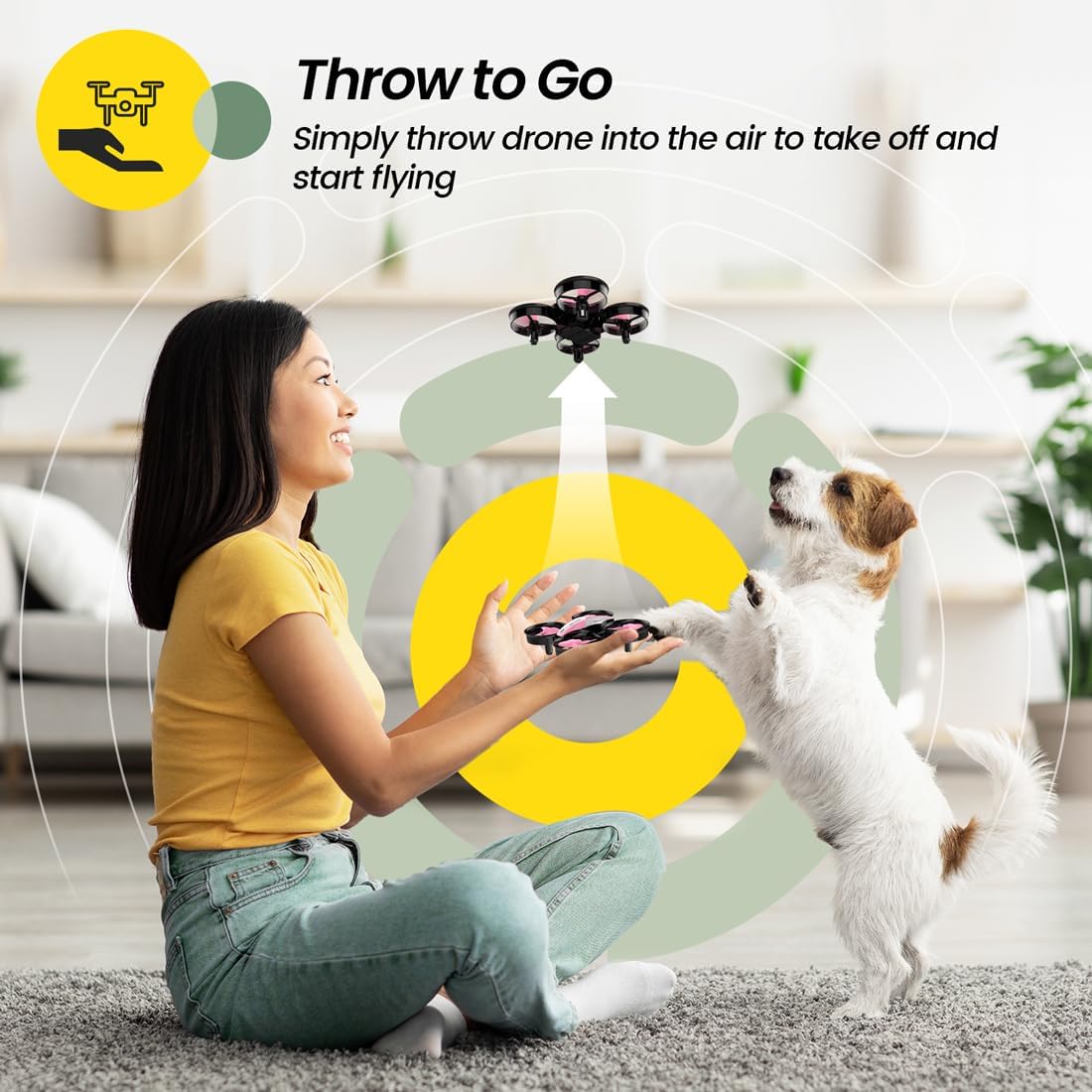
Toss to Launch: Gently toss the drone into the air to initiate flight. This feature is great for quick starts.
3.2 Special Flight Features
3D Flip: Perform impressive 360° flips by pressing the 3D Flip button and moving the right joystick in the desired direction.

Circle Fly: Hold down the remote button to activate Circle Fly mode, allowing the drone to fly in a circular pattern.

High-Speed Rotation: Press the dedicated button to make the drone spin rapidly in the air.
Headless Mode: This mode simplifies control by eliminating the need to adjust the drone's orientation. The drone will always move relative to the pilot's position, regardless of its actual front direction.
3.3 Speed Modes
The HS210 offers Low, Middle, and High-speed modes, catering to different skill levels and flying environments. Adjust the speed using the Speed Switch button on the remote.
4. Maintenance
4.1 Propeller Replacement
In case of damage, use the provided propeller screwdriver to replace broken propellers with the extra ones included in the package. Ensure the correct propeller (A or B) is installed in the corresponding position.
4.2 General Care and Safety
The drone features propeller guards to protect both the propellers and users from injury. An Emergency Stop function is also available for immediate shutdown to prevent accidents.

Always operate the drone in open spaces, away from obstacles, people, and pets. Avoid flying in windy conditions, as the drone's small size makes it susceptible to being carried away.
5. Troubleshooting
If the drone experiences constant drift or unstable hovering:
- Ensure the drone is placed on a flat, level surface before powering on and pairing.
- Recalibrate the drone's gyroscope by pushing both joysticks to the bottom-left corner simultaneously (refer to remote diagram).
- Check for any hair or debris tangled in the propellers or motors. Carefully remove any obstructions using the provided screwdriver or tweezers.
- Verify that all propellers are correctly installed and not bent or damaged. Replace if necessary.
If the drone does not respond to commands or fails to take off:
- Ensure the drone and remote are properly paired (solid lights on drone).
- Check that the drone battery is fully charged and securely connected.
- Ensure the remote control has fresh batteries.
For further assistance, refer to the detailed User Guide (PDF) available online or contact Holy Stone customer support.
6. Specifications
| Feature | Detail |
|---|---|
| Brand | Holy Stone |
| Model Name | HS210 Pink |
| Dimensions | 3.15"L x 3.15"W x 1.18"H |
| Item Weight | 1.34 ounces (38 Grams) |
| Battery Capacity | 250 Milliamp Hours (LiPo) |
| Flight Time per Battery | Approx. 7 minutes |
| Remote Control Technology | 2.4GHz |
| Maximum Range | 160 Feet |
| Skill Level | Beginner |
| Special Features | 360 Degree Flip, Auto Hovering, 3-Speed Modes, Headless Mode, Toss to Launch, Emergency Stop, Propeller Guards |
7. Warranty and Support
For warranty information or technical support, please refer to the official Holy Stone website or contact their customer service directly. Additional resources, including a comprehensive User Manual (PDF), are available for download from the product's Amazon page or the Holy Stone support portal.