
Introduction
This manual provides comprehensive instructions for the safe and effective use of your Soundcore by Anker Liberty 4 NC Wireless Earbuds. Please read this manual thoroughly before use and retain it for future reference.
What's in the Box
- Liberty 4 NC Wireless Earbuds
- Charging Case
- XS/S/M/L Ear Tips (M size pre-installed)
- USB-C Charging Cable
Product Overview

Figure 1: Soundcore Liberty 4 NC Wireless Earbuds shown inside their open charging case.
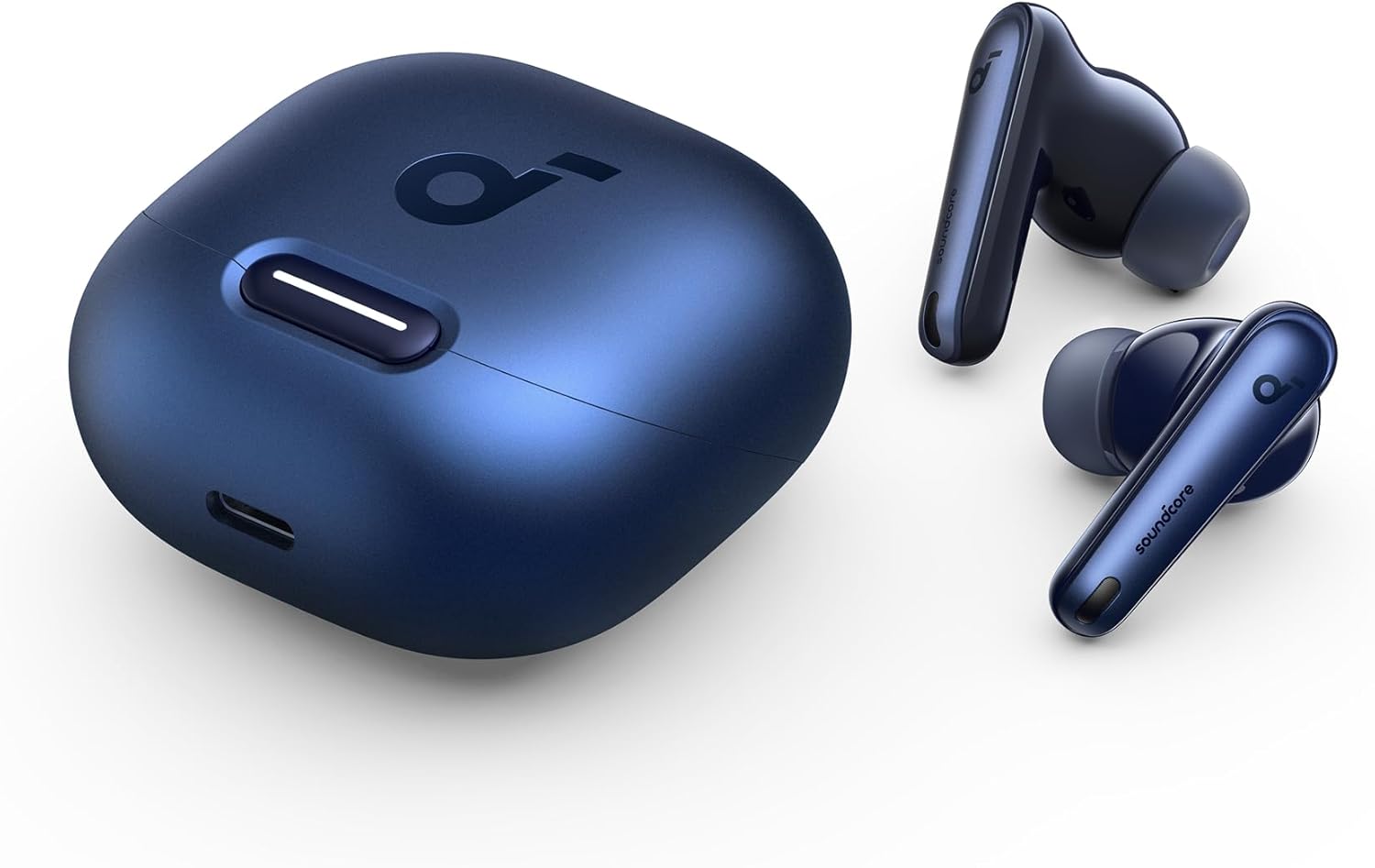
Figure 2: Top-down view of the Liberty 4 NC earbuds removed from their charging case.

Figure 3: Close-up view of two Liberty 4 NC earbuds, highlighting their design.
Setup
Initial Pairing
- Ensure the earbuds are fully charged.
- Open the charging case. The earbuds will automatically enter pairing mode.
- On your device, enable Bluetooth and search for "Soundcore Liberty 4 NC".
- Select the earbuds to connect.
Soundcore App Installation
Download the Soundcore app from your device's app store to unlock full features, customization options, and firmware updates.
Operating Instructions
Controls
The Liberty 4 NC earbuds feature touch controls. Customize controls via the Soundcore app.
- Play/Pause: Single tap (customizable)
- Next Track: Double tap (customizable)
- Previous Track: Triple tap (customizable)
- Answer/End Call: Single tap
- Reject Call: Press and hold
- Volume Control: Customizable via app.
Noise Control Modes
The earbuds offer various noise control modes for different environments.
- Adaptive Noise Cancelling 2.0: Automatically adjusts noise cancellation based on your ear canals and environment.
- Manual Noise Cancelling: Select from multiple levels of noise cancellation (e.g., High, Medium, Low) via the Soundcore app.
- Transparency Mode: Allows you to hear your surroundings while listening to audio. Adjust levels via the Soundcore app.
- Wind Noise Reduction: Minimizes wind interference during calls or audio playback.

Figure 4: Adaptive Noise Cancelling 2.0 adjusts to your environment for optimal quiet.
Easy Chat
Enable Easy Chat in the Soundcore app to automatically lower music volume and enhance vocals for clearer conversations when you start speaking.
Spatial Audio
Experience immersive audio with Spatial Audio. Customize settings (e.g., Music Mode, Gaming Mode) in the Soundcore app.
Battery & Charging
The Liberty 4 NC earbuds offer extended battery life and convenient charging options.
- Single Charge Playtime: Up to 10 hours (normal mode) / 8 hours (ANC on).
- Total Playtime with Charging Case: Up to 50 hours (normal mode) / 40 hours (ANC on).
- Fast Charging: 10 minutes of charge provides up to 4 hours of playtime.
- Wireless Charging: The charging case supports wireless charging.

Figure 5: Battery life indicators for single charge and total playtime with the charging case.

Figure 6: The charging case supports convenient wireless charging.
Fit & Comfort
The earbuds come with XS/S/M/L ear tips to ensure a secure and comfortable fit. Experiment with different sizes to find the best seal for optimal audio performance and noise cancellation.
Water Resistance
The Liberty 4 NC earbuds are IPX4 water-resistant, protecting them from splashes and sweat. This makes them suitable for workouts and outdoor activities, but they are not designed for submersion in water.
Call Quality
Equipped with 6 beamforming microphones and an AI algorithm, the earbuds amplify your voice and reduce background noise for clear calls.

Figure 7: Six microphones with AI noise reduction ensure clear voice pickup during calls.
Sound Quality
Experience high-fidelity audio with the Liberty 4 NC earbuds.
- Hi-Res Audio: 11mm custom-tuned drivers deliver crisp and detailed sound.
- LDAC Technology: Transfers 3 times more data than standard Bluetooth codecs for a richer wireless audio experience.
- HearID 2.0: Create a personalized sound profile tailored to your unique hearing.
- Customizable EQ: Adjust the equalizer or choose from 22 presets in the Soundcore app to match your audio preferences.

Figure 8: Enjoy Hi-Res wireless audio with LDAC technology for superior sound detail.
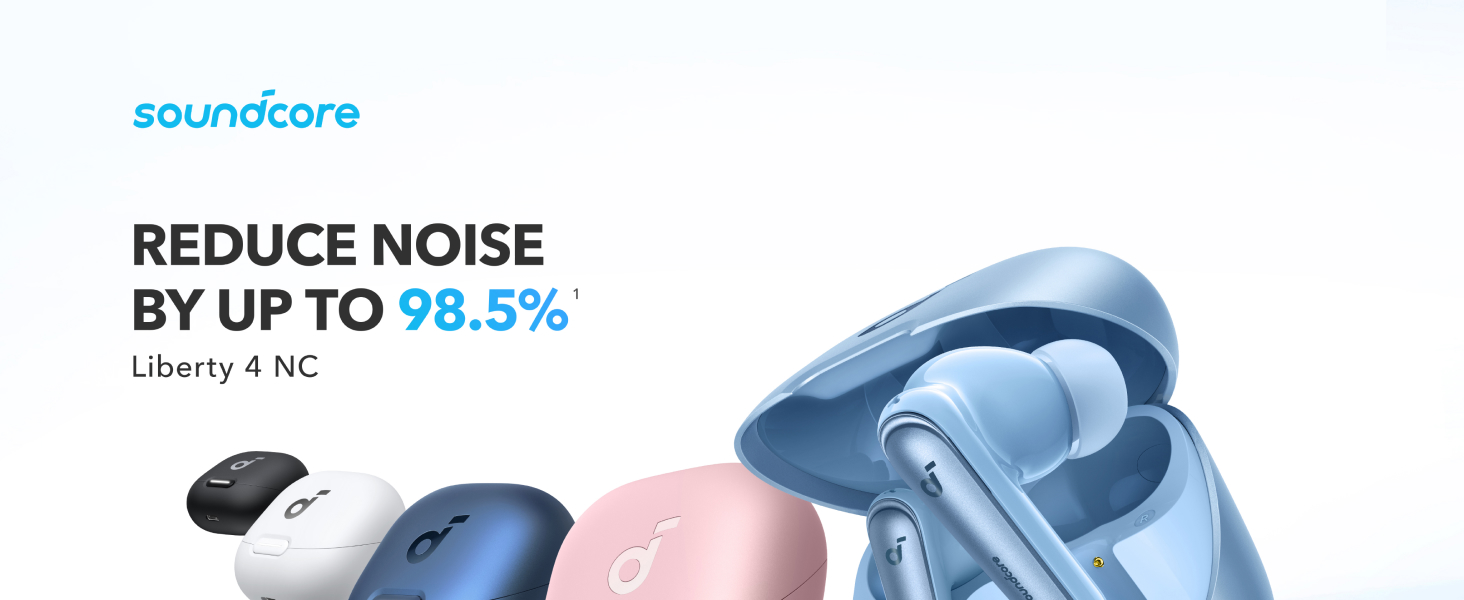
Figure 9: The Soundcore app allows for extensive sound customization, including HearID and EQ presets.
Maintenance & Cleaning
Regular cleaning ensures optimal performance and hygiene for your earbuds.
- Gently wipe the earbuds and charging case with a soft, dry, lint-free cloth.
- Remove ear tips and rinse them with water. Dry thoroughly before reattaching.
- Use a cotton swab lightly dampened with rubbing alcohol to clean the charging contacts and mesh filters.
Troubleshooting
Pairing Issues
If you experience difficulty pairing, ensure the earbuds are in pairing mode (blinking white light) and your device's Bluetooth is enabled. For specific issues, such as pairing with a Samsung Galaxy S23 series phone, refer to the FAQ and how-to videos available on the Soundcore support website.
Sound Quality Issues
If sound quality is poor, ensure ear tips provide a good seal. Try different sizes. Check the Soundcore app for HearID calibration and EQ settings.
Specifications
| Feature | Detail |
|---|---|
| Model Number | A3947 |
| Brand | Soundcore |
| Noise Control | Active Noise Cancellation (Adaptive ANC 2.0) |
| Connectivity | Bluetooth 5.3 |
| Audio Drivers | 11mm Dynamic Drivers |
| Audio Codecs | LDAC, SBC |
| Battery Life (Earbuds) | Up to 10 hours (Normal Mode) / 8 hours (ANC On) |
| Battery Life (Total with Case) | Up to 50 hours (Normal Mode) / 40 hours (ANC On) |
| Charging | USB-C, Wireless Charging |
| Water Resistance | IPX4 |
| Microphones | 6 (with AI Clear Calls) |
| Weight | 1.6 ounces |
| Dimensions | 4.25 x 4.25 x 2.17 inches |
Warranty & Support
For warranty information, technical support, or further assistance, please visit the official Soundcore website or contact Soundcore customer service. Keep your proof of purchase for warranty claims.


