
USHINING T190
USHINING 4G LTE Senior Cell Phone User Manual
Model: T190
1. Introduction
This manual provides comprehensive instructions for the USHINING 4G LTE Unlocked Senior Cell Phone. This device is designed for ease of use, featuring large buttons, a clear display, and essential functions for communication. Please read this manual thoroughly to ensure proper operation and maintenance of your device.
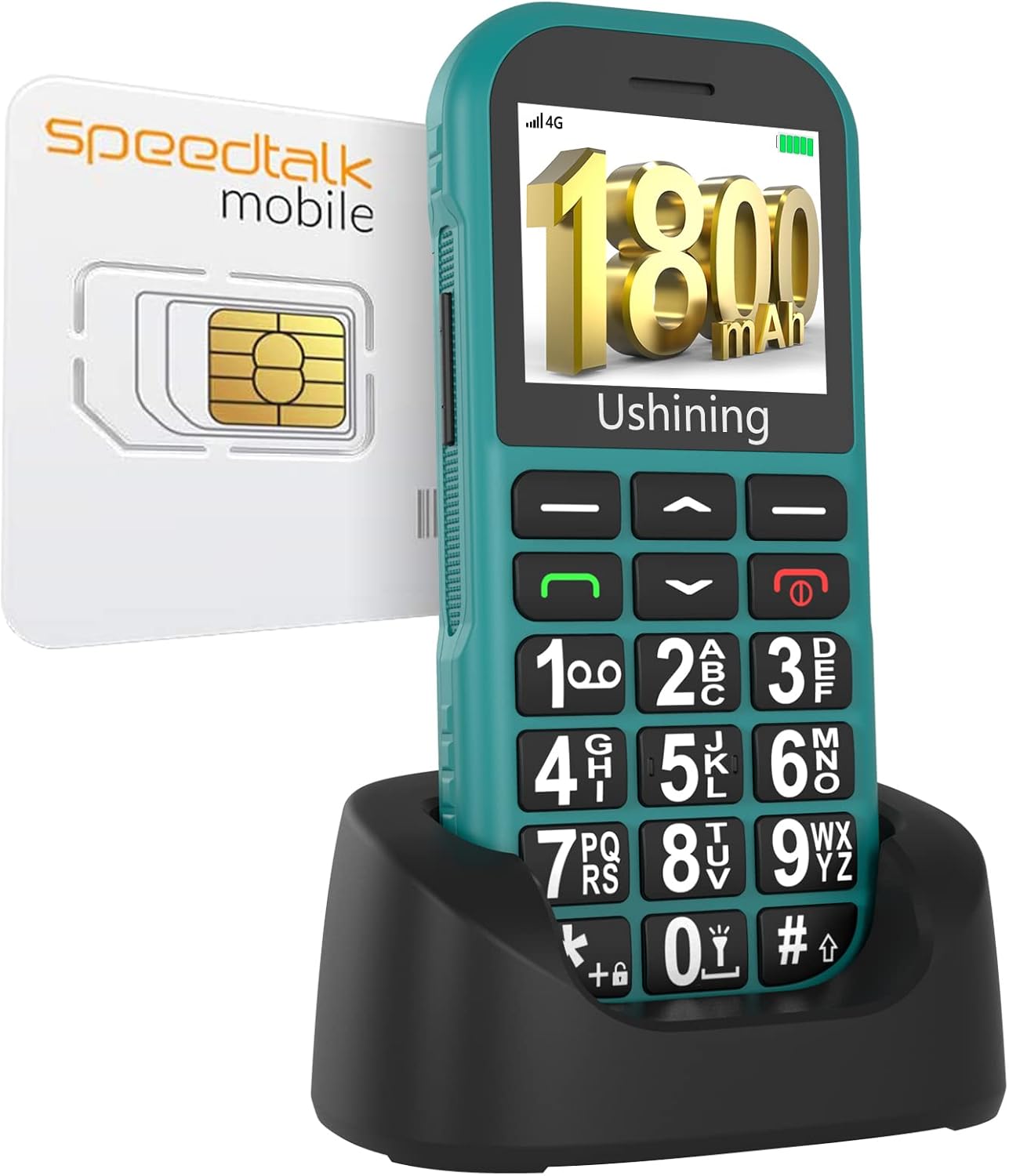
Image: The USHINING 4G LTE Senior Cell Phone, shown in its charging dock, alongside a SpeedTalk SIM card.
2. Setup
2.1 Package Contents
Verify that all items are present in the package:
- USHINING 4G Senior Cell Phone
- Charging Dock
- Long Lasting Battery (1000mAh)
- Charging Cord (Type-C Charger)
- Speedtalk SIM Card (may vary by region/bundle)
- User Manual

Image: An overview of the items included in the product package, such as the phone, charging dock, battery, and cables.
2.2 Inserting SIM Card and Battery
- Carefully remove the back cover of the phone.
- Insert the SpeedTalk SIM card (or your compatible SIM card) into the designated SIM card slot. Ensure the gold contacts face downwards and the card is correctly oriented.
- Insert the 1000mAh battery into the battery compartment, aligning the contacts.
- Replace the back cover until it clicks securely into place.
2.3 Charging the Phone
The phone can be charged using the included Type-C charger directly or via the charging dock.
- Using Charging Dock: Place the phone into the charging dock, ensuring it sits firmly and the charging indicators light up.
- Direct Charging: Connect the Type-C charging cable directly to the phone's charging port.
A full charge provides approximately 5-6 hours of talk time and up to 100 hours (4 days) of standby time.

Image: The USHINING phone demonstrating both direct Type-C charging and charging via its dedicated dock.
2.4 Network Compatibility
This 4G basic cell phone is compatible with T-Mobile (Prepaid Plan), MetroPCS, Tello Mobile, Ultra Mobile, SpeedTalk, Simple Mobile, Mint Mobile, Red Pocket (GSMT), and any other carriers using T-Mobile service. It is NOT compatible with CDMA Carriers such as Verizon, Sprint, Boost, or PagePlus.

Image: A visual representation of compatible network carriers (T-Mobile, MetroPCS, SpeedTalk, Tello, Lyca Mobile, Ultra Mobile, Mint Mobile, Red Pocket GSMT) and non-compatible carriers (AT&T, Sprint, Verizon).
3. Operating the Phone
3.1 Basic Navigation
The phone features a simple operating system with large menu icons and a clear display. Use the navigation buttons (up/down arrows) to scroll through menu options and the 'OK' button to select.

Image: The phone's display showing various menu icons such as Message, My files, Call logs, Multimedia, Tools, Settings, Contacts, and Alarm.
3.2 Making Calls
To make a call, enter the phone number using the large keypad buttons and press the green call button. To end a call, press the red hang-up button.

Image: A close-up of the phone's large, easy-to-read keypad buttons, highlighting their size for user convenience.
3.3 SOS Function
The phone is equipped with an SOS button on the rear cover for emergencies. You can set up to 5 emergency contacts. In case of an emergency, pressing and holding the SOS button will automatically dial these preferred contact numbers sequentially until one is answered. This feature is ideal for older people, children, or individuals with disabilities.

Image: The back of the USHINING phone, showing the prominent red SOS button and the loud speaker grille, with sound waves indicating high volume.

Image: A graphic illustrating the SOS Emergency Calls feature, showing a finger pressing the SOS button and icons representing five family numbers that can be contacted.
3.4 Speed Dial
The phone supports speed dial functionality, allowing you to assign frequently called numbers to specific keys for quick access.

Image: A close-up of the phone's keypad with an overlay showing how numbers 2-9 can be assigned to speed dial contacts like 'Son', 'Daughter', 'Mom', 'Dad', etc.
3.5 Additional Features
The USHINING Senior Cell Phone includes several useful features:
- FM Radio: Built-in FM radio for entertainment.
- Flashlight: A powerful 30M flashlight for convenience.
- MP3 Player: Supports MP3 audio playback.
- SMS: Basic text messaging capabilities.
- Alarm Clock: Set multiple alarms.
- Calendar: Keep track of dates and events.
- Bluetooth: For wireless connectivity.
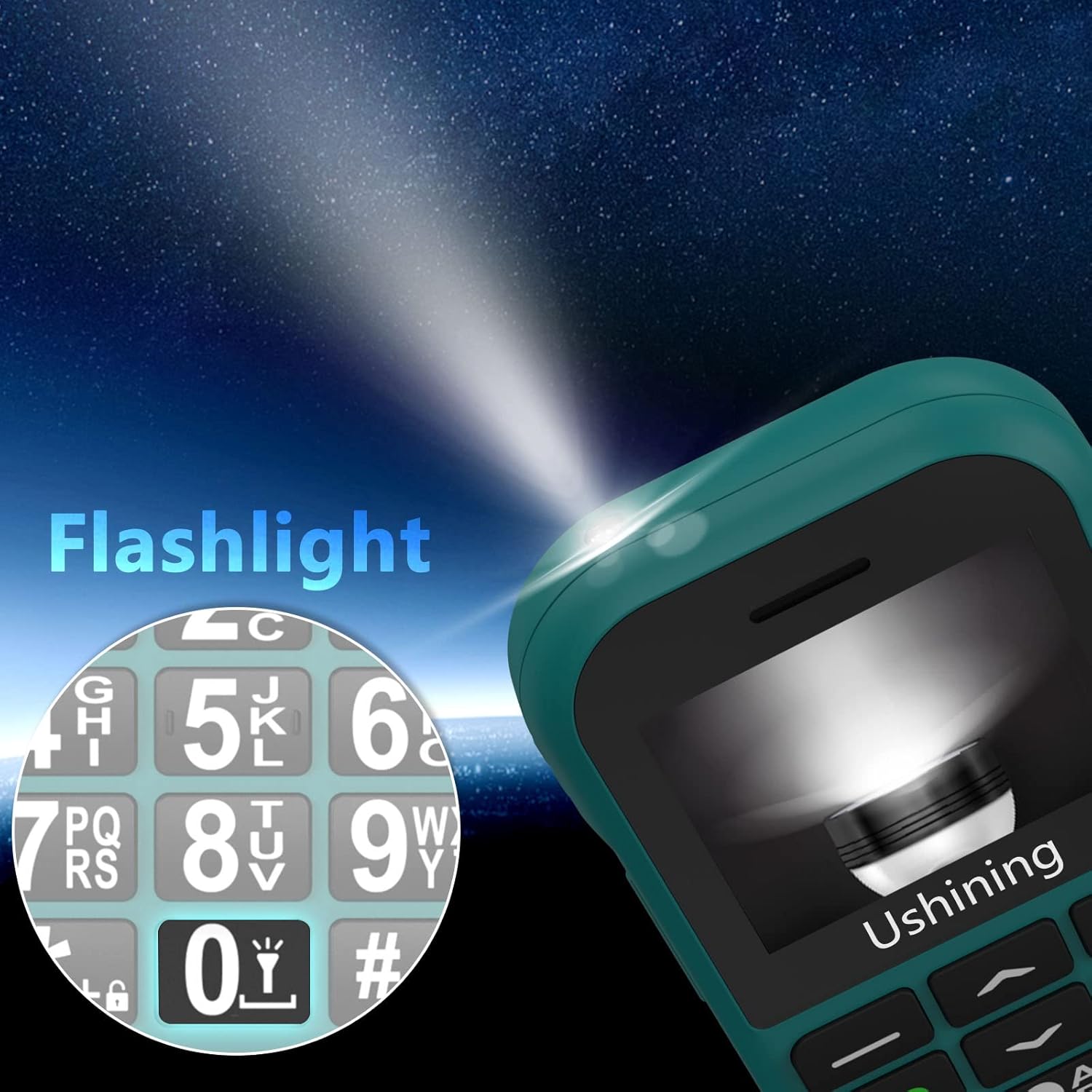
Image: The top of the USHINING phone showing its integrated flashlight, with a beam of light illuminating a dark area.

Image: A comprehensive graphic displaying various features of the USHINING phone, including FM Radio, Calendar, MP3 player, SMS, Alarm Clock, Bluetooth, 4G LTE, Flashlight, Speed Dial, and SOS.
4. Maintenance
To ensure the longevity and optimal performance of your USHINING Senior Cell Phone, follow these maintenance guidelines:
- Keep the phone dry. Moisture can damage electronic components.
- Avoid extreme temperatures. Do not expose the phone to very hot or cold environments.
- Clean the phone gently with a soft, dry cloth. Do not use harsh chemicals or abrasive cleaners.
- Handle the phone with care to prevent drops or impacts.
- Use only original or certified compatible accessories for charging and connectivity.
5. Troubleshooting
If you encounter issues with your phone, refer to the following common troubleshooting steps:
- Phone does not power on: Ensure the battery is correctly inserted and charged. Connect the charger and try again.
- No network signal: Check if the SIM card is properly inserted. Verify that your SIM card is active and compatible with the phone's 4G LTE network (T-Mobile compatible networks only). Move to an area with better network coverage.
- Cannot make/receive calls: Check network signal. Ensure the number is dialed correctly. Verify that your account has sufficient balance or active plan.
- Sound issues (low volume/no sound): Check volume settings. Ensure the speaker is not obstructed.
- Battery drains quickly: Reduce screen brightness. Close unused applications. Limit background activities.
- SOS button not working: Ensure emergency contacts are correctly set up in the phone's settings.
If the problem persists after trying these steps, please contact customer support.
6. Specifications
| Feature | Specification |
|---|---|
| Brand | USHINING |
| Model Number | T190 |
| Color | Green |
| Cellular Technology | 4G |
| Wireless Carrier Compatibility | T-Mobile (and compatible networks) |
| Battery Capacity | 1800mAh |
| Phone Talk Time | 8 Hours |
| Standing Screen Display Size | 2 Inches |
| Resolution | 240 x 320 |
| Human Interface Input | Buttons |
| Audio Jack | 3.5 mm |
| Connectivity Technologies | Bluetooth, Cellular |
| Item Weight | 8.8 ounces |
7. Warranty and Support
For detailed warranty information and customer support, please refer to the warranty card included in your product packaging or visit the official USHINING website. Contact information for support is typically provided on the manufacturer's website or within the full user manual.
Ask a question about this manual
Ask about setup, troubleshooting, compatibility, parts, safety, or missing instructions. Manuals+ will review the question and use this page’s manual context to help answer it.