
Introduction
Thank you for choosing the YAREMYEYE 63V 4-Prong Charger. This manual provides essential information for the safe and efficient operation, maintenance, and troubleshooting of your charger. Please read this manual thoroughly before use and retain it for future reference.
Important Safety Information
- Always connect the charger to a grounded power outlet.
- Do not use the charger if the cable or plug is damaged.
- Keep the charger away from water and moisture.
- Do not attempt to open or modify the charger. There are no user-serviceable parts inside.
- Ensure proper ventilation around the charger during use to prevent overheating.
- This charger is designed with multiple protection systems including overcharge, short-circuit, overload, and over-heat protection.
- The charger is constructed from high-temperature and flame-retardant materials for enhanced safety.
Product Overview
Features
- Output: 63V 2A
- Input: AC 100-240V 50-60Hz
- Charging Plug Type: 0.35 inches female head, 4-Pin
- Indicator Light: Displays charging status.
- Protection Systems: Overcharge, Short-circuit, Overload, Over-Heat, Over-Voltage, IP65 Waterproof, Level VI Energy Efficiency.
Package Contents
- YAREMYEYE 63V 4-Prong Charger Unit
- AC Power Cord
Compatibility
This charger is specifically designed for the following models:
- Ninebot by Segway S
- Ninebot by Segway S-MAX
- Ninebot by Segway Mini PRO
- Ninebot by Segway Mini lite
- Ninebot by Segway L8
- Ninebot by Segway One A1
- Ninebot by Segway One S2
- Hover 1 (Models: N3M240, N3MM240)
- Segway GoKart Kit
- Segway Gokart PRO
- Segway Gokart Lamborghini
ATTENTION: This charger is NOT COMPATIBLE with Ninebot by Segway S-PLUS.
Please verify your device's charging port matches the 4-pin, 0.35-inch (8.0mm) female head connector of this charger before use.
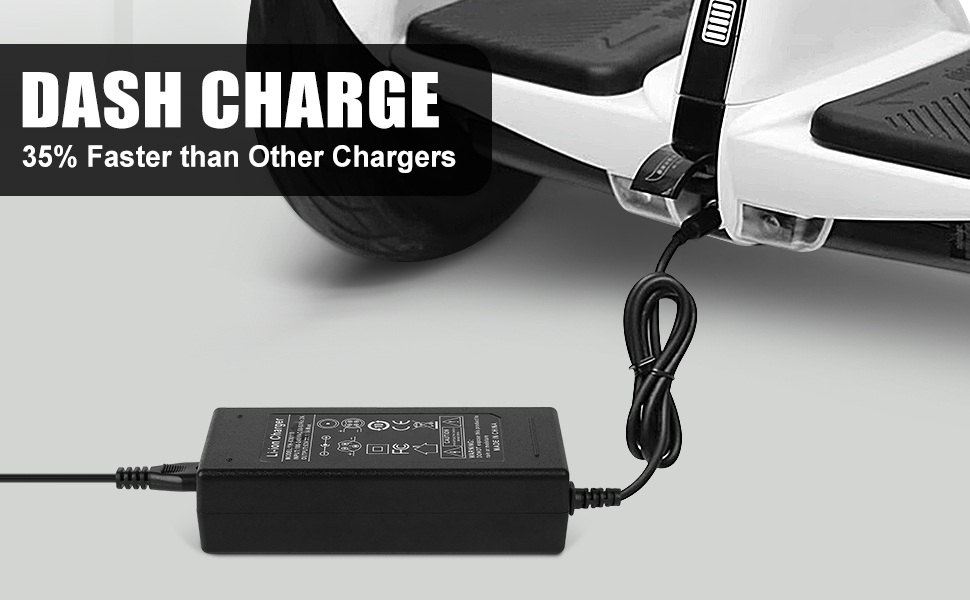
Figure 1: Detailed view of the 4-pin charging port (0.35 inches / 8.0mm) and examples of incompatible 3-pin ports. Ensure your device's port matches the 4-pin configuration shown with the green checkmark.

Figure 2: The YAREMYEYE 63V 4-Prong Charger connected to a compatible Ninebot S scooter, demonstrating proper fit.
Setup
- Unpack: Carefully remove the charger and AC power cord from the packaging.
- Connect AC Power: Plug the AC power cord into the charger's input port.
- Connect to Wall Outlet: Plug the other end of the AC power cord into a standard AC 100-240V wall outlet. The charger's indicator light should illuminate green, indicating it has power.
- Connect to Device: Insert the 4-prong charging plug into your compatible Ninebot or Segway device's charging port. Ensure a secure connection.
Operating Instructions
Once the charger is properly connected to both the power outlet and your device, the charging process will begin automatically.
- Charging Indicator:
- Green Light (Solid): Indicates the charger is powered on and ready, or the device is fully charged.
- Red Light (Solid): Indicates the device is currently charging.
- Full Charge: The indicator light will turn green when your device's battery is fully charged. Disconnect the charger from the device and then from the wall outlet once charging is complete.
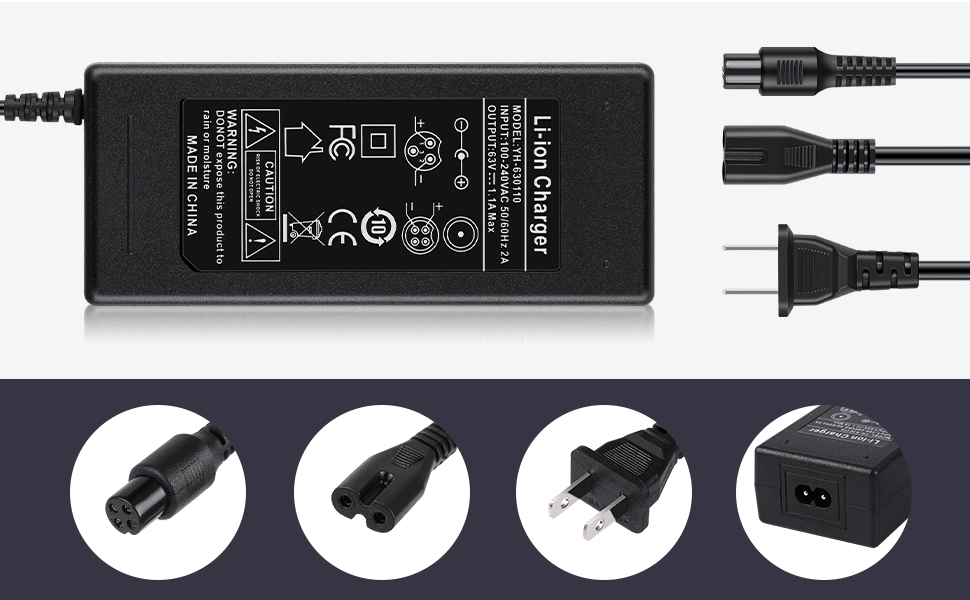
Figure 3: The charger's LED indicator showing red for 'Charging' and green for 'Full of Electricity' (fully charged).
Maintenance
- Cleaning: Disconnect the charger from all power sources before cleaning. Use a soft, dry cloth to wipe the exterior. Do not use liquid cleaners or solvents.
- Storage: Store the charger in a cool, dry place when not in use. Avoid extreme temperatures.
- Cable Care: Do not bend or crimp the charging cable excessively. Avoid placing heavy objects on the cable.
Troubleshooting
| Problem | Possible Cause | Solution |
|---|---|---|
| Charger indicator light does not turn on. | No power from outlet; loose connection; damaged charger/cable. | Check wall outlet with another device. Ensure all connections are secure. Inspect charger and cable for damage. |
| Device is not charging (indicator remains green when connected). | Device already fully charged; incompatible device; faulty charging port on device. | Verify device battery status. Confirm device compatibility (4-pin, 0.35-inch port). Try charging another compatible device if available. |
| Charger gets excessively hot during use. | Poor ventilation; internal fault. | Ensure charger is in a well-ventilated area. Discontinue use immediately if overheating persists and contact support. |
Specifications
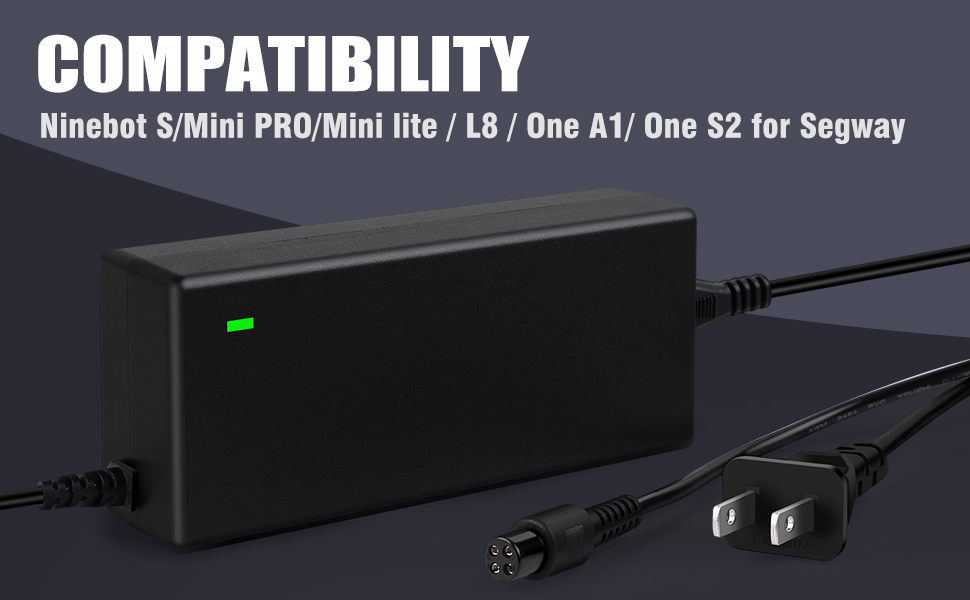
Figure 4: Key product parameters and connector types.
| Parameter | Value |
|---|---|
| Model Number | 63W2A |
| Input Voltage | AC 100-240V |
| Input Frequency | 50-60Hz |
| Output Voltage | 63V |
| Output Current | 2A |
| Rated Power | 70W |
| Connector Type | 4-Pin, 0.35 inches (8.0mm) female head |
| Material | Plastic (High temperature and flame retardant) |
| Protection Features | Overcharge, Short-circuit, Overload, Over-Heat, Over-Voltage, IP65 Waterproof, Level VI Energy Efficiency |
| Certifications | CE, FCC |
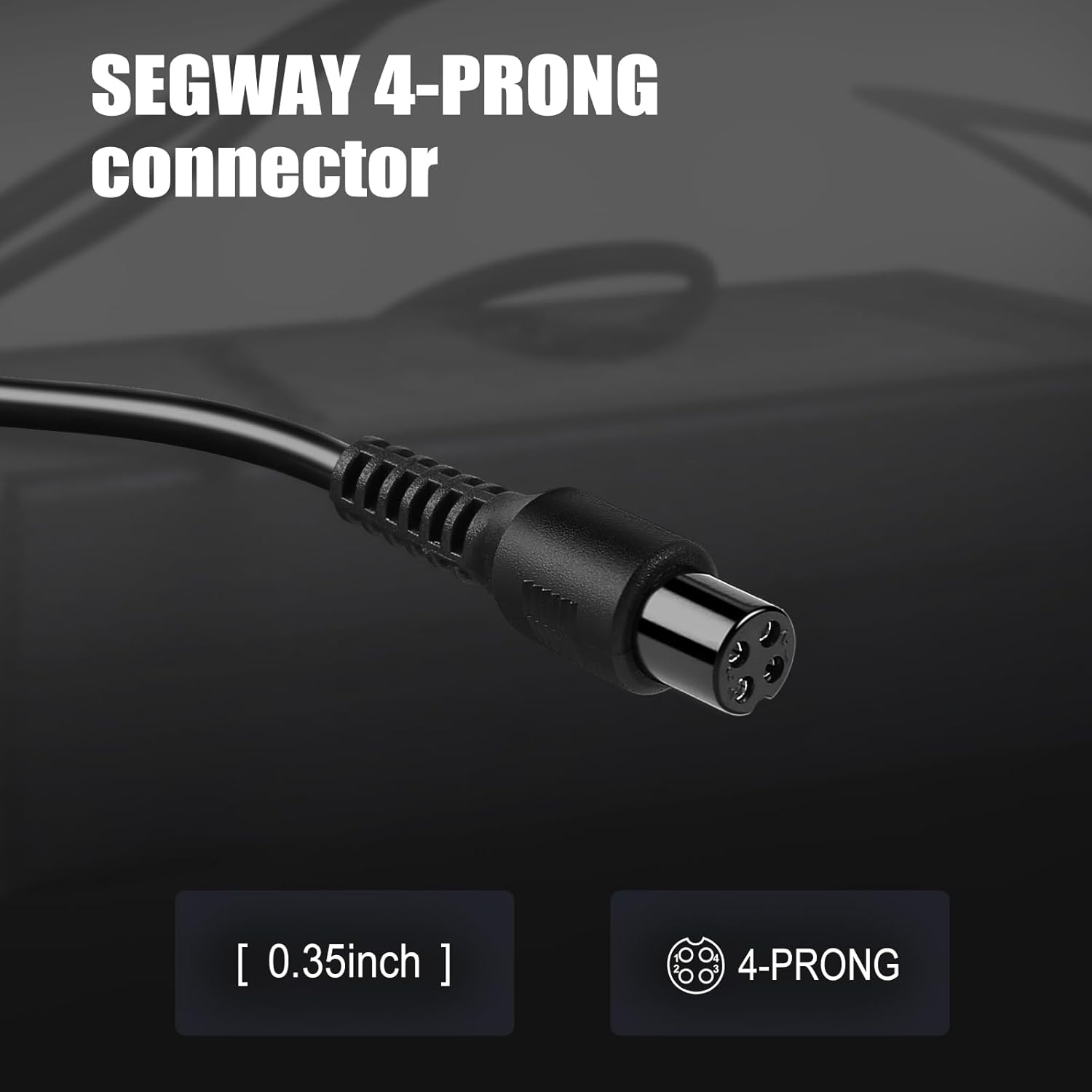
Figure 5: Visual representation of the multiple security protection features integrated into the charger.
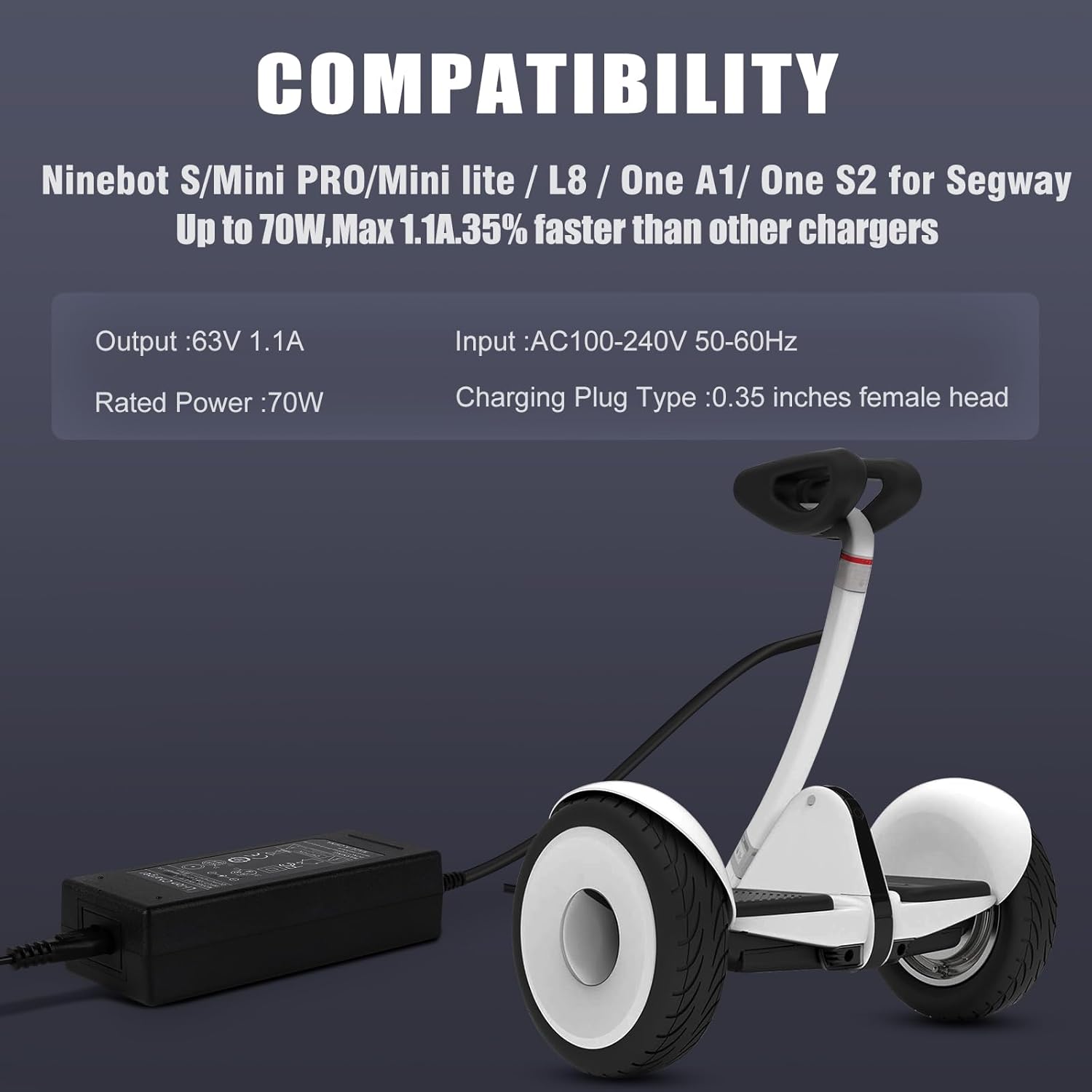
Figure 6: Detailed view of the 4-prong connector, emphasizing its specific dimensions for compatibility.
Warranty and Support
Your YAREMYEYE 63V 4-Prong Charger comes with a 12-month warranty from the date of purchase. We also offer a 30-day money-back guarantee.
For any questions, technical assistance, or warranty claims, please contact our customer support team. We provide 24/7 email support to assist you.
Please refer to your purchase documentation for specific contact details or visit the YAREMYEYE brand store on Amazon.