
Vieta Pro VM-MC010BK
Vieta Pro Party Mic Wireless Microphone User Manual
Model: VM-MC010BK
Brand: Vieta Pro
Introduction
Thank you for choosing the Vieta Pro Party Mic Wireless Microphone. This manual provides detailed instructions for setting up, operating, and maintaining your device to ensure optimal performance and longevity. Please read this manual thoroughly before using the product.
Important Safety Information
To prevent fire, electric shock, or product damage, please observe the following precautions:
- Do not expose the device to rain or moisture.
- Do not disassemble or modify the device.
- Keep away from extreme temperatures and direct sunlight.
- Use only the specified power source and accessories.
- Keep out of reach of children.
- Dispose of batteries properly according to local regulations.
What's Included
Verify that all components are present in the package:
- 1 x Vieta Pro Party Mic Wireless Microphone
- 1 x Wireless Receiver (with 6.5mm Mono Jack)
- 1 x USB-C Charging Cable
- 1 x User Manual

This image displays the Vieta Pro Party Mic wireless microphone alongside its compact receiver, highlighting the sleek black design of both components.
Product Overview
The Vieta Pro Party Mic is designed for clear audio transmission with minimal interference, ideal for various events. Its versatile connectivity options ensure broad compatibility.
Key Features:
- Wireless Freedom: Enjoy unrestricted movement with a reliable wireless connection.
- Dual Connectivity: Features both USB-C for modern devices and a 6.5mm Mono Jack for traditional audio equipment.
- Low Interference: Advanced technology minimizes signal disruptions for clear sound.
- Extended Battery Life: The receiver provides up to 12 hours of continuous operation.
- Wide Compatibility: Designed to work seamlessly with Vieta Pro Party speakers and other compatible audio systems.
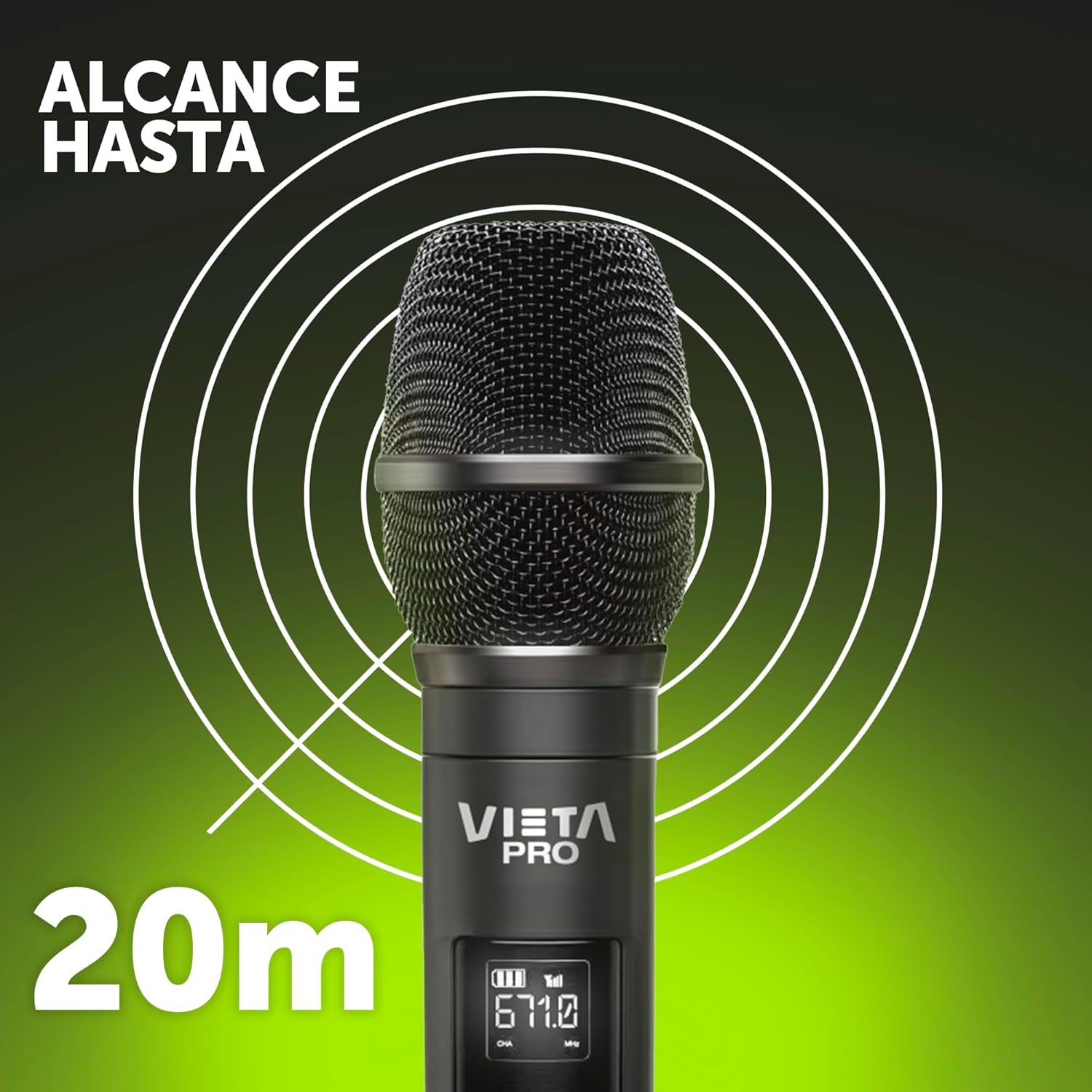
This image illustrates the impressive wireless range of the Vieta Pro Party Mic, indicating a coverage of up to 20 meters, allowing for significant freedom of movement during use.
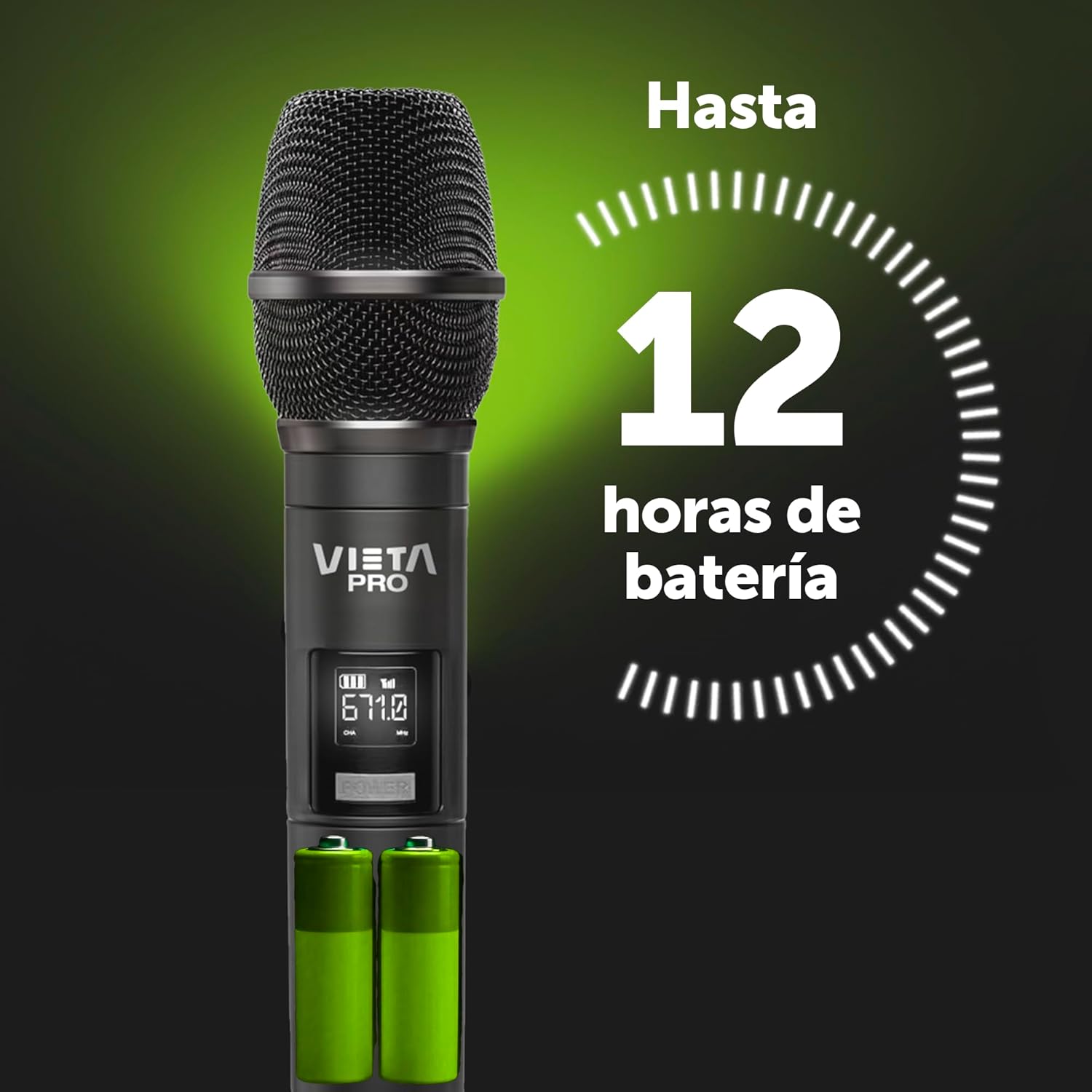
This image highlights the long-lasting battery performance of the receiver, capable of providing up to 12 hours of usage on a single charge, ensuring extended operation for events.

This image emphasizes the high sound quality and volume capabilities of the microphone, depicted by a person enjoying singing with clear audio output.

This image demonstrates the low interference technology of the Vieta Pro Party Mic, operating on the RF 671MHz band to ensure stable and clear audio transmission.

This image shows the versatility of the receiver, featuring a 6.5mm Mono Jack that can be easily plugged into compatible audio devices for seamless integration.

This image illustrates the compatibility of the Vieta Pro Party Mic with the range of Vieta Pro Party speakers, showcasing how it integrates into a complete audio setup.
Setup Guide
1. Charging the Receiver
Before first use, ensure the receiver is fully charged.
- Connect the supplied USB-C charging cable to the receiver's USB-C port.
- Connect the other end of the cable to a USB power adapter (not included) or a computer's USB port.
- The charging indicator light will illuminate. It will turn off or change color once fully charged.
2. Inserting Batteries into the Microphone
The microphone requires 1 C battery (included).
- Unscrew the bottom part of the microphone to access the battery compartment.
- Insert the C battery, ensuring correct polarity (+/-).
- Screw the bottom part back on securely.
3. Connecting the Receiver
The receiver can be connected to any audio device with a 6.5mm Mono Jack input, such as a karaoke machine, speaker, or mixer.
- Plug the 6.5mm Mono Jack of the receiver firmly into the microphone input port of your audio device.
- Ensure the audio device is powered on and the input volume is set to a low level initially.
Operating Instructions
1. Powering On/Off
- Microphone: Press and hold the power button on the microphone until the display illuminates. To turn off, press and hold the power button again.
- Receiver: The receiver typically powers on automatically when plugged into a powered 6.5mm jack. Some models may have a small power switch.
2. Pairing (Automatic)
The microphone and receiver are designed to pair automatically upon power-on. If pairing does not occur:
- Ensure both devices are fully charged/have fresh batteries.
- Ensure both devices are within the effective operating range (up to 20 meters).
- Restart both the microphone and the receiver.
3. Adjusting Volume
Volume control is primarily managed through the connected audio device (karaoke machine, speaker, mixer). Adjust the input volume on your audio device to achieve the desired sound level.
4. Using the Microphone
- Hold the microphone approximately 5-10 cm (2-4 inches) from your mouth for optimal sound pickup.
- Avoid covering the microphone grille with your hand, as this can affect sound quality.
- For best performance, ensure there are no major obstructions between the microphone and the receiver.
Maintenance and Care
Cleaning
- Wipe the microphone and receiver with a soft, dry cloth.
- Do not use abrasive cleaners, solvents, or strong chemicals.
- For the microphone grille, use a soft brush to gently remove dust or debris.
Storage
- When not in use for extended periods, remove batteries from the microphone to prevent leakage.
- Store the device in a cool, dry place, away from direct sunlight and extreme temperatures.
- Keep the original packaging for safe storage and transport if possible.
Troubleshooting
| Problem | Possible Cause | Solution |
|---|---|---|
| No sound from microphone. | Microphone or receiver not powered on; Low battery; Incorrect connection; Audio device volume too low. | Ensure both devices are on. Check/replace batteries. Ensure receiver is fully plugged into the correct input. Increase volume on connected audio device. |
| Sound is distorted or has static. | Interference; Microphone too far from receiver; Low battery; Input volume on audio device too high. | Move away from other wireless devices. Reduce distance between mic and receiver. Check/replace batteries. Lower input volume on audio device. |
| Microphone not pairing. | Devices out of range; Interference; Power issue. | Bring devices closer. Restart both microphone and receiver. Ensure sufficient power. |
Specifications
| Feature | Detail |
|---|---|
| Model Number | VM-MC010BK |
| Microphone Form Factor | Handheld |
| Connectivity Technology | Wireless (RF 671MHz), USB-C (receiver charging), 6.5mm Mono Jack (receiver output) |
| Power Source (Microphone) | Battery (1 x C battery, included) |
| Power Source (Receiver) | Rechargeable Lithium Ion Battery (up to 12 hours) |
| Material | PVC |
| Special Feature | Noise Reduction, Low Interference |
| Compatible Devices | Karaoke Machine, Personal Computer, Laptop, Television, Audio equipment with 6.5mm connector |
| Color | Black |
| Product Weight | 360 g |
| Dimensions | 29.3 x 8.3 x 5.9 cm |
Warranty and Support
Vieta Pro products are manufactured to the highest quality standards. For information regarding warranty coverage, please refer to the warranty card included with your purchase or visit the official Vieta Pro website.
For technical support, troubleshooting assistance, or service inquiries, please contact Vieta Pro customer service through their official channels. You can often find contact information on the brand's website or within the product packaging.
Online Resources: For additional support and FAQs, please visit the Vieta Pro Brand Store on Amazon.
Ask a question about this manual
Ask about setup, troubleshooting, compatibility, parts, safety, or missing instructions. Manuals+ will review the question and use this page’s manual context to help answer it.