

1. Introduction
The Coast RL20R rechargeable headlamp is designed for versatile lighting needs, offering powerful illumination and advanced features. It combines an Ultra View Flood Beam and a BULLS-EYE Spot Beam, delivering up to 1000 lumens. This headlamp also includes red and green LED options, a rear-facing safety signal, and a Rechargeable Plus power system for extended run time. Its durable construction ensures resistance to water and dust, making it suitable for various environments.
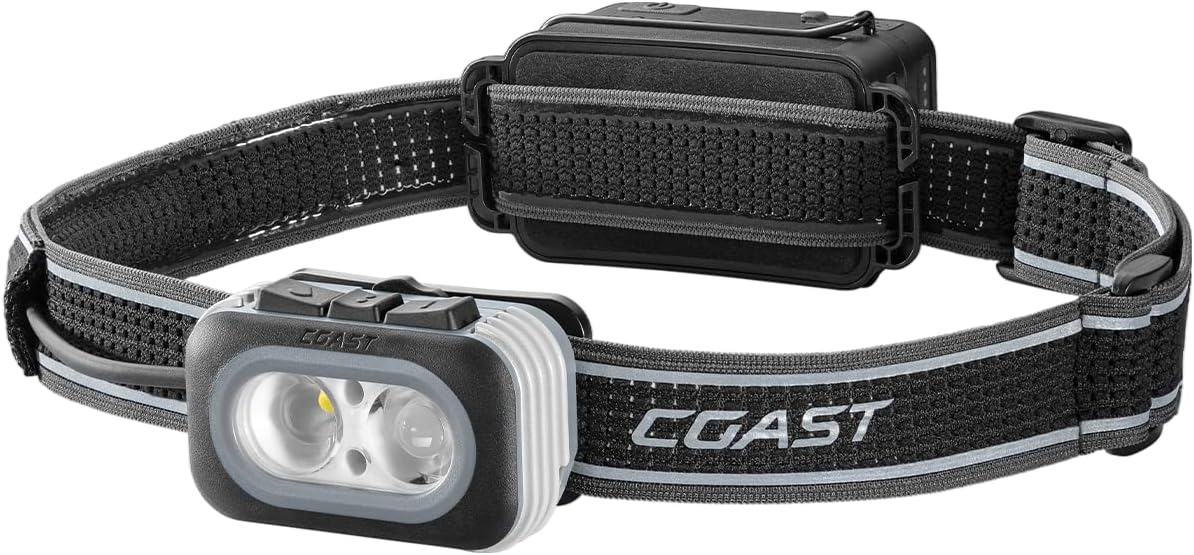
Image: The Coast RL20R headlamp, showing the main light unit, adjustable strap, and rear battery pack.
2. Key Features
- Variable Light Control: Easily adjust light output using a responsive dial to regulate beam intensity.
- Rear-Facing Safety Light: An independently controlled safety light built into the battery housing, offering solid red or flashing red modes for enhanced visibility.
- Tri-Color Modes: Select from white utility beam for general use, red anti-glare LED for night vision preservation, and green LED for lower detectability or signaling.
- Rechargeable Plus Power System: Integrated COAST ZITHION rechargeable battery with an option to add a secondary COAST ZITHION-X ZX20B booster battery (sold separately) for double the run time.
- Fixed Focus Beams: Features both an Ultra View Flood Beam for wide illumination and a BULLS-EYE Spot Beam for focused light.
- Durable Construction: IP54 water-resistant and dust-resistant.
- Ultra-Strap: Breathable mesh head strap for comfortable and secure fit.

Image: Infographic summarizing key features: 4 Light Modes, USB-C Rechargeable, 2X Power Pack (Optional), Lifetime Warranty, 1000 Lumens, 187m Beam, 17h Run time.
3. Getting Started
3.1 Unpacking and Included Components
Carefully remove the headlamp from its packaging. Ensure all components are present:
- Coast RL20R Headlamp
- Integrated ZITHION Rechargeable Battery
- Head Band (Ultra-Strap)
- USB-C Charging Cable

Image: The Coast RL20R headlamp shown alongside its included USB-C charging cable.
3.2 Initial Charging
Before first use, fully charge the headlamp's integrated battery. Connect the supplied USB-C cable to the headlamp's charging port and plug the other end into a compatible USB power source (e.g., wall adapter, computer USB port). The battery life indicator will show charging status.
3.3 Adjusting the Head Strap
The RL20R features an Ultra-Strap designed for comfort and stability. Adjust the strap to fit snugly around your head. The breathable mesh material helps prevent slippage during activity.

Image: Close-up of the headlamp's breathable and reflective mesh headstrap, highlighting its non-slip design.
4. Operating Instructions
4.1 Power On/Off and Mode Selection
The RL20R has intuitive controls on top of the light body. Press the main power button to cycle through the primary light modes (white, red, green). A long press typically turns the unit off.
4.2 Variable Light Control
The Variable Light Control dial allows precise adjustment of light intensity. Rotate the dial to brighten or dim the light output to suit your needs. This feature applies to both the flood and spot beams.
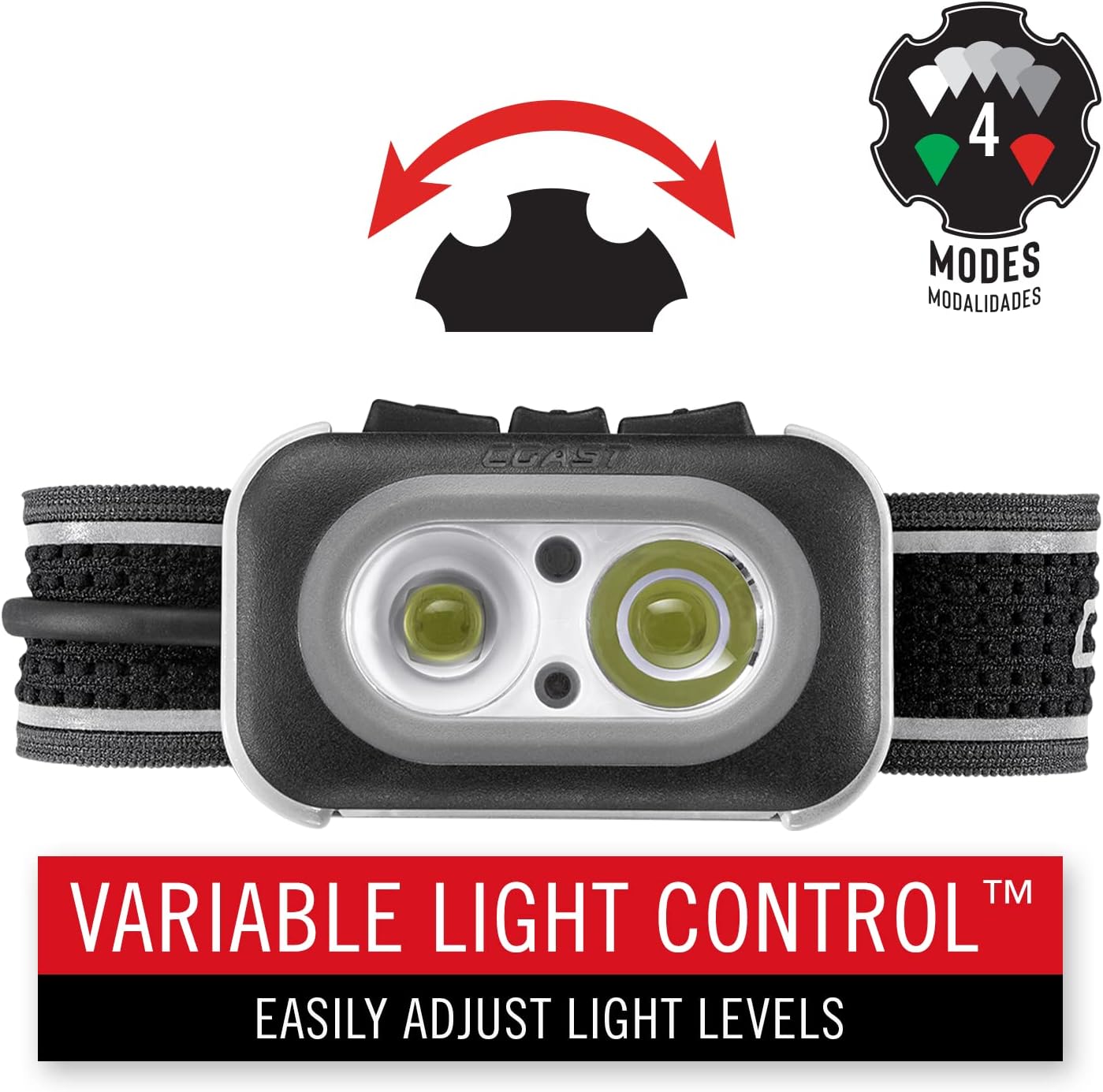
Image: Top view of the headlamp showing the Variable Light Control dial, indicating easy adjustment of light levels.
4.3 Beam Modes: Flood and Spot
The headlamp features two independently controlled beams:
- Ultra View Flood Beam: Provides a broad, even light for illuminating a wide area.
- BULLS-EYE Spot Beam: Delivers a concentrated beam for long-distance viewing.
These beams can be used individually or combined for maximum output (1000 lumens).

Image: Comparison of a spot beam and a flood beam illuminating a rocky outdoor landscape at night, demonstrating the difference in light spread.
4.4 Tri-Color Modes: White, Red, and Green
Beyond the primary white light, the RL20R offers specialized colored LEDs:
- White Utility Beam: Standard illumination for general tasks.
- Red Anti-Glare LED: Preserves night vision and reduces glare, ideal for low-light situations where maintaining night adaptation is crucial.
- Green LED: Offers lower detectability and can be used for specific signaling or tasks where minimal disturbance to wildlife is desired.
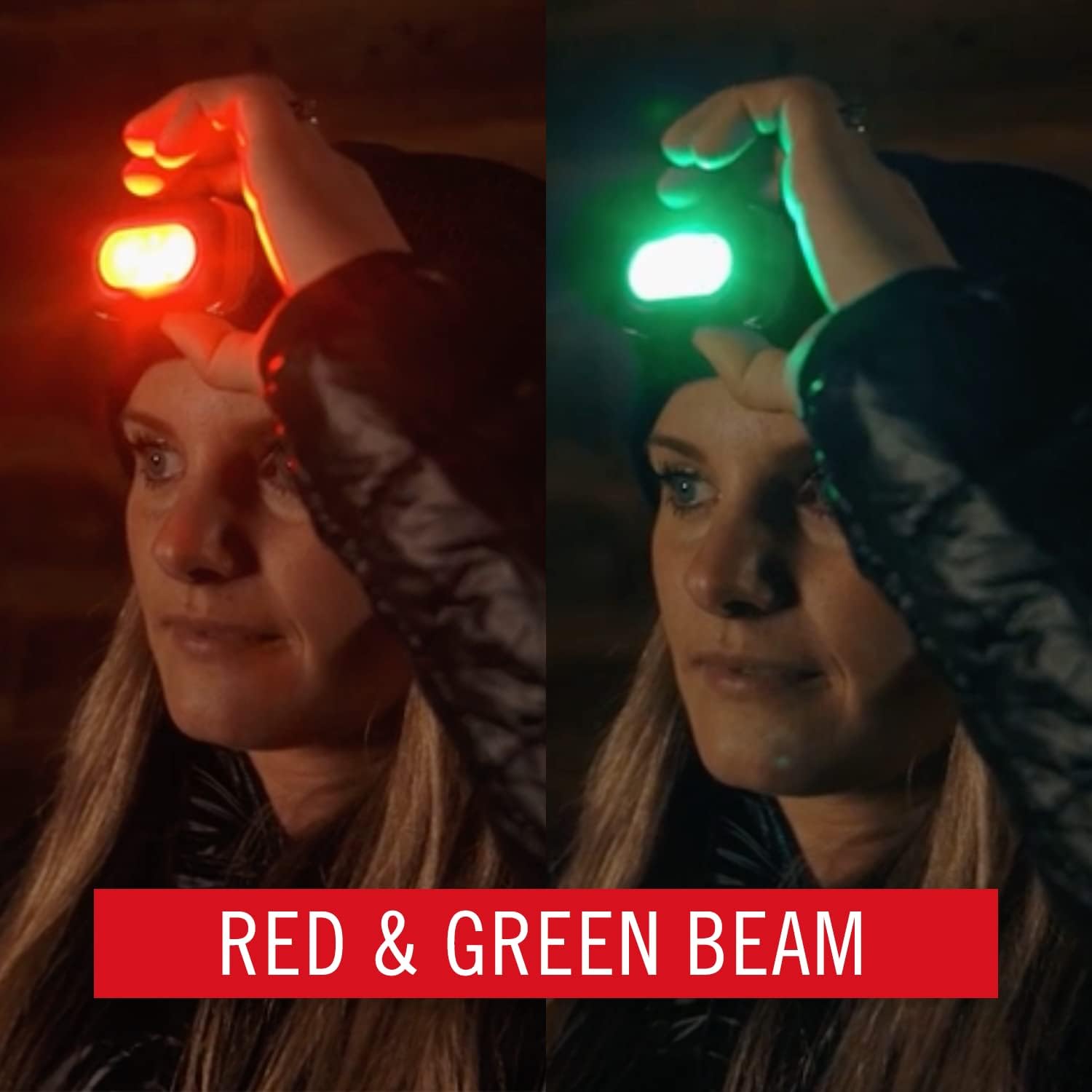
Image: A person wearing the headlamp, demonstrating the red light mode on the left and the green light mode on the right.
4.5 Rear Safety Signal
The integrated battery pack at the rear of the head strap includes an independent safety signal. This light can be set to solid red or flashing red, enhancing your visibility to others from behind. It has its own on/off switch.
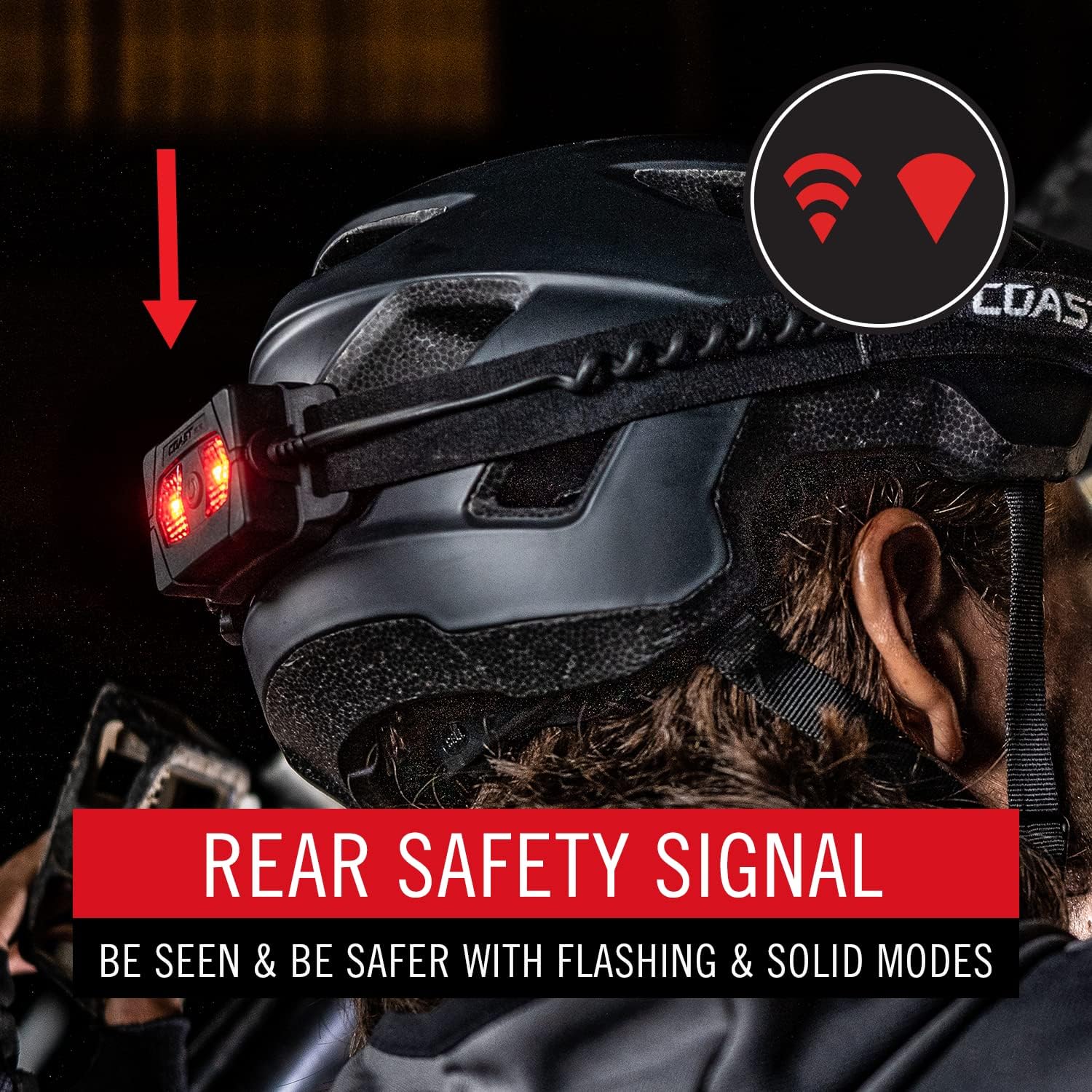
Image: A person wearing the headlamp, with an arrow pointing to the red rear safety signal on the back of the headstrap, indicating its function for visibility.
5. Battery Management
5.1 Recharging the Battery
Recharge the integrated ZITHION battery via the USB-C port. A full charge ensures optimal performance and run time. Monitor the battery life indicator to know when recharging is needed.
5.2 Optional 2X Power Pack
For extended use, the RL20R supports an optional secondary COAST ZITHION-X ZX20B rechargeable booster battery (sold separately). This booster pack snaps into position on top of the integrated battery, effectively doubling your run time for prolonged activities or remote locations.

Image: Diagram illustrating how the optional 2X Power Pack (booster battery) clips onto the main headlamp unit, doubling the run time.
6. Care and Maintenance
- Cleaning: Wipe the headlamp with a soft, damp cloth. Do not use abrasive cleaners or solvents.
- Storage: Store the headlamp in a cool, dry place when not in use. For long-term storage, ensure the battery is partially charged (around 50%) to maintain battery health.
- Water and Dust Resistance: The RL20R is rated IP54 for water and dust resistance. This means it is protected from dust ingress sufficient to prevent the product from operating normally and from water spray from any direction. It is not designed for submersion.

Image: A person riding a bicycle through water splashes at night, demonstrating the headlamp's IP54 storm-proof and dust-resistant capabilities.
7. Troubleshooting
| Problem | Possible Cause | Solution |
|---|---|---|
| Headlamp does not turn on. | Battery is depleted. | Recharge the headlamp using the USB-C cable. |
| Light is dim or flickers. | Low battery charge. | Recharge the headlamp. |
| Headlamp not charging. | Faulty USB cable or power source. | Try a different USB-C cable or power adapter. Ensure connections are secure. |
| Cannot switch between light modes. | Controls are unresponsive. | Ensure the headlamp is sufficiently charged. If issue persists, contact customer support. |
8. Specifications
| Feature | Detail |
|---|---|
| Model Number | 30899 (Style: RL20R) |
| Brightness (White) | Up to 1000 Lumens (Combined Beam) |
| Beam Distance | Up to 187 meters |
| Light Source Type | LED (White, Red, Green) |
| Power Source | Battery Powered (Integrated Lithium Ion) |
| Voltage | 3.7 Volts |
| Water Resistance Level | IP54 (Water Resistant, Dust Resistant) |
| Material | Aluminum |
| Color | Black/Grey |
| Item Weight | 6.7 ounces (191 Grams) |
| Product Dimensions | 1.5"D x 2.4"W x 1.2"H |
| Recommended Uses | Camping, Caving, Fishing, Hiking, Jogging, Emergency, Hunting |

Image: Infographic displaying "1000 Lumens" and "187M Distance" as key performance metrics for the headlamp.
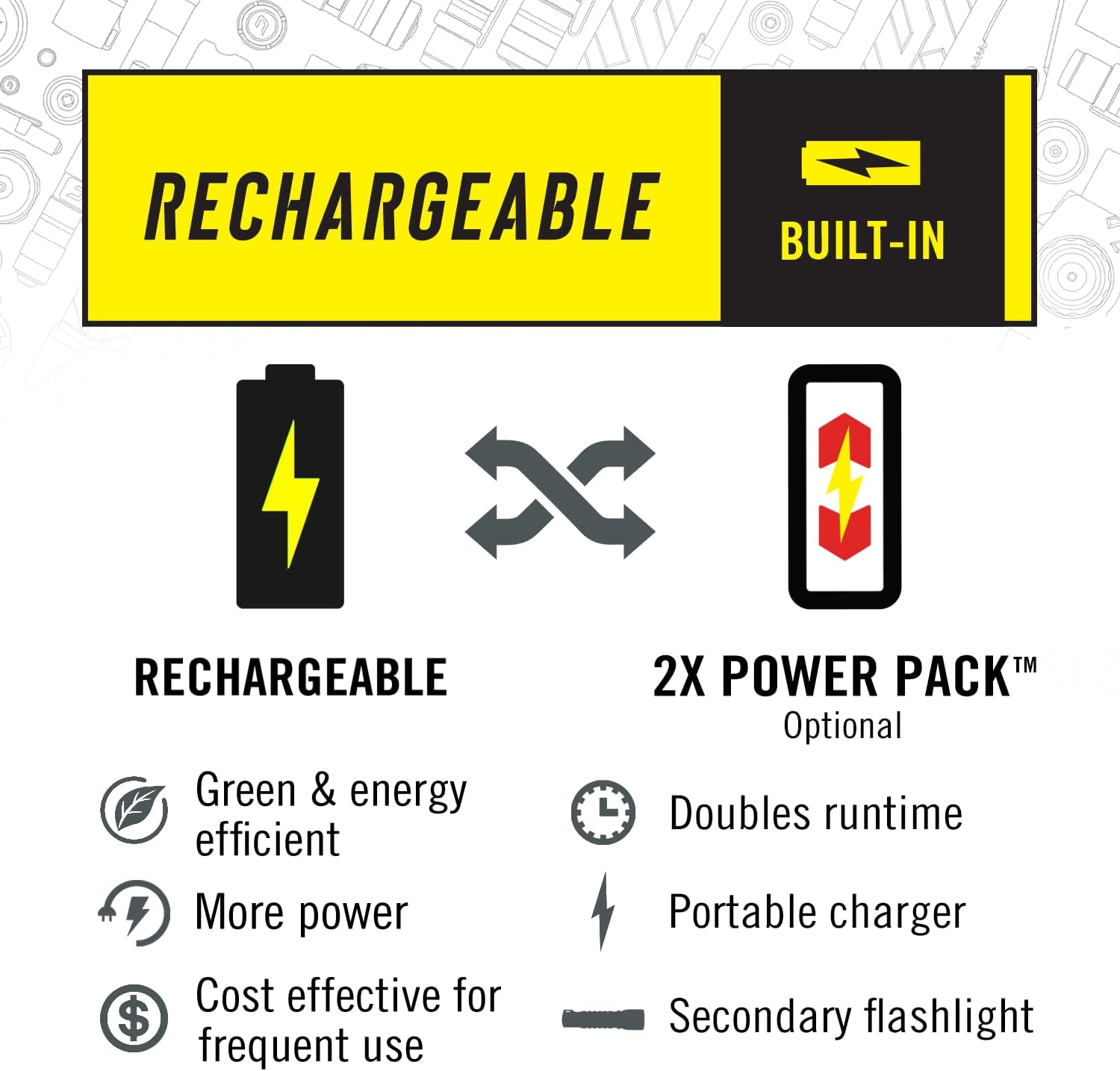
Image: The headlamp with an overlay indicating its weight as 8.32 ounces.
9. Warranty and Support
9.1 Lifetime Warranty
Coast stands by the quality of its products. The Coast RL20R Headlamp is backed by a Lifetime Warranty against defects in materials and workmanship for the life of the original purchaser. This warranty does not cover normal wear and tear, nor damage resulting from misuse or neglect. Please note that batteries and charging accessories (or damage caused by either) are not covered under this warranty.
For warranty claims or further details, please refer to the official Coast website or contact their customer service.
9.2 Customer Support
For any questions, technical assistance, or support regarding your Coast RL20R Headlamp, please visit the official Coast website or contact their customer service department. Contact information can typically be found on the manufacturer's website or product packaging.
Note: Always refer to the latest information provided by the manufacturer for the most accurate and up-to-date support details.


