
1. Introduction
This manual provides comprehensive instructions for the safe and efficient use of your uleway G380D Senior Mobile Phone. Designed with ease of use in mind, this flip phone features large buttons, a clear dual display, and essential functions tailored for the elderly and those seeking a simple, reliable mobile device.

Figure 1.1: uleway G380D Flip Phone (Open View)
2. Package Contents
Please verify that all items are present in the package before initial use. If any items are missing or damaged, please contact customer support.
- 1 x uleway G380D Mobile Phone
- 1 x 1000mAh Battery
- 1 x Charging Cradle
- 1 x USB Charging Cable
- 2 x SIM Card Adapters
- 1 x User Manual
3. Product Features
The uleway G380D is equipped with features designed for convenience and safety:
- Dual Display: Features a 2.4-inch internal color screen and a 1.77-inch external screen for quick notifications.
- Large Buttons & Clear Fonts: Ergonomically designed keypad with large, backlit buttons and large characters for easy dialing and viewing.
- SOS Emergency Button: A dedicated button for immediate assistance, allowing pre-set contacts to be called and messaged in emergencies.
- High Volume Speaker: Ensures clear audio for calls and alerts, suitable for individuals with hearing difficulties.
- Long-lasting Battery: A 1000mAh battery provides extended standby and talk time.
- Speed Dial Keys (M1/M2/M3): Three programmable keys for quick access to important contacts.
- Additional Functions: Includes FM radio, MP3 player, 0.3MP camera, alarm clock, calendar, calculator, and Bluetooth connectivity.

Figure 3.1: Key Features and Icons

Figure 3.2: Dual HD IPS Screen Display
4. Setup
4.1 SIM Card and Battery Installation
- Open the Back Cover: Gently pry open the back cover of the phone using the notch provided.
- Insert SIM Card(s): The phone supports 2G GSM SIM cards. Locate the SIM card slot(s) and insert your SIM card(s) according to the diagram. Ensure the gold contacts face downwards. Use the provided SIM card adapters if necessary.
- Insert Battery: Align the battery's contacts with the phone's contacts and gently press the battery into place.
- Close Back Cover: Replace the back cover, pressing firmly until it clicks into place.
4.2 Charging the Phone
Before first use, fully charge the phone's battery. The phone offers two charging methods:
- Using the Charging Cradle: Place the phone into the charging cradle, ensuring it is properly seated. Connect the USB charging cable to the cradle and then to a power adapter.
- Direct USB Charging: Connect the USB charging cable directly to the phone's charging port and then to a power adapter.
The charging indicator on the screen will show the charging status. A full charge typically takes 2-3 hours.

Figure 4.1: Phone Charging in Cradle
5. Operating Instructions
5.1 Power On/Off
- To Power On: Press and hold the Power/End Call button (red button) until the screen lights up.
- To Power Off: Press and hold the Power/End Call button until the power off options appear, then select 'Power Off'.
5.2 Making Calls
- Dialing: Enter the phone number using the large keypad buttons.
- Initiate Call: Press the Call button (green button) to make the call.
- End Call: Press the Power/End Call button (red button) to end the call.
- Speed Dial (M1/M2/M3): To use speed dial, press and hold the M1, M2, or M3 button. These numbers must be pre-set in the phone's settings.
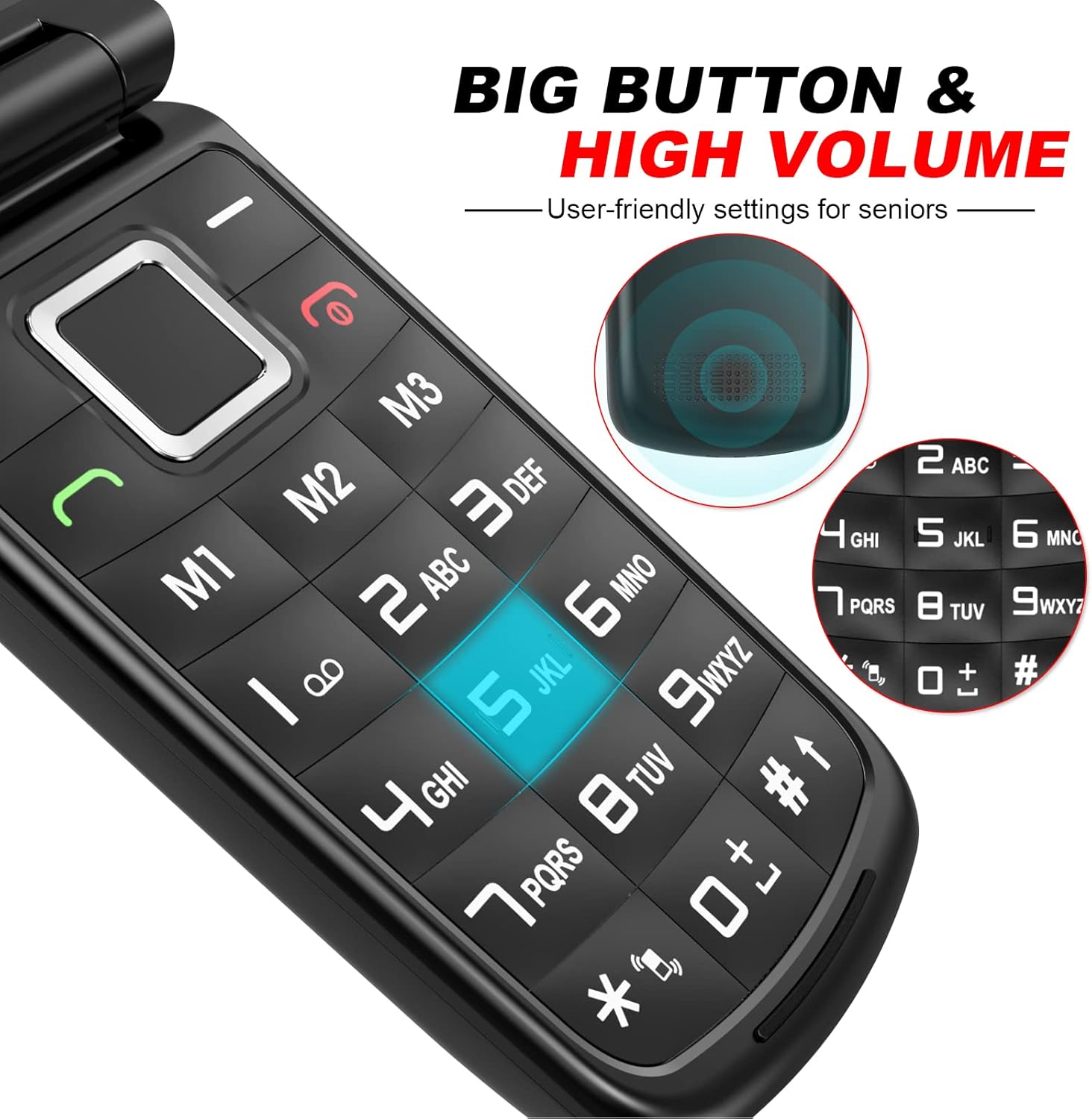
Figure 5.1: Large Buttons and High Volume Feature
5.3 Sending and Receiving Messages
The phone supports SMS (text messages) and MMS (multimedia messages).
- Navigate to the 'Messaging' menu from the main screen.
- Select 'New Message' to compose a new SMS or MMS.
- To read messages, select 'Inbox'.
5.4 SOS Emergency Function
The SOS button is a critical safety feature. Up to 5 emergency contacts can be pre-set.
- Setting SOS Numbers: Go to 'Settings' > 'SOS Settings' to add up to 5 emergency contact numbers and an emergency text message.
- Activating SOS: In an emergency, press and hold the SOS button on the back of the phone for 3 seconds. The phone will automatically call the pre-set numbers in sequence until one answers, and simultaneously send the emergency text message to all pre-set contacts.

Figure 5.2: SOS Button for Emergency Help
5.5 Other Functions
- FM Radio: Access the FM Radio application from the main menu. Headphones may be required for optimal reception.
- MP3 Player: Use the MP3 player to listen to audio files stored on a microSD card (up to 16GB, not included).
- Camera: The 0.3MP camera allows for basic photo capture. Access it from the main menu.
- Alarm/Calendar/Calculator: These utility functions are available in the 'Tools' or 'Organizer' menu.
6. Maintenance
6.1 Battery Care
- Avoid exposing the battery to extreme temperatures.
- Do not puncture, disassemble, or short-circuit the battery.
- If the phone will not be used for an extended period, charge the battery to about 50% and store it in a cool, dry place.
6.2 Cleaning
Use a soft, dry, lint-free cloth to clean the phone's screen and body. Avoid using liquid cleaners or abrasive materials.
7. Troubleshooting
If you encounter issues with your uleway G380D, please refer to the following common problems and solutions:
| Problem | Possible Cause | Solution |
|---|---|---|
| Phone does not turn on | Battery is depleted or not installed correctly. | Charge the battery for at least 30 minutes. Ensure the battery is correctly inserted. |
| No network signal | SIM card not inserted, out of network coverage, or SIM card issue. | Ensure SIM card is correctly inserted. Move to an area with better network coverage. Contact your service provider. |
| Cannot make/receive calls | No network signal, incorrect number dialed, or call barring enabled. | Check network signal. Verify the number. Check call settings. |
| Phone not charging | Charger or cable faulty, charging port/cradle dirty, or battery issue. | Try a different charger/cable. Clean charging port/cradle. Ensure phone is properly seated in cradle. |
| SOS button not working | SOS numbers not set, or button not pressed long enough. | Ensure SOS numbers are configured in settings. Press and hold the SOS button for 3 seconds. |
If the problem persists after trying these solutions, please contact uleway customer support.
8. Specifications
| Feature | Specification |
|---|---|
| Model Number | G380D |
| Color | Black |
| Display | Internal: 2.4 inches QVGA; External: 1.77 inches |
| Resolution | 240 x 320 pixels |
| Operating System | KaiOS or Nucleus OS |
| RAM | 32 MB |
| ROM | 32 MB |
| Expandable Memory | Micro SD slot, up to 16 GB |
| Camera | 0.3 MP |
| Battery Capacity | 1000 mAh Lithium |
| Standby Time | Up to 150 hours |
| Talk Time | Up to 240 minutes (4 hours) |
| Network Compatibility | GSM 850/900/1800/1900 MHz (2G only) |
| Handset Dimensions (L x W x H) | 104 x 53.5 x 21.1 mm |
| Handset Weight (with battery) | 103 g |
| Supported Languages | English, French, German, Italian, Spanish |
9. Warranty and Support
uleway is committed to providing excellent customer service. While specific warranty details are not provided in this manual, we offer 100% customer support available via calls, emails, or live chat to assist you with any questions or issues regarding your G380D mobile phone.
For support, please visit the official uleway store on Amazon or contact their customer service directly through the contact information provided with your purchase.
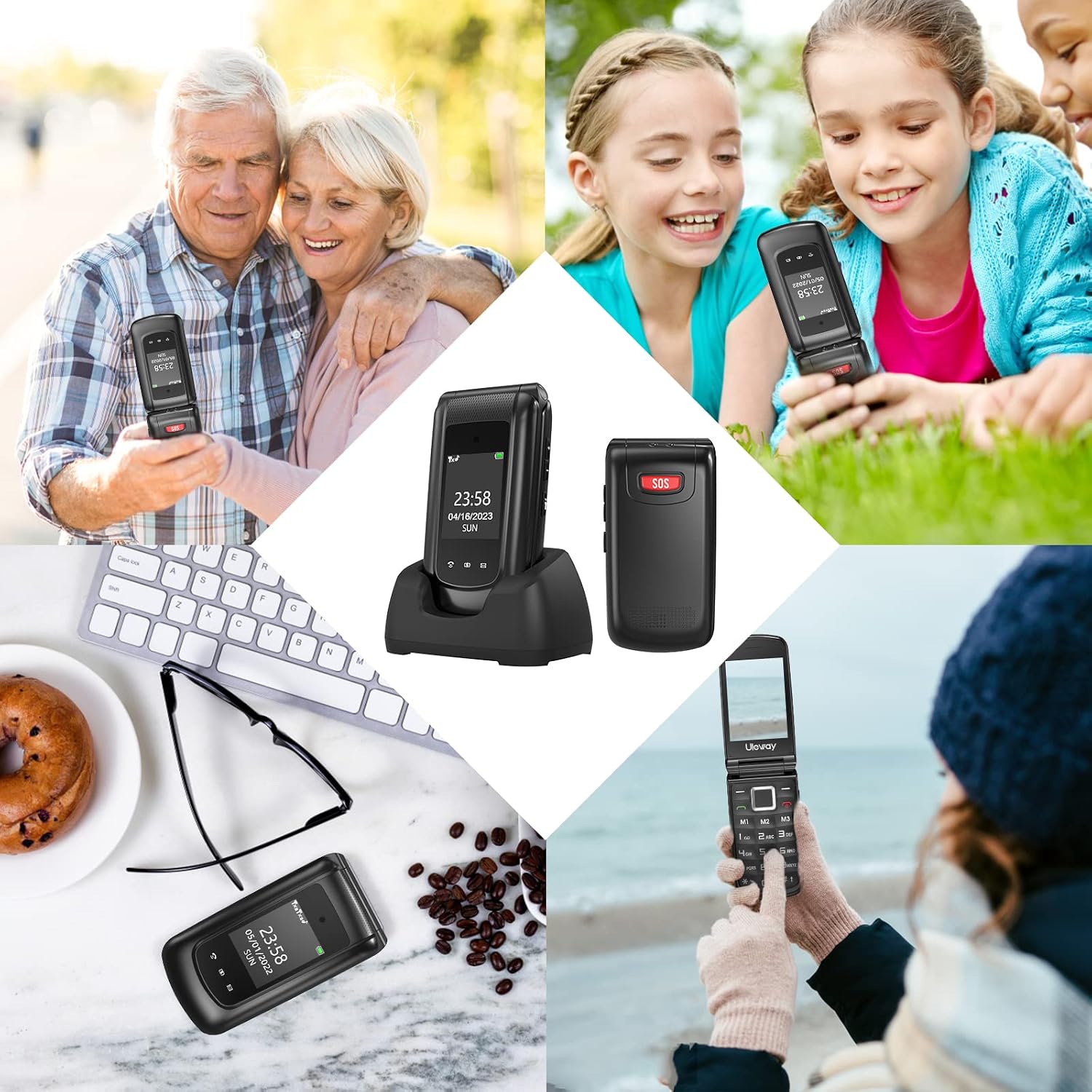
Figure 9.1: uleway G380D in various usage scenarios
