
1. Introduction
Thank you for choosing the Saras HABOTEST HT602 Digital Sound Level Meter. This device is designed for measuring sound levels in various environments, providing accurate readings of noise, temperature, and humidity. Please read this manual thoroughly before operation to ensure proper use and to maintain the device's performance and longevity.
2. Safety Information
- Do not attempt to disassemble or modify the device. This may cause damage and void the warranty.
- Keep the device away from water, moisture, and extreme temperatures.
- Avoid dropping the device or subjecting it to strong impacts.
- Remove batteries if the device will not be used for an extended period to prevent leakage.
- Use only the specified battery type (3 x 1.5V AAA batteries).
- Clean the device with a soft, dry cloth. Do not use abrasive cleaners or solvents.
3. Product Overview
The HABOTEST HT602 is a compact and versatile sound level meter. It features a clear LCD display and intuitive button controls for easy operation.

Figure 3.1: Front view of the HT602 Sound Level Meter, showing the display, microphone, and control buttons.

Figure 3.2: Detailed view of the 2.2-inch LCD display, indicating sound level in dB, temperature in Celsius/Fahrenheit, and relative humidity (RH).

Figure 3.3: The HT602 meter held comfortably in one hand, highlighting its ergonomic and portable design.
Key Components:
- Electret Condenser Microphone: High-performance sensor for accurate sound measurement, protected by a windproof sponge.
- 2.2-inch LCD Display: Large screen with white backlight for clear visibility of readings, including sound level, temperature, and humidity.
- Control Buttons: Power, MAX/MIN, Data Hold, Fast/Slow time weighting, and Backlight control.
4. Setup
4.1 Battery Installation
The HT602 requires three 1.5V AAA batteries (not included) for operation. The battery compartment is located on the rear of the device.
- Locate the detachable rear cover of the battery compartment.
- Gently slide or lift the cover to open it.
- Insert three 1.5V AAA batteries, ensuring correct polarity (+ and -) as indicated inside the compartment.
- Replace the battery compartment cover securely.

Figure 4.1: Illustration of the detachable battery compartment, showing the placement of three AAA batteries.
4.2 Powering On/Off
- To Power On: Press the Power button (
 ) located at the bottom left of the device. The LCD will light up.
 - To Power Off: Press and hold the Power button for a few seconds until the display turns off. The device also features an automatic power-off function after 10 minutes of inactivity to conserve battery life.
5. Operating Instructions
The HT602 offers multiple functions for comprehensive environmental monitoring.
Figure 5.1: Overview of the various functions available on the HT602 Sound Level Meter.
5.1 Basic Measurement
Once powered on, the device will immediately begin measuring sound levels, temperature, and humidity. The current readings will be displayed on the LCD.
- Sound Level: Displayed in decibels (dB) with A-weighting.
- Temperature: Displayed in Celsius (℃) or Fahrenheit (℉). Press the ℃/℉ button to switch between units.
- Humidity: Displayed as relative humidity (RH%).

Figure 5.2: Example of the HT602 in use, measuring sound levels in an industrial environment.
5.2 MAX/MIN Function
This function allows you to view the maximum and minimum sound level readings recorded since the device was powered on or the function was reset.
- Press the MAX/MIN button once to display the maximum (MAX) sound level.
- Press the MAX/MIN button again to display the minimum (MIN) sound level.
- Press the MAX/MIN button a third time to return to real-time measurement.
5.3 Data Hold Function
To freeze the current reading on the display:
- Press the H button (Data Hold icon) once. The current readings will be held on the screen, and a 'HOLD' indicator may appear.
- Press the H button again to release the hold and resume real-time measurement.
5.4 Time Weighting (FAST/SLOW)
The HT602 supports two time weighting modes:
- FAST (125ms): Suitable for measuring rapidly changing noise levels.
- SLOW (1s): Suitable for measuring relatively stable noise levels.
- Press the F/S button to toggle between FAST and SLOW time weighting modes. The selected mode will be indicated on the display.
5.5 Backlight Control
The LCD display features a white backlight for improved visibility in low-light conditions.
- Press the Backlight button () to turn the backlight on or off.
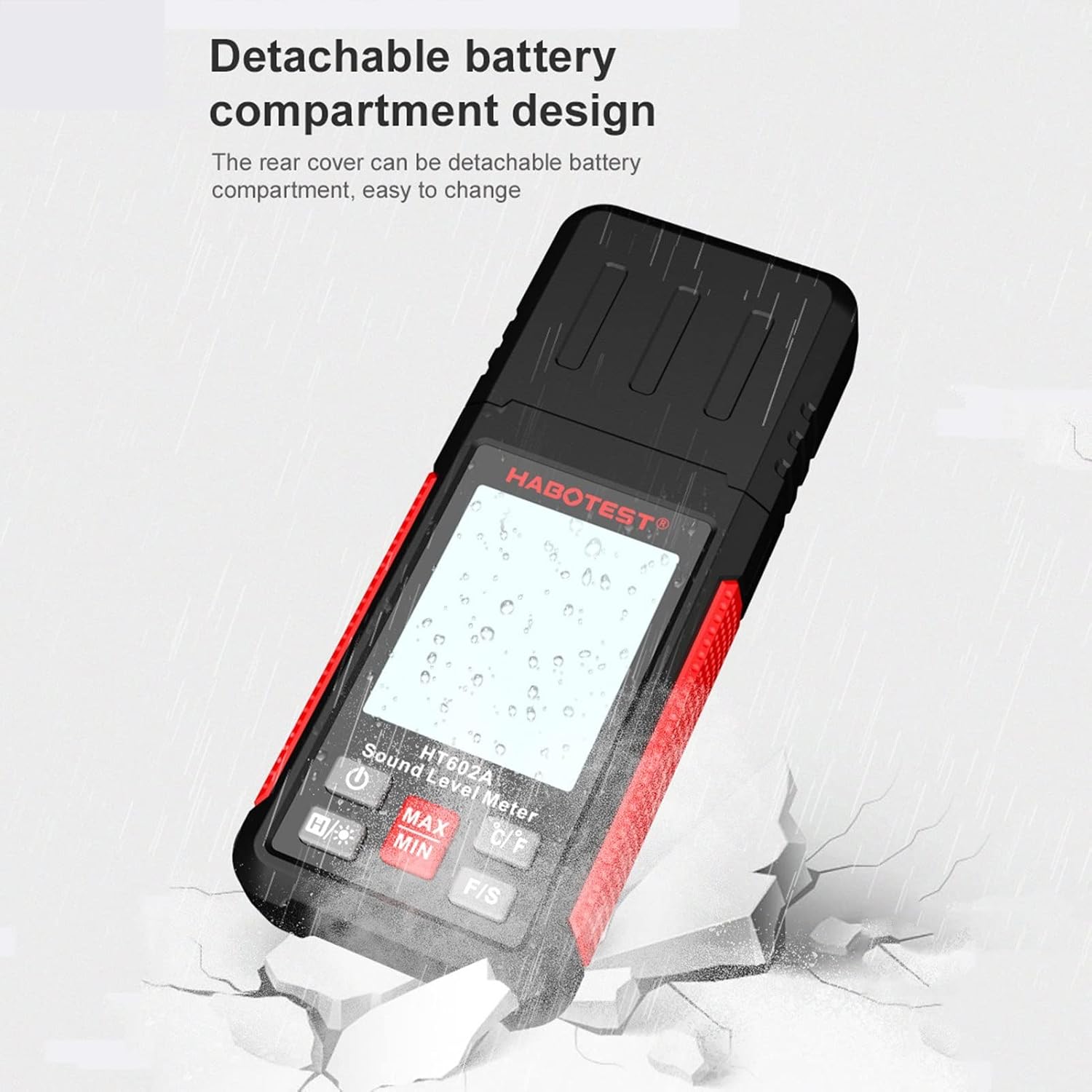
Figure 5.3: The HT602 display with its HD backlight, ensuring clear readability even in dark environments.
6. Maintenance
- Cleaning: Wipe the device with a soft, dry cloth. Do not use liquid cleaners or solvents.
- Storage: Store the device in a cool, dry place, away from direct sunlight and extreme temperatures. If storing for a long period, remove the batteries.
- Battery Replacement: Replace batteries when the low battery indicator appears on the display to ensure accurate readings.
7. Troubleshooting
| Problem | Possible Cause | Solution |
|---|---|---|
| Device does not power on. | Batteries are dead or incorrectly installed. | Check battery polarity or replace with new AAA batteries. |
| Inaccurate readings. | Low battery, microphone obstructed, or device exposed to extreme conditions. | Replace batteries. Ensure microphone is clear. Operate within specified environmental conditions. |
| Display is dim or flickering. | Low battery. | Replace batteries. |
| Auto power-off occurs too quickly. | This is a standard feature to conserve battery. | The auto power-off is fixed at 10 minutes. Power on again if needed. |
8. Specifications
| Parameter | Value |
|---|---|
| Sound Level Measurement Range | 30~130dBA |
| Sound Level Frequency Range | 30Hz~8kHz |
| Dynamic Range | 50dB |
| Accuracy | ±1.5dB (94dB@1kHz), ±5dB (94dB@8kHz) |
| Frequency Weighting | A-weighting |
| Time Weighting | Fast: 125ms; Slow: 1s |
| Microphone | Electret Condenser |
| Temperature Range | -20~60℃ (-4~140℉) |
| Temperature Accuracy | 0~45℃ (32~113℉): ±1℃/2℉; Other: ±1.5℃/3℉ |
| Humidity Range | 0~99%RH |
| Humidity Accuracy | 20~80%: ±5RH; Other: ±6RH |
| Operating Environment | 0~50℃, <80%RH |
| Altitude | <2000m |
| Storage Environment | -10~50℃, <80%RH |
| Material | ABS |
| Auto Power Off | 10 minutes |
| Power Supply | 3 * 1.5V AAA Battery (sold separately) |
| Product Size | 143 * 58 * 26mm / 5.63 * 2.28 * 1.02in |
| Product Weight | 115g / 4.07oz |
| Package Weight | 188g / 6.63oz |
| Package Size | 18.3 * 9 * 5.5cm / 7.20 * 3.54 * 2.17in |
9. Warranty and Support
This product comes with a standard manufacturer's warranty. For specific warranty terms and conditions, please refer to the documentation included with your purchase or contact your retailer. For technical support or inquiries, please reach out to the customer service provided by Saras or your point of purchase.