
Bodytone AR200C
Bodytone AR200C Bluetooth Folding Treadmill User Manual
Model: AR200C | Brand: Bodytone
1. Introduction
This manual provides essential information for the safe and effective operation, maintenance, and troubleshooting of your Bodytone AR200C Bluetooth Folding Treadmill. Please read this manual thoroughly before assembly or use to ensure proper function and to prevent injury.
The Bodytone AR200C is designed to support your fitness journey, offering connectivity with popular fitness applications and a comfortable running experience. It features REACT damping technology to reduce joint impact and an orthopedic running belt for stability.
2. Important Safety Instructions
- Always consult with a physician before starting any exercise program.
- Keep children and pets away from the treadmill during operation.
- Place the treadmill on a flat, stable surface with adequate clearance around it.
- Wear appropriate athletic footwear and clothing.
- Do not operate the treadmill if it is damaged or malfunctioning.
- Use the safety key at all times. Attach the clip to your clothing before starting.
- Maximum user weight: 100 kg.
- Unplug the treadmill from the power outlet when not in use or before cleaning/maintenance.
3. Setup and Assembly
The Bodytone AR200C treadmill features a "Plug & Train" system, meaning it comes largely pre-assembled. Follow these steps for final setup:
- Unpacking: Carefully remove the treadmill from its packaging. Ensure all components are present.
- Unfolding:
Gently lift the running deck from its folded position until it locks into place. Ensure the locking mechanism is secure.
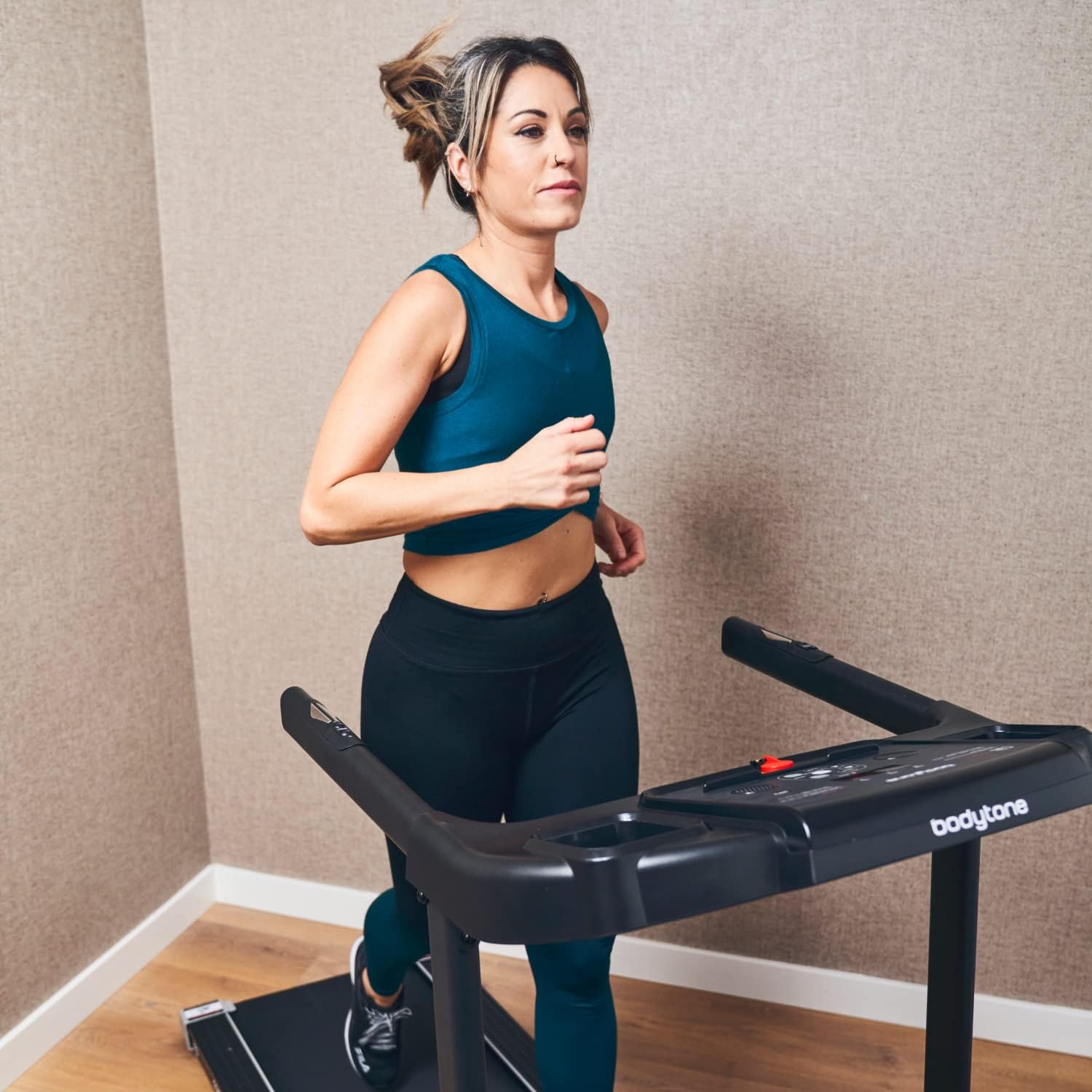
Image: The Bodytone AR200C treadmill fully unfolded and ready for operation. The running deck is lowered, and the console is upright.
- Positioning: Place the treadmill on a level surface. Ensure there is at least 2 meters of clear space behind the treadmill and 0.5 meters on each side.
- Power Connection: Plug the power cord into a grounded electrical outlet.
- Safety Key: Attach the safety key to the designated slot on the console. The treadmill will not operate without the safety key in place.
For detailed dimensions, refer to the Specifications section.

Image: A diagram illustrating the overall dimensions of the Bodytone AR200C treadmill, showing a length of 170 cm, a width of 67 cm, and a height of 115 cm.
4. Operating Instructions
4.1 Console Overview
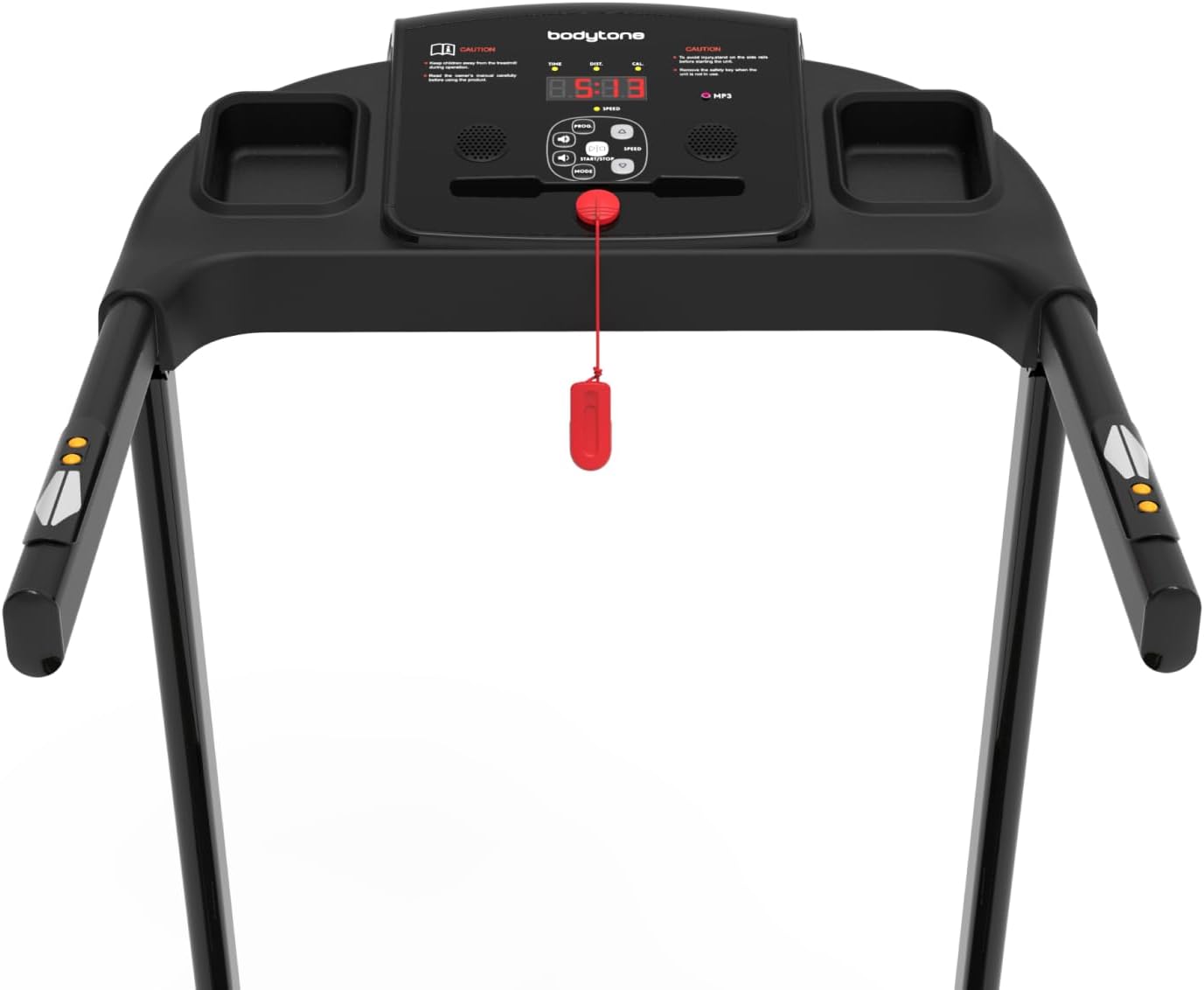
Image: A detailed view of the treadmill's control console, featuring an LCD display, various control buttons for speed and mode, and integrated heart rate sensors on the handlebars.
The console features an LCD display, control buttons for speed and mode, and integrated heart rate sensors. It also includes an MP3 connection and high-definition speakers.
4.2 Starting a Workout
- Ensure the safety key is properly attached to the console and your clothing.
- Step onto the treadmill, placing your feet on the side rails.
- Press the START button. The belt will begin to move at a low speed.
- Gradually increase the speed using the SPEED + button to your desired pace (up to 12 km/h).
- To stop, press the STOP button or pull the safety key.
4.3 Bluetooth Connectivity and Apps
The AR200C supports connectivity with various fitness applications, including Kinomap, Zwift, and MyBodytone (available for Android and iOS). To connect:
- Download the desired app from your device's app store.
- Enable Bluetooth on your smartphone or tablet.
- Open the fitness app and follow the on-screen instructions to pair with your Bodytone AR200C treadmill.
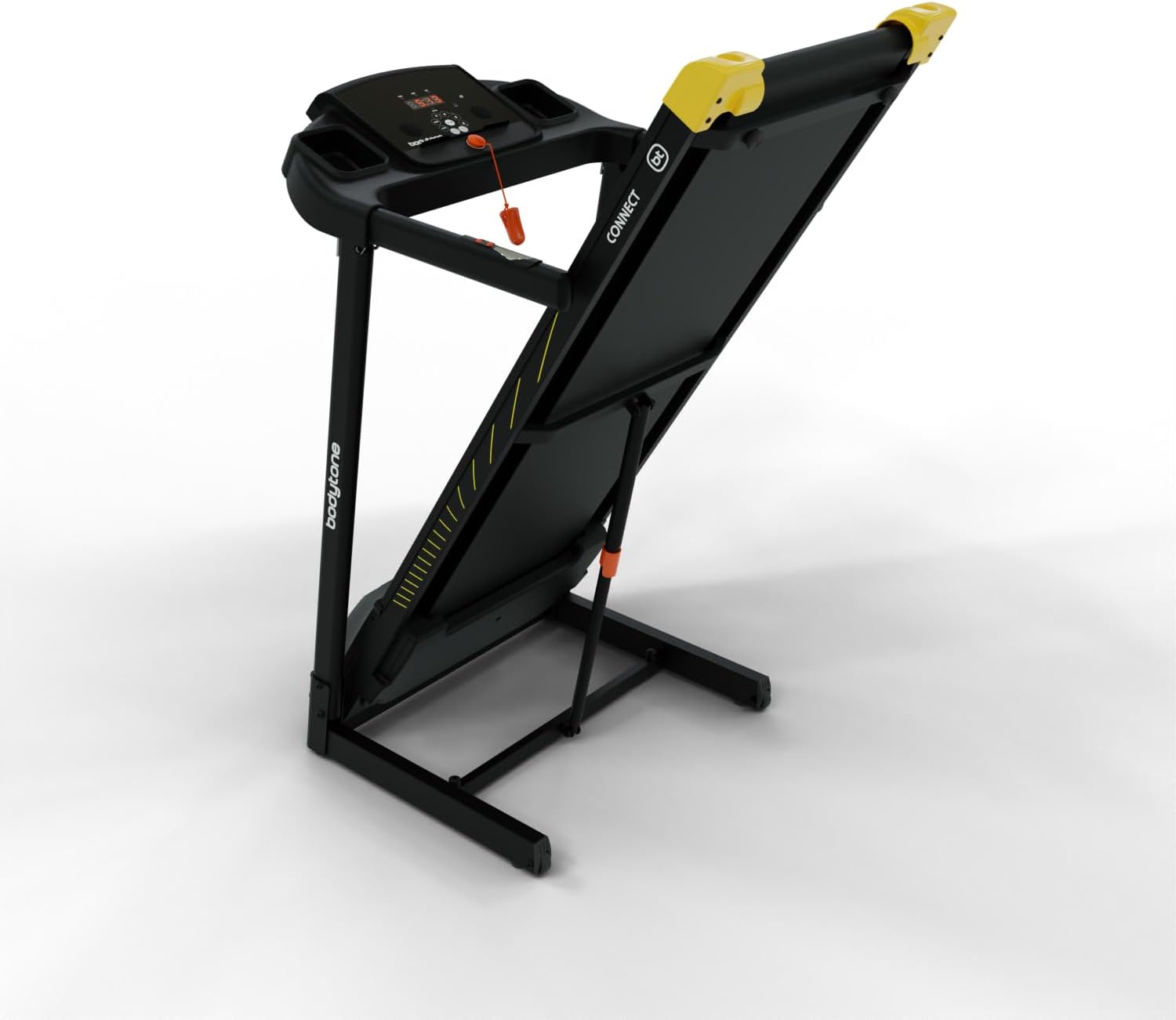
Image: A smartphone securely placed in the integrated holder on the treadmill console, demonstrating the device's connectivity features.
4.4 Heart Rate Monitoring
Grip the heart rate sensors on the handlebars firmly with both hands to display your heart rate on the console. Ensure your hands are clean and dry for accurate readings.
5. Maintenance
Regular maintenance ensures the longevity and safe operation of your treadmill.
- Cleaning: Wipe down the treadmill surfaces with a damp cloth after each use. Do not use abrasive cleaners.
- Lubrication: The running belt may require periodic lubrication. Refer to the specific instructions provided with your treadmill's lubricant.
- Belt Tension and Alignment: Check the running belt tension and alignment regularly. Adjust if necessary according to the instructions in the full product manual (if available).
- Storage: The treadmill is foldable for convenient storage.
To fold, carefully lift the running deck until it locks into the upright position. Ensure it is securely locked before moving.

Image: The Bodytone AR200C treadmill folded into an upright position for compact storage, showing its space-saving design.
Use the transport wheels for easy movement.
6. Troubleshooting
| Problem | Possible Cause | Solution |
|---|---|---|
| Treadmill does not start. | Power cord not plugged in; Safety key not in place; Circuit breaker tripped. | Check power connection; Ensure safety key is fully inserted; Reset circuit breaker. |
| Running belt slips or hesitates. | Belt tension too loose; Belt requires lubrication. | Adjust belt tension (refer to full manual); Lubricate running belt. |
| Inaccurate heart rate reading. | Hands not firmly on sensors; Hands are wet or dirty. | Ensure firm, clean, and dry contact with sensors. |
| Bluetooth connection issues. | Bluetooth off on device; App not updated; Interference. | Check device Bluetooth settings; Update app; Move closer to treadmill. |
7. Specifications
- Model: Bodytone AR200C
- Motor: Approx. 1.5 HP DC
- Maximum Speed: Approx. 12 km/h
- Maximum User Weight: 100 kg
- Operating Hours: Max. 7 hours/week
- Damping Technology: REACT damping system
- Running Belt: Orthopedic, anti-static
- Connectivity: Bluetooth (Kinomap, Zwift, MyBodytone app support)
- Audio: MP3 connection, integrated high-definition speaker
- Features: Heart rate sensors, bottle holder, transport wheels, foldable design
- Dimensions (Unfolded): 170 cm (Length) x 67 cm (Width) x 115 cm (Height)
- Material: Plastic (main components)
8. Warranty and Support
For warranty information and customer support, please refer to the documentation included with your purchase or visit the official Bodytone website. Keep your proof of purchase for warranty claims.
Related documentsAR200C


Ask a question about this manual
Ask about setup, troubleshooting, compatibility, parts, safety, or missing instructions. Manuals+ will review the question and use this page’s manual context to help answer it.