
Introduction
This manual provides detailed instructions for the safe and efficient operation of your Colorcool A3 Clip Jam MP3 Player. Please read this manual thoroughly before using the device and retain it for future reference.
Package Contents
Verify that all items are present in your package:
- Colorcool A3 MP3 Player
- USB Type-C Cable
- Wire Headset
- User's Manual (this document)
Product Overview
The Colorcool A3 Clip Jam MP3 Player is a portable music device designed for active lifestyles. It features a full-touch screen, Bluetooth 5.0 connectivity, and a built-in clip for easy attachment during sports or other activities. The device also includes an HD speaker, FM radio, voice recording, e-book reader, and video playback capabilities.

Image: The Colorcool A3 Clip Jam MP3 Player, showcasing its compact design and integrated clip.

Image: The Colorcool A3 MP3 Player highlighting its portable clip design and compact dimensions (2.44 x 1.65 x 0.67 inches, 32g weight).
Setup
1. Charging the Device
Before first use, fully charge the MP3 player. Connect the provided USB Type-C cable to the device's charging port and the other end to a USB power adapter (not included) or a computer's USB port.
- The battery icon on the screen will indicate charging status.
- A full charge typically takes approximately 2-3 hours.

Image: The Colorcool A3 MP3 Player connected to a laptop via its USB Type-C port for charging and data transfer.
2. Power On/Off
- To Power On: Press and hold the power button located on the side of the device until the screen illuminates.
- To Power Off: Press and hold the power button until the power-off prompt appears, then confirm on the touch screen.
3. Loading Music and Files
The device has 32GB of internal memory and supports Micro SD cards up to 128GB for expanded storage.
- Connect the MP3 player to your computer using the USB Type-C cable.
- The device will appear as a removable disk on your computer.
- Drag and drop your music, video, e-book, or other supported files into the appropriate folders on the device or inserted Micro SD card.
- Safely eject the device from your computer before disconnecting the cable.
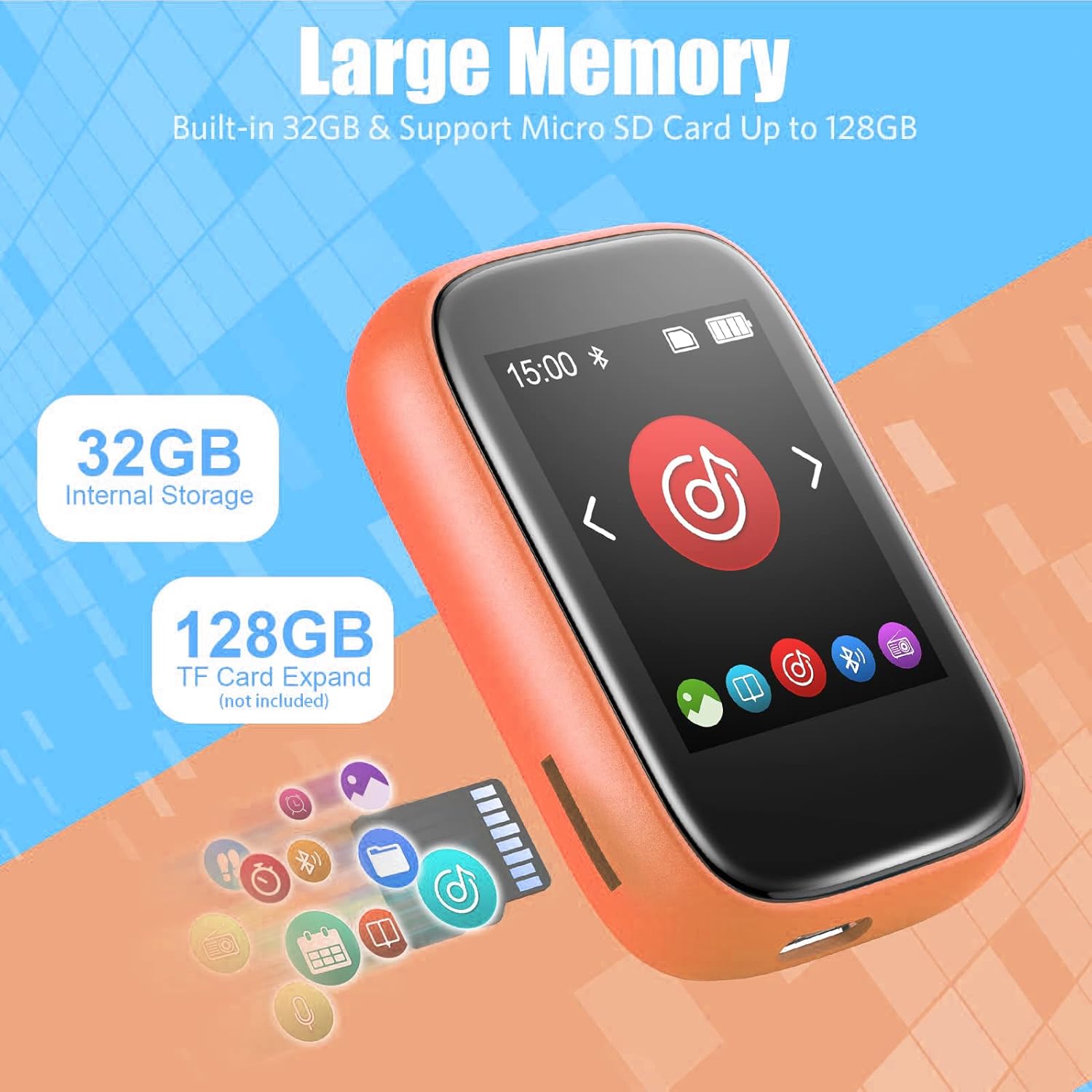
Image: The Colorcool A3 MP3 Player illustrating its 32GB internal storage and support for up to 128GB Micro SD card expansion.
4. Bluetooth Pairing
The MP3 player features Bluetooth 5.0 for connecting to Bluetooth speakers or earbuds. Note: This device cannot pair with mobile phones.
- From the main menu, tap the Bluetooth icon to enter the Bluetooth settings.
- Ensure Bluetooth is enabled on the MP3 player.
- Place your Bluetooth speaker or earbuds in pairing mode.
- The MP3 player will scan for available devices. Select your device from the list to pair.
- Once paired, the Bluetooth icon on the MP3 player will indicate a successful connection.

Image: The Colorcool A3 MP3 Player displaying its Bluetooth pairing interface, ready to connect to external audio devices.
Operating Instructions
1. Basic Navigation (Full-Touch Screen)
The device features a full-touch screen for intuitive operation.
- Tap: Select an icon or option.
- Swipe: Navigate through menus or lists.
- Back Button: Typically located on the screen or as a physical button, returns to the previous menu.

Image: A hand interacting with the full-touch screen of the Colorcool A3 MP3 Player, demonstrating its ease of use.
2. Music Playback
Access your music library and control playback.
- From the main menu, tap the "Music" icon.
- Browse by "All Songs", "Artists", "Albums", or "Folders".
- Tap a song to begin playback.
- During playback, use the on-screen controls for play/pause, skip tracks, and volume adjustment.
- Supported playback modes include repeat 1, repeat all, and shuffle.

Image: A person wearing headphones, enjoying music from the Colorcool A3 MP3 Player, emphasizing its high sound quality.
3. FM Radio
Listen to local FM radio stations.
- Connect the wired headset (acts as an antenna) to the 3.5mm audio jack.
- From the main menu, tap the "FM Radio" icon.
- Use the on-screen controls to scan for stations or manually tune.

Image: The Colorcool A3 MP3 Player displaying its FM Radio interface, with a person listening to music.
4. Voice Recording
Record audio using the built-in microphone or line-in.
- From the main menu, tap the "Voice Record" icon.
- Select "Start Recording" to begin.
- Tap "Pause" or "Stop" as needed.
- Recordings are saved and can be accessed from the "Recordings" list.

Image: The Colorcool A3 MP3 Player showing its voice recording interface, with a microphone icon.
5. E-Book Reader
Read e-books in TXT format.
- From the main menu, tap the "E-Book" icon.
- Select the desired TXT file to open.
- Use the touch screen to scroll through pages.
6. Video Playback
Play videos in AVI/AMV format.
- From the main menu, tap the "Video" icon.
- Select the desired video file to play.
- Use the on-screen controls for playback.
7. Other Functions
The device includes additional utilities:
- Alarm Clock: Set alarms for reminders.
- Calendar: View the current date.
- Stopwatch: Use for timing activities.
Maintenance
- Cleaning: Use a soft, dry cloth to clean the device. Avoid liquid cleaners or abrasive materials.
- Storage: Store the MP3 player in a cool, dry place away from direct sunlight and extreme temperatures.
- Battery Care: To prolong battery life, avoid fully discharging the battery frequently. Charge the device regularly, even if not in use for extended periods.
- Water Resistance: The device is not waterproof. Avoid exposure to water or high humidity.
Troubleshooting
| Problem | Solution |
|---|---|
| Device does not power on. | Ensure the device is fully charged. Connect to a power source and try again. |
| Cannot connect to Bluetooth device. |
|
| No sound from headphones/speaker. |
|
| Files not appearing on device. |
|
| Touch screen unresponsive. | Restart the device by holding the power button. If the issue persists, ensure the screen is clean and dry. |
Specifications
| Feature | Detail |
|---|---|
| Brand | Colorcool |
| Model Name | A3 |
| Special Features | Built-In Clip, Equalizer, FM Radio, Video Playback, Voice Recorder |
| Connectivity Technology | Aux, Bluetooth, USB |
| Memory Storage Capacity | 32 GB (Internal) |
| Expandable Memory | Supports Micro SD card up to 128 GB |
| Screen Size | 1.8 Inches |
| Compatible Operating Systems | Windows 98/XP/VISTA/7/8/10 |
| Supported Media Type | Micro SD |
| Supported Audio Formats | MP3, WMA, APE, FLAC, WAV, DRM, ACELP |
| Supported Video Formats | AVI, AMV |
| Supported E-Book Format | TXT |
| Display Technology | LCD |
| Item Dimensions (D x W x H) | 0.67" x 1.65" x 2.44" |
| Battery Average Life | 5 years (estimated lifespan) |
Warranty Information
The Colorcool A3 Clip Jam MP3 Player comes with a 1-year manufacturer's warranty. Please retain your proof of purchase for warranty claims. This warranty covers manufacturing defects and does not cover damage caused by misuse, accidents, or unauthorized modifications.
Support
For further assistance or technical support, please refer to the official Colorcool website or contact their customer service. Contact details are typically provided on the product packaging or the brand's official online presence.
You can visit the Colorcool Store for more information: Colorcool Official Store