
1. Introduction
Thank you for purchasing the USHINING 2.4 GHz RC Airplane Model 993. This remote-controlled aircraft is designed for ease of flight, featuring a built-in gyroscope for stability and durable MPP material for resilience. Please read this manual thoroughly before operating the aircraft to ensure safe and optimal performance. This product is suitable for both beginners and experienced users.
Important Safety Notice:
- Children operating the RC airplane must do so under adult supervision.
- Do not fly the RC airplane near large trees, buildings, or power lines.
- Avoid flying in winds exceeding 3 m/s (approximately 6.7 mph) as the aircraft is lightweight.
- Ensure the battery is fully charged before each flight.
2. Package Contents
Verify that all items listed below are included in your package:
- 1 x USHINING RC Airplane Model 993
- 1 x 2.4 GHz Remote Control Joystick (requires 3 x AA batteries, not included)
- 1 x Integrated 3.7V 180mAh Lithium Battery (pre-installed in aircraft)
- 1 x Landing Gear Set
- 1 x USB Charging Cable
- 2 x Spare Propellers
- 1 x User Manual
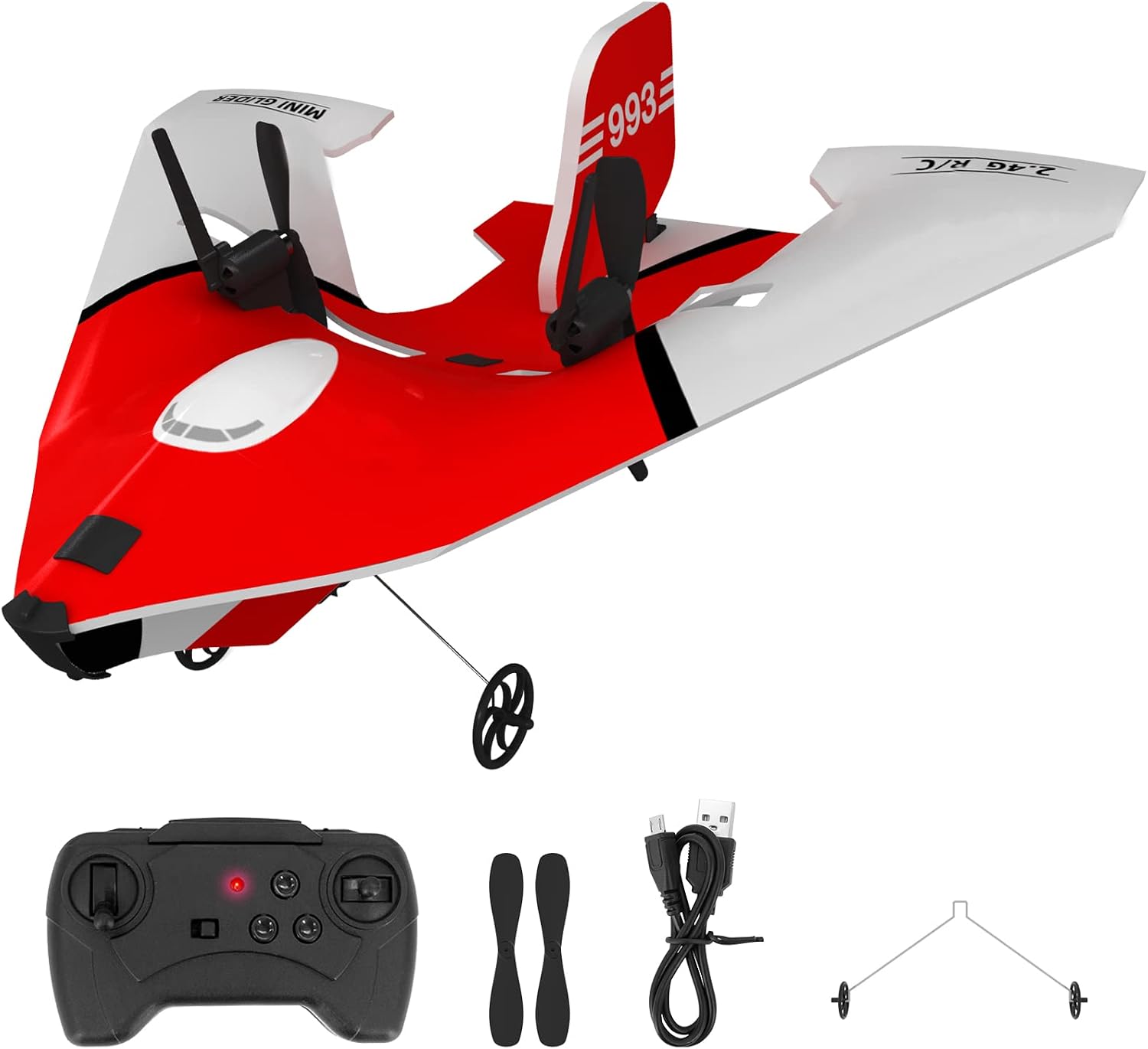
Image: USHINING RC Airplane Model 993 with its remote control, spare propellers, landing gear, and USB charging cable.
3. Product Specifications
| Feature | Specification |
|---|---|
| Aircraft Length | 23 cm |
| Aircraft Width | 22 cm |
| Aircraft Height | 7 cm |
| Aircraft Weight | 19 g (aircraft only) / 324 g (package weight) |
| Material | Durable MPP Material |
| Battery | 3.7V 180mAh Lithium (integrated) |
| Flight Time | Approximately 12-15 minutes |
| Charging Time | Approximately 40 minutes |
| Remote Control Frequency | 2.4 GHz |
| Remote Control Distance | Up to 50 meters |
| Remote Control Batteries | 3 x AA batteries (not included) |
| Special Features | Built-in Gyroscope, Anti-collision Bar, LED Light, USB Charging |
4. Setup Guide
4.1. Install Remote Control Batteries
- Open the battery compartment on the back of the remote control.
- Insert 3 new AA batteries, ensuring correct polarity (+/-).
- Close the battery compartment securely.
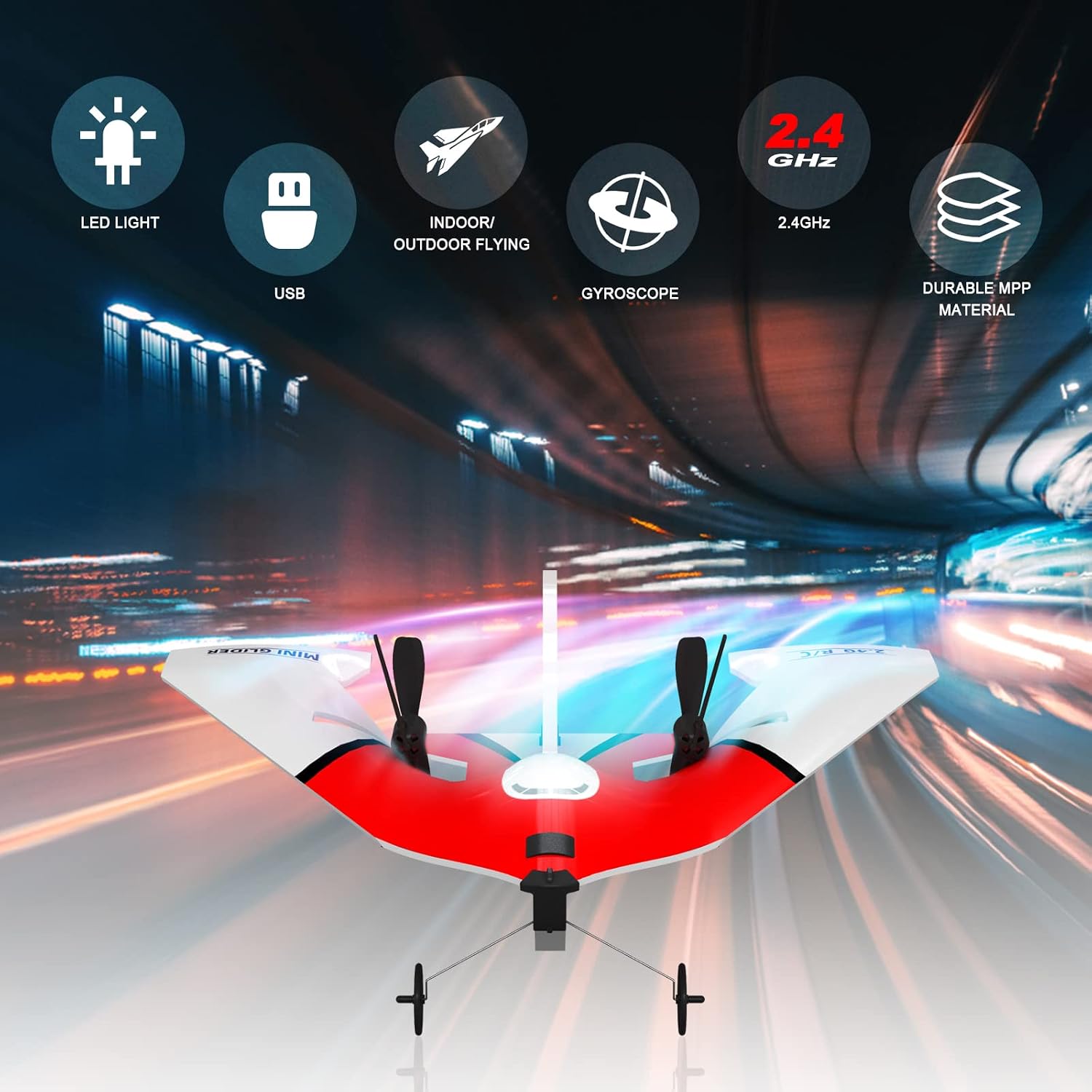
Image: The 2.4 GHz remote control for the RC airplane.
4.2. Charge Aircraft Battery
The aircraft has an integrated battery. Use the provided USB charging cable.
- Ensure the aircraft's power switch is in the "OFF" position.
- Connect the small end of the USB charging cable to the charging port on the aircraft.
- Connect the larger end of the USB cable to a USB power source (e.g., computer USB port, USB wall adapter).
- The charging indicator light on the USB cable will illuminate during charging and turn off or change color when fully charged (refer to cable specific indicator behavior).
- Charging typically takes approximately 40 minutes. Do not overcharge.

Image: Close-up of the USB charging port on the RC airplane, showing connection with the USB cable.
4.3. Assemble Landing Gear (Optional)
The landing gear can be attached for ground take-offs and landings.
- Locate the slots on the underside of the aircraft.
- Gently insert the landing gear wires into these slots until they are securely in place.

Image: The USHINING RC Airplane Model 993 shown with its landing gear attached.
4.4. Connect Aircraft to Remote Control
This process is also known as "binding" or "pairing".
- Ensure the aircraft battery is charged and the remote control has fresh batteries.
- Slide the power switch on the RC airplane to "ON". The LED light on the aircraft will flash.
- Within 3 seconds, slide the power switch on the remote control joystick to "ON".
- The remote control will automatically connect to the RC airplane. The LED light on the aircraft will stop flashing and remain solid, indicating a successful connection.

Image: Illustration of two RC airplanes flying simultaneously, demonstrating the 2.4 GHz remote control technology that prevents interference.
5. Operating Instructions
5.1. Pre-Flight Checks
- Check battery levels for both aircraft and remote control.
- Ensure propellers are securely attached and free from damage.
- Verify that the aircraft and remote control are successfully paired.
- Choose an open area free from obstacles, people, and animals.
- Check wind conditions; avoid flying in strong winds.
5.2. Take-off Methods
The USHINING RC Airplane Model 993 supports two take-off methods:
- Hand Launch: Hold the aircraft firmly, push the throttle stick forward, and gently throw the aircraft forward into the wind.
- Ground Take-off: Place the aircraft on a flat surface (with landing gear attached), push the throttle stick forward, and the aircraft will taxi and take off.
5.3. Flight Controls
Familiarize yourself with the remote control functions:
- Left Stick (Throttle): Controls altitude (up/down). Pushing forward increases power, pulling back decreases power.
- Right Stick (Directional Control): Controls turning (left/right) and pitch (forward/backward).
- Trim Buttons: Used to fine-tune the aircraft's flight path if it drifts without input. Adjust until the aircraft flies straight.

Image: The USHINING RC Airplane Model 993 in flight, highlighting the built-in gyroscope for stability.
The aircraft features a 5-level adjustable rear wing design, allowing for different flight characteristics, including indoor figure-8 shape flight. Experiment with these settings in a safe environment.

Image: Illustration showing the USHINING RC Airplane performing an indoor figure-8 flight path and detailing the 5-level adjustable rear wing design.
5.4. Landing
To land the aircraft, slowly reduce the throttle while maintaining directional control. Aim for a gentle descent onto a flat, open surface. If using landing gear, ensure it is attached.
6. Maintenance
6.1. Cleaning
Wipe the aircraft with a soft, dry cloth after each use to remove dust and debris. Avoid using water or harsh chemicals.
6.2. Propeller Replacement
If a propeller is damaged, replace it with a spare from the package. Gently pull off the damaged propeller and push the new one onto the motor shaft, ensuring it is seated correctly.
6.3. Battery Care
- Always fully charge the aircraft battery before use.
- Do not leave the battery charging unattended.
- Disconnect the battery from the charger once fully charged.
- Store the aircraft and remote control in a cool, dry place when not in use.
- If storing for extended periods, charge the battery to approximately 50% to prolong its lifespan.
7. Troubleshooting
| Problem | Possible Cause | Solution |
|---|---|---|
| Aircraft does not respond to remote control. | Not paired, low battery (aircraft or remote), remote control off. | Ensure both are ON. Re-pair the aircraft and remote control. Charge aircraft battery. Replace remote control batteries. |
| Aircraft flies erratically or drifts. | Wind interference, trim settings incorrect, damaged propeller. | Fly in calmer conditions. Adjust trim buttons on the remote control. Check and replace damaged propellers. |
| Short flight time. | Battery not fully charged, old battery. | Ensure battery is fully charged before flight. Battery lifespan decreases over time; consider replacing if flight time significantly reduces. |
| Aircraft does not take off. | Insufficient throttle, propellers not spinning correctly, heavy wind. | Push throttle stick fully forward. Check for obstructions around propellers. Fly in calm conditions. |
8. Safety Guidelines
- Always operate the RC airplane in open, unobstructed areas.
- Maintain a safe distance from people, animals, and property.
- Do not fly near airports or restricted airspace.
- Avoid flying in adverse weather conditions (strong winds, rain, snow).
- Never attempt to catch the aircraft while it is flying.
- Keep fingers and hair away from rotating propellers.
- Turn off the aircraft and remote control when not in use.
- Dispose of batteries responsibly according to local regulations.

Image: Illustration showing the USHINING RC Airplane being enjoyed by both children and adults, emphasizing its suitability for various age groups.
9. Warranty and Support
For any questions, concerns, or technical support regarding your USHINING RC Airplane Model 993, please contact the manufacturer or your retailer. Please refer to your purchase documentation for specific warranty details and contact information.
While specific warranty information is not provided in this manual, USHINING is committed to customer satisfaction. If you encounter any issues, please reach out to their customer service for assistance.