
1. Introduction
This manual provides detailed instructions for the safe and efficient operation of your Zebronics Zeb-Buddy 100 Portable Bluetooth Speaker. Please read this manual thoroughly before using the device and retain it for future reference.
2. Product Overview and Features
The Zebronics Zeb-Buddy 100 is a portable Bluetooth v5.0 speaker designed for versatile audio playback. It features a compact design with an integrated handle for easy transport and a mobile holder for hands-free use. Key features include:
- Bluetooth v5.0 Connectivity: For wireless audio streaming.
- TWS Function: Allows pairing of two Zeb-Buddy 100 speakers for stereo audio.
- Wired Microphone: Includes a 6.3mm wired microphone for karaoke.
- Multiple Playback Options: Supports AUX, micro SD card, and USB input.
- Built-in FM Radio: For listening to radio stations.
- Media Controls: Integrated buttons for easy control of playback.
- Rechargeable Battery: Provides up to 5 hours of playback time.
- RGB Light Modes: Multiple light modes for enhanced ambiance.
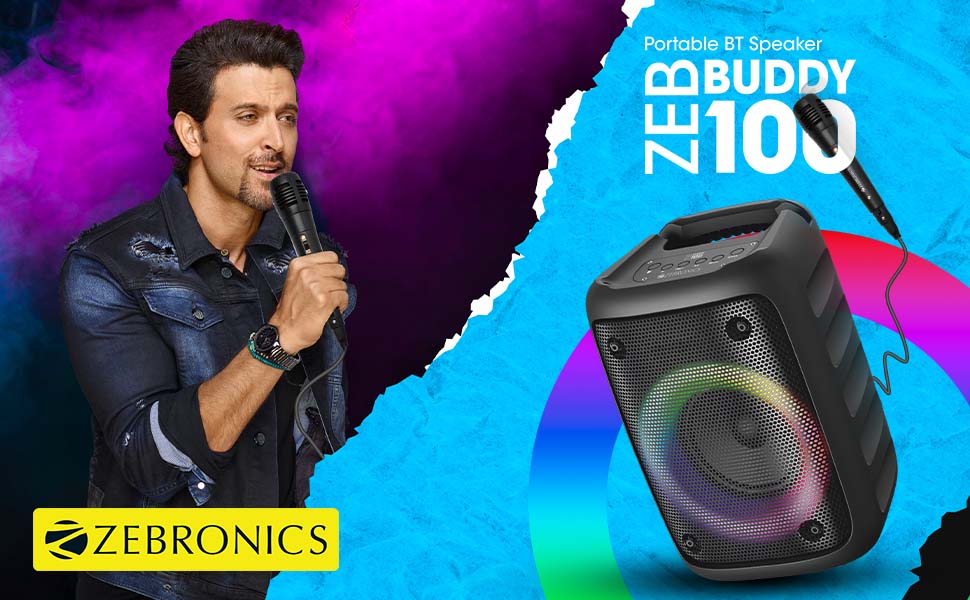
Image: The Zeb-Buddy 100 speaker shown with its included wired microphone, highlighting its portable design and control panel.
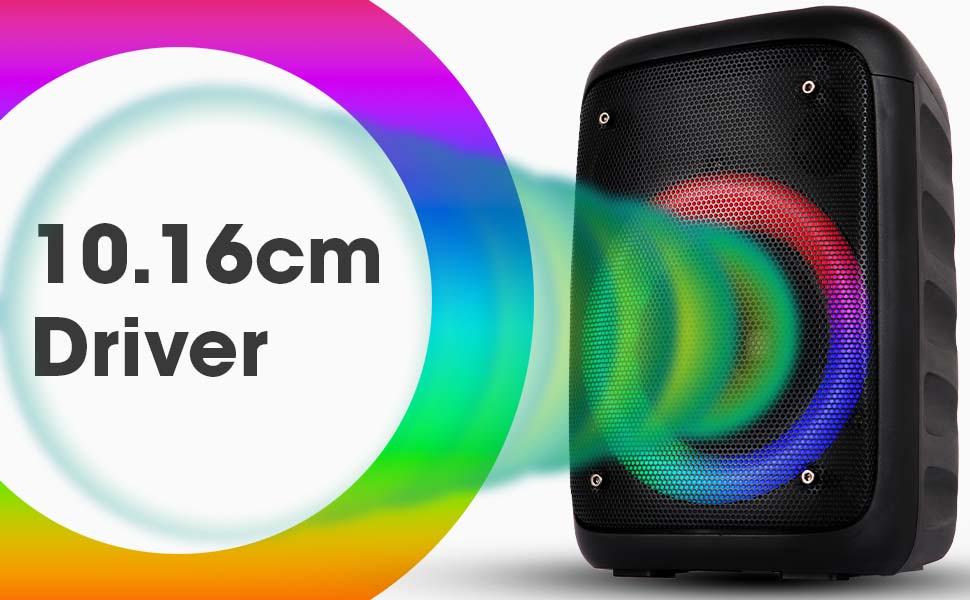
Image: An angled view of the Zeb-Buddy 100 speaker, showcasing its compact form factor and side details.
3. Setup
3.1 Charging the Speaker
- Connect the charging cable to the speaker's charging port.
- Connect the other end of the cable to a suitable USB power adapter (not included).
- The charging indicator will illuminate. A full charge takes approximately 4 hours.
3.2 Bluetooth Pairing
- Power on the speaker by pressing and holding the power button.
- The speaker will enter Bluetooth pairing mode, indicated by a flashing LED.
- On your mobile device, enable Bluetooth and search for available devices.
- Select "Zeb-Buddy 100" from the list to pair.
- Once paired, the speaker will confirm the connection, and the LED will stop flashing.
3.3 TWS (True Wireless Stereo) Pairing
To experience stereo audio, you can pair two Zeb-Buddy 100 speakers together:
- Ensure both Zeb-Buddy 100 speakers are powered on and not connected to any Bluetooth device.
- On one speaker (this will be the primary speaker), press and hold the TWS button.
- The primary speaker will search for the secondary speaker.
- Once connected, both speakers will indicate a successful TWS pairing.
- Now, connect your mobile device to the primary speaker via Bluetooth as described in section 3.2. Audio will play in stereo through both speakers.

Image: Three Zeb-Buddy 100 speakers demonstrating their multiple RGB light modes, illustrating the TWS capability.
4. Operating Instructions
4.1 Mode Selection
Press the 'M' (Mode) button on the speaker to switch between Bluetooth, AUX, Micro SD, USB, and FM Radio modes.
4.2 Audio Playback
- Play/Pause: Press the Play/Pause button.
- Next Track: Press the 'Next' button.
- Previous Track: Press the 'Previous' button.
- Volume Up: Press and hold the 'Next' button.
- Volume Down: Press and hold the 'Previous' button.
4.3 Karaoke Function
- Connect the wired microphone to the 6.3mm microphone input port on the speaker.
- Adjust the microphone volume using the dedicated knob on the speaker (if available) or through the main volume controls.
- Ensure music is playing from your chosen source (Bluetooth, AUX, etc.) for background audio.
4.4 FM Radio Operation
- Switch to FM Radio mode using the 'M' button.
- Press the Play/Pause button once to auto-scan and save available FM channels.
- Use the 'Next' and 'Previous' buttons to navigate between saved channels.
5. Maintenance
To ensure the longevity and optimal performance of your Zeb-Buddy 100 speaker:
- Keep the speaker away from water, moisture, and direct sunlight.
- Clean the speaker with a soft, dry cloth. Do not use harsh chemicals or abrasive cleaners.
- Avoid dropping or subjecting the speaker to strong impacts.
- Store in a cool, dry place when not in use for extended periods.
6. Troubleshooting
| Problem | Possible Cause | Solution |
|---|---|---|
| Speaker does not power on. | Low battery or no charge. | Charge the speaker fully. |
| Cannot pair via Bluetooth. | Speaker not in pairing mode; device Bluetooth off; too far from speaker. | Ensure speaker is in pairing mode. Turn Bluetooth on/off on your device. Move device closer to speaker. |
| No sound. | Volume too low; incorrect mode selected; faulty cable (AUX/USB). | Increase volume. Select correct input mode. Check/replace cables. |
| TWS pairing fails. | Speakers already connected to another device; too far apart. | Disconnect speakers from other devices. Ensure speakers are close to each other. |
| Microphone not working. | Microphone not fully plugged in; volume too low. | Ensure microphone is securely connected. Adjust microphone volume. |
7. Specifications
- Brand: ZEBRONICS
- Model Name: Zeb-Buddy 100
- Connectivity Technology: Auxiliary, Bluetooth, USB, Wireless
- Bluetooth Version: v5.0
- Speaker Maximum Output Power: 15 Watts
- Frequency Response: 100Hz - 20kHz
- Audio Output Mode: Stereo (with TWS)
- Speaker Size: 52 Millimetres (Driver)
- Power Source: Battery Powered
- Battery Charge Time: 4 Hours
- Playback Time: 5 Hours
- Control Method: Touch Control
- Compatible Devices: Smartphone, Tablet
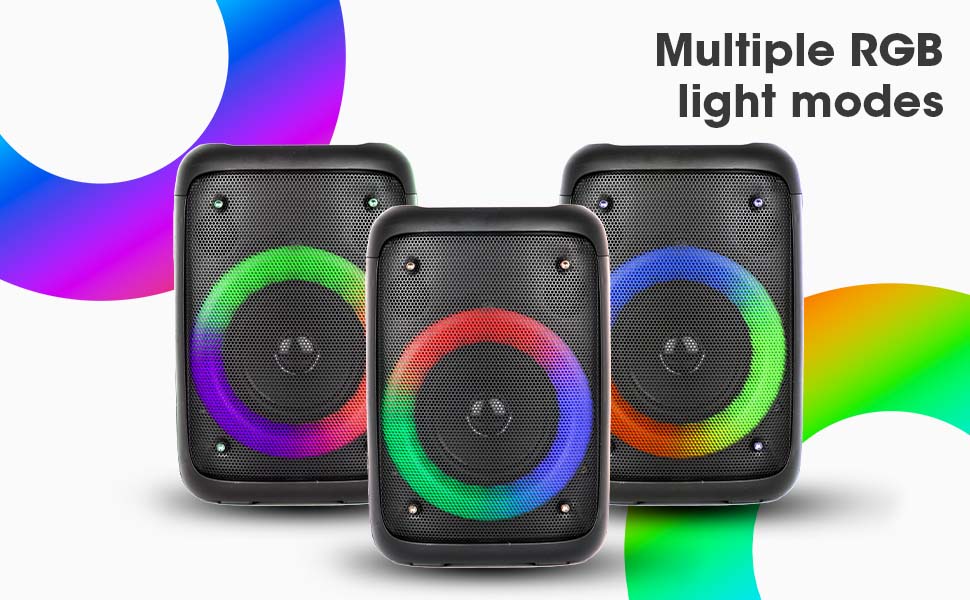
Image: The Zeb-Buddy 100 speaker with an overlay indicating its 10.16cm (4-inch) driver size.
8. Warranty and Support
The Zebronics Zeb-Buddy 100 comes with a 1-year carry-in warranty to the service center. For any support, service, or warranty claims, please contact Zebronics customer support or visit their official website for service center locations and contact information.
Please retain your purchase receipt for warranty validation.


