
1. Introduction
Thank you for choosing the Dowinx Gaming Chair Model 6657A. This manual provides essential information for the safe assembly, operation, and maintenance of your new chair. Please read it thoroughly before use and retain it for future reference. This chair is designed to provide ergonomic support and comfort for extended periods of sitting, whether for gaming, work, or relaxation.
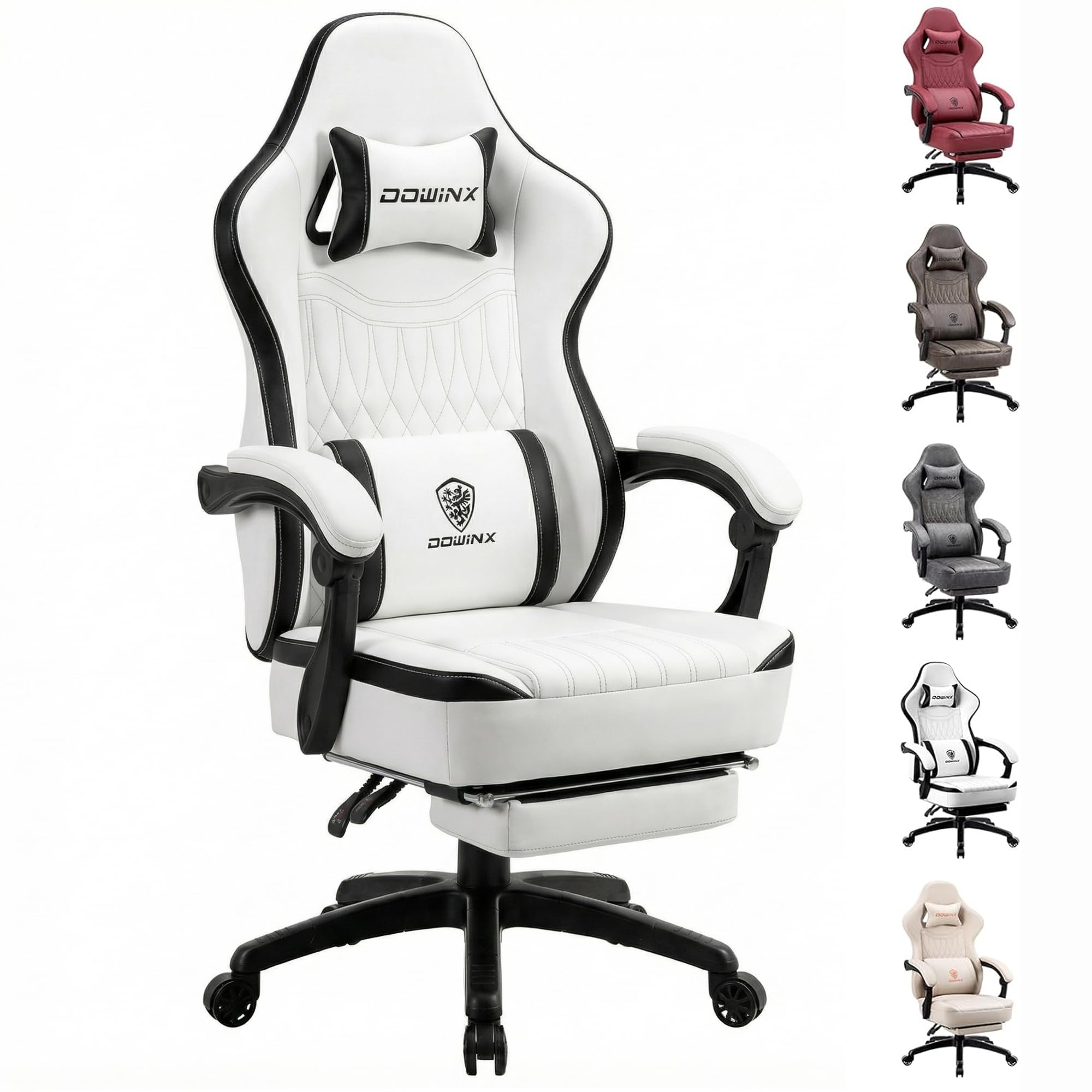
Figure 1: Dowinx Gaming Chair Model 6657A
2. Safety Information
Please observe the following safety guidelines to prevent injury or damage to the product:
- Maximum Weight Capacity: Do not exceed the maximum weight capacity of 150 kg (330 lbs). Exceeding this limit may compromise the chair's stability and lead to injury.
- Assembly: Ensure all components are correctly assembled and tightened according to the instructions. Improper assembly can result in instability.
- Footrest Usage: Use the retractable footrest responsibly. Avoid excessive force or standing on it to prevent damage or injury.
- Movement: The chair features smooth-rolling casters. Exercise caution when moving the chair to avoid collisions or falls.
- Children: Keep children away from moving parts during adjustment to prevent pinching or other injuries.
3. Package Contents
Verify that all parts are present before beginning assembly. If any parts are missing or damaged, please contact customer service.
- Backrest
- Seat Cushion with Pocket Spring
- Armrests (2)
- Star Base
- Casters (5)
- Gas Lift Cylinder
- Mechanism Plate
- Headrest Pillow
- Lumbar Support Pillow (with USB massage function)
- Retractable Footrest
- Assembly Hardware (screws, Allen wrench)
- Instruction Manual
4. Setup and Assembly
Follow these steps to assemble your Dowinx Gaming Chair. It is recommended to have a clear, flat surface for assembly.
4.1. Base Assembly
- Insert the five casters into the holes at the end of each leg of the star base. Push firmly until they click into place.
- Insert the gas lift cylinder into the center hole of the star base. Place the cylinder cover over the gas lift.
4.2. Seat Assembly
- Attach the mechanism plate to the underside of the seat cushion using the provided screws. Ensure the front of the mechanism faces the front of the seat.
- Attach the armrests to the sides of the seat cushion using the designated screws.
- Carefully place the assembled seat onto the gas lift cylinder.
4.3. Backrest and Accessories
- Attach the backrest to the seat mechanism using the remaining screws. Tighten all screws securely.
- Slide the retractable footrest into its designated slots under the seat.
- Attach the headrest pillow and lumbar support pillow using their elastic straps. The lumbar support pillow has a USB cable for its massage function.
For a visual guide on assembly, please refer to the following video:
Video 1: Dowinx PU Leather Massage Gaming Chair - Assembly/Review. This video demonstrates the assembly process and features of the chair.
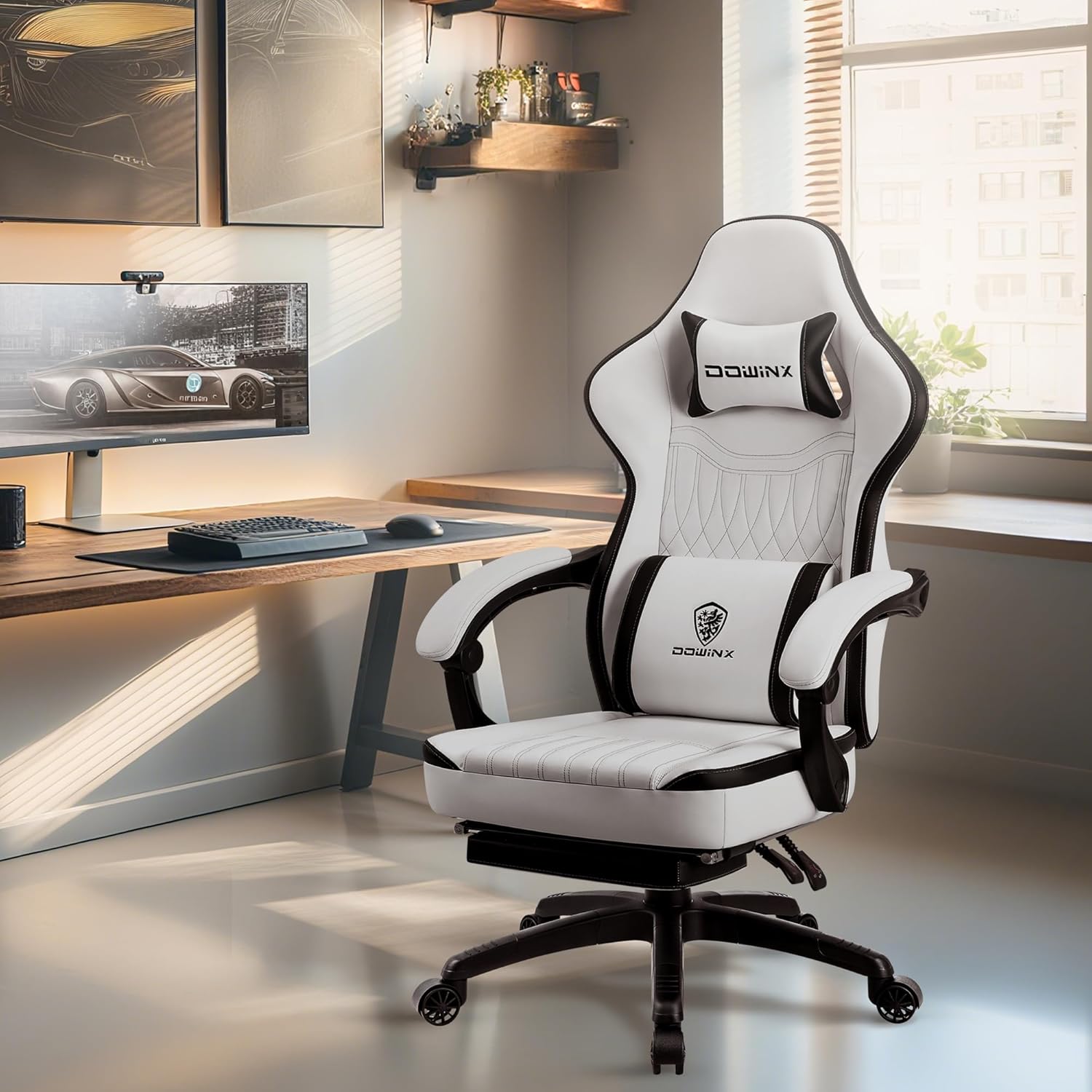
Figure 2: Chair components ready for assembly.
5. Operating Instructions
5.1. Height Adjustment
To adjust the chair's height, locate the 'LIFT' lever on the right side, beneath the seat. While seated, pull the lever upwards to lower the chair. To raise the chair, stand up slightly to relieve weight from the seat and pull the 'LIFT' lever upwards.
5.2. Recline Function
The chair's backrest can recline from 90° to 135°. To recline, locate the 'RCL' lever on the left side, beneath the seat. Pull the lever upwards and lean back to your desired angle. Release the lever to lock the backrest in position. To return to an upright position, pull the 'RCL' lever and lean forward slightly.

Figure 3: Chair recline range.
5.3. Retractable Footrest
To use the footrest, pull it out from underneath the seat. It can be extended to provide leg support when reclining. Push it back in when not in use.

Figure 4: Retractable footrest in extended position.
5.4. Massage Lumbar Support
The lumbar support pillow includes a USB-powered massage function. Connect the USB cable to a power source (e.g., a power bank or USB adapter) to activate soothing vibrations. The massage function is designed to relieve fatigue during long sitting sessions.
Video 2: Dowinx Gaming Chair 50F Series. This video highlights various features of the chair, including the massage function.
6. Maintenance
To maintain the appearance and longevity of your Dowinx Gaming Chair, follow these simple cleaning instructions:
- Cleaning: Wipe clean with a damp cloth. Avoid harsh chemicals or abrasive cleaners, as these may damage the PU leather.
- Inspection: Periodically check all screws and bolts to ensure they are tight. Re-tighten if necessary.
- Avoid Direct Sunlight: Prolonged exposure to direct sunlight can cause the PU leather to fade or crack.
7. Troubleshooting
If you encounter any issues with your Dowinx Gaming Chair, refer to the following common troubleshooting tips:
- Chair is Wobbly: Check that all screws and bolts are securely tightened. Ensure the casters are fully inserted into the base.
- Gas Lift Not Functioning: Ensure the 'LIFT' lever is fully engaged. If the issue persists, the gas lift cylinder may need replacement. Contact customer support.
- Recline Not Locking: Verify that the 'RCL' lever is fully released after adjusting the backrest. Ensure no obstructions are preventing the mechanism from locking.
- Massage Function Not Working: Check that the USB cable is securely connected to a working power source. Try a different USB port or power bank.
8. Specifications
| Feature | Specification |
|---|---|
| Brand | Dowinx |
| Model Name | 6657A |
| Color | Black&white |
| Product Dimensions | 19.3"D x 20.1"W x 50"H |
| Maximum Weight Recommendation | 150 Kilograms (330 lbs) |
| Material | PU Leather, Foam, Pocket Spring Cushion |
| Special Features | Adjustable Backrest (90°-135°), Adjustable Headrest, Adjustable Height, Massage Lumbar Support, Ergonomic, Retractable Footrest, 360° Swivel |
| Assembly Instructions | Assembly required, instructions included |
9. Warranty and Support
Dowinx is committed to providing excellent customer service. Your purchase includes:
- 1-Month Replacement Services: For any manufacturing defects or issues within the first month.
- 1-Year Parts Quality Service: Covering quality-related issues for individual parts for up to one year.
- 24/7 Customer Services Team: Available to assist with any questions or concerns you may have.
Please refer to the contact information provided in your purchase documentation for support.


