
TCL 32S331
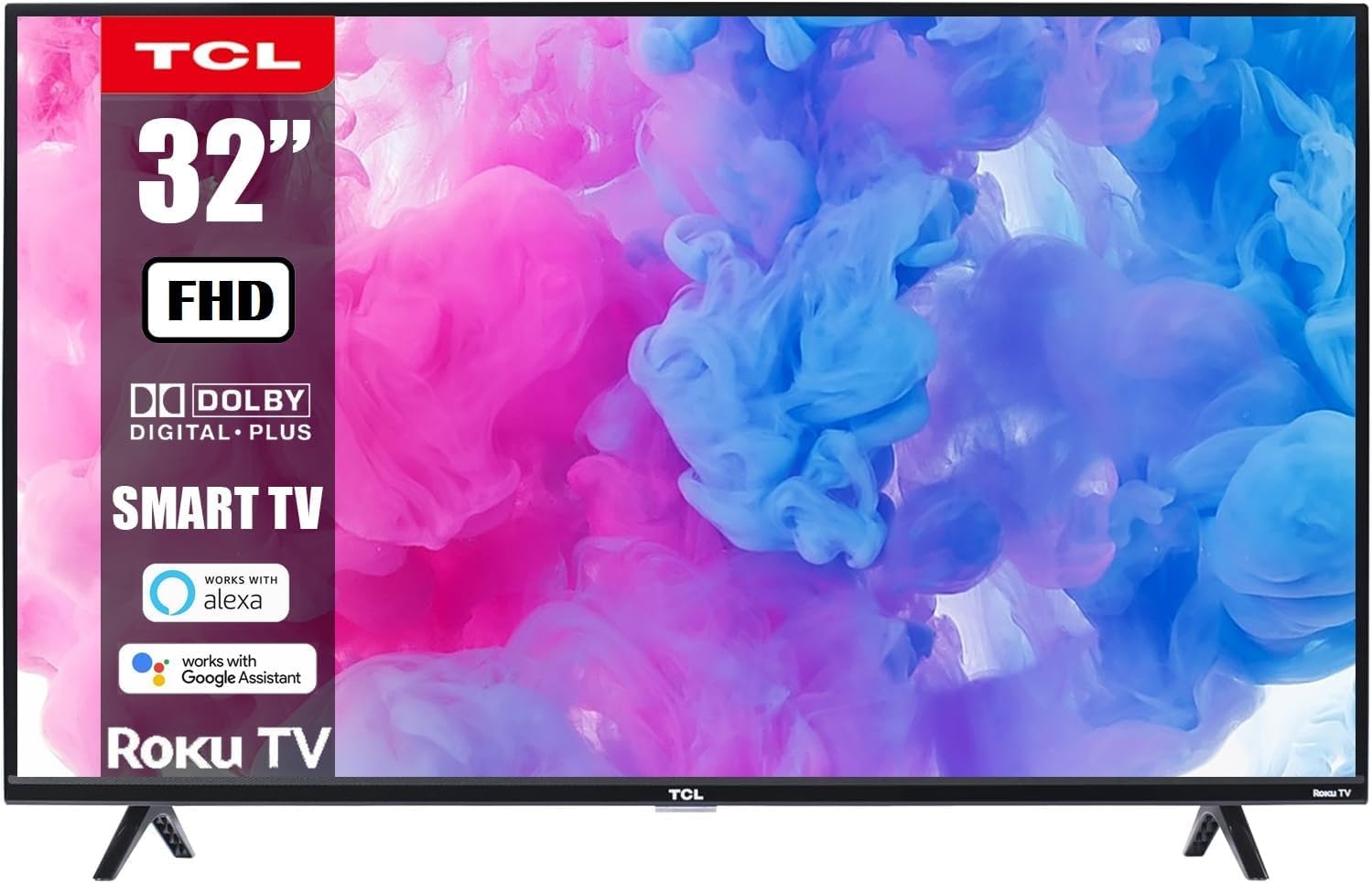
TCL 32-Inch Class S-Series FHD LED Smart Roku TV Instruction Manual (Model 32S331)
Comprehensive guide for setup, operation, and maintenance of your TCL Smart Roku TV.
Introduction
This manual provides essential information for the safe and efficient use of your TCL 32-Inch Class S-Series FHD LED Smart Roku TV, Model 32S331. Please read this manual thoroughly before operating the television and retain it for future reference.
Your TCL Smart Roku TV combines advanced display technology with the intuitive Roku entertainment platform, offering a seamless viewing experience with access to a wide range of streaming services.
Important Safety Information
- Power Source: Ensure the TV is connected to a power outlet with the correct voltage (110-120V AC).
- Ventilation: Do not block ventilation openings. Maintain adequate space around the TV for proper airflow.
- Water and Moisture: Do not expose the TV to rain or moisture. Avoid placing objects filled with liquids on or near the TV.
- Cleaning: Unplug the TV before cleaning. Use a soft, dry cloth. Do not use liquid cleaners or aerosol cleaners.
- Mounting: If wall-mounting, ensure the wall mount is securely installed and capable of supporting the TV's weight.
- Children: Supervise children to prevent them from climbing on the TV or furniture.
Package Contents
Verify that all components are present in the package:
- TCL 32-Inch Class S-Series FHD LED Smart Roku TV
- Roku TV Remote Control
- TV Stands (2)
- Screws for TV Stands
- Power Cord
- Quick Start Guide
Setup
1. Attaching the TV Stands
- Carefully place the TV face-down on a soft, clean surface to prevent screen damage.
- Align each TV stand with the corresponding screw holes on the bottom of the TV.
- Secure each stand with the provided screws using a screwdriver.

2. Wall Mounting (Optional)
If you choose to wall-mount your TV, ensure you use a compatible VESA wall mount (not included unless specified in your purchase bundle). Follow the instructions provided with your wall mount kit.


3. Connecting Power
Plug the power cord into the TV's power input and then into a wall outlet. The TV will enter standby mode.
4. Connecting External Devices
Your TV features multiple input ports for various devices:
- HDMI Inputs: Connect Blu-ray players, gaming consoles, cable/satellite boxes, etc. (3 HDMI ports available).
- USB Port: For media playback from USB drives.
- Coaxial Input: For antenna or cable connection.
- Optical Audio Output: For connecting to a soundbar or audio receiver.
- Headphone Jack: For private listening.

Operating Your TCL Smart Roku TV
1. First-Time Setup and Roku Account
- Power on the TV using the remote control.
- Follow the on-screen instructions to select your language, connect to your Wi-Fi network, and activate your Roku account. A Roku account is required to access streaming channels.
- During setup, you will be guided to add your favorite streaming channels.
2. Using the Roku Remote Control
The included Roku remote is designed for simplicity and ease of use. It features dedicated buttons for popular streaming services.

- Navigation Pad: Use the directional pad and OK button to navigate menus and select items.
- Home Button: Returns you to the Roku Home screen.
- Back Button: Returns to the previous screen.
- Volume Buttons: Adjust the TV volume.
- Mute Button: Mutes the TV audio.
- Dedicated Channel Buttons: Provide quick access to services like Netflix, Prime Video, Hulu, etc.
3. Voice Control Integration
Your TCL Smart Roku TV supports voice control through compatible devices like Amazon Alexa and Google Assistant. This allows you to control your TV using voice commands for tasks such as turning the TV on/off, changing channels, adjusting volume, and searching for content.


4. Accessing Streaming Services
The Roku platform provides access to thousands of streaming channels. Navigate to the Home screen to browse and select your desired apps.

5. Gaming and Multimedia
Connect your gaming consoles via HDMI for a Full HD gaming experience with a 60Hz refresh rate for smooth motion.

Maintenance
- Screen Cleaning: Gently wipe the screen with a soft, lint-free cloth. For stubborn marks, slightly dampen the cloth with water or a screen-specific cleaner (never spray directly onto the screen).
- Cabinet Cleaning: Wipe the TV cabinet with a soft, dry cloth.
- Dusting: Regularly dust the ventilation openings to prevent overheating.
- Remote Control: Replace batteries (AAA) when the remote's performance degrades.
Troubleshooting
| Problem | Possible Solution |
|---|---|
| No power | Ensure the power cord is securely plugged into both the TV and a working electrical outlet. Check if the outlet has power by plugging in another device. |
| No picture, but sound is present | Check the input source. Press the "Input" button on your remote to cycle through available inputs (HDMI 1, HDMI 2, etc.). Ensure external devices are powered on and connected correctly. |
| No sound, but picture is present | Check the volume level on the TV and any connected audio devices. Ensure the TV is not muted. Check audio cables for secure connection. |
| Remote control not working | Replace the batteries in the remote control. Ensure there are no obstructions between the remote and the TV's IR sensor. |
| Cannot connect to Wi-Fi | Ensure your Wi-Fi router is on and functioning. Try restarting your router and the TV. Verify the Wi-Fi password is entered correctly. |
| Picture is blurry or distorted | Check the resolution settings of the TV and the connected device. Ensure the input source is providing a high-quality signal. |
Specifications
- Brand: TCL
- Model: 32S331
- Screen Size: 32 Inches
- Display Technology: LED
- Resolution: 1080p Full HD
- Refresh Rate: 60Hz
- Smart TV Platform: Roku TV
- Voice Assistant Compatibility: Works with Alexa, Google Assistant, Apple AirPlay, Apple HomeKit
- Connectivity: Wi-Fi, 3x HDMI, 1x USB, Coaxial, Optical Audio Out, Headphone Jack
- Product Dimensions (with stands): 28.8" W x 18.9" H x 7.1" D
- Item Weight: 10.98 pounds
Warranty and Support
For warranty information and technical support, please refer to the documentation included with your product or visit the official TCL support website. Keep your purchase receipt as proof of purchase for warranty claims.
Return Policy: This product typically has a 90-day return policy for refund/replacement, as per Amazon Renewed terms. Please check your specific purchase details for exact terms.
Protection Plans: Extended protection plans may be available for purchase. Refer to your retailer for details on 2-Year or 3-Year protection plans.
Related documents32S331


Ask a question about this manual
Ask about setup, troubleshooting, compatibility, parts, safety, or missing instructions. Manuals+ will review the question and use this page’s manual context to help answer it.