
Introduction
The BENEWY ME-530 Wired In-Ear Earbuds are designed to provide clear audio with a built-in microphone and noise isolation features. These earphones are suitable for various devices with a 3.5mm audio jack, offering a comfortable fit and convenient controls for daily use.
What's in the Box
- Wired Earphones x 1
- Eartips x 1
Setup
To begin using your BENEWY ME-530 earbuds, follow these simple steps:
- Identify the Audio Jack: Locate the 3.5mm audio jack on your device (e.g., smartphone, computer, laptop).
- Connect the Earbuds: Insert the 3.5mm plug of the earbuds firmly into your device's audio jack. Ensure it is fully inserted for proper connection.
- Adjust Fit: Place the earbuds into your ears. The in-ear design provides a comfortable and secure fit.
- Test Audio: Play audio from your device to confirm sound output.
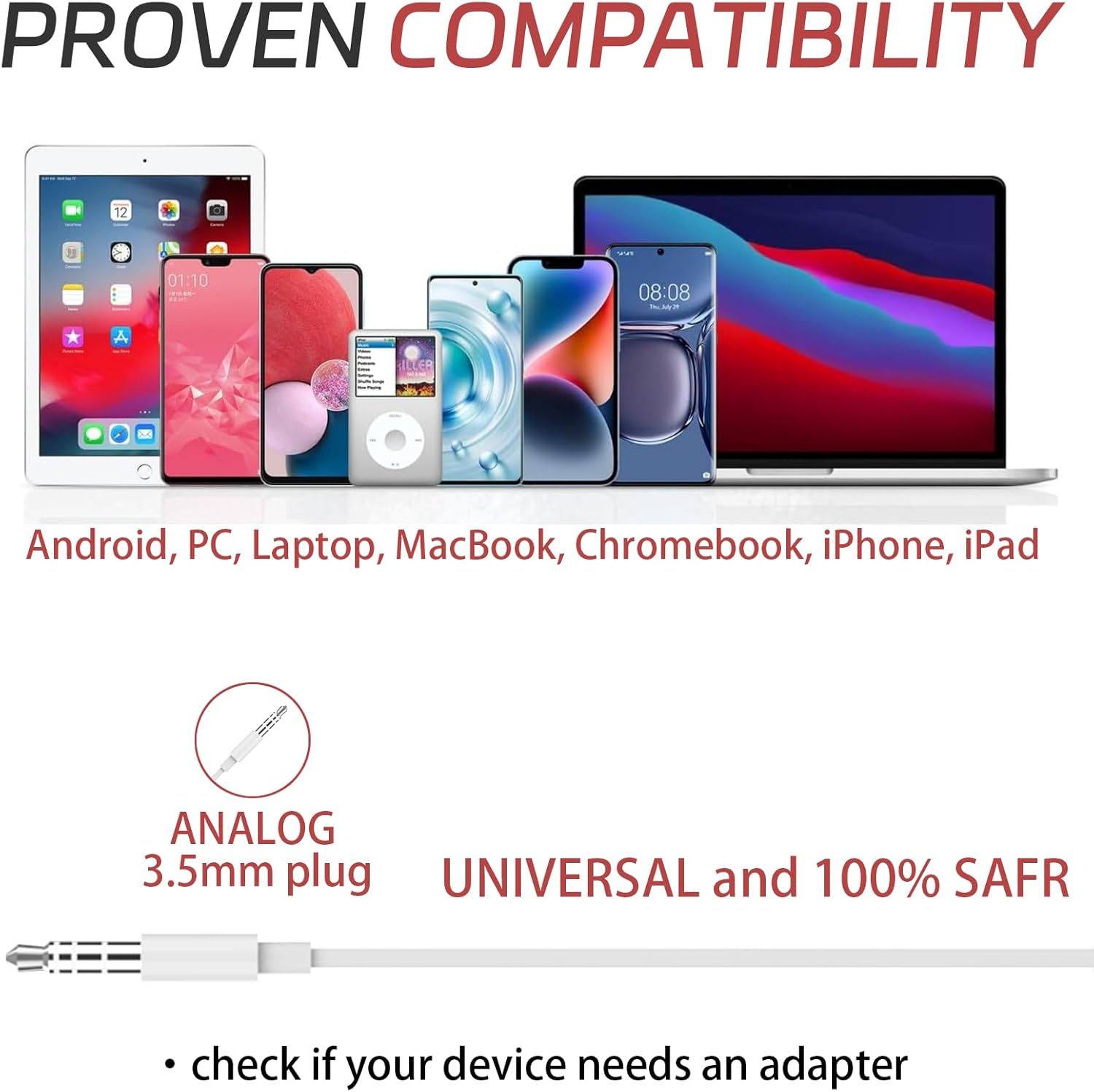
Image: The 3.5mm audio jack connecting the earbuds to a smartphone, illustrating device compatibility.
Note: Some newer devices may require an adapter (not included) if they do not have a 3.5mm audio jack.
Operating Instructions
The BENEWY ME-530 earbuds feature an in-line remote control for easy management of audio and calls.

Image: Detailed view of the in-line remote with volume and multi-function buttons.
Remote Control Functions:
- Volume Up (+): Press to increase audio volume.
- Volume Down (-): Press to decrease audio volume.
- Multi-function Button (Center):
- Single press: Play/Pause music, Answer/End call.
- Double press: Skip to the next track.
- Triple press: Go to the previous track.
- Long press: Activate voice assistant (e.g., Siri).
- Built-in HD Microphone: The microphone is integrated into the remote for clear voice capture during calls or voice commands.
Video: Official BENEWY ME-530 Wired In-Ear Earbuds product overview, demonstrating key features and usage.
Maintenance
Proper care ensures the longevity and performance of your earbuds.
- Cleaning: Gently wipe the earbuds and cable with a soft, dry cloth. Do not use harsh chemicals or abrasive materials.
- Storage: Store the earbuds in a clean, dry place when not in use. Avoid extreme temperatures. The tangle-free cord design helps prevent knots.
- Avoid Moisture: These earbuds are not water-resistant. Keep them away from liquids and high humidity.
- Handle with Care: Avoid pulling the cable forcefully or bending the 3.5mm jack excessively.
Troubleshooting
| Problem | Possible Cause | Solution |
|---|---|---|
| No sound or low volume |
|
|
| Microphone not working |
|
|
| Static or distorted sound |
|
|
Specifications
| Feature | Detail |
|---|---|
| Model Name | ME-530 |
| Connectivity Technology | Wired |
| Headphones Jack | 3.5 mm Jack |
| Noise Control | Sound Isolation |
| Microphone | Included (HD Microphone) |
| Control Type | Volume Control, Remote (Button) |
| Cable Feature | Tangle Free |
| Cable Material | Thermoplastic Elastomer (TPE) |
| Cable Length | Approximately 3.9 feet |
| Weight | 0.634 ounces |
| Ear Placement | In Ear |
| Water Resistance Level | Not Water Resistant |
| Compatible Devices | iPhone, Samsung, Computer, Laptop |
Warranty and Support
For warranty information and customer support, please refer to the product packaging or contact BENEWY customer service directly. Keep your purchase receipt for warranty claims.
For further assistance, visit the official BENEWY website or the product's detail page on the retailer's website.