1. Product Overview
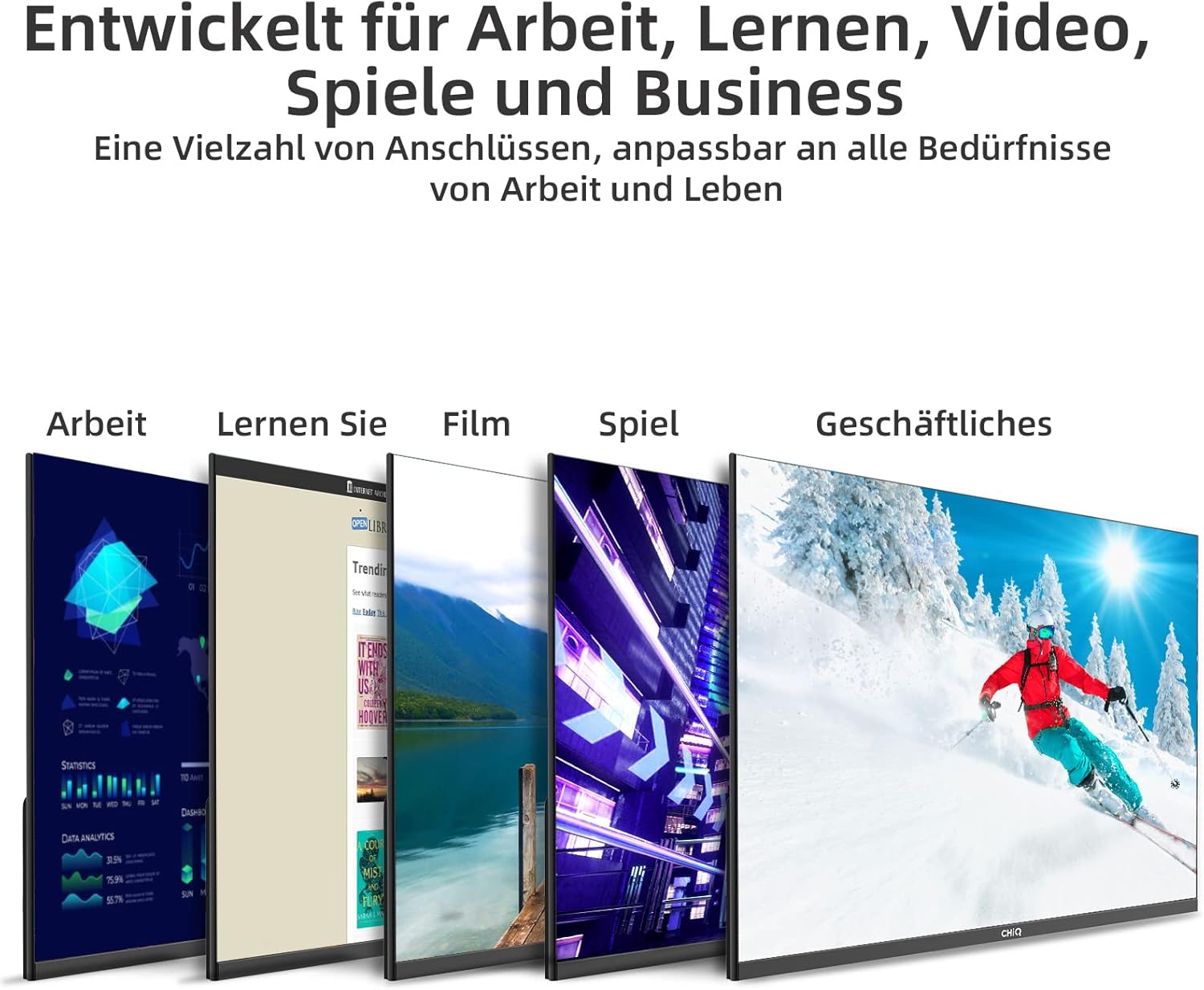
The CHiQ 24F650 is a 24-inch Full HD (1920 x 1080) monitor designed for a wide range of uses, from office work and learning to entertainment and gaming. It features an ultra-thin, frameless design, an IPS panel with 99% sRGB color gamut, and AMD FreeSync technology for a smooth visual experience. Multiple connectivity options including HDMI, VGA, and DP ensure broad compatibility.

Key Features:
- Full HD (1920x1080) Resolution: Delivers crisp and clear images.
- Ultra-Thin & Frameless Design: Maximizes screen space with an 8mm thin profile and three-sided frameless display.
- IPS Panel with 99% sRGB: Provides wide viewing angles and accurate color reproduction.
- 75Hz Refresh Rate & AMD FreeSync: Ensures smooth visuals and reduces screen tearing for dynamic content.
- Multiple Interfaces: Equipped with HDMI, VGA, and DisplayPort (DP) for versatile connectivity.
- VESA Mount Compatible: Supports 75x75mm VESA mounting for flexible installation.
- Eye Protection: Features DC dimming and anti-glare technology to reduce eye strain.
2. Safety Information
Please read all instructions carefully before using the monitor. Keep this manual for future reference.
- Do not expose the monitor to rain or moisture to prevent fire or shock hazards.
- Do not open the monitor casing. There are no user-serviceable parts inside. Refer all servicing to qualified personnel.
- Place the monitor on a stable, flat surface to prevent it from falling.
- Ensure proper ventilation around the monitor. Do not block ventilation openings.
- Use only the power adapter supplied with the monitor.
- Disconnect the power plug from the outlet if the monitor will not be used for a long period.
- Avoid placing the monitor near heat sources or in direct sunlight.
3. Package Contents
Please check the package contents upon unpacking. If any items are missing or damaged, contact your retailer.
- CHiQ 24F650 Monitor
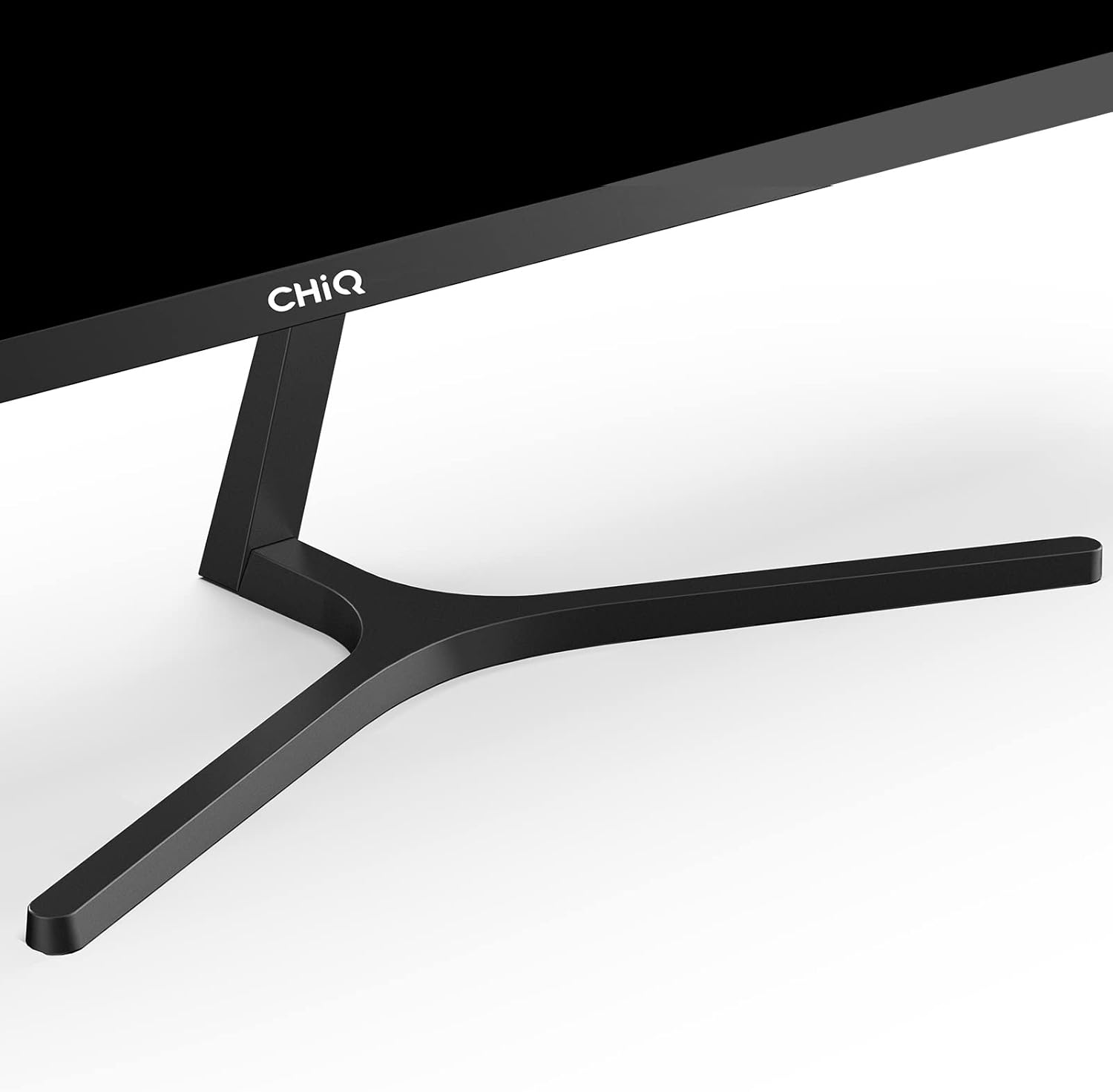
- Monitor Stand (Base and Neck)
- Power Adapter
- HDMI Cable
- User Manual
- Warranty Card (if applicable)
4. Setup
4.1 Assembling the Stand
- Carefully remove the monitor from its packaging, placing it face down on a soft, clean surface to prevent scratches.
- Attach the stand neck to the monitor's rear panel. Ensure it clicks securely into place or is fastened with screws if provided.
- Attach the stand base to the neck, securing it with the thumb screw or screws provided.
- Gently lift the assembled monitor and place it on a stable, flat surface.
4.2 Connecting Cables
Connect the necessary cables to the corresponding ports on the back of the monitor and your computer or other devices.

- Power Cable: Connect the power adapter to the monitor's power input, then plug the adapter into a power outlet.
- Video Cable: Connect an HDMI, VGA, or DisplayPort cable from your computer's graphics card to the corresponding input on the monitor.
- Audio Output: If desired, connect external speakers or headphones to the 3.5mm audio output jack.
4.3 VESA Wall Mount (Optional)
The monitor supports a 75x75mm VESA mount. To mount the monitor, remove the stand and attach a compatible VESA bracket (not included) to the four screw holes on the back of the monitor.

5. Operating the Monitor
5.1 Power On/Off
Press the power button (usually a joystick on the back) to turn the monitor on or off. The power indicator light will illuminate when the monitor is on.
5.2 On-Screen Display (OSD) Menu
The monitor features a joystick button on the back for easy navigation of the OSD menu. Press the joystick to open the OSD menu. Move the joystick up/down/left/right to navigate through options and press to select.
5.3 Adjusting Monitor Settings
Through the OSD menu, you can adjust various display settings:
- Brightness/Contrast: Adjust the overall luminance and contrast of the display.
- Color Settings: Modify color temperature, RGB levels, or select preset color modes.
- Input Source: Manually select between HDMI, VGA, or DP inputs.
- Picture Mode: Choose from various preset picture modes (e.g., Standard, Game, Movie).
- FreeSync: Enable or disable AMD FreeSync for adaptive synchronization with compatible graphics cards.
- Audio: Adjust volume for the audio output.
- OSD Settings: Change OSD language, transparency, and timeout.
5.4 Adjusting Viewing Angle
The monitor's stand allows for tilt adjustment from +5° to -15° to optimize your viewing experience. Gently tilt the monitor panel to the desired angle.
6. Maintenance
6.1 Cleaning the Monitor
- Always unplug the monitor from the power outlet before cleaning.
- Use a soft, lint-free cloth slightly dampened with water or a non-abrasive screen cleaner.
- Do not spray cleaner directly onto the screen.
- Avoid using benzene, thinner, ammonia, or abrasive cleaners, as they can damage the monitor.
6.2 Storage
When storing the monitor, keep it in a cool, dry place away from direct sunlight and extreme temperatures. If possible, use the original packaging for protection.
7. Troubleshooting
If you encounter issues with your monitor, please refer to the following common problems and solutions:
| Problem | Possible Cause | Solution |
|---|---|---|
| No power | Power cable not connected; Power outlet faulty | Ensure power cable is securely connected; Try a different power outlet. |
| No signal | Video cable not connected; Incorrect input source selected | Check video cable connection; Select correct input source via OSD menu. |
| Image distorted/Flickering | Cable issue; Graphics card driver issue; Resolution/Refresh rate mismatch | Try a different video cable; Update graphics drivers; Adjust display resolution/refresh rate in PC settings. |
| Buttons not responding | OSD lock enabled; Malfunction | Refer to OSD manual for unlock procedure (if applicable); Power cycle the monitor. |
If the problem persists after trying these solutions, please contact CHiQ customer support.
8. Specifications

| Feature | Specification |
|---|---|
| Model Number | 24F650 |
| Screen Size | 23.8 Inches (24 inch class) |
| Resolution | 1920 x 1080 (Full HD) |
| Aspect Ratio | 16:9 |
| Panel Type | IPS |
| Brightness | 250 cd/m² |
| Contrast Ratio | 3000:1 |
| Color Gamut | 99% sRGB |
| Refresh Rate | 75Hz |
| Adaptive Sync | AMD FreeSync |
| Interfaces | 1x HDMI, 1x VGA, 1x DisplayPort (DP), 1x Audio Output |
| VESA Mount | 75 x 75 mm |
| Product Dimensions (with stand) | 1.8 x 21.24 x 12.56 inches (approx. 45.7 x 539.6 x 319 mm) |
| Item Weight | 5.72 pounds (approx. 2.59 kg) |
| Voltage | 220 Volts |
9. Warranty & Support
9.1 Warranty Information
The CHiQ 24F650 monitor is backed by a 2-year warranty from the date of purchase. This warranty covers manufacturing defects and ensures the product meets its specified performance standards under normal use.
Please retain your proof of purchase for warranty claims.
9.2 Customer Support
If you have any questions, require technical assistance, or need to make a warranty claim, please contact CHiQ customer service. Refer to the contact information provided on the CHiQ official website or your product's packaging for the most up-to-date support channels.


