
1. Introduction
Thank you for choosing the SURNICE Wireless Remote Control Outlet. This device provides a convenient way to control your household appliances and lighting with a simple remote. Its compact design and long-range signal make it ideal for various indoor applications, enhancing your home's convenience and energy efficiency.
2. Safety Information
- Indoor Use Only: This product is designed for indoor use. Do not expose to water or damp conditions.
- Electrical Rating: Do not exceed the maximum load of 10A/1200W. Overloading may cause damage to the device or connected appliances.
- Child Safety: The built-in plastic pads are designed to ensure child safety. Keep the remote control out of reach of children.
- Power Disconnection: Always unplug the device from the power outlet before cleaning or performing any maintenance.
- FCC and ETL Certified: This product complies with FCC and ETL safety standards.
3. Package Contents
- 1 x Wireless Remote Control (Transmitter)
- 3 x Wireless Remote Control Outlets (Receivers)
- 1 x CR2032 Battery (pre-installed in remote)

Image: SURNICE Wireless Remote Control Outlet kit, showing one remote and three compact receiver plugs.
4. Product Overview
The SURNICE Wireless Remote Control Outlet system consists of a remote control (transmitter) and multiple receiver plugs. Each receiver plug is compact, designed not to block adjacent outlets, and features an LED indicator and a manual on/off/pair/reset button. The remote control has individual buttons for each paired outlet (A, B, C) and an 'ALL ON' and 'ALL OFF' button for master control.

Image: Diagram showing the compact dimensions of the SURNICE remote control outlet and remote, highlighting its small size.
5. Setup
5.1 Initial Setup (Plug and Play)
The remote control outlets are pre-paired with the remote before leaving the factory. Simply plug the receiver outlets into your desired power sockets and connect your appliances. They should respond to the corresponding buttons (A, B, C) on the remote control immediately.

Image: A SURNICE remote control outlet plugged into a wall socket next to a bed with a lamp, demonstrating easy plug-and-play setup.
5.2 Clearing Pairing
If you need to clear the existing pairing for a receiver outlet:
- Plug the receiver outlet into a power source.
- Press and hold the manual on/off button on the receiver for approximately 20 seconds.
- Release the button after the indicator light turns off. The pairing is now cleared.
5.3 Pairing Operation
To pair a receiver outlet with a specific button on the remote control (or re-pair after clearing):
- Plug the receiver outlet into a power source.
- Press and hold the manual on/off button on the receiver. The indicator light will start to flash slowly. Release the button.
- Within 5 seconds, press the desired 'ON' button (A, B, or C) on the remote control. The receiver's indicator light will turn solid ON, indicating successful pairing.
- To pair with the 'ALL ON' button, follow steps 1 and 2, then press the 'ALL ON' button on the remote.
Video: This video demonstrates the plug-and-play functionality, clearing existing pairings, and the pairing process for the SURNICE Wireless Remote Control Outlet.
6. Operating Instructions
6.1 Individual Control
Use the corresponding 'ON' or 'OFF' button (A, B, or C) on the remote control to individually switch the paired receiver outlets and their connected appliances on or off.
6.2 Group Control
The 'ALL ON' button will turn on all paired receiver outlets simultaneously. The 'ALL OFF' button will turn off all paired receiver outlets simultaneously. This feature is convenient for controlling multiple devices at once, such as holiday lights or multiple lamps.

Image: A kitchen counter with a microwave, kettle, and coffee maker, each connected to a SURNICE remote outlet, illustrating group control with an 'ALL ON/OFF' button.
6.3 Long Range Operation
The powerful 433.92 MHz RF signal allows the remote to operate through walls and doors, with a maximum working range of up to 130 feet in open areas. Ensure there are no significant metal obstructions between the remote and the receiver for optimal performance.
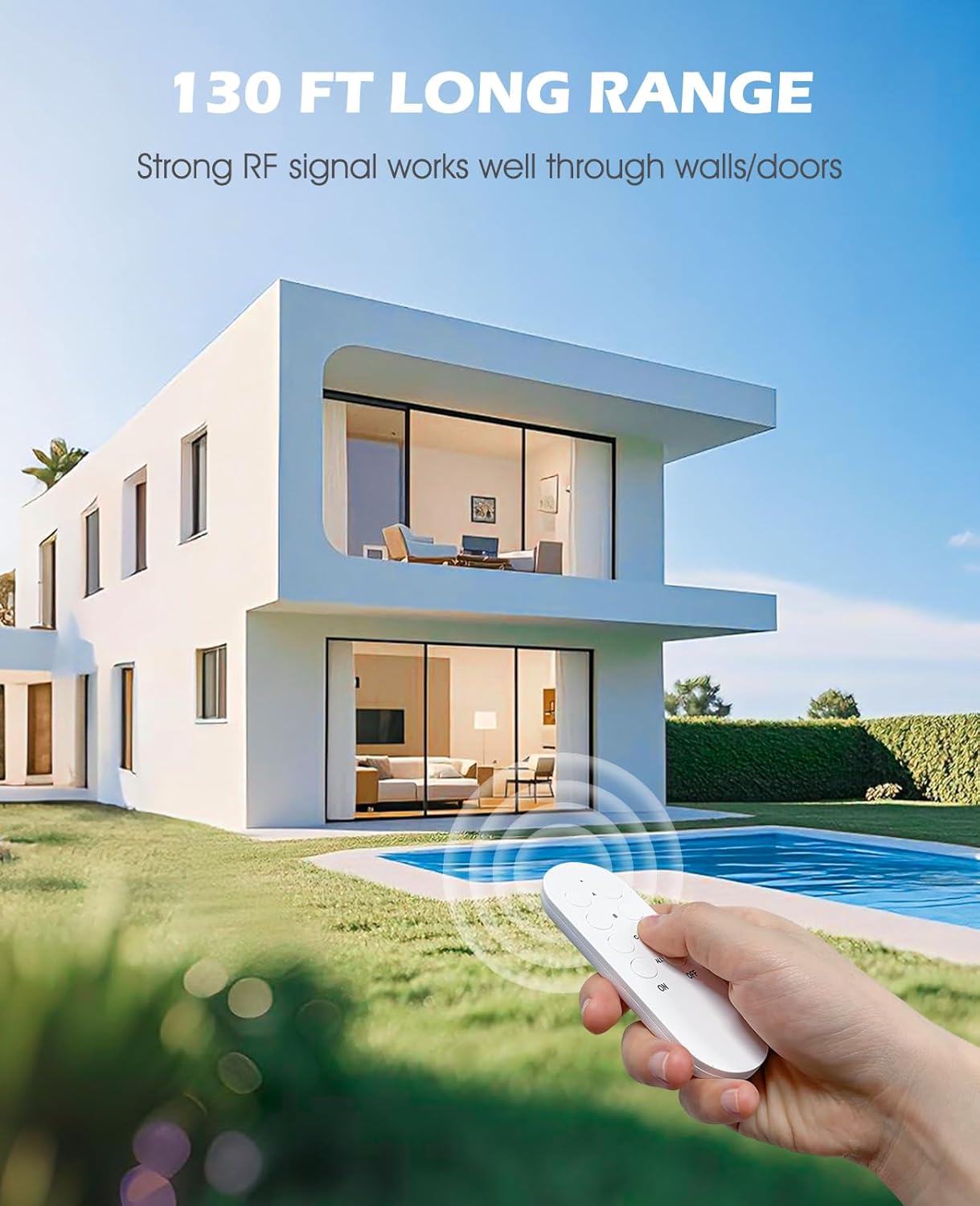
Image: A hand holding the SURNICE remote control, pointing towards a modern house with a pool, illustrating the 130 ft long range capability.
7. Maintenance
- Cleaning: Wipe the devices with a dry, soft cloth. Do not use liquid cleaners or sprays.
- Battery Replacement: The remote control uses a CR2032 battery. Replace it when the remote's indicator light dims or the range decreases.
- Storage: Store the devices in a cool, dry place when not in use for extended periods.
8. Troubleshooting
- Device Not Responding:
- Ensure the receiver outlet is properly plugged into a live power socket.
- Check if the remote control battery needs replacement.
- Re-pair the receiver outlet with the remote control (refer to Section 5.3).
- Limited Remote Range:
- Ensure there are no large metal objects or thick walls obstructing the signal path.
- Replace the remote control battery if it's weak.
- Outlet Blocking Adjacent Sockets:
- The SURNICE outlets are designed to be compact and generally do not block adjacent sockets. If an issue occurs, try rotating the plug or using a different socket.
9. Specifications
| Feature | Specification |
|---|---|
| Model Number | SN10015USAx3+SN20021USA |
| Product Dimensions | 1.57 x 1.18 x 1.96 inches; 6.56 ounces |
| Electrical Rating | 10A / 1200W (Max) |
| Voltage | 125 VAC |
| Remote Frequency | 433.92 MHz |
| Wireless Range | Up to 130 ft (open area) |
| Remote Battery | 1 x CR2032 (included) |
| Material | Acrylonitrile Butadiene Styrene (ABS) |
| Certifications | FCC, ETL |
10. Warranty and Support
SURNICE products are manufactured with quality and reliability in mind. This product is backed by standard manufacturer support. For any questions, troubleshooting assistance, or warranty claims, please contact SURNICE customer service through your purchase platform or the official SURNICE website.

Image: FCC and ETL certifications for SURNICE remote control outlets.