
senri A9
senri Mini Security Camera User Manual
Model: A9
Introduction
Thank you for choosing the senri Mini Security Camera. This compact and versatile camera is designed to provide reliable surveillance for your home, office, or any indoor/outdoor space. With its 1080P HD resolution, wide-angle lens, and night vision capabilities, you can monitor your surroundings with clarity. This manual provides detailed instructions on how to set up, operate, and maintain your camera to ensure optimal performance.

A banner image highlighting the camera's compact, lightweight, and portable design, along with icons representing its features like Tiny, Magnetic, Wifi, SD Card Storage, Remote View, Motion Detection, and Night Vision.
Safety Information
- Do not expose the camera to extreme temperatures, humidity, or direct sunlight.
- Keep the camera away from water and other liquids.
- Use only the provided charging cable and power adapter to prevent damage.
- Do not attempt to disassemble or modify the camera. This will void the warranty.
- Ensure the camera is placed on a stable surface or securely mounted to prevent falls.
- Keep out of reach of children and pets.
What's in the Box
- senri Mini Security Camera
- Camera Support/Mount
- User Manual (this document)
- USB Charging Cable
Product Overview
The senri Mini Security Camera is designed for discreet and effective surveillance. Its compact size allows for easy placement in various environments.

A compact black mini security camera, shown alongside a smartphone displaying live footage of a room, and a hand holding the tiny camera, illustrating its small size and wireless capability.
Key features and components:
- Camera Lens: Captures video footage.
- On/Off Button: Powers the camera on or off.
- Mode Button: Switches between different operating modes.
- Micro SD Card Slot: For local storage of video recordings (supports up to 128GB, card not included).
- USB Port: For charging and data transfer.
- Indicator Lights: Provide status information (e.g., power, recording, Wi-Fi connection).

An infographic displaying key features of the camera with corresponding icons: Wireless connection, Remote viewing, HD quality, Infrared night vision, Motion Detection, Loop recording, Wide-angle shooting, Day and night conversion mode, and Card storage.
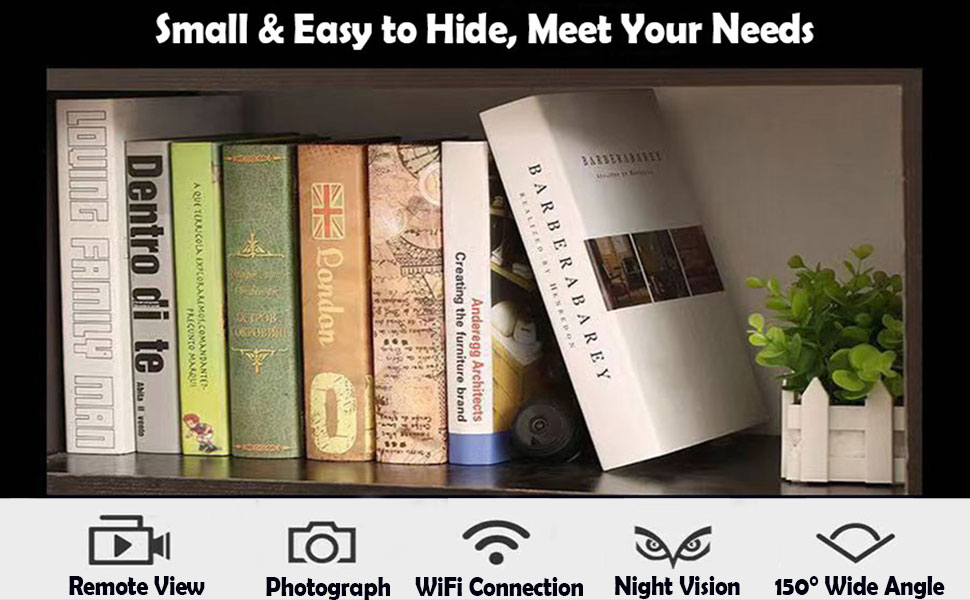
An image demonstrating how easily the small camera can be hidden, showing it discreetly placed among books on a bookshelf, with icons for Remote View, Photograph, WiFi Connection, Night Vision, and 150° Wide Angle.
Setup
- Charge the Camera: Before first use, fully charge the camera using the provided USB cable and a standard 5V USB power adapter. The indicator light will change to show charging status and turn off when fully charged.
- Insert Micro SD Card (Optional): If you wish to record footage locally, gently insert a Micro SD card (2GB to 128GB, Class 10 or higher recommended) into the card slot until it clicks into place. Ensure the card is inserted in the correct orientation.
- Download the App: Scan the QR code provided in the quick start guide or search for the designated app (e.g., 'HDMiniCam' or similar, refer to packaging for exact app name) in your device's app store (iOS/Android). Install the app on your smartphone or tablet.
- Power On the Camera: Press and hold the On/Off button for a few seconds until the indicator lights illuminate.
- Connect to Wi-Fi:
- Open your phone's Wi-Fi settings and connect to the camera's Wi-Fi hotspot (usually starts with 'IPC-' or similar). No password is required for this initial connection.
- Open the downloaded app. The camera should automatically be detected.
- Follow the in-app instructions to connect the camera to your home or office Wi-Fi network. This will allow remote viewing.

An illustration showing the two main steps for quick setup: 1. Download APP software, and 2. Charge the camera. A smartphone displays live footage of a baby playing, with the camera shown next to it.

A smartphone displaying the camera's live feed and app interface, positioned next to the mini camera held in a hand, emphasizing remote connection and control.
Operating Instructions
Live View and Recording
Once connected to the app, you can view live footage from your camera. Use the app interface to start/stop recording, take snapshots, and access recorded files.

An image demonstrating the difference between standard definition (SD) and high-definition (HD) video quality, showing a family and a dog with significantly clearer detail in the HD section.
Night Vision
The camera is equipped with infrared lights for clear night vision up to 5 meters. This feature allows for continuous monitoring even in low-light or no-light conditions. The app typically allows you to toggle night vision on/off or set it to automatic.

A split image showing the difference between daytime and night vision footage from the camera. The top half shows a living room in full color during the day, while the bottom half shows the same room in clear black and white infrared night vision.
Motion Detection
Enable motion detection in the app settings to receive alerts on your phone when movement is detected. This feature helps conserve battery life and storage space by only recording when necessary.
Wide-Angle Shooting
The camera features a 150-degree wide-angle lens, providing a broad field of view to capture more of your surroundings.
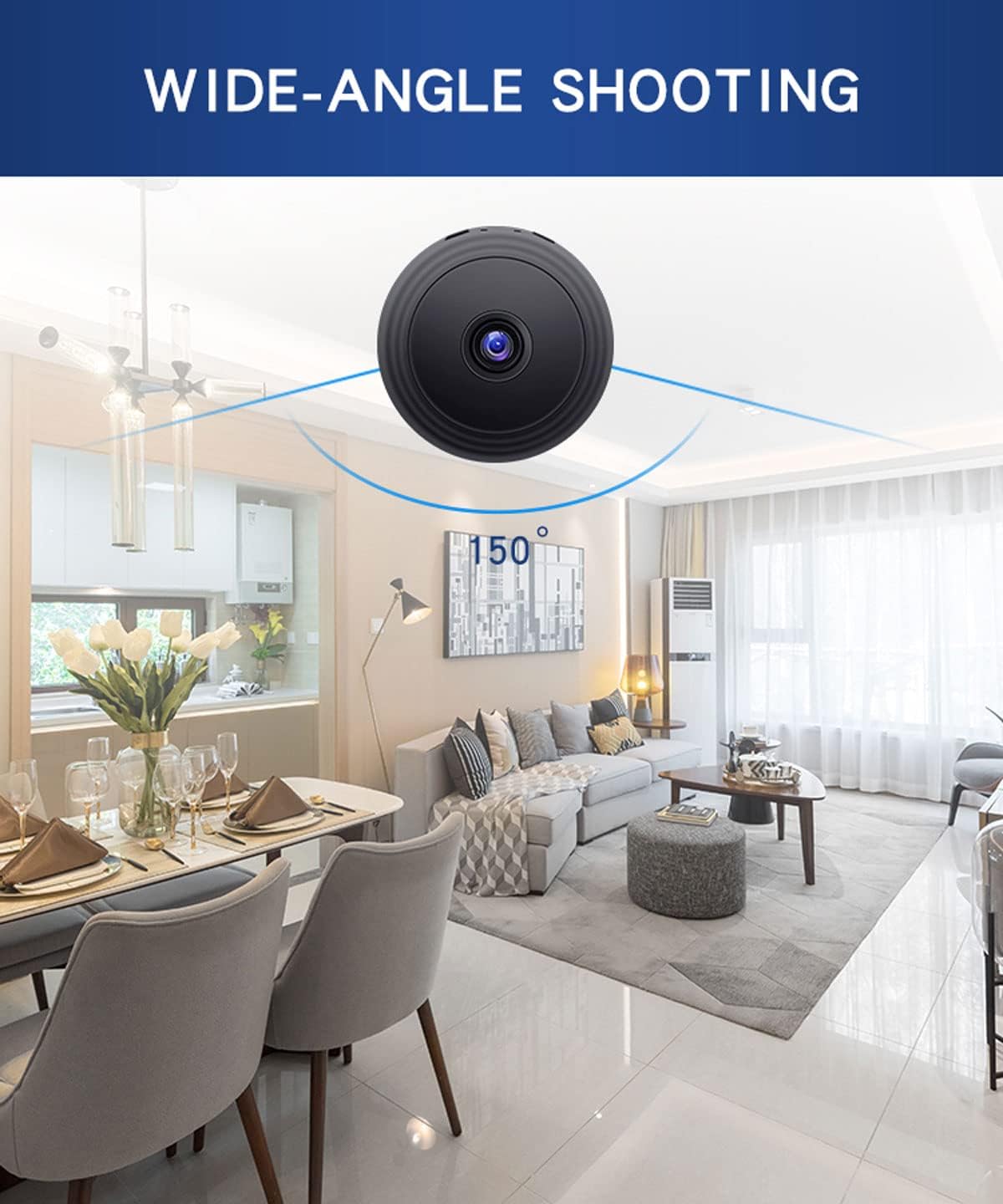
An image illustrating the camera's 150-degree wide-angle shooting capability, showing a broad view of a dining and living area captured by the camera.
Loop Recording
When the Micro SD card is full, the camera will automatically overwrite the oldest video files to continue recording. Ensure this feature is enabled in the app if you require continuous recording without manual deletion.

An image showing a hand inserting a Micro SD card into the camera, with a visual representation of loop recording indicated by a circular arrow and film strips.
Maintenance
- Cleaning: Use a soft, dry cloth to clean the camera lens and body. Do not use liquid cleaners or abrasive materials.
- Storage: When not in use for extended periods, store the camera in a cool, dry place.
- Battery Care: To prolong battery life, avoid fully discharging the camera frequently. Charge it regularly, even if not in constant use.
- Firmware Updates: Check the app periodically for any available firmware updates to ensure optimal performance and new features.
Troubleshooting
| Problem | Possible Cause | Solution |
|---|---|---|
| Camera won't turn on. | Low battery; Power button not pressed long enough. | Charge the camera fully. Press and hold the On/Off button for 3-5 seconds. |
| Cannot connect to Wi-Fi. | Incorrect Wi-Fi password; Camera too far from router; App not updated. | Ensure correct Wi-Fi password. Move camera closer to router. Update the app to the latest version. Reset camera and try again. |
| No recording to SD card. | SD card full or not inserted correctly; Card not formatted; Faulty SD card. | Check SD card insertion. Format the SD card via the app. Try a different SD card. Ensure loop recording is enabled if needed. |
| Poor video quality. | Dirty lens; Low light conditions; Network interference. | Clean the camera lens. Ensure adequate lighting or enable night vision. Reduce Wi-Fi interference. |
| App crashes or freezes. | Outdated app version; Device compatibility issues. | Update the app. Restart your smartphone/tablet. Reinstall the app. |
Specifications
| Feature | Detail |
|---|---|
| Model Name | A9 |
| Video Capture Resolution | 1080p HD |
| Field of View | 150 Degrees |
| Connectivity Technology | Wireless (Wi-Fi) |
| Power Source | Battery Powered (1 Lithium Ion battery included) |
| Battery Life | Approx. 120 minutes (can be extended with continuous power) |
| Night Vision Range | Up to 5 meters |
| Storage | Micro SD Card (2GB to 128GB, not included) |
| Indoor/Outdoor Usage | Indoor (IP66 rating for some outdoor protection) |
| Dimensions (L x W x H) | 0.39 x 0.39 x 0.39 inches |
| Item Weight | 1.76 ounces |
| Material | Acrylonitrile Butadiene Styrene (ABS) |
Warranty and Support
senri provides a 30-day money-back guarantee and 3-year technical support for this product. If you encounter any issues or have questions regarding your senri Mini Security Camera, please contact senri customer support directly. Refer to the product packaging or the official senri website for the most current contact information.
For additional resources, you may also refer to the official user manual PDF available at: senri Mini Security Camera User Manual PDF
Related documentsA9

Ask a question about this manual
Ask about setup, troubleshooting, compatibility, parts, safety, or missing instructions. Manuals+ will review the question and use this page’s manual context to help answer it.