
1. Introduction
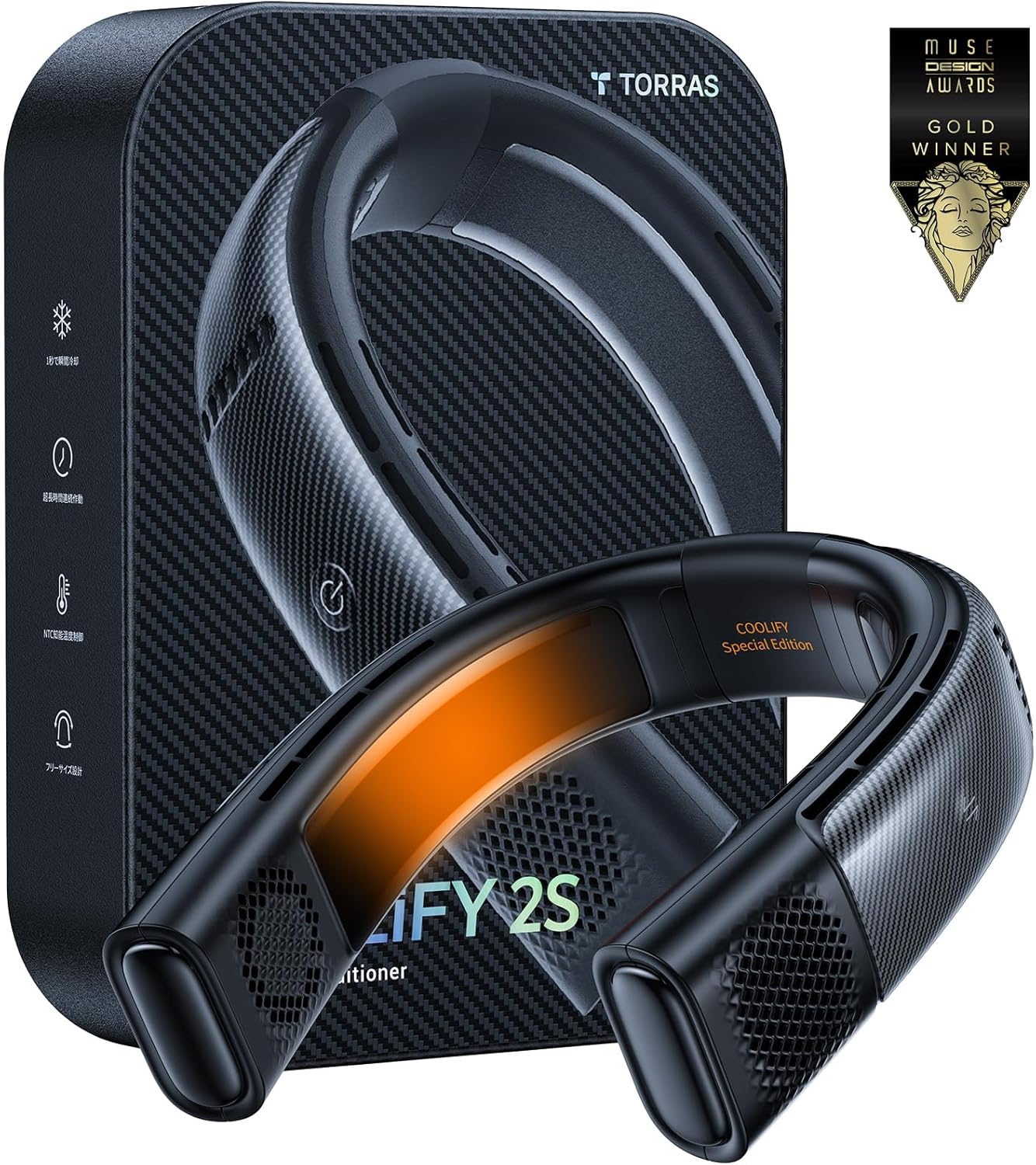
The TORRAS COOLIFY 2S is a wearable neck air conditioner designed to provide personal cooling and heating. This device features advanced technology for efficient temperature regulation and a comfortable user experience. It is equipped with a long-lasting battery and smart app control for personalized settings.

Image: The TORRAS COOLIFY 2S Neck Air Conditioner, a black U-shaped device, displayed with text highlighting its visual temperature changing feature, carbon fiber craft, and long battery version.
2. Setup
2.1 Power On/Off
To power on the device, short press the power button. To adjust the fan gear, short press the power button again. To force power off, long press the power button for 1.5 seconds.
2.2 Charging
The COOLIFY 2S is equipped with a 5000mAh battery and supports 18W fast charging via a USB-C port. It can charge up to 80% in 1.5 hours and fully charge in 2.5 hours. The device can be used while charging to maximize usage time.
2.3 Adjustable Strap
The device features an adjustable strap that can be extended from 19.7 inches to 43.3 inches for a secure and comfortable fit.
2.4 Phase Ring Component
The phase ring component can be disassembled and reassembled. To disassemble, push up on the buckle with one hand from the bottom, then slide the other hand toward the buckle and release the phase ring. To install, align the slots and push in the opposite direction of the buckle until you hear a 'click' sound.
Video: This video demonstrates the basic operation of a TORRAS portable fan, including powering on/off, charging via USB-C, adjusting the strap, and disassembling/assembling the phase ring component. While the video features a waist fan, the operational principles for these functions are similar to the COOLIFY 2S neck air conditioner.
3. Operating Instructions
3.1 Cooling and Airflow
The COOLIFY 2S utilizes a powerful KU 2.0 Pro chip for instant cooling, lowering the temperature by 30°F in one second. Two cooling plates around the neck provide maximum cooling. HyperVortex technology delivers strong and comfortable airflow, offering 360° cooling coverage to both the face and neck through dual-layer design with four air ducts.
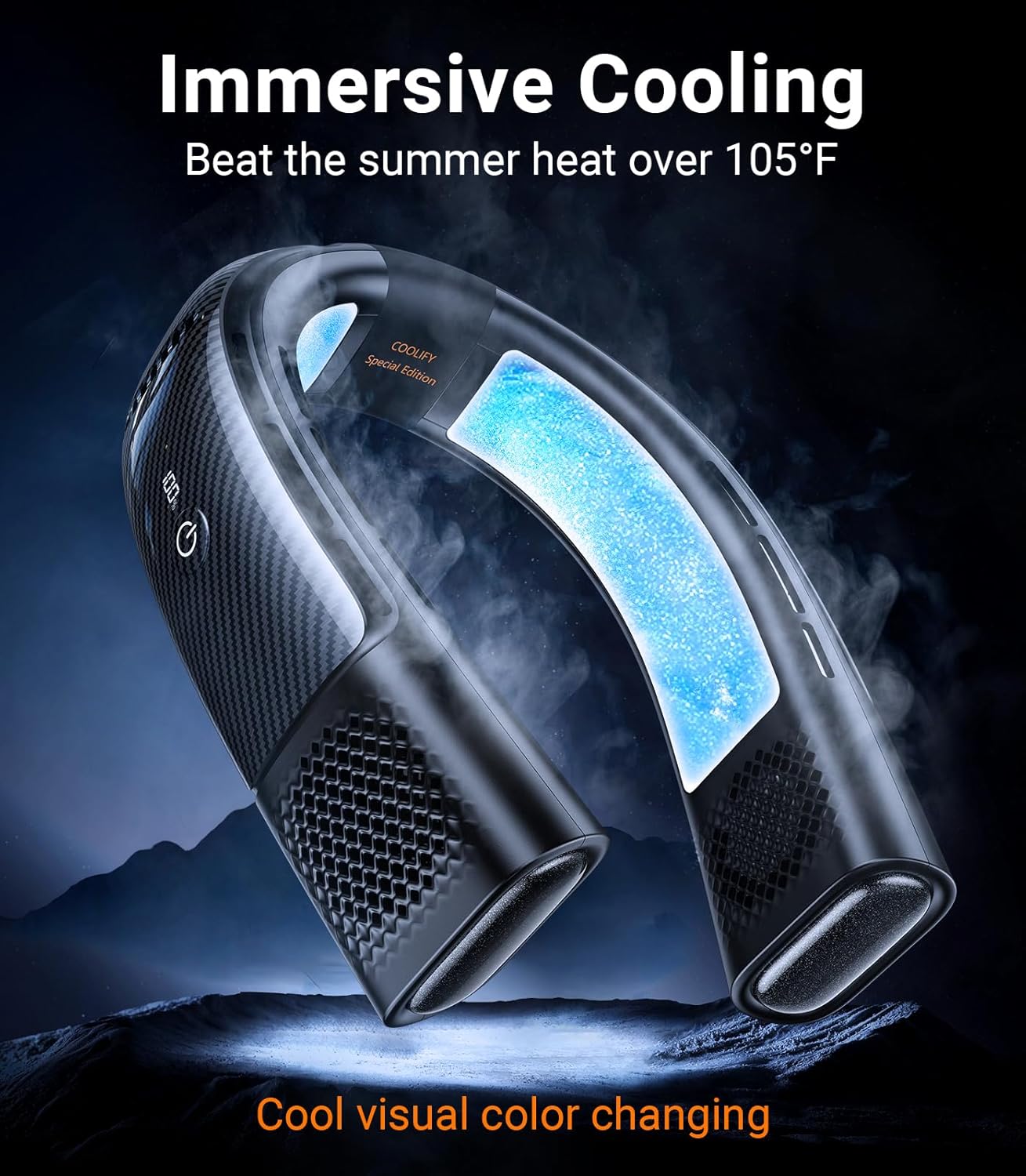
Image: The TORRAS COOLIFY 2S Neck Air Conditioner, a black U-shaped device, with a blue glow indicating its cooling function, set against a dark, mountainous background to emphasize its immersive cooling capability.

Image: A woman wearing the TORRAS COOLIFY 2S Neck Air Conditioner, with blue arrows illustrating the 360-degree airflow cooling her face and neck from four directions.
3.2 Smart App Control
The device features Bluetooth app functionality for effortless control of cooling, heating, and air blowing. A stepless adjustment feature allows fine-tuning of temperature settings.
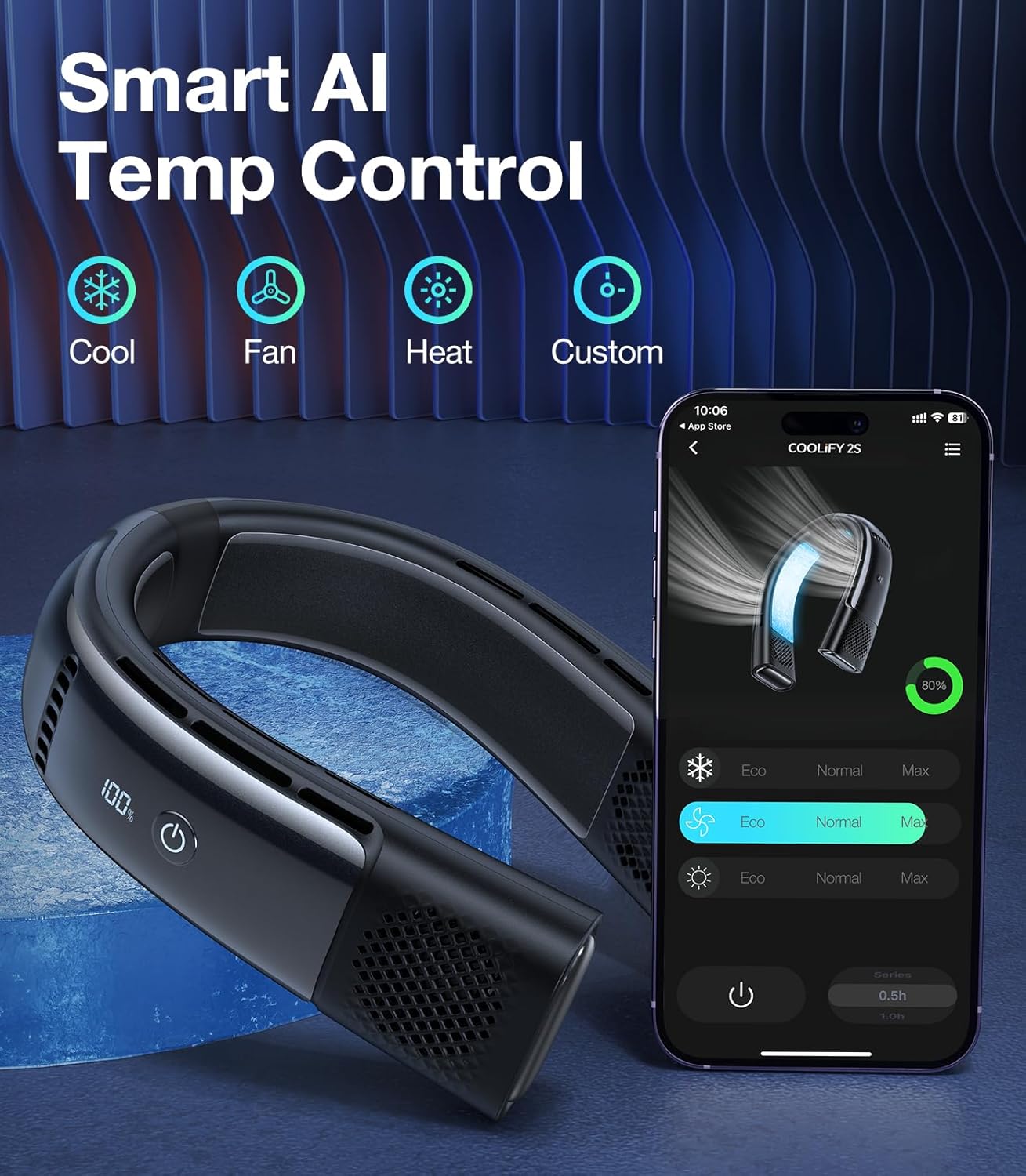
Image: The TORRAS COOLIFY 2S Neck Air Conditioner next to a smartphone displaying its control app. The app shows options for Cool, Fan, Heat, and Custom modes, along with Eco, Normal, and Max settings for each.
3.3 Visual Temperature Changing
The stylish temperature-responsive coating changes color from black to orange, indicating ambient temperature changes.
Video: This video from the seller highlights the dual functionality of the COOLIFY device, providing both cooling for summer and heating for winter, demonstrating its versatility for year-round comfort.
Video: This seller video showcases the COOLIFY neck air conditioner in various outdoor settings, emphasizing its ability to keep users cool and comfortable during activities like hiking, sports, and general outdoor use.
4. Maintenance
To ensure optimal performance and longevity of your COOLIFY 2S, keep the air vents clear of dust and debris. Use a soft, dry cloth to wipe the device. Avoid using harsh chemicals or abrasive materials. Store the device in the provided portable carry bag when not in use to protect it from damage.
5. Troubleshooting
5.1 Device Not Turning On
- Ensure the device is fully charged. Connect it to the 18W fast charging cable and allow it to charge for at least 30 minutes before attempting to power on again.
- Perform a long press (1.5 seconds) on the power button to ensure it's not in a standby mode or to force a reset.
5.2 Insufficient Cooling/Heating
- Check the selected mode and power level via the device buttons or the smart app. Increase the power level if necessary.
- Ensure the air vents are not obstructed. Clean any dust or debris from the vents.
- Verify that the cooling plates are making proper contact with your neck. Adjust the device position for optimal contact.
5.3 App Connectivity Issues
- Ensure Bluetooth is enabled on your smartphone and the COOLIFY 2S is within range.
- Restart the app and the COOLIFY 2S device.
- If issues persist, try unpairing and re-pairing the device in the app's settings.
6. Specifications
| Feature | Detail |
|---|---|
| Brand | TORRAS |
| Model Name | COOLiFY 2S Smart Neck Air Conditioner |
| Item Model Number | TORRAS-COOLiFY2S |
| Color | ivory |
| Electric Fan Design | Wearable Fan |
| Power Source | Battery Powered |
| Battery Capacity | 5000mAh |
| Max Cooling Duration | 4 hours |
| Eco Fan Duration | Up to 28 hours |
| Fast Charging | 18W (80% in 1.5 hours, full in 2.5 hours) |
| Control Method | App |
| Noise Level | 31 Decibels |
| Item Weight | 14 Ounces |
| Product Dimensions | 1.95"D x 7.28"W x 7.61"H |
| Special Feature | Programmable |
| Reusability | Rechargeable |
7. Warranty and Support
The TORRAS COOLIFY 2S comes with a 30-day no-questions-asked returns policy, a 180-day limited warranty, and lifetime technical support with a 12-hour response time. For support, please refer to the contact information provided in your product packaging or visit the official TORRAS website.


