
Product Overview
The Tandy Leather Craftool F872 Figure Carving Stamp is a specialized tool designed for creating intricate figure details and textures on leather. This stamp is part of the Craftool series, known for its quality and precision in leather crafting. It is ideal for adding depth and character to various leather projects, from wallets to larger art pieces.
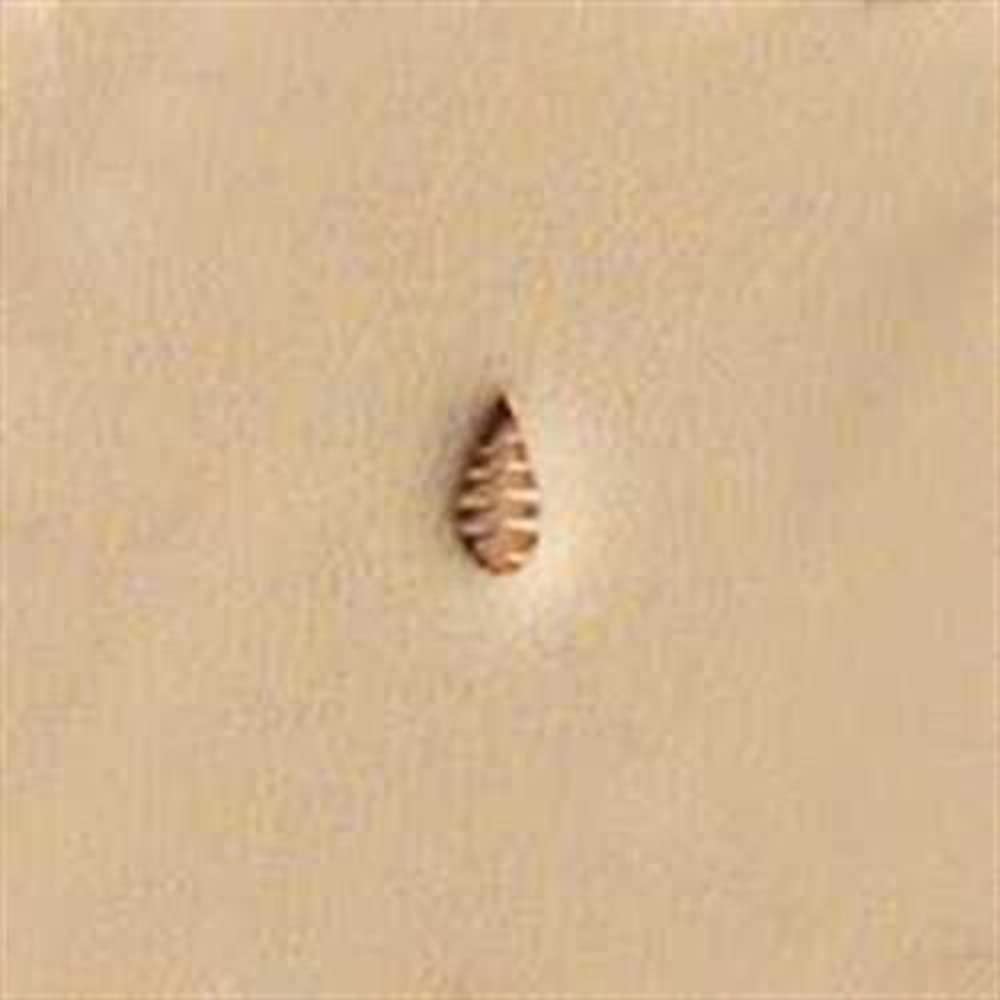
Image of the F872 Craftool Figure Carving Stamp, showing its metal construction and detailed carving surface. This tool is used to impress specific patterns onto leather surfaces.
Setup
Before using the F872 Craftool Figure Carving Stamp, ensure your workspace and materials are properly prepared.
- Prepare Leather: Select appropriate vegetable-tanned leather. Dampen the leather evenly with water using a sponge until it is cool to the touch but not saturated. This process is called "casing" and makes the leather pliable for stamping.
- Secure Leather: Place the cased leather on a firm, flat surface, such as a granite slab or a sturdy workbench. A tooling slab helps absorb impact and provides a stable base.
- Gather Tools: Have a rawhide mallet or maul readily available. Avoid using metal hammers, as they can damage the stamp handle.
Operating Instructions
Follow these steps to effectively use your F872 Craftool Figure Carving Stamp:
- Position the Stamp: Hold the F872 stamp upright and place its carving surface precisely where you want the impression on the cased leather.
- Strike the Stamp: Using a rawhide mallet or maul, strike the top of the stamp firmly and evenly. The force required will depend on the leather's thickness and desired impression depth. For deeper impressions, multiple strikes may be necessary, ensuring the stamp does not shift between strikes.
- Check Impression: Carefully lift the stamp to inspect the impression. If the impression is not deep enough or uneven, re-case the leather slightly and re-strike the stamp in the same position.
- Repeat: Continue positioning and striking the stamp to create the desired figure or pattern across your leather project.
Maintenance
Proper maintenance ensures the longevity and performance of your Craftool F872 stamp.
- Cleaning: After each use, wipe the stamp clean with a soft cloth to remove any leather fibers or residue. For stubborn buildup, a soft brush (like an old toothbrush) can be used. Avoid harsh chemicals that may damage the metal.
- Rust Prevention: Store the stamp in a dry environment. If storing for extended periods, a light coat of tool oil can be applied to prevent rust, especially in humid conditions.
- Storage: Keep the stamp in a tool rack or box where it is protected from impacts and moisture.
Troubleshooting
Encountering issues with your stamp? Here are some common solutions:
- Faint or Uneven Impressions:
- Ensure the leather is properly cased (damp enough but not wet).
- Strike the stamp more firmly and evenly with the mallet.
- Verify the tooling surface is hard and flat.
- Stamp Sticking to Leather:
- The leather might be too wet. Allow it to dry slightly.
- Ensure the stamp is clean and free of residue.
Specifications
| Feature | Detail |
|---|---|
| Model Number | F872 |
| Brand | Tandy Leather |
| Product Dimensions | 6 x 2 x 1 inches |
| ASIN | B0BY79FY5X |
| Date First Available | March 1, 2023 |