
Introduction
This manual provides comprehensive instructions for the Cisco Headset 721, a wireless Bluetooth headset designed for professional communication. It covers setup, operation, maintenance, and troubleshooting to ensure optimal performance with Webex and other compatible devices.
Package Contents
Verify that all items are present in your package:
- Cisco Headset 721 (Single Ear)
- Protective Soft Case
- HD USB-A Bluetooth Adapter
- USB-A Charging Cable
- Replacement Ear Cushion
- Headband

Image: The Cisco Headset 721 alongside its soft protective case, ready for storage or transport.
Setup
1. Charging the Headset
Before initial use, fully charge your headset. Connect the USB-A charging cable to the headset's charging port and to a powered USB-A port (e.g., computer, wall adapter). A full charge takes approximately 3 hours. The LED indicator on the headset will show charging status.
2. Pairing via Bluetooth
The Cisco Headset 721 can be paired with up to two Bluetooth-compatible devices simultaneously.
- Power On: Press and hold the Power button on the headset until the LED indicator flashes.
- Enter Pairing Mode: Press and hold the Bluetooth button on the headset until the LED indicator flashes blue rapidly.
- Connect to Device: On your device (computer, smartphone), go to Bluetooth settings and select "Cisco Headset 721" from the list of available devices.
- Using the USB-A Adapter: Insert the HD USB-A Bluetooth adapter into an available USB-A port on your computer. The headset will automatically pair with the adapter.
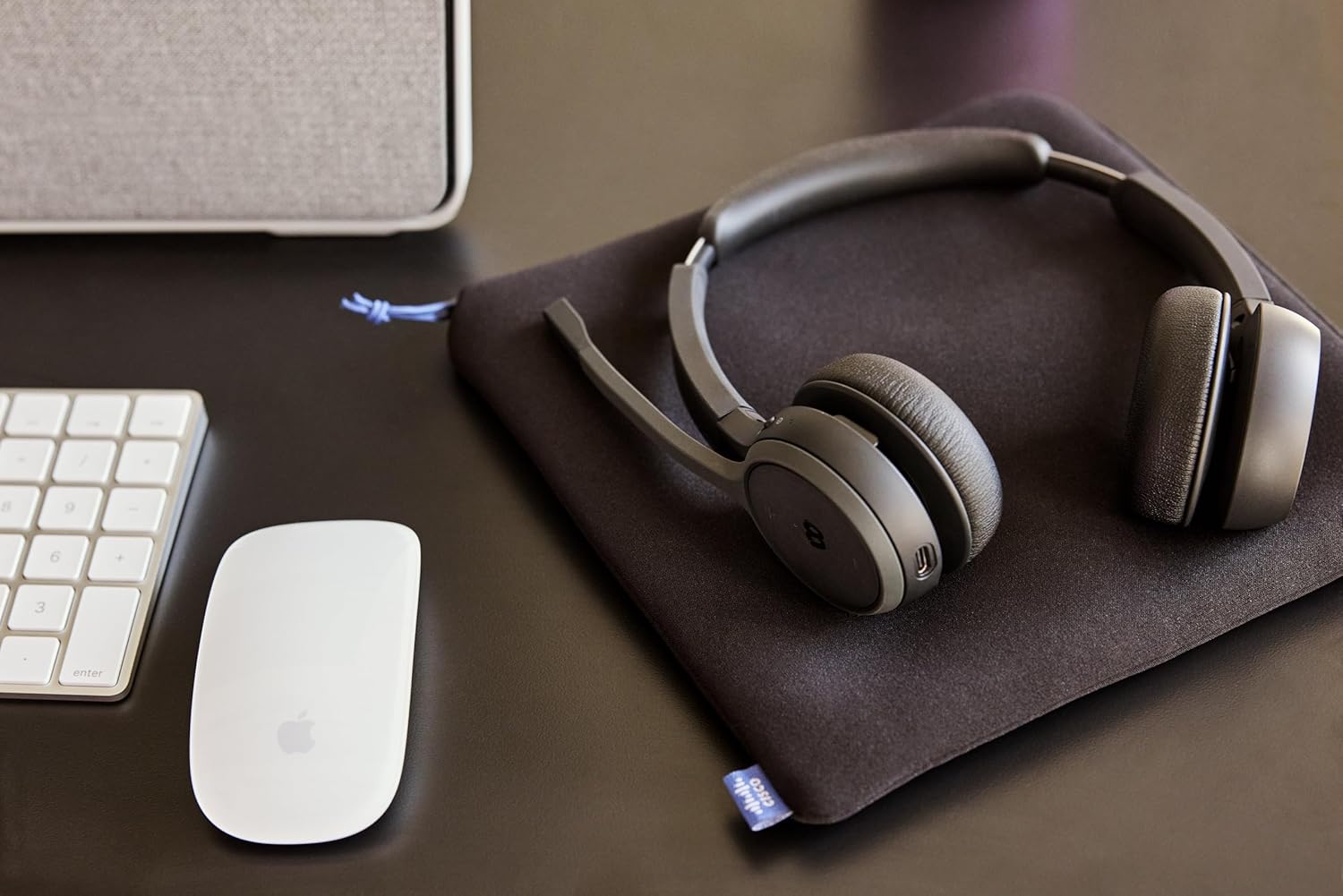
Image: The Cisco Headset 721 positioned on a desk, illustrating its use in a typical office environment.
Operating Instructions
Controls Overview
The headset features intuitive on-ear controls for managing calls and multimedia.
- Power Button: Press and hold to power on/off.
- Volume Up/Down: Adjust audio volume.
- Multi-function Button: Play/pause music, answer/end calls.
- Webex Button: Dedicated button for quick access to Webex meeting functions (e.g., join meeting).
- Mute Flip: Flip the microphone boom up to mute, flip down to unmute.
Call Management
- Answer/End Call: Press the Multi-function button.
- Reject Call: Press and hold the Multi-function button.
- Mute/Unmute Microphone: Flip the microphone boom up or down.
- Join Webex Meeting: Press the dedicated Webex button.
Audio Features
- Passive Noise Cancellation: The single-ear cup design provides passive noise reduction to help focus on your audio.
- AI Voice-Controlled Microphones: Advanced microphones reduce background noise for clear communication.
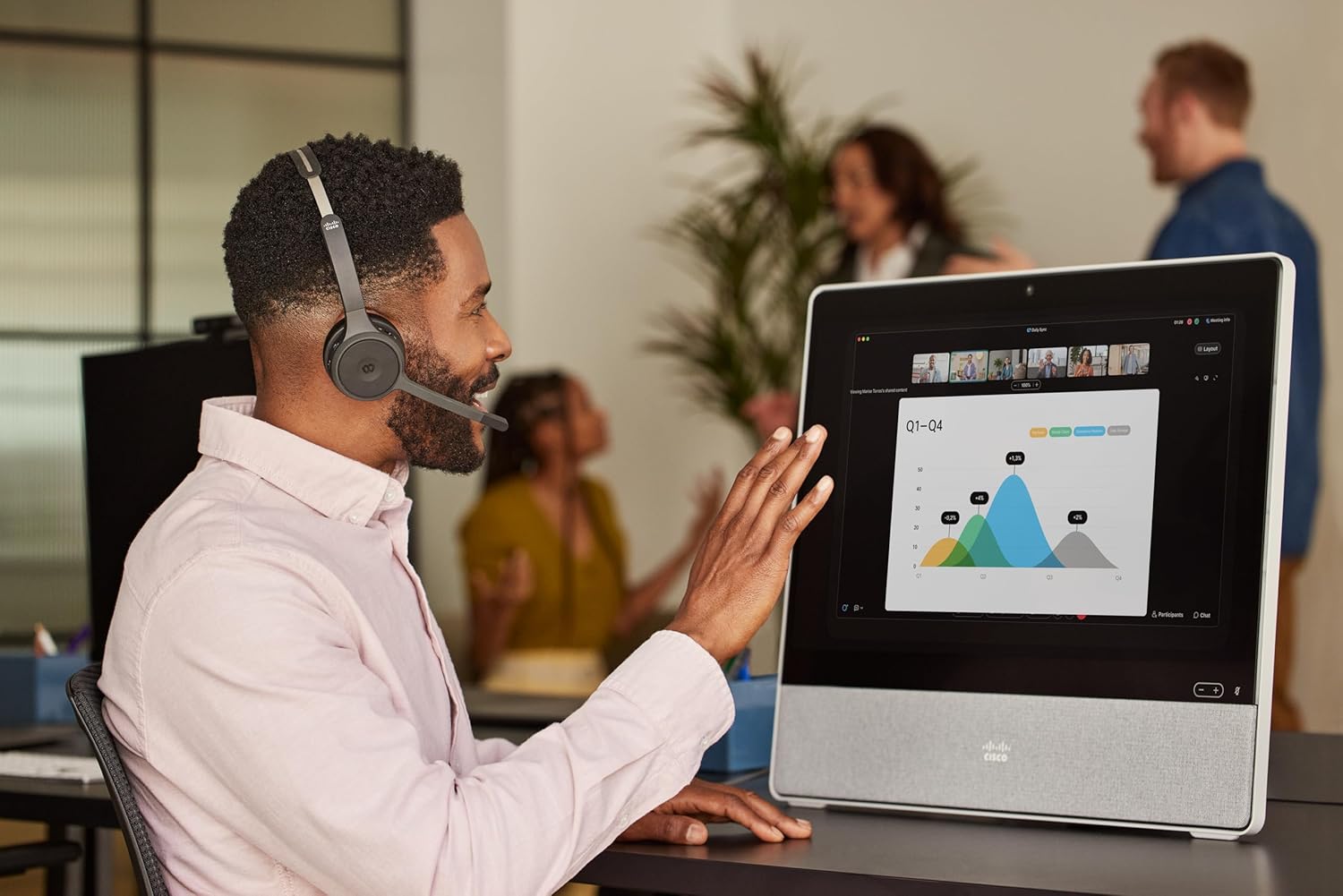
Image: A person wearing the Cisco Headset 721 while actively participating in a video conference on a Cisco Webex device.
Maintenance
- Cleaning: Use a soft, dry cloth to clean the headset. Do not use liquid cleaners or aerosols.
- Storage: Store the headset in its protective soft case when not in use to prevent damage.
- Ear Cushions: Replacement ear cushions are available. Refer to the Cisco support website for ordering information and replacement instructions.
- Battery Care: To prolong battery life, avoid fully discharging the headset frequently. Charge regularly.
Troubleshooting
- No Power: Ensure the headset is fully charged. Connect to a power source using the USB-A charging cable.
- Cannot Pair:
- Ensure the headset is in pairing mode (rapidly flashing blue LED).
- Verify Bluetooth is enabled on your device.
- Move the headset closer to your device.
- Try restarting both the headset and your device.
- Poor Audio Quality:
- Ensure the headset is within range of your device.
- Check for interference from other wireless devices.
- Adjust the volume on both the headset and your connected device.
- Confirm the headset is selected as the audio input/output device in your system settings.
- Microphone Not Working:
- Ensure the microphone boom is flipped down (unmuted).
- Check microphone settings on your connected device.
Specifications
| Model Name | Cisco Headset 721 |
| Model Number | HS-WL-721-BUNA-C |
| Connectivity Technology | Wireless (Bluetooth) |
| Wireless Communication Technology | Bluetooth |
| Compatible Devices | Bluetooth-compatible devices, select Cisco devices |
| Form Factor | On-ear (Supra-aural) |
| Noise Cancellation | Passive Noise Reduction |
| Microphone | Included, AI voice-controlled |
| Battery Type | Lithium-ion (Rechargeable) |
| Charging Time | Approximately 3 hours |
| Battery Life | Over 23 hours (talk time) |
| Weight | 120 Grams |
| Special Features | Adjustable Headband, Lightweight, Mute Flip, Webex Button |
Warranty Information
The Cisco Headset 721 comes with a one-year limited liability warranty. This warranty covers defects in materials and workmanship under normal use. For full details regarding warranty terms and conditions, please refer to the official Cisco warranty documentation or contact Cisco support.
Support
For further assistance, technical support, or to order replacement parts (such as ear cushions), please utilize the following resources:
- Webex Support: Access support services directly through the Webex platform.
- Cisco Support Team: Visit the official Cisco support website for comprehensive documentation, FAQs, and contact options.
- Online Resources: www.cisco.com/go/headsets


