
1. Introduction
Thank you for purchasing the Jensen JE5023 LED TFT 50" TV. This manual provides essential information for the safe and efficient operation of your television. Please read it thoroughly before use and retain it for future reference.
The Jensen JE5023 features a 50-inch Full HD (1920 x 1080) display with White LED illumination, an integrated HDTV (ATSC) tuner, and a 16:9 aspect ratio. It is designed for AC power operation (110V AC).
2. Safety Information
WARNING: To reduce the risk of electric shock, do not remove the cover (or back). No user-serviceable parts inside. Refer servicing to qualified service personnel.
- Read all instructions before operating the TV.
- Keep the TV away from moisture and water.
- Do not block ventilation openings. Ensure adequate space around the TV for proper airflow.
- Use only attachments/accessories specified by the manufacturer.
- Unplug the TV during lightning storms or when unused for long periods.
- Refer all servicing to qualified service personnel.
- The TV stand is sold separately. Ensure any mounting solution (wall mount or stand) is appropriate for the TV's weight and size.
3. Package Contents
Upon unpacking, please ensure all items listed below are present and undamaged:
- Jensen JE5023 50" LED TFT TV
- Remote Control
- Power Cord
- User Manual (this document)
Note: A TV stand is not included and must be purchased separately if not wall-mounting.
4. Product Overview
4.1 Front View
The front of the Jensen JE5023 TV features the 50-inch LED TFT display panel. The screen has a flat finish and a 16:9 aspect ratio, providing a wide viewing experience.
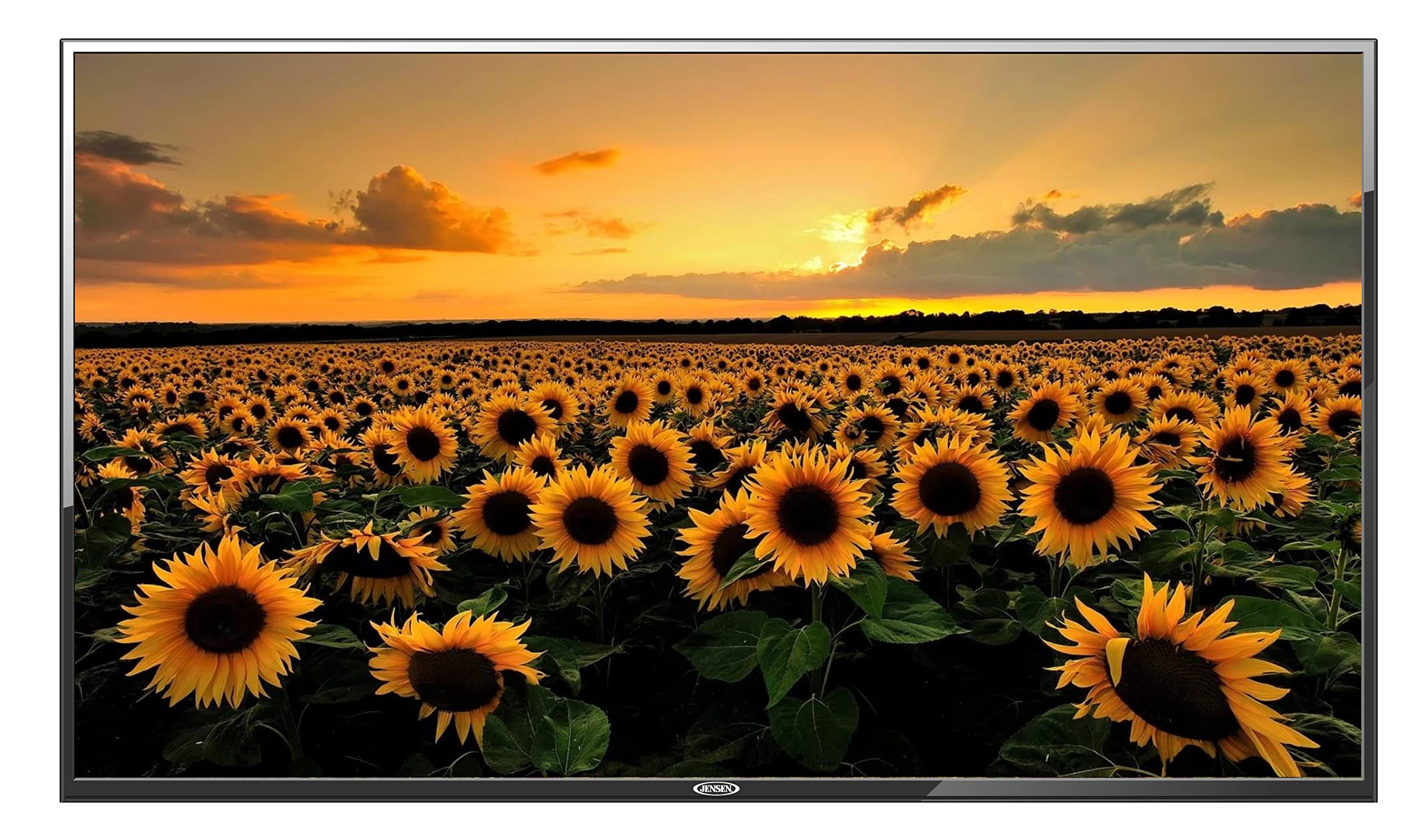
Image: Front view of the Jensen JE5023 TV, showcasing the display panel.
4.2 Rear View
The rear of the TV houses the various input/output ports and mounting points. It is designed for efficient cable management and secure installation.

Image: Rear view of the Jensen JE5023 TV, showing the back panel and general layout.
4.3 Side View
The side profile of the TV highlights its slim design and provides access to some control buttons and ports for convenience.

Image: Side view of the Jensen JE5023 TV, illustrating its depth and side-mounted features.
4.4 Top View
The top view provides an additional perspective on the TV's design and ventilation features.

Image: Top view of the Jensen JE5023 TV, showing the upper edge and ventilation.
4.5 Control Panel and I/O Ports
The following diagram illustrates the location and function of the control buttons and input/output ports on your Jensen JE5023 TV.

Image: Detailed technical drawing of the Jensen JE5023 TV, highlighting the side control panel and rear input/output connections.
Side Panel Controls:
- A: Source Button - Selects input source (HDMI, AV, Component, etc.).
- B: Menu Button - Accesses the TV's on-screen menu.
- C: Channel Up - Changes to the next channel or navigates up in menus.
- D: Channel Down - Changes to the previous channel or navigates down in menus.
- E: Volume Increase - Increases the audio volume or navigates right in menus.
- F: Volume Decrease - Decreases the audio volume or navigates left in menus.
- G: Power Button - Turns the TV on or off (standby mode).
Rear I/O Ports:
- 1: AC Power Cord (110V) - Connects the TV to an AC power outlet.
- 2: Audio Out - Analog audio output for connecting to external audio systems.
- 3: HDMI 1 (ARC) - High-Definition Multimedia Interface input with Audio Return Channel support.
- 4: HDMI 2 - High-Definition Multimedia Interface input.
- 5: HDMI 3 - High-Definition Multimedia Interface input.
- 6: RF (Antenna) - Coaxial input for connecting an antenna or cable TV.
- 7: Component (YPbPr) - Component video input for high-quality analog video connections.
- 8: AV (Video, Audio L/R) - Composite video and stereo audio input for standard definition devices.
- 9: USB - USB port for media playback or software updates.
- 10: Headphones - 3.5mm jack for connecting headphones.
5. Setup
5.1 Mounting the TV
The Jensen JE5023 TV does not include a stand. You have two primary options for placement:
- Wall Mounting: The TV supports a VESA mount standard of 600 x 400 mm. Purchase a compatible wall mount kit (sold separately) and follow its instructions carefully. Ensure the wall can support the TV's weight (approximately 20.9 pounds / 9.48 kg) and the mount.
- Tabletop Stand: If you prefer a tabletop setup, a compatible TV stand must be purchased separately. Attach the stand according to its specific instructions.
CAUTION: Always ensure the TV is securely mounted or placed on a stable surface to prevent tipping.
5.2 Connecting Power
- Locate the AC Power Cord input (1) on the rear of the TV.
- Connect the provided power cord to the TV's power input.
- Plug the other end of the power cord into a standard 110V AC wall outlet.
5.3 Connecting External Devices
Connect your external devices (e.g., Blu-ray player, game console, antenna) to the appropriate input ports on the TV.
- HDMI Devices: Use HDMI ports (3, 4, 5) for high-definition audio and video. For devices supporting ARC, use HDMI 1 (ARC).
- Antenna/Cable: Connect a coaxial cable from your antenna or cable TV service to the RF (Antenna) input (6).
- Component Video: For devices with component (YPbPr) output, connect the video cables to the Component input (7) and the corresponding audio cables to the AV Audio L/R inputs (8).
- AV (Composite) Devices: Connect composite video and stereo audio cables to the AV input (8).
- USB Devices: Insert a USB flash drive into the USB port (9) for media playback.
- External Audio System: Connect an external sound system to the Audio Out port (2).
- Headphones: Plug headphones into the Headphones jack (10).
6. Operating the TV
6.1 Power On/Off
Press the Power Button (G) on the side panel or the Power button on the remote control to turn the TV on or off (standby mode).
6.2 Initial Setup and Channel Scan
The first time you power on the TV, an initial setup wizard may guide you through basic settings. This typically includes language selection and a channel scan.
- Follow the on-screen prompts.
- Select your preferred language.
- Initiate the auto-scan for channels to detect available broadcasts via the connected antenna. The integrated HDTV (ATSC) tuner will find digital channels.
6.3 Selecting Input Source
To view content from a connected external device:
- Press the Source Button (A) on the side panel or the 'Input'/'Source' button on your remote control.
- Use the Channel Up/Down (C/D) or Volume Increase/Decrease (E/F) buttons on the side panel (or arrow keys on the remote) to navigate through the available input sources (e.g., HDMI 1, AV, Component, TV).
- Press the Menu Button (B) on the side panel (or 'OK' on the remote) to confirm your selection.
6.4 Menu Navigation
To adjust picture, sound, or other settings:
- Press the Menu Button (B) on the side panel or the 'Menu' button on your remote control.
- Use the navigation buttons (Channel Up/Down, Volume Increase/Decrease on side panel; arrow keys on remote) to move through menu options.
- Press the Menu Button (B) or 'OK' to enter a sub-menu or confirm a setting.
- Press the 'Exit' or 'Menu' button again to exit the menu.
7. Maintenance
7.1 Cleaning the TV
- Always unplug the TV from the power outlet before cleaning.
- Screen: Gently wipe the screen with a soft, lint-free cloth. For stubborn marks, dampen the cloth slightly with water or a specialized screen cleaner. Never spray cleaner directly onto the screen.
- Cabinet: Use a soft, dry cloth to wipe the TV cabinet. Avoid using abrasive cleaners, waxes, or solvents as they can damage the finish.
CAUTION: Do not allow water or cleaning solutions to enter the TV's interior.
8. Troubleshooting
If you encounter issues with your TV, refer to the following common problems and solutions:
| Problem | Possible Solution |
|---|---|
| No power | Ensure the power cord is securely connected to both the TV and a working electrical outlet. Check if the outlet has power. |
| No picture, but sound is present | Check the input source selection. Ensure the external device is powered on and connected correctly. |
| No sound, but picture is present | Check the volume level. Ensure the TV is not muted. Verify audio cable connections for external devices. |
| Poor picture quality | Check antenna connection for broadcast channels. For external devices, ensure high-quality cables are used and connected properly. Adjust picture settings in the TV menu. |
| Remote control not working | Check and replace batteries. Ensure there are no obstructions between the remote and the TV's IR sensor. |
If the problem persists after trying these solutions, please contact customer support.
9. Specifications
Detailed technical specifications for the Jensen JE5023 LED TFT 50" TV:
| Feature | Specification |
|---|---|
| Model Number | JE5023 |
| Panel Size | 50 Inches |
| Display Technology | LED TFT |
| Resolution | 1920 x 1080 (Full HD) |
| Aspect Ratio | 16:9 |
| Brightness | 190 cd/m² (Nits) |
| Contrast Ratio | 5000:1 |
| Viewing Angle | 178°/178° |
| Tuner Type | Integrated HDTV (ATSC) |
| HDMI Ports | 3 (1 with ARC) |
| USB Ports | 1 |
| Other Inputs | 1 x Video, 1 x Audio (L/R), 1 x RF, 1 x Component (YPbPr) |
| Outputs | 1 x Earphone, 1 x Mini Audio Out |
| Audio Output Mode | Stereo |
| Speaker Output | 2 built-in speakers, 20 Watts audio power output |
| Power Source | AC, 110V |
| Power Consumption | 75 Watts |
| Product Dimensions (D x W x H) | 8.4 x 112.5 x 65.5 cm (3.3 x 44.3 x 25.8 inches) |
| Weight | 12.77 kg (20.9 pounds) |
| VESA Mount Standard | 600 x 400 mm |
| Manufacturer | ASA Electronic |
| UPC | 761373837968 |
10. Warranty & Support
For warranty information and customer support, please refer to the warranty card included with your product or visit the official Jensen website. Keep your proof of purchase for warranty claims.
For technical assistance or service inquiries, please contact Jensen customer support directly.


