
BolaButty C27C

BolaButty Bluetooth Speaker C27C User Manual
Model: C27C
1. Introduction
Thank you for choosing the BolaButty C27C Portable Bluetooth Speaker. This manual provides essential information for setting up, operating, and maintaining your speaker to ensure optimal performance and longevity. Designed for immersive sound and durability, this speaker is perfect for various environments, from home use to outdoor adventures.
2. Safety Information
- Do not expose the speaker to extreme temperatures or direct sunlight for prolonged periods.
- Avoid dropping or subjecting the speaker to strong impacts.
- Keep the speaker away from water sources when charging. Although it is IPX5 waterproof, ensure the charging port cover is securely closed before exposure to water.
- Do not attempt to disassemble, repair, or modify the speaker yourself. Contact qualified service personnel for any repairs.
- Use only the provided Type-C charging cable or a certified equivalent.
- Clean the speaker with a soft, dry cloth. Do not use abrasive cleaners or solvents.
3. Package Contents
Please check the package for the following items:
- 1 x BolaButty C27C Bluetooth Speaker
- 1 x Type-C Charging Cable
- 1 x Quick Start Guide (This manual serves as a detailed guide)
4. Product Overview

Figure 4.1: BolaButty C27C Bluetooth Speaker (Red model) demonstrating its IPX5 water resistance.
The BolaButty C27C speaker features a robust design with intuitive controls. Key components include:
- Power Button: Press and hold to turn on/off.
- Volume Down Button: Decrease volume.
- Volume Up Button: Increase volume.
- Play/Pause Button: Play or pause audio. Answer/end calls.
- Light Button: Cycle through light effects or turn lights off.
- TWS Pairing Button: Initiate True Wireless Stereo pairing.
- Type-C Charging Port: For charging the speaker.
- AUX-in Port: For wired audio connection (cable not included).
- Built-in Microphone: For hands-free calls.

Figure 4.2: Top view of the speaker showing control buttons.
5. Setup
5.1 Charging the Speaker
Before first use, fully charge the speaker. Connect the provided Type-C charging cable to the speaker's charging port and the other end to a 5V/1A USB power adapter (not included). The charging indicator light will show charging status and turn off when fully charged. A full charge takes approximately 5 hours.
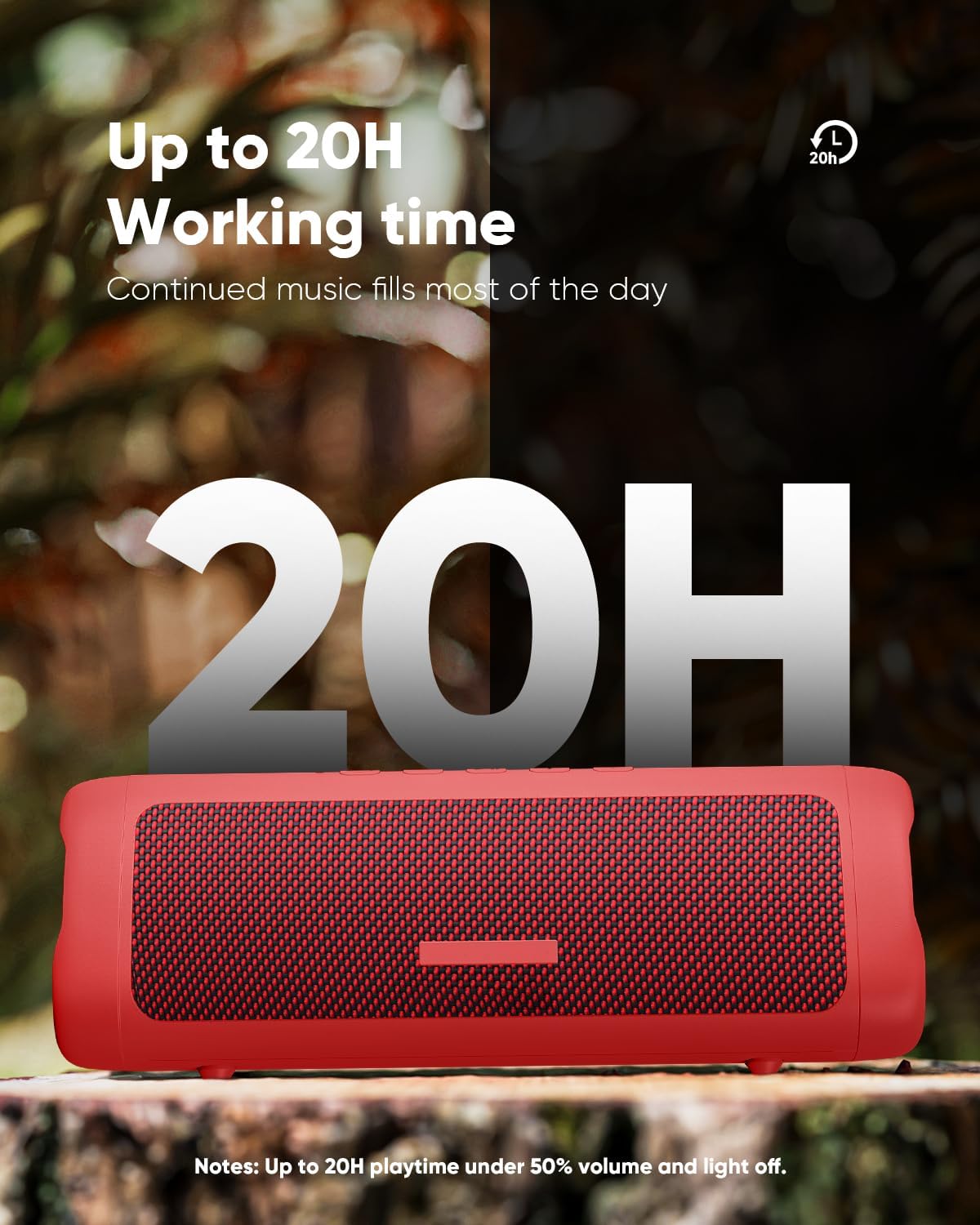
Figure 5.1: The speaker offers extended playtime, up to 20 hours at 50% volume with lights off.
5.2 Power On/Off
- To Power On: Press and hold the Power button for 2-3 seconds until you hear an audible prompt and the indicator lights illuminate.
- To Power Off: Press and hold the Power button for 2-3 seconds until you hear an audible prompt and the lights turn off.
5.3 Bluetooth Pairing
The speaker will automatically enter Bluetooth pairing mode when powered on for the first time or if no device is connected. The indicator light will flash, indicating it's ready to pair.
- Ensure the speaker is powered on and in pairing mode.
- On your device (smartphone, tablet, etc.), enable Bluetooth.
- Search for "C27C" in the list of available Bluetooth devices.
- Select "C27C" to connect. Once connected, you will hear a confirmation sound, and the indicator light will become solid.
The speaker supports Bluetooth 5.3, offering a stable connection up to 33 feet (10 meters) in an open environment.
6. Operating Instructions
6.1 Basic Controls
| Function | Action |
|---|---|
| Power On/Off | Press and hold Power button (2-3 seconds) |
| Play/Pause | Press Play/Pause button |
| Volume Up | Press Volume Up (+) button |
| Volume Down | Press Volume Down (-) button |
| Next Track | Press and hold Volume Up (+) button |
| Previous Track | Press and hold Volume Down (-) button |
| Answer/End Call | Press Play/Pause button |
| Reject Call | Press and hold Play/Pause button |
6.2 Light Effects
The speaker features dynamic multi-color light effects that sync with the music. Press the Light button to cycle through different light modes or to turn the lights off to conserve battery.

Figure 6.1: The speaker's breathing light feature adds a visual element to your audio experience.
6.3 TWS (True Wireless Stereo) Pairing
You can pair two BolaButty C27C speakers together for an immersive stereo sound experience.
- Ensure both speakers are powered on and not connected to any Bluetooth device.
- On one speaker (this will be the primary speaker), press the TWS Pairing button. You will hear a prompt indicating it's searching.
- The two speakers will automatically connect to each other. Once connected, you will hear a confirmation sound.
- Now, connect your device to the primary speaker via Bluetooth as described in Section 5.3. The audio will play in stereo through both speakers.

Figure 6.2: TWS pairing allows for a wider, more immersive soundstage by connecting two speakers.
7. Maintenance
Proper maintenance ensures the longevity and performance of your speaker.
- Cleaning: Wipe the speaker with a soft, lint-free cloth. For stubborn dirt, slightly dampen the cloth with water. Do not use harsh chemicals or abrasive materials.
- Water Resistance (IPX5): The speaker is IPX5 waterproof, meaning it can withstand splashes and light rain. Do not submerge it in water. Always ensure the charging port cover is sealed tightly before exposing the speaker to water.
- Storage: When not in use for extended periods, store the speaker in a cool, dry place away from direct sunlight and extreme temperatures. Charge the speaker at least once every three months to maintain battery health.

Figure 7.1: The IPX5 rating makes the speaker suitable for outdoor use and resistant to water splashes.
8. Troubleshooting
If you encounter issues with your speaker, please refer to the following common problems and solutions:
8.1 Bluetooth Connection Issues
- Speaker not connecting or disconnecting frequently:
- Ensure the speaker is within 33 feet (10 meters) of your device and there are no significant obstacles.
- Avoid strong electromagnetic environments (e.g., near Wi-Fi routers, microwave ovens, other 2.4GHz devices) which can cause interference.
- Make sure the speaker has sufficient battery power. Low battery can affect Bluetooth performance.
- Try unpairing and re-pairing the speaker from your device's Bluetooth settings.
- Restart both the speaker and your Bluetooth device.
8.2 Sound Quality/Volume Issues
- Sound is low or distorted:
- Check the volume level on both the speaker and your connected device.
- Ensure the audio source is not distorted. Try playing different audio.
- For outdoor use, note that a 10W speaker's sound range may be limited to about 33 feet in open spaces due to lack of sound reflection.
- If using TWS pairing, ensure both speakers are properly connected.
8.3 Battery Life Shorter Than Expected
- Actual playtime can vary depending on volume level, audio content, and usage of the light effects.
- Ensure the speaker is fully charged before use.
- Turn off the light effects by pressing the Light button to extend battery life.
9. Specifications

Figure 9.1: Dimensions and weight of the BolaButty C27C speaker.
| Feature | Detail |
|---|---|
| Model Name | C27C |
| Brand | BolaButty |
| Speaker Type | Outdoor |
| Connectivity Technology | Bluetooth (BT 5.3) |
| Wireless Communication Range | Up to 33 feet (10 meters) |
| Water Resistance Level | IPX5 Waterproof |
| Speaker Maximum Output Power | 10 Watts |
| Audio Output Mode | Stereo (with TWS pairing) |
| Battery Life | Up to 20 hours (50% Vol, lights off) |
| Charging Time | Approx. 5 hours |
| Product Dimensions (D x W x H) | 7.87" x 2.76" x 2.81" |
| Item Weight | 1.28 lbs (0.58 kg) |
| Included Components | Speaker, Type-C charging cable, Quick Start Guide |
| Microphone | Built-in for hands-free calls |
10. Warranty and Support
BolaButty provides lifetime technical support for your C27C Bluetooth Speaker. If you have any questions, concerns, or require assistance, please do not hesitate to contact our customer support team.
For support, you can typically reach out to the seller directly through your purchase platform. On Amazon, this can be done by navigating to your order history and selecting "Contact Seller" for your BolaButty speaker purchase.

Figure 10.1: General guidance on contacting the seller for support.
Related documentsC27C


Ask a question about this manual
Ask about setup, troubleshooting, compatibility, parts, safety, or missing instructions. Manuals+ will review the question and use this page’s manual context to help answer it.