
1. Introduction
This manual provides essential instructions for the safe and efficient use of your BoxWave Wall Charger Direct (15W). This charger is specifically designed to be compatible with the BYYBUO SmartPad A10 Tablet (10.1 in), offering a reliable power source with a built-in USB Type-C cable.
2. Product Overview
The BoxWave Wall Charger Direct is a 15W power adapter featuring a permanently attached 3-foot USB Type-C cable. It is engineered for direct wall charging of compatible devices, ensuring a secure and consistent power delivery.
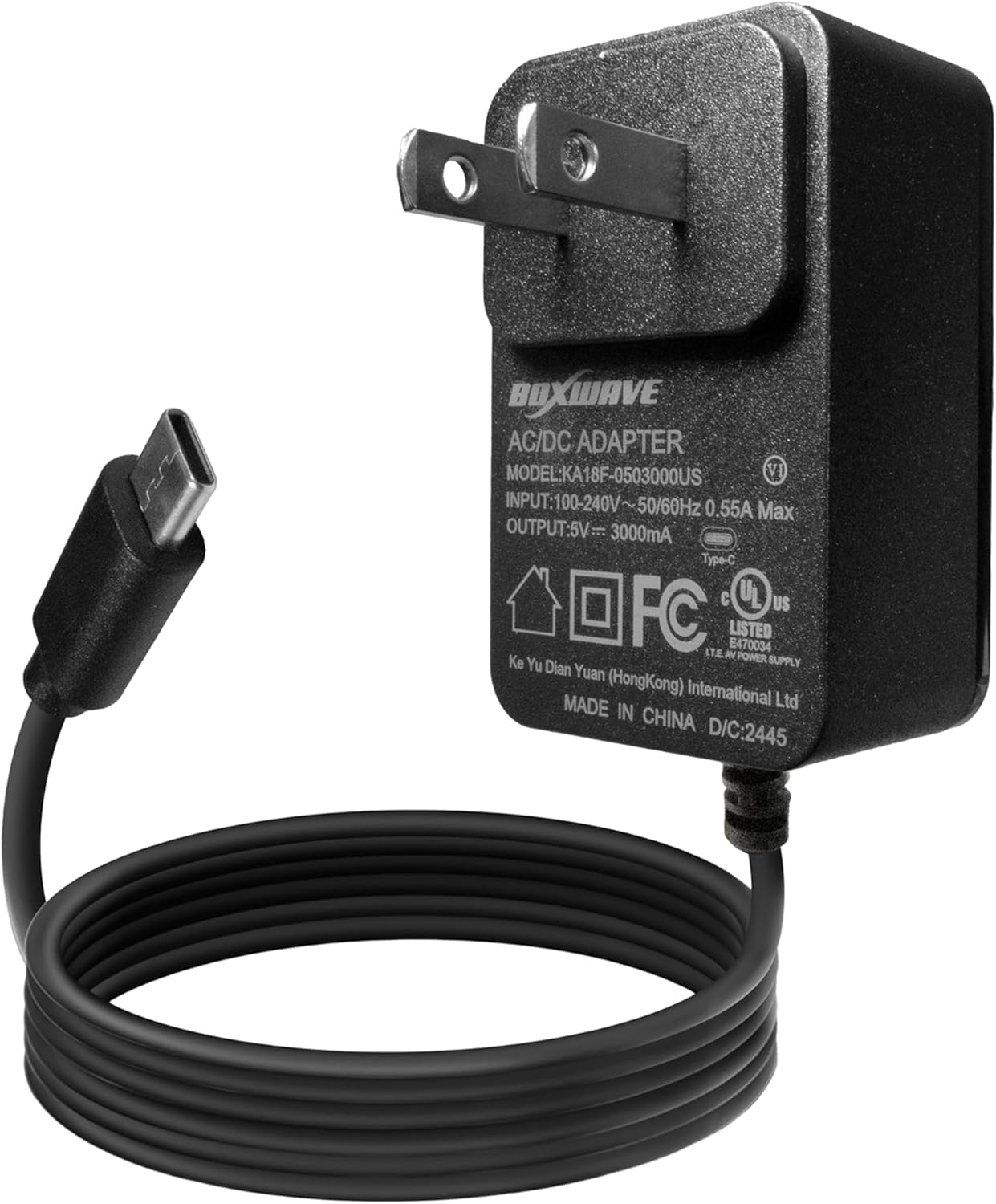
Image 2.1: The BoxWave Wall Charger Direct, showing the integrated USB Type-C cable.
Key Features:
- 15W Rapid Charge: Delivers 15 watts of power for efficient charging.
- Built-in 3ft USB Type-C Cable: Eliminates the need for separate cables and ensures a secure connection.
- Universal Voltage Compatibility: Designed to work with North American and international voltage standards (100-240V).
- Durable Construction: Features reinforced strain relief at connector points to prevent kinking and tearing.
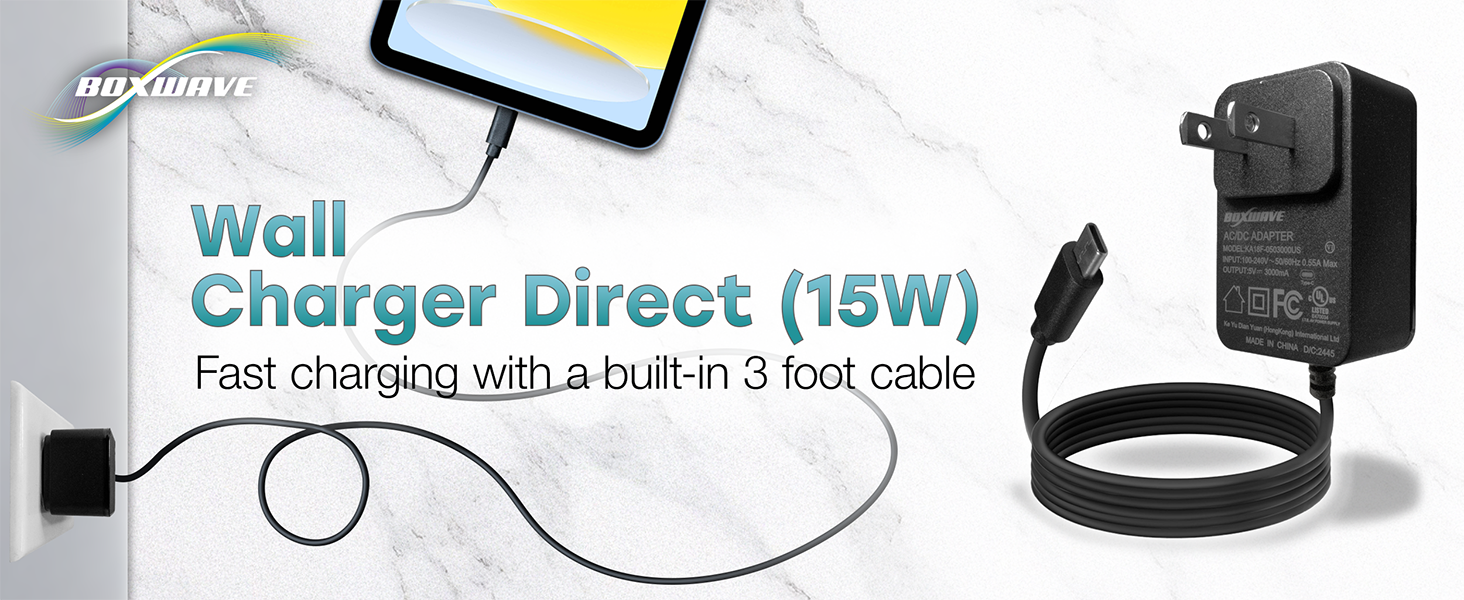
Image 2.2: Illustration highlighting the direct power delivery and built-in 3-foot cable of the charger.
3. Setup Instructions
Setting up your BoxWave Wall Charger Direct is a straightforward process. No assembly is required.
- Locate a Power Outlet: Identify a standard wall power outlet (100-240V) that is easily accessible and free from obstructions.
- Plug in the Charger: Insert the charger's prongs firmly into the wall outlet. Ensure it is securely seated.
- Connect to Device: Take the integrated USB Type-C cable and plug the Type-C connector into the charging port of your BYYBUO SmartPad A10 Tablet (10.1 in).
- Verify Connection: Confirm that your tablet indicates it is charging. This is typically shown by a charging icon or battery percentage increase on the screen.
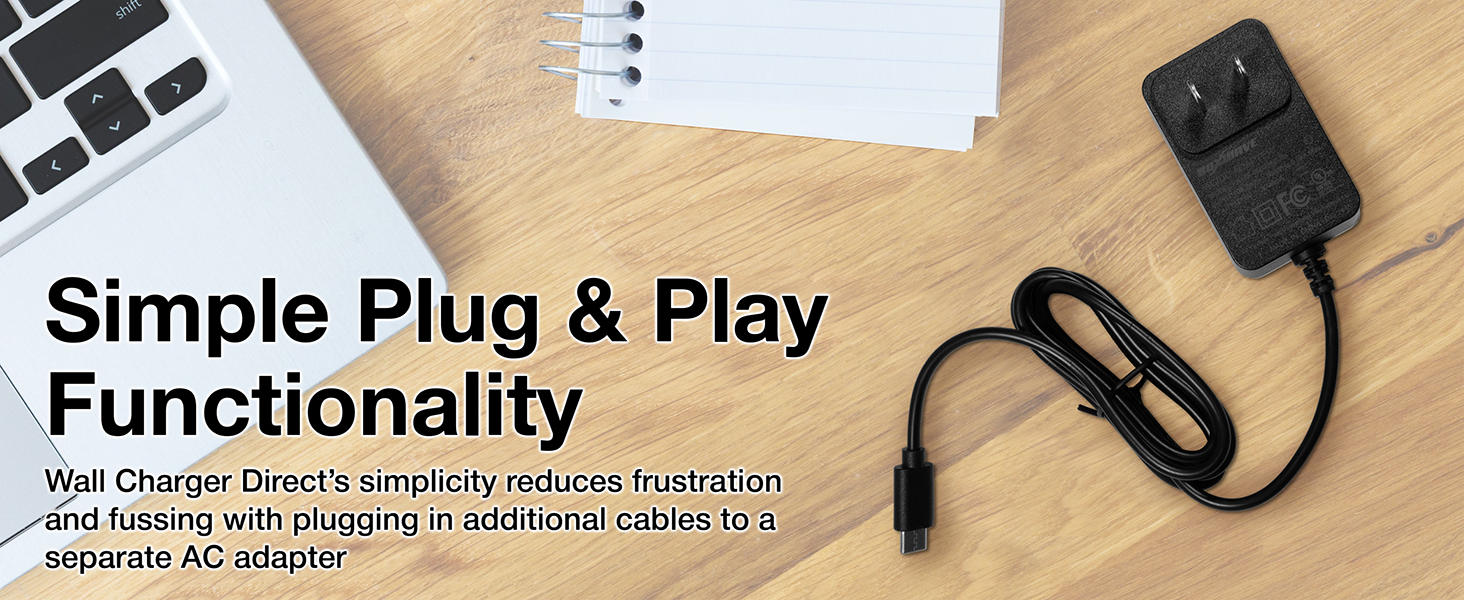
Image 3.1: Visual representation of the charger plugged into a wall outlet, demonstrating simple plug-and-play functionality.
4. Operating Instructions
Once connected, the BoxWave Wall Charger Direct will automatically begin charging your BYYBUO SmartPad A10 Tablet.
- Charging Indication: Your tablet's screen will display a charging indicator, such as a lightning bolt icon within the battery symbol or a notification.
- Charging Time: The 15W output provides rapid charging. Actual charging time may vary depending on the tablet's battery level and usage during charging.
- Disconnecting: To stop charging, simply unplug the USB Type-C connector from your tablet, then remove the charger from the wall outlet.
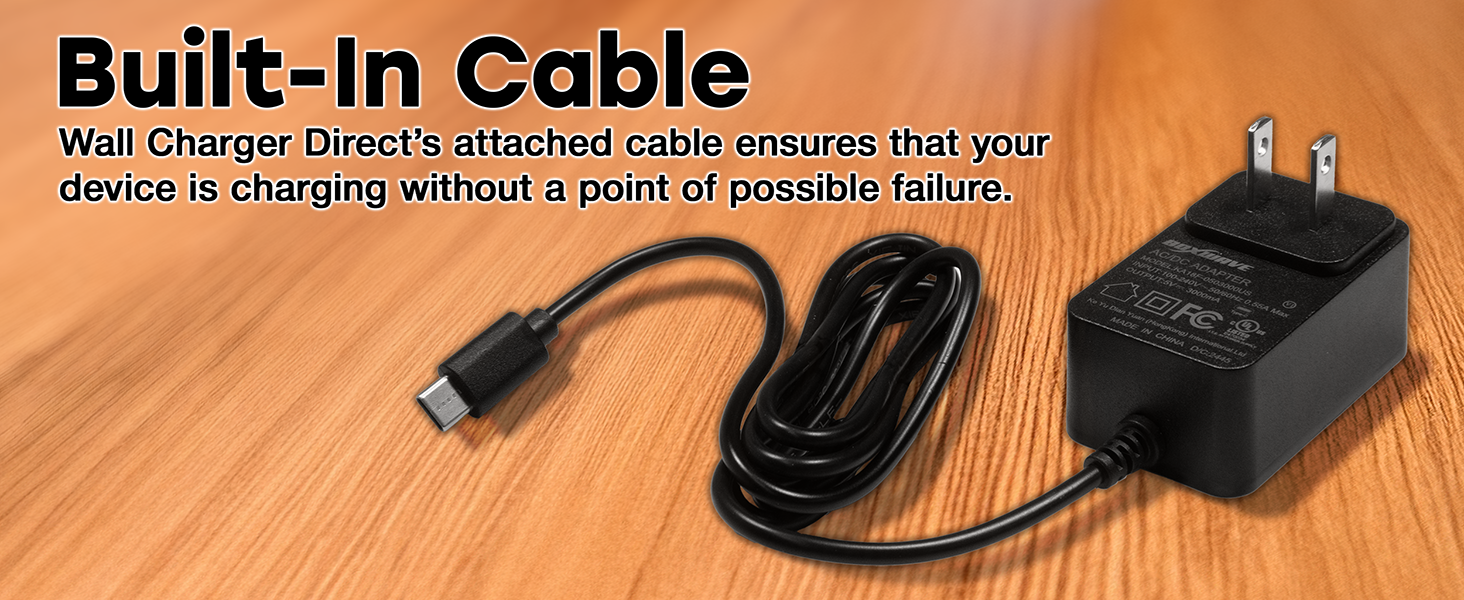
Image 4.1: An example of a device rapidly charging, illustrating the 15W fast charging capability.
5. Maintenance
Proper care ensures the longevity and optimal performance of your charger.
- Cleaning: Disconnect the charger from the power outlet before cleaning. Use a soft, dry cloth to wipe the exterior. Avoid liquid cleaners or abrasive materials.
- Storage: When not in use, store the charger in a cool, dry place, away from direct sunlight and extreme temperatures. Coil the cable loosely; avoid tight winding or sharp bends.
- Cable Care: Do not pull the cable forcefully from the wall or your device. Always grasp the plug or connector head when disconnecting.
- Inspection: Periodically inspect the charger and cable for any signs of damage, such as frayed wires, cracked casing, or bent prongs. Discontinue use if damage is observed.

Image 5.1: Detail of the reinforced strain relief on the USB Type-C connector, designed for durability.
6. Troubleshooting
If you encounter issues with your BoxWave Wall Charger Direct, refer to the following common solutions:
| Problem | Possible Cause | Solution |
|---|---|---|
| Device not charging. | Loose connection, faulty outlet, damaged charger/cable, incompatible device. |
|
| Slow charging. | Device in heavy use, background apps, cable issue. |
|
| Charger feels warm. | Normal operation, excessive load. |
|
7. Specifications
| Feature | Detail |
|---|---|
| Model Number | BW-WCD |
| Input Voltage | 100-240V ~ 50/60Hz 0.55A Max |
| Output Voltage/Current | 5V === 3000mA (15W) |
| Cable Type | Integrated USB Type-C |
| Cable Length | 3 feet (approximately 0.91 meters) |
| Dimensions (Charger Block) | Approximately 6.65 x 4.13 x 1.02 inches (Package Dimensions) |
| Item Weight | 2.82 ounces |
| Manufacturer | BoxWave |
8. Warranty and Support
For information regarding warranty coverage and technical support, please refer to the documentation included with your purchase or visit the official BoxWave website. Limited third-party technical support for your device may be available via messaging (up to 3 inquiries), as noted in the product description.
For further assistance, please contact BoxWave customer service through their official channels.