
weBoost 470154
weBoost Drive Reach Vehicle Cell Phone Signal Booster User Manual
Model: 470154
Product Overview
The weBoost Drive Reach is a powerful in-vehicle cell phone signal booster designed to enhance cellular coverage for all U.S. carriers, including Verizon, AT&T, T-Mobile, Sprint, and U.S. Cellular. It supports 5G and 4G LTE networks, providing improved call quality, faster data speeds, and better hotspot capability, especially in remote or rural areas.
This device is professionally inspected and refurbished by weBoost, ensuring it meets original specifications and comes with a 1-year manufacturer warranty.
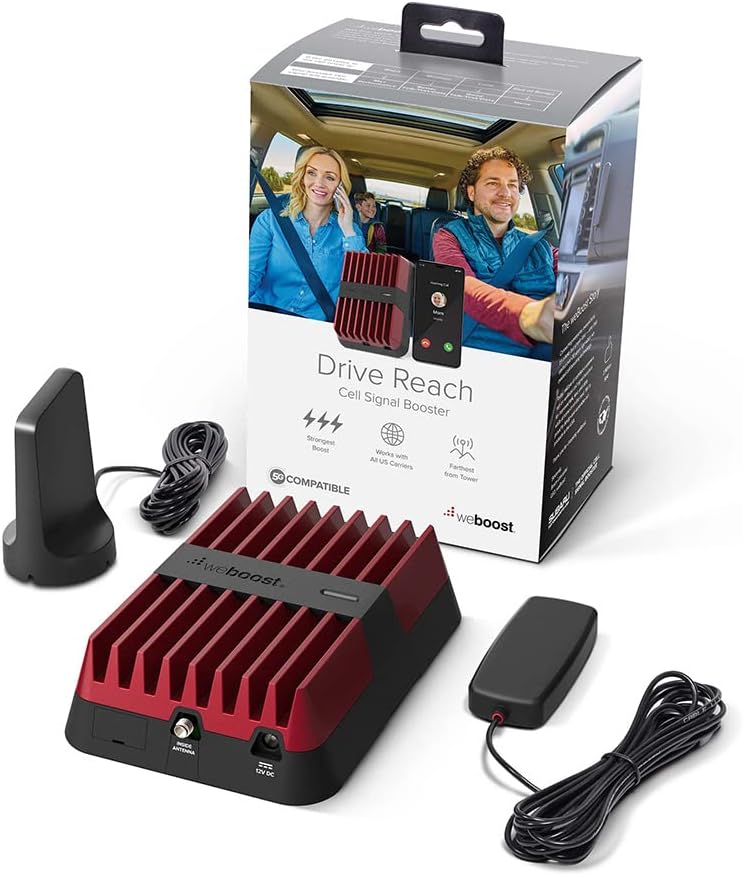
Image: The complete weBoost Drive Reach kit, including the main booster unit, the exterior magnet-mount antenna, the interior slim low-profile antenna, and the power supply, alongside its packaging.
Package Contents
Verify that all components are present in your package:
- Drive Reach Booster Unit
- 4” 4G Mini Magnet-Mount Antenna (for exterior)
- 4G Slim Low-Profile Antenna (for interior)
- 12VDC Power Supply (cigarette lighter adapter)
- USB-A Power Cord (for device charging)
Setup and Installation
The weBoost Drive Reach is designed for tool-free, DIY installation. Follow these steps for optimal performance.
Step 1: Mount the Outside Antenna
Position the 4G Mini Magnet-Mount Antenna on the roof of your vehicle. For magnetic roofs, the strong magnet will secure it. For non-magnetic roofs, use the included adhesive disk. Ensure the antenna is placed where it has the clearest line of sight to cell towers.
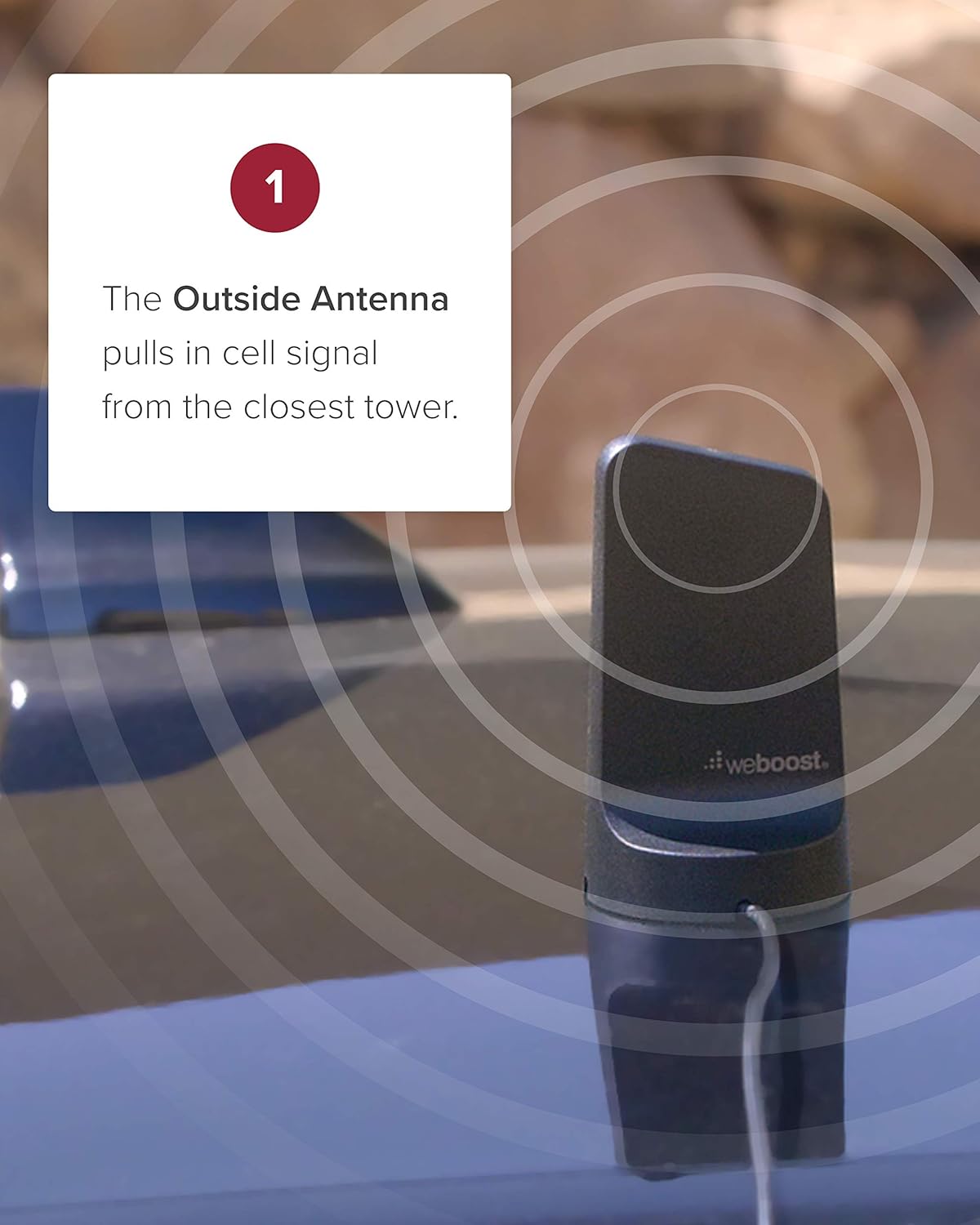
Image: Illustration showing the exterior antenna mounted on a vehicle roof, indicating its function of pulling in cell signals from the closest tower.
Route the cable from the outside antenna into the vehicle, ensuring it does not interfere with doors or windows. Avoid sharp bends in the cable.
Step 2: Place the Booster Unit
Place the Drive Reach Booster unit in a secure location inside your vehicle, such as under a seat or in the center console. Connect the cable from the outside antenna to the port labeled "OUTSIDE ANTENNA" on the booster.

Image: The weBoost Drive Reach booster unit placed on a vehicle floor, illustrating its role in amplifying the signal received from the outside antenna.
Step 3: Position the Inside Antenna
Mount the 4G Slim Low-Profile Antenna inside the vehicle, typically on the side of a seat or dashboard, facing the area where you will be using your cellular device. Ensure there is adequate separation between the inside and outside antennas to prevent oscillation (feedback loop).

Image: The interior antenna mounted on the side of a car seat, demonstrating its function of distributing the amplified signal throughout the vehicle cabin.
Connect the cable from the inside antenna to the port labeled "INSIDE ANTENNA" on the booster.
Step 4: Connect Power
Plug the 12VDC power supply into your vehicle's cigarette lighter socket. Connect the other end to the "12V DC" port on the Drive Reach Booster. The booster will power on, indicated by a green light.
The unit also features a USB-A power cord for rapid mobile device charging.
Operating Instructions
Once installed and powered on, the weBoost Drive Reach operates automatically. The booster will detect available cellular signals, amplify them, and broadcast the improved signal within your vehicle.
- Signal Indicator: A solid green light on the booster indicates normal operation. Refer to the troubleshooting section if the light is red or blinking.
- Device Placement: For best results, keep your cellular device within the range of the inside antenna.
- Power On/Off: The booster powers on when connected to the vehicle's 12VDC outlet. Disconnect the power supply to turn it off.
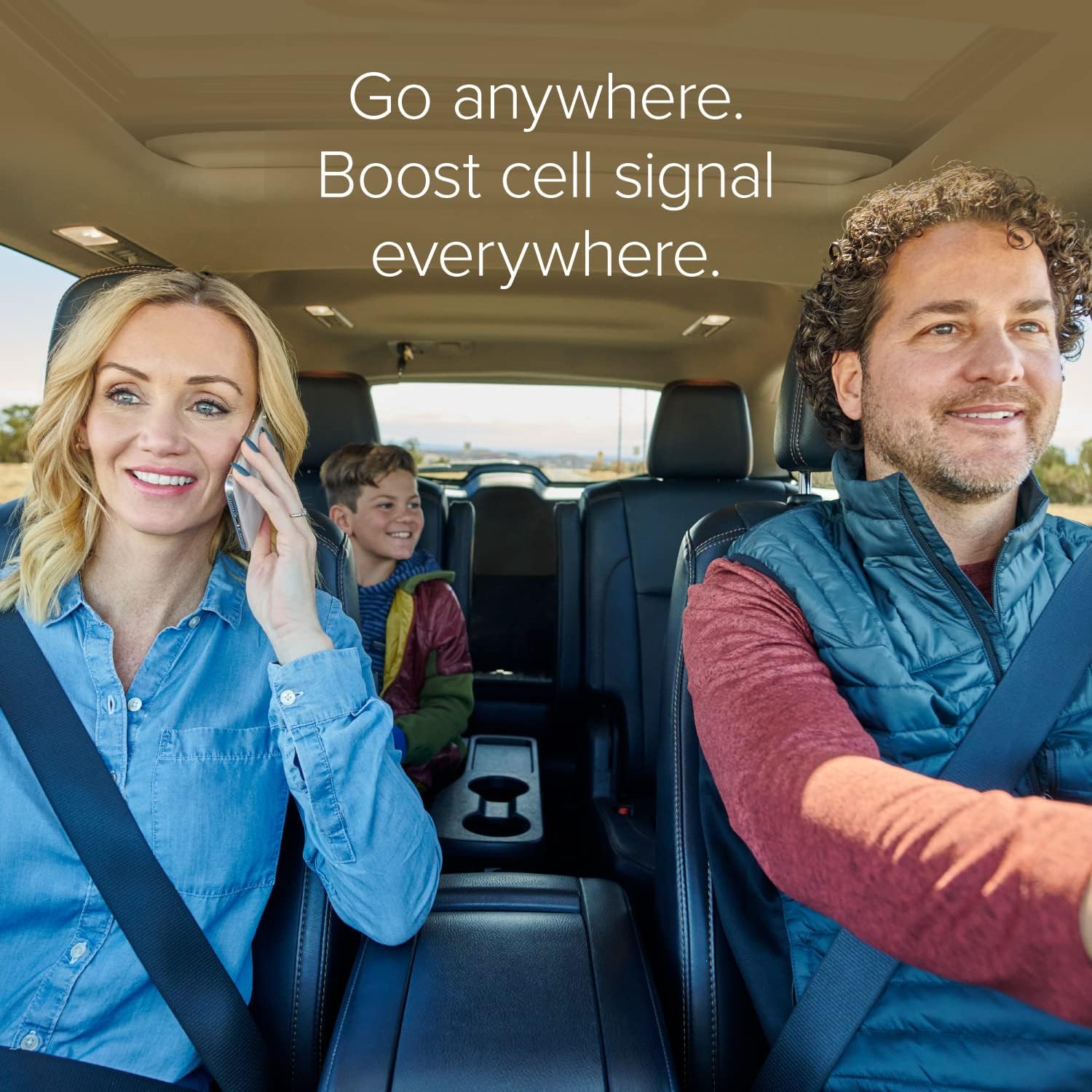
Image: A family in a car, with the woman on the phone, illustrating the benefit of boosted cell signal for communication and connectivity while traveling.
Maintenance
The weBoost Drive Reach requires minimal maintenance. Follow these guidelines to ensure longevity and optimal performance:
- Cleaning: Use a soft, dry cloth to clean the booster unit and antennas. Do not use liquid cleaners or solvents.
- Cable Management: Periodically check all cable connections to ensure they are secure and free from damage. Avoid kinking or pinching cables.
- Antenna Placement: Ensure the outside antenna remains securely mounted and free from obstructions.
- Environmental Conditions: While designed for vehicle use, avoid exposing the unit to extreme temperatures or direct moisture.
Troubleshooting
If you experience issues with your weBoost Drive Reach, refer to the following common problems and solutions:
No Signal Improvement / Blinking Red Light
This often indicates an oscillation (feedback loop) between the inside and outside antennas. The booster automatically reduces power or shuts down to prevent this.
- Solution: Increase the separation distance between the inside and outside antennas. Ensure they are not facing each other directly. Try moving the inside antenna further from the outside antenna.
- Solution: Ensure the outside antenna is mounted on the highest point of the vehicle and the inside antenna is positioned as far away as possible within the cabin.
No Lights on Booster
The booster is not receiving power.
- Solution: Check that the 12VDC power supply is securely plugged into both the vehicle's cigarette lighter socket and the booster unit.
- Solution: Verify that the vehicle's cigarette lighter socket is functional (e.g., by plugging in another device).
Poor Signal Improvement
The booster is working, but the signal improvement is not significant.
- Solution: Ensure the outside antenna has a clear line of sight to the nearest cell tower. Obstructions like tall buildings or terrain can reduce signal strength.
- Solution: Check all cable connections for tightness and damage.
- Solution: For optimal performance, your cellular device should be within 18-24 inches of the inside antenna.
For further assistance, refer to the weBoost App for step-by-step videos and troubleshooting guides.
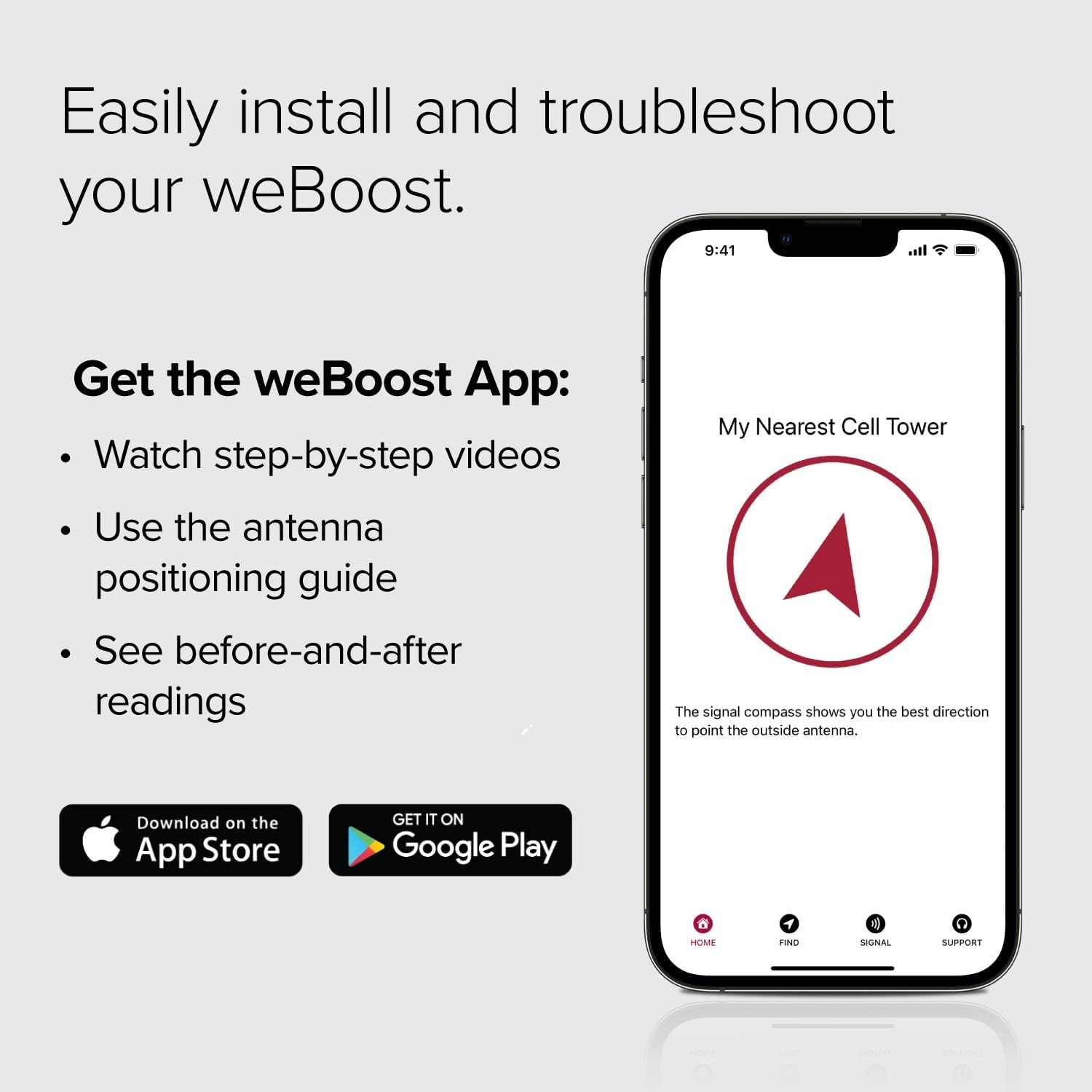
Image: Screenshot of the weBoost App, highlighting features like step-by-step videos, antenna positioning guides, and before-and-after signal readings to assist with installation and troubleshooting.
Specifications
| Feature | Detail |
|---|---|
| Model Number | 470154 |
| Dimensions (Booster) | 6 x 4.5 x 1.5 inches |
| Item Weight | 1.8 pounds |
| Frequency Bands | 12/17, 13, 5, 4, 25/2 |
| Max Gain | 50 dB |
| Uplink Power | 29.5 dBm |
| Downlink Power | 5 dBm |
| Power Supply | 12VDC (cigarette lighter) |
| Connector Type | RJ45 (for power, not data) |
| FCC Approval | PWO460061 |
| Compatibility | All U.S. Carriers (Verizon, AT&T, T-Mobile, Sprint, U.S. Cellular) |
Warranty Information
The weBoost Drive Reach (Model 470154) comes with a full 1-Year Manufacturer Warranty from the date of purchase. This warranty covers defects in materials and workmanship. As a professionally inspected and refurbished unit, it is tested to work properly and includes all genuine components.
For warranty claims or service, please contact weBoost customer support.
Customer Support
weBoost provides comprehensive customer service and technical support for its products. You can reach support through various channels:
- weBoost App: Download the official weBoost App for step-by-step installation videos, antenna positioning guides, and signal readings.
- Chat: Online chat support is available through the weBoost website.
- Phone: Contact U.S.-based customer service by phone.
- Email: Send your inquiries via email.
For the most up-to-date contact information, please visit the official weBoost website.
Important Safety Information
- Do not operate the booster with damaged cables or antennas.
- Ensure proper ventilation for the booster unit.
- Only use the power supply provided with the unit.
- This device complies with Part 15 of the FCC Rules. Operation is subject to the following two conditions: (1) This device may not cause harmful interference, and (2) this device must accept any interference received, including interference that may cause undesired operation.
Additional Information
The weBoost Drive Reach is proudly designed and assembled in the USA.
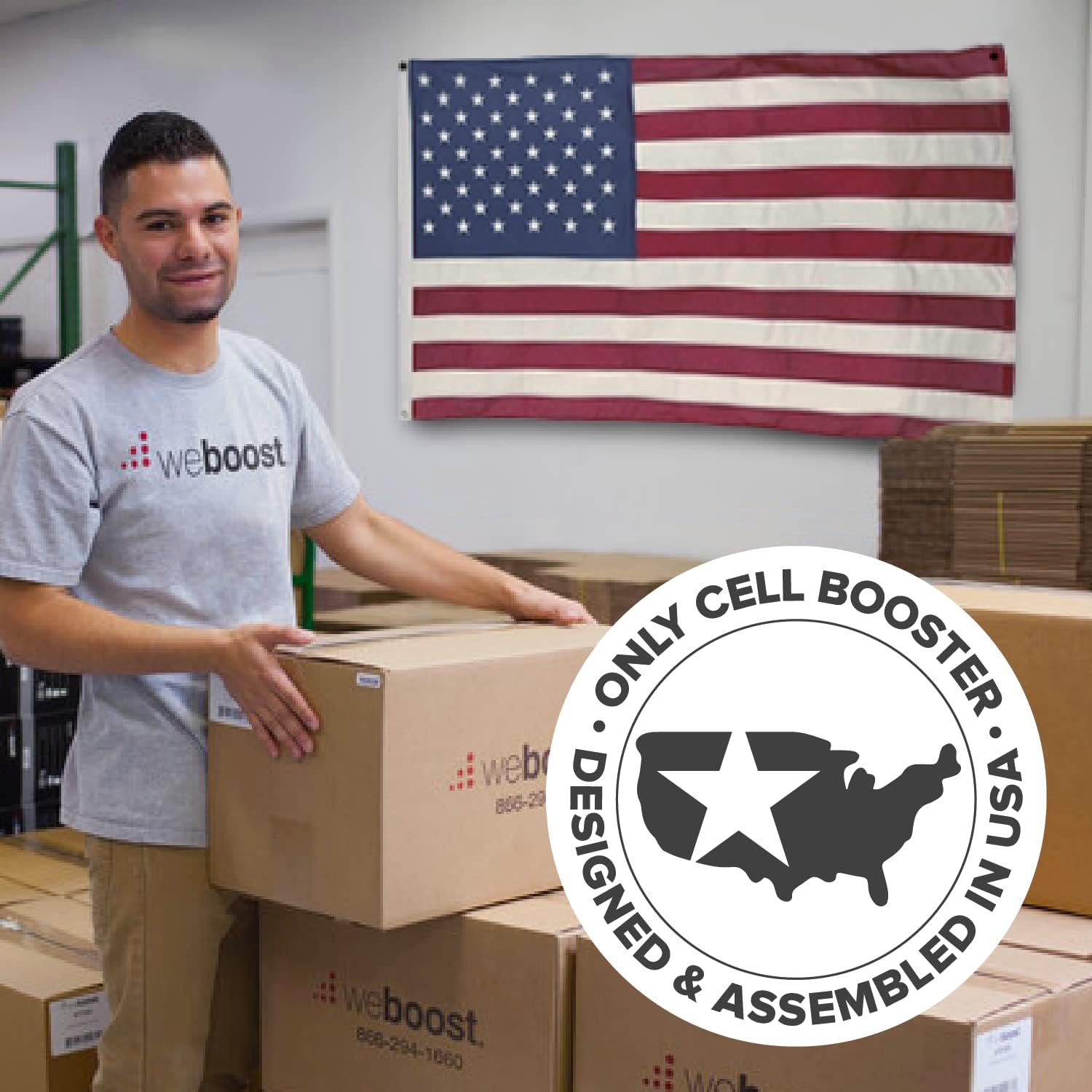
Image: A weBoost employee holding a product box, with a large American flag and a "Designed & Assembled in USA" seal visible in the background, emphasizing the product's domestic origin.
No official product videos were found in the provided data for this manual.
Related documents470154


Ask a question about this manual
Ask about setup, troubleshooting, compatibility, parts, safety, or missing instructions. Manuals+ will review the question and use this page’s manual context to help answer it.