
Bogist M5 Pro
Bogist M5 Pro Electric Scooter User Manual
Model: M5 Pro
Introduction
Thank you for choosing the Bogist M5 Pro Electric Scooter. This manual provides essential information for the safe assembly, operation, maintenance, and troubleshooting of your scooter. Please read this manual thoroughly before first use to ensure optimal performance and safety.
Safety Guidelines
Your safety is paramount. Always adhere to the following guidelines:
- Always wear a helmet and appropriate safety gear (knee pads, elbow pads) when riding.
- Do not ride in wet conditions, heavy rain, or through puddles.
- Ensure all bolts and fasteners are tightened before each ride.
- Do not exceed the maximum weight capacity of 125 kg.
- Observe all local traffic laws and regulations.
- Avoid riding on uneven surfaces, steep inclines, or slippery terrain.
- Maintain a safe distance from other vehicles and pedestrians.
- Do not operate the scooter under the influence of alcohol or drugs.
- Regularly check tire pressure and brake functionality.
Setup
1. Unboxing and Component Check
Carefully remove all components from the packaging. Verify that all parts are present and undamaged. The main components include the scooter frame, seat assembly, and rear basket.
2. Assembly
- Handlebar Installation: Unfold the handlebar stem and secure it in the upright position using the quick-release lever. Ensure it clicks into place firmly.
- Seat Assembly: Insert the seat post into the designated slot on the scooter frame. Adjust the seat height to a comfortable position and tighten the quick-release clamp.
- Rear Basket Attachment: Attach the rear basket to the designated mounting points at the back of the scooter using the provided screws and tools. Ensure it is securely fastened.
- Tire Inflation: Check the tire pressure. The 12-inch pneumatic tires should be inflated to the recommended PSI (refer to the tire sidewall for exact pressure).

Image: The Bogist M5 Pro Electric Scooter fully assembled with a rider, demonstrating its practical design and integrated seat.
3. Initial Charging
Before first use, fully charge the scooter's battery. Connect the charger to the charging port on the scooter and then to a power outlet. The charging indicator light will change when fully charged. Do not overcharge.
Operating Instructions
1. Powering On/Off
Press and hold the power button on the handlebar to turn the scooter on or off. The display will illuminate when powered on.
2. Speed Modes
The Bogist M5 Pro features multiple speed modes. Use the mode button on the handlebar to cycle through the available speed settings (e.g., Eco, Standard, Sport) to adjust to your riding conditions and desired speed, up to a maximum of 45 km/h.
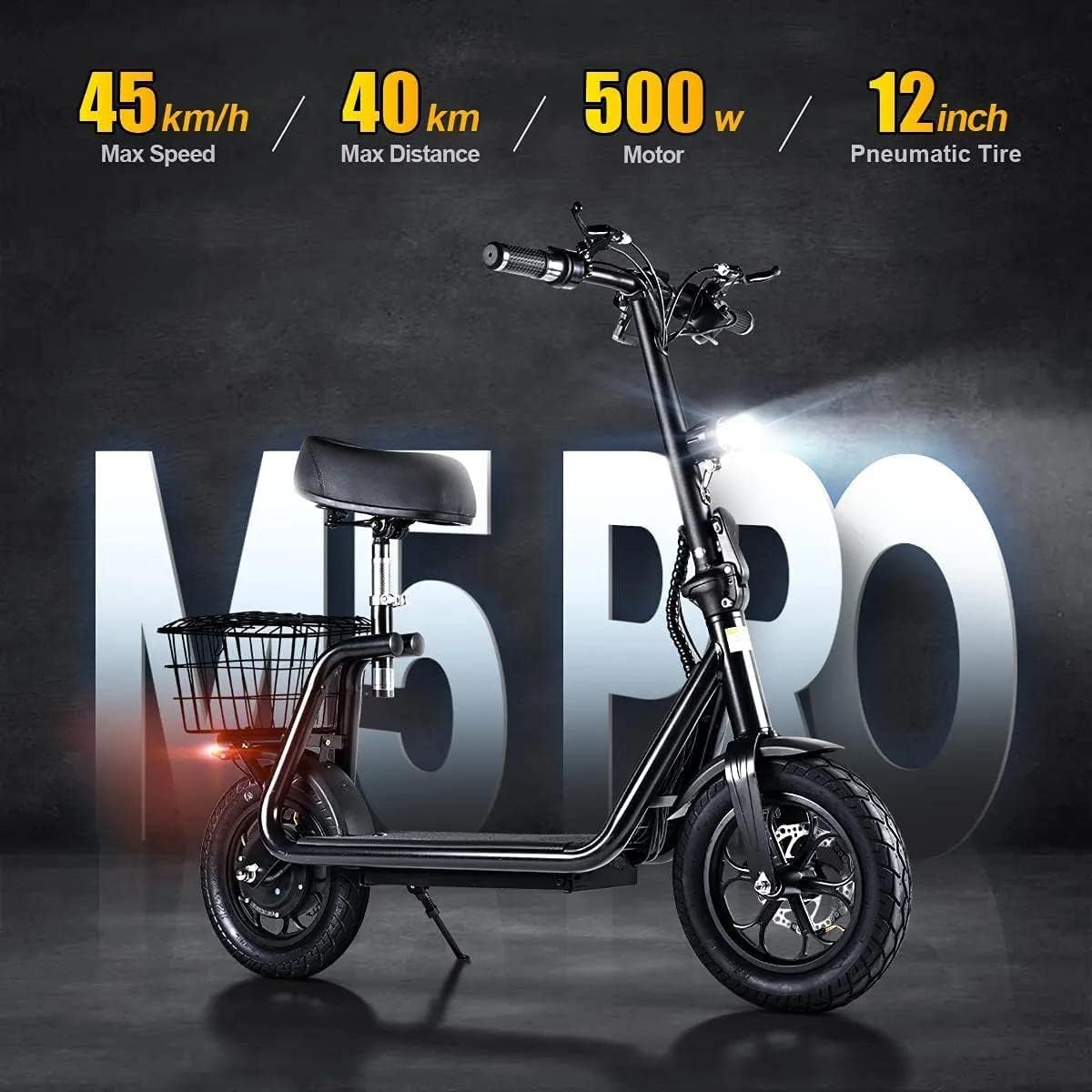
Image: The Bogist M5 Pro Electric Scooter showcasing its performance capabilities including a 45 km/h max speed, 40 km max distance, 500W motor, and 12-inch pneumatic tires.
3. Acceleration and Braking
Use the throttle lever to accelerate. To brake, engage the brake levers on the handlebars. The scooter is equipped with double disc brakes and regenerative braking for efficient stopping power.
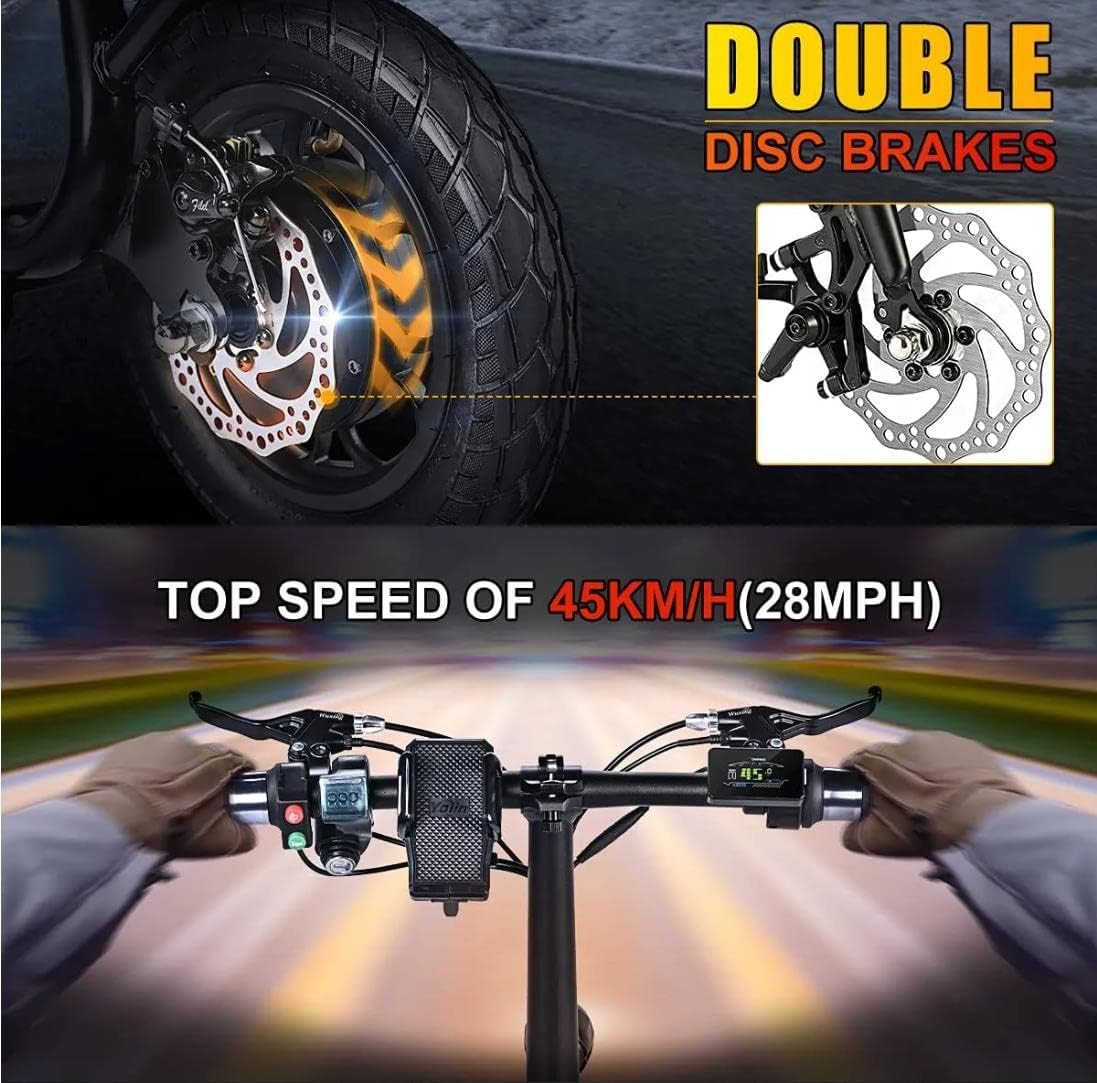
Image: A detailed view of the Bogist M5 Pro's double disc brake system and the handlebar controls, including the speed display.
4. Lights Operation
The scooter features LED headlights for improved visibility. Press the light button on the handlebar to turn the headlights on or off. Ensure lights are used during low-light conditions or at night.

Image: The Bogist M5 Pro Electric Scooter with its bright LED headlight activated, designed to enhance visibility during rides.
5. Folding and Unfolding
To fold the scooter, locate the folding mechanism near the base of the handlebar stem. Follow the instructions to release the lock and fold the stem down. Ensure it is securely latched in the folded position for transport or storage. To unfold, reverse the process, ensuring the stem is fully locked upright before riding.

Image: The Bogist M5 Pro Electric Scooter in its compact, folded configuration, demonstrating its ease of transport, such as on public transit.
Maintenance
1. Battery Care
To maximize battery life, charge the scooter regularly, even if not in frequent use. Avoid completely draining the battery. Store the scooter in a cool, dry place when not in use, and charge it at least once every three months if stored for extended periods.
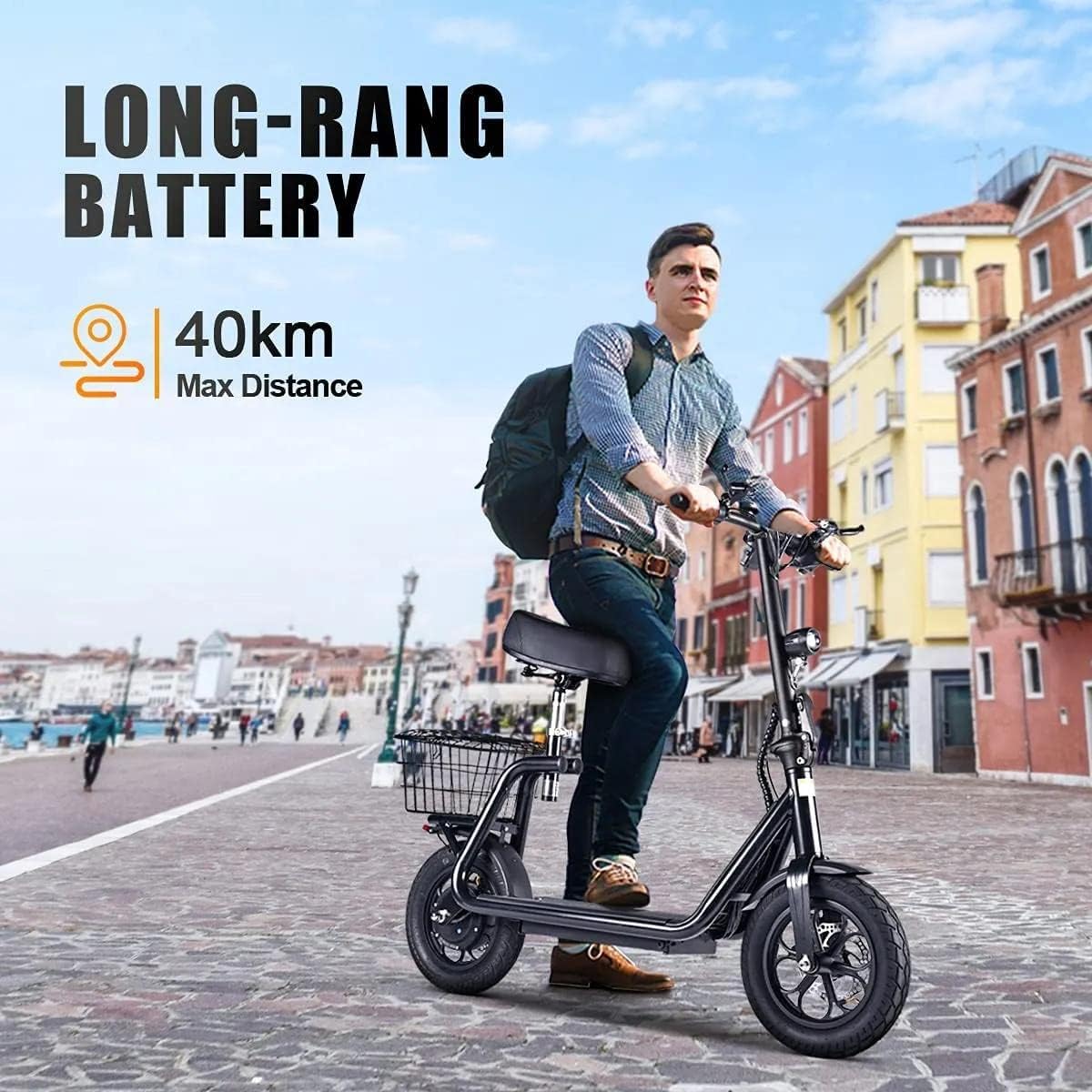
Image: A rider on the Bogist M5 Pro Electric Scooter in a city environment, highlighting the scooter's long-range battery with a maximum distance of 40 km.
2. Tire Pressure
Regularly check and maintain the correct tire pressure for the 12-inch pneumatic tires. Proper inflation ensures optimal ride quality, efficiency, and tire longevity.
3. Brake Inspection
Inspect the double disc brakes periodically for wear and tear. Ensure the brake levers operate smoothly and the brakes provide adequate stopping power. Adjust or replace brake components as necessary.
4. Cleaning
Clean the scooter with a damp cloth. Do not use high-pressure water jets or immerse the scooter in water, as this can damage electronic components.
5. General Inspection
Before each ride, perform a quick visual inspection. Check for loose parts, unusual noises, or any signs of damage. Ensure the folding mechanism is secure.
Troubleshooting
- Scooter not turning on:
- Ensure the battery is charged. Check all cable connections for looseness or damage. If the issue persists, contact customer support.
- Battery not charging:
- Verify the charger is properly connected to both the scooter and the power outlet. Check if the power outlet is functional. Inspect the charger cable for damage. If the charger light remains green when connected to a low battery, the charger or battery may be faulty.
- Reduced speed or range:
- Check tire pressure; under-inflated tires can reduce performance. Ensure the battery is fully charged. Riding uphill or carrying heavy loads will reduce speed and range. If performance remains low, the battery may be degrading.
- Brakes not effective:
- Inspect brake pads and discs for wear. Adjust brake cable tension if necessary. If pads are worn, they may need replacement.
Specifications
| Feature | Specification |
|---|---|
| Model Name | M5 Pro |
| Brand | Bogist |
| Max Speed | Up to 45 km/h |
| Max Distance | Up to 40 km |
| Motor Power | 500W |
| Tire Type | 12-inch Pneumatic |
| Brake Type | Double Disc Brakes, Regenerative Braking |
| Frame Material | Aluminum |
| Item Weight | 25 kg |
| Maximum Weight Capacity | 125 Kilograms |
| Product Dimensions | 120L x 39W x 50H Centimetres |
| Special Features | Lights, Foldable |
Warranty and Support
Warranty Information
For detailed warranty terms and conditions, please refer to the warranty card included with your product or visit the official Bogist website. Keep your proof of purchase for warranty claims.
Customer Support
If you encounter any issues not covered in this manual or require further assistance, please contact Bogist customer support through their official channels. Provide your model number and a detailed description of the issue for prompt service.
Ask a question about this manual
Ask about setup, troubleshooting, compatibility, parts, safety, or missing instructions. Manuals+ will review the question and use this page’s manual context to help answer it.