
1. Introduction
Thank you for choosing the GuruNanda Sonic Toothbrush. This rechargeable and portable sonic toothbrush is designed to provide an effective and gentle cleaning experience with its advanced ultrasonic technology and multiple brushing modes. This manual provides essential information for the safe and efficient use of your new toothbrush.
2. What's in the Box
The GuruNanda Sonic Toothbrush package includes the following components:
- 1 GuruNanda Sonic Toothbrush Handle
- 3 Brush Heads
- 1 Travel Case
- 1 USB Charger Stand

Image: All components included in the GuruNanda Sonic Toothbrush package.
3. Setup and Initial Charging
- Unpack: Carefully remove all components from the packaging.
- Attach Brush Head: Align the brush head with the metal shaft on the toothbrush handle and push it down until it clicks into place.
- Initial Charge: Before first use, fully charge the toothbrush.
- Connect the USB charger stand to a compatible USB power source (e.g., wall adapter, computer USB port).
- Place the toothbrush handle onto the charger stand. The battery indicator light will illuminate to show charging status.
- A full charge takes approximately 2 hours and provides up to 360 minutes of brushing time.

Image: The GuruNanda Sonic Toothbrush on its charging stand.
4. Operating Instructions
4.1 Power On/Off and Mode Selection
- Power On: Press the power button once to turn on the toothbrush. It will start in the last used mode.
- Change Mode: While the toothbrush is on, press the power button repeatedly to cycle through the 5 brushing modes: Clean, White, Polish, Sensitive, Gum Care.
- Power Off: To turn off the toothbrush, press and hold the power button for 2 seconds, or cycle through all modes until it turns off automatically.

Image: The toothbrush handle displaying the power button and mode indicators.
4.2 Brushing Technique
- Wet the brush head and apply a small amount of toothpaste.
- Place the brush head against your teeth at a slight angle towards the gum line.
- Gently move the brush head across your teeth, allowing the sonic vibrations to do the cleaning. Do not scrub aggressively.
- The toothbrush features a 2-minute smart timer and a Quad Pacer, which pauses every 30 seconds to remind you to move to a different quadrant of your mouth. This ensures thorough cleaning of all areas.
- An in-built pressure sensor helps ensure proper brushing technique, preventing excessive pressure on teeth and gums.
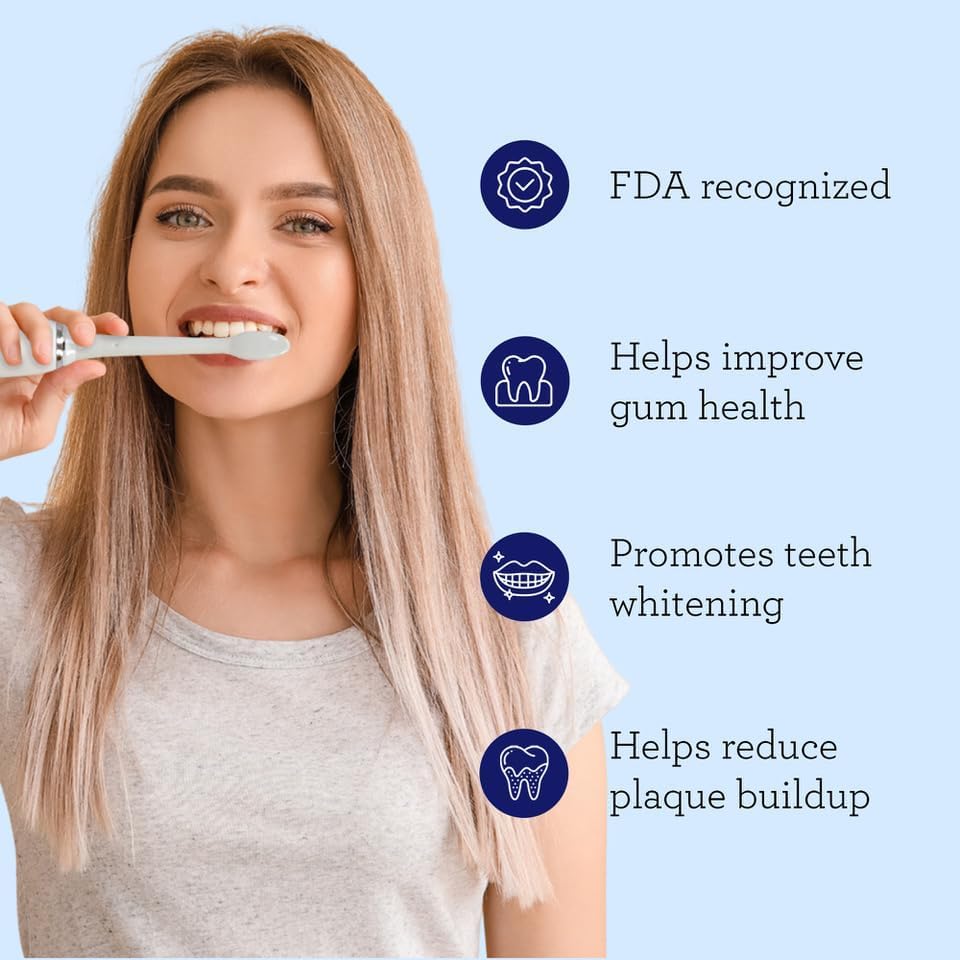
Image: Proper brushing technique with the sonic toothbrush.
5. Brushing Modes
The GuruNanda Sonic Toothbrush offers 5 unique brushing modes to cater to various oral care needs:
- Clean Mode: Standard mode for effective plaque removal.
- White Mode: Designed to remove surface stains for brighter teeth.
- Polish Mode: Combines cleaning and whitening patterns for a comprehensive clean.
- Sensitive Mode: Gentle cleaning for sensitive teeth and gums.
- Gum Care Mode: Provides a gentle massage for improved gum health.

Image: Visual representation of the 5 brushing modes.
Video: This video demonstrates the features of the GuruNanda Sonic Toothbrush, including its various modes and benefits for oral health.
6. Maintenance
6.1 Cleaning the Toothbrush
- After each use, rinse the brush head thoroughly under running water.
- Wipe the toothbrush handle with a damp cloth. Do not immerse the handle in water.
- Ensure the charging contacts on the handle and stand are clean and dry before charging.

Image: Rinsing the brush head after use.
6.2 Replacing Brush Heads
- Dentists recommend replacing brush heads every 3 months, or sooner if the bristles are frayed.
- To remove, pull the brush head straight off the handle.
- To attach a new brush head, align it with the metal shaft and push down until it clicks.
7. Troubleshooting
| Problem | Possible Cause | Solution |
|---|---|---|
| Toothbrush does not turn on. | Low battery or not charged. | Charge the toothbrush for at least 2 hours. Ensure the charger is properly connected. |
| Weak vibrations. | Low battery. | Recharge the toothbrush. |
| Brush head feels loose. | Brush head not properly attached or worn out. | Ensure the brush head is pushed down firmly until it clicks. Replace if worn. |
| Toothbrush stops before 2 minutes. | This is the smart timer indicating the end of the recommended brushing time. | This is normal operation. You can restart if desired. |
8. Specifications
| Feature | Detail |
|---|---|
| Model Number | 13-26-001-08287-1 |
| Technology | Modern Ultrasonic Technology |
| Vibrations per Minute | 31,000 - 50,000 micro-vibrations |
| Brushing Modes | 5 (Clean, White, Polish, Sensitive, Gum Care) |
| Timer | 2-minute Smart Timer with Quad Pacer (30-second intervals) |
| Battery | 2000mAH, up to 360 minutes use per charge |
| Charging Time | Approx. 2 hours |
| Waterproof Rating | IPX8 |
| Voltage | 110-220 V |
| Bristle Material | Nylon |
| Handle Material | Plastic |
9. Safety Information
- Do not use this product for any purpose other than oral hygiene.
- Keep out of reach of children.
- Consult your dentist before use if you have severe gum disease, oral surgery, or other oral health concerns.
- Do not attempt to disassemble or repair the device yourself. Contact customer support for assistance.
- Ensure the charging port is dry before connecting the charger.
10. Warranty and Support
For warranty information, technical support, or to purchase replacement parts (such as brush heads), please visit the official GuruNanda website or contact their customer service. Keep your purchase receipt as proof of purchase.
Contact Information:
- Brand: GuruNanda
- Website: GuruNanda Store on Amazon