Introduction
This manual provides essential information for the safe and efficient operation, installation, and maintenance of your RVMP Flex Power 5500i Dual Fuel Generator. This generator is designed for permanent installation in RVs, 5th Wheels, Toy Haulers, Trailers, Food Trucks, and off-grid cabins, offering dual fuel capability (gasoline or propane) for versatile power generation. Please read this manual thoroughly before operating the generator.
Safety Information
Always prioritize safety when operating or maintaining the generator. Failure to follow safety instructions can result in serious injury or death. Keep this manual accessible for future reference.
- Operate the generator in a well-ventilated area to prevent carbon monoxide poisoning.
- Keep flammable materials away from the generator.
- Ensure proper grounding to prevent electrical shock.
- Do not operate the generator in wet conditions.
- Always turn off the generator and allow it to cool before performing maintenance or refueling.
- Use appropriate personal protective equipment (PPE) when handling fuel or performing maintenance.
Package Contents
Upon unpacking, verify that all components listed below are present. If any items are missing or damaged, contact RVMP customer support immediately.

Image Description: This image displays the RVMP Flex Power 5500i generator with a list of items included in the box. These items are the owner's manual, installation guide, oil funnel, spark plug toolkit, and screwdriver. The image also highlights the generator's purpose: to run RV appliances and recharge battery banks.
- RVMP Flex Power 5500i Generator Unit
- Owner's Manual
- Installation Guide
- Oil Funnel
- Spark Plug Remover
- Screwdriver
- Remote Control Wire Harness
- Carrying Tool Case (includes spark plug remover and screwdriver)
- Remote Start Controller
Setup and Installation
The RVMP Flex Power 5500i is designed for permanent installation. Refer to the dedicated Installation Guide included in your package for detailed instructions. Professional installation is recommended.
Generator Placement
Ensure the generator is installed in a location that allows for adequate ventilation and exhaust clearance. Maintain proper distance from combustible materials. The generator dimensions are crucial for planning the installation space.

Image Description: This image provides a clear diagram of the RVMP Flex Power 5500i generator's physical dimensions. It shows a length of 29.5 inches, a width of 19.25 inches, and a height of 13.5 inches. The total weight of the unit is indicated as 121 lbs.
Fuel Connection
This generator supports dual fuel operation (gasoline or propane). Connect the appropriate fuel lines according to the Installation Guide. Ensure all connections are secure and leak-free.
Electrical Connections
Connect the generator to your RV's electrical system as detailed in the Installation Guide. Proper grounding is critical for safety. If you are unsure about electrical wiring, consult a qualified electrician.
Operating Instructions
The RVMP Flex Power 5500i offers multiple starting options and features designed for efficient and safe power generation.

Image Description: This image illustrates key operational features of the RVMP Flex Power 5500i generator. It prominently displays its dual fuel capability, allowing operation on either gasoline or propane. It also highlights the convenience of a remote start system and the added security of an emergency backup recoil start.
Starting the Generator
- Pre-Start Checks: Ensure fuel levels are adequate, oil level is correct, and all electrical connections are secure.
- Fuel Selection: Select either gasoline or propane operation.
- Remote Start: Use the provided remote control to start the generator. Follow the instructions in the Remote Control Wire Harness manual for pairing and operation.
- Electric Start: If equipped, use the electric start button on the control panel.
- Emergency Recoil Start: In case of battery failure or other issues, use the manual recoil starter.
Dual Fuel Operation
The generator can run on either gasoline or propane. Switching between fuels should be done carefully, following the specific procedures outlined in the full owner's manual to avoid damage to the engine.
Monitoring and Safety Features

Image Description: This image focuses on the control panel and internal components of the RVMP Flex Power 5500i generator. It highlights features such as softer sound output, fewer emissions, a safer overall design, and automatic shutoff monitoring for enhanced safety and operational efficiency. A digital hour reading is visible on the control panel.
- Digital Hour Reading: The integrated digital display tracks operational hours, assisting with maintenance scheduling.
- Auto Shutoff Monitoring: The generator is equipped with sensors that automatically shut down the unit under certain conditions to prevent damage or unsafe operation.
- Heat Sensor: A built-in heat sensor monitors engine temperature to prevent overheating.
- Minimal Emissions: Designed for reduced emissions, especially when operating on propane.
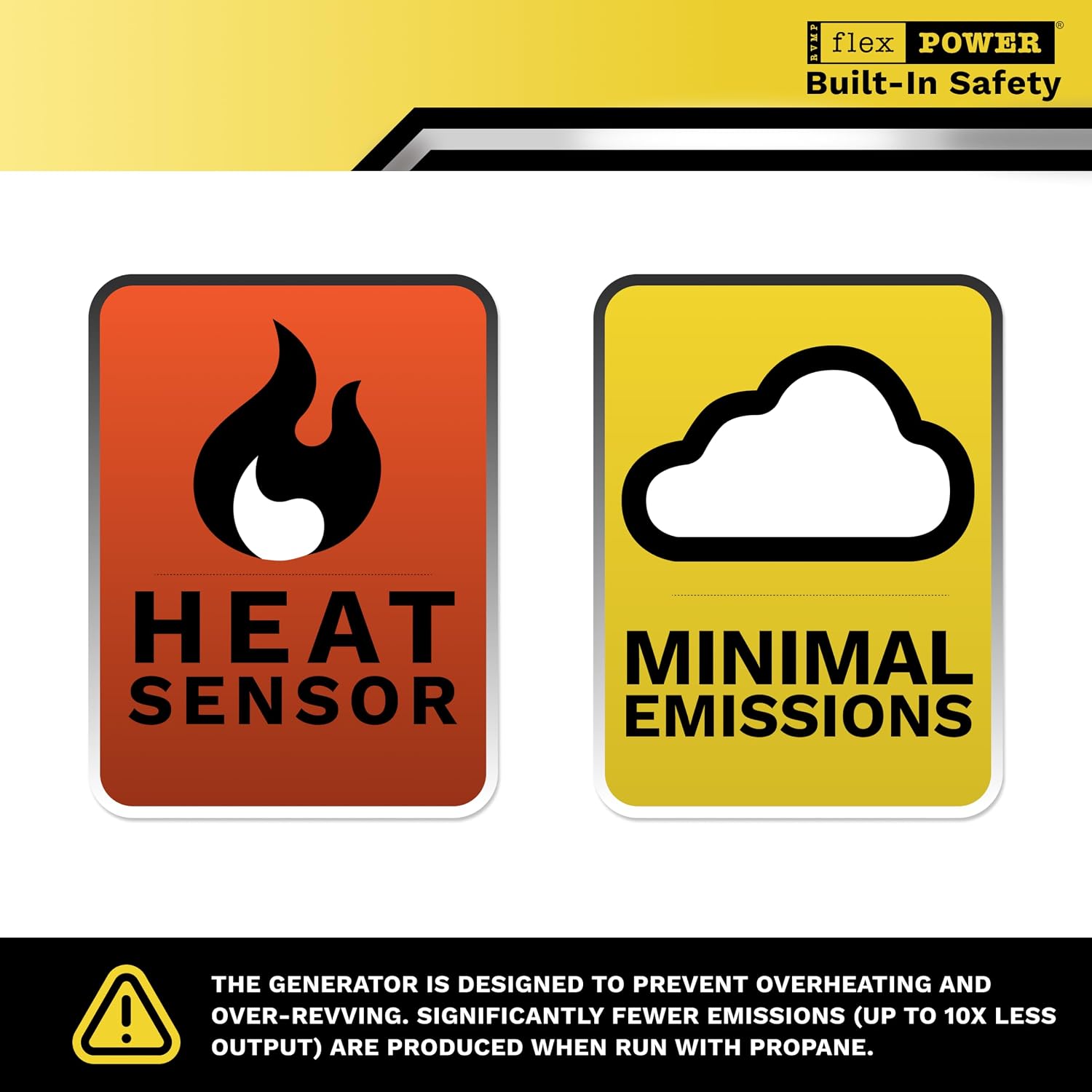
Image Description: This image displays two prominent safety icons. One icon represents a heat sensor, indicating the generator's ability to monitor and manage internal temperatures to prevent overheating. The second icon signifies minimal emissions, highlighting the generator's environmentally conscious design, particularly when using propane fuel.
Maintenance
Regular maintenance is crucial for the longevity and reliable performance of your RVMP Flex Power 5500i generator. Refer to the full owner's manual for a detailed maintenance schedule.
Oil Changes
Check the engine oil level before each use. Change the oil after the first 20 hours of operation, and then every 100 hours or annually, whichever comes first. Use the provided oil funnel for clean filling.
Spark Plug Inspection and Replacement
Inspect the spark plug every 100 hours or annually. Clean or replace as necessary using the spark plug remover from the tool kit.
Air Filter Cleaning
Clean the air filter regularly, especially in dusty conditions. Replace if damaged.
Fuel System Maintenance
For gasoline operation, use a fuel stabilizer if storing the generator for extended periods. Drain the carburetor if storing for more than 30 days. Propane systems generally require less fuel system maintenance.
Storage
When storing the generator for an extended period, ensure it is clean, dry, and properly prepared according to the owner's manual to prevent corrosion and fuel degradation.
Troubleshooting
This section provides solutions to common operational issues. For problems not listed here, consult the full owner's manual or contact customer support.
| Problem | Possible Cause | Solution |
|---|
| Generator will not start. | Low fuel level, incorrect fuel selection, low oil level, faulty spark plug, dead battery (for electric start). | Check fuel and oil levels. Ensure correct fuel type is selected. Inspect and clean/replace spark plug. Charge or replace battery. Use recoil start if electric start fails. |
| Generator starts but shuts down quickly. | Low oil level, overheating, overloaded circuit, fuel supply issue. | Check oil level. Ensure adequate ventilation. Reduce load. Check fuel lines and filter. |
| No power output. | Circuit breaker tripped, faulty connection, generator not running at proper RPM. | Reset circuit breakers. Check all electrical connections. Ensure generator is running smoothly. |
| Excessive noise or vibration. | Loose components, improper placement, engine issue. | Inspect for loose bolts or covers. Ensure generator is on a stable, level surface. Consult a technician if engine noise persists. |
Specifications
Detailed technical specifications for the RVMP Flex Power 5500i Dual Fuel Generator.
| Specification | Value |
|---|
| Brand | RVMP |
| Model Name | 5500i Dual Fuel Generator |
| Model Number | RVMP-AM-4L1-RV551 |
| Wattage (Running/Starting) | 5500 watts |
| Fuel Type | Gasoline, Liquefied Petroleum Gas (Propane) |
| Power Source | Fuel Powered |
| Voltage | 119 volts |
| Frequency | 50 hertz |
| Runtime | 14 hours (typical, varies by load and fuel type) |
| Item Weight | 161 pounds |
| Item Dimensions (L x W x H) | 29.5"L x 19.25"W x 13.5"H |
| Engine Type | Internal Combustion Engine |
| Ignition System Type | Electronic |
| Special Features | Digital Display, Dual Fuel, Electric Start, Fuel Efficient, Super Quiet |
| Material Type | Composite |
| Certifications | USDA, EPA, CSA Certified |
Warranty Information
The RVMP Flex Power 5500i Dual Fuel Generator comes with a 3-year Limited Manufacturer Warranty from the date of retail sale. This warranty covers defects in materials and workmanship under normal use. For full terms and conditions, please refer to the detailed warranty statement included with your product or contact RVMP customer support.
Customer Support
For technical assistance, warranty claims, or to order replacement parts, please contact RVMP customer support. Have your model number (RVMP-AM-4L1-RV551) and date of purchase ready when contacting support.
Online Resources: Visit the official RVMP website for FAQs, additional manuals, and support contact information.


